Physical Address
304 North Cardinal St.
Dorchester Center, MA 02124
Physical Address
304 North Cardinal St.
Dorchester Center, MA 02124
Helpful ideas. Squeaky value.
Helpful ideas. Squeaky value.
Once I went through a site safety training program and passed it at 100%. A few days later I was working late and the fire alarm went off. So I grabbed all of my stuff (something I shouldn’t have done) and proceeded to the exit. I had to walk through two glass sliding doors.
I got through the first and the both ended up locking. So there I was stuck between two glass sliding doors waiting for a fire. Kind of like a rotisserie chicken at Costco.
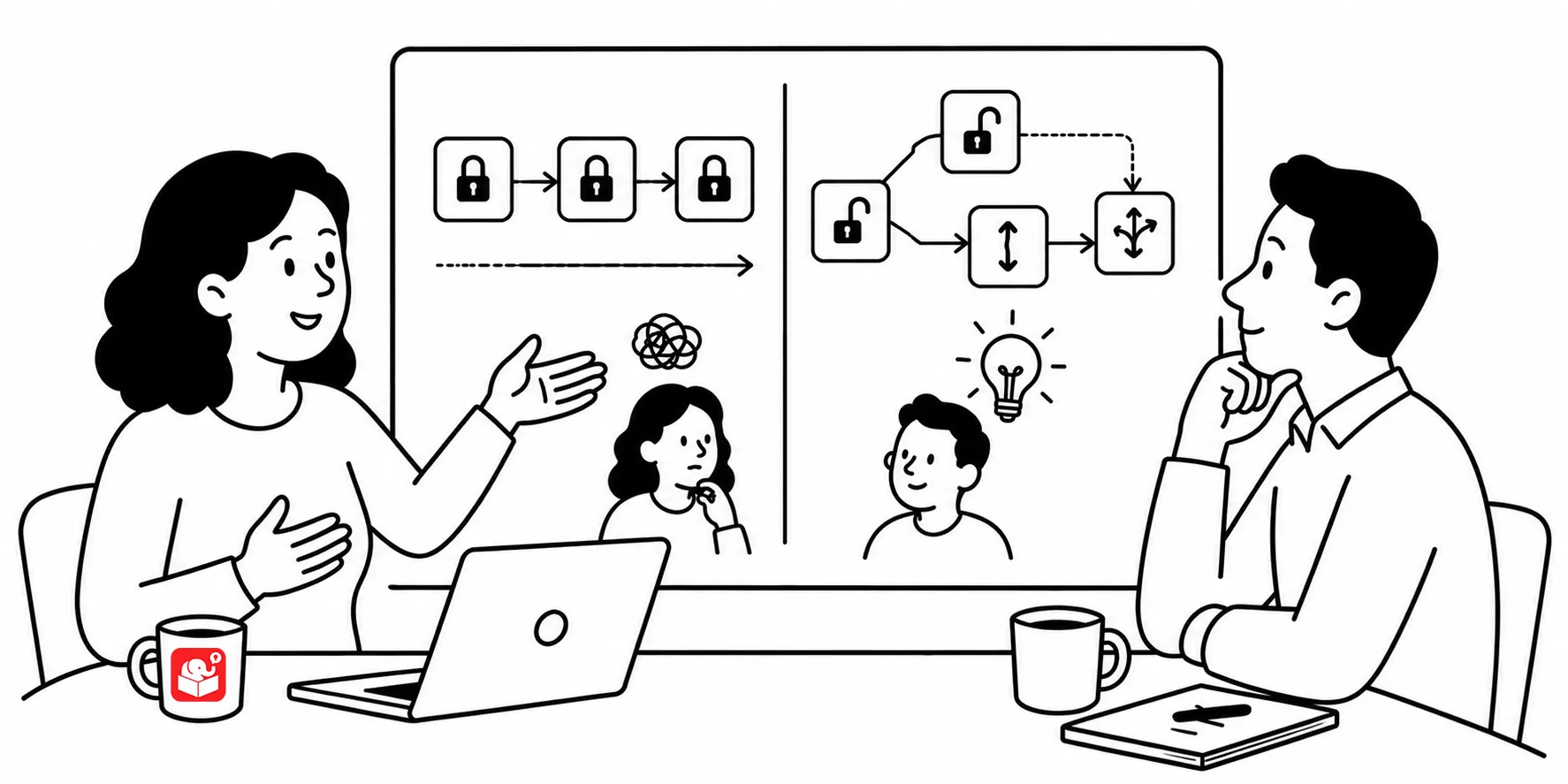
Locking course navigation is one of the most common requests in e-learning. Clients ask for it because they want proof that learners saw the content. In compliance training, there’s real pressure to demonstrate that everyone was exposed to the material. On its surface, that’s a reasonable concern.
But the goal of most courses isn’t exposure. It’s behavior change. Locking navigation addresses the first concern, not the second. When you force learners through every screen in order, you guarantee they saw it. You don’t guarantee they learned anything. And if the goal is more than course completion, then locked navigation didn’t bring success.
Every course has two parts: the information learners need and a way to assess whether they can use it. These two parts often get treated as equal, but they’re not. Information delivery is the setup; the assessment is the point.
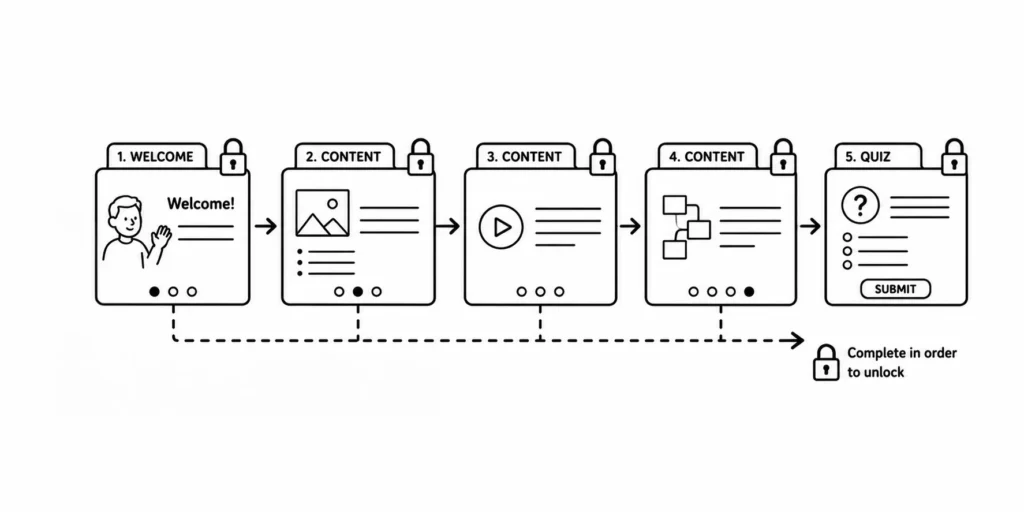
When you think of it that way, locking the information delivery doesn’t tell you much. A learner who clicks through 60 slides and gets marked complete is not the same as the person who goes through a course and can demonstrate a new skill. The completion record doesn’t distinguish between them.
If you need to lock something, lock it at decision points instead of at every screen. Design checkpoints where the learner has to demonstrate understanding before moving on. Use those moments to assess the types of decisions they’ll need to make on the job.
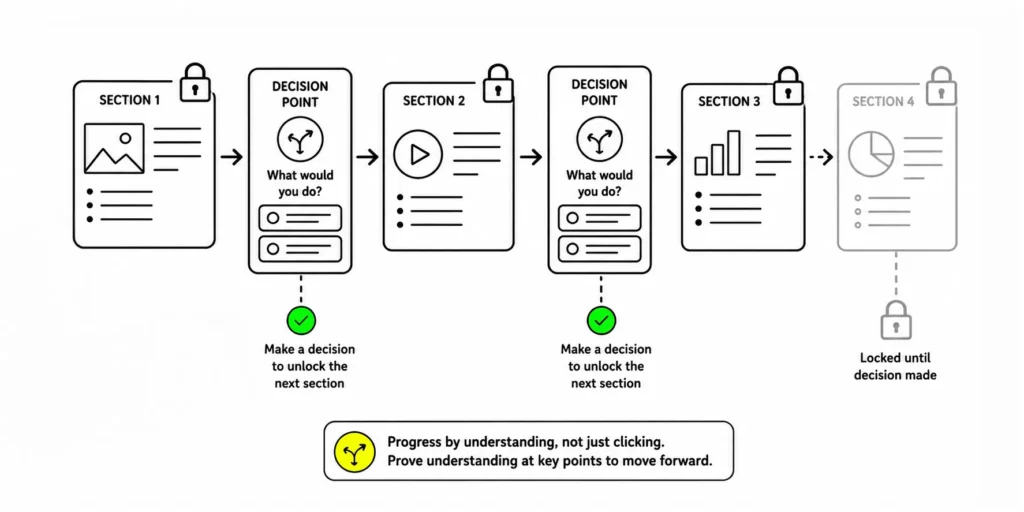
This does a few things. It gives you meaningful data about whether learners are processing the content. It creates consequences for skipping the material, not for skipping a screen. And it pushes the feedback to the moments that matter.
When a client asks to lock the navigation, the real conversation should be about measurement. They want to know that the training worked. That’s a good instinct. They’re assuming that locking navigation forces the learner to see everything and because they’ve seen it, they’ll know it.
The question to raise is: what counts as proof?
Showing a learner sat in a course for 20 minutes doesn’t prove much. Showing that 90% of learners correctly applied a policy in a simulated scenario does. Help clients see that the second kind of evidence is stronger and more likely to meet objectives.
Locking course navigation will keep coming up as long as clients focus on exposure instead of competence. The better long-term move is to shift how you frame training outcomes during the design conversation. When clients connect measurement to performance rather than screen time, they’ll start asking better questions about course design.