Physical Address
304 North Cardinal St.
Dorchester Center, MA 02124
Physical Address
304 North Cardinal St.
Dorchester Center, MA 02124
Helpful ideas. Squeaky value.
Helpful ideas. Squeaky value.
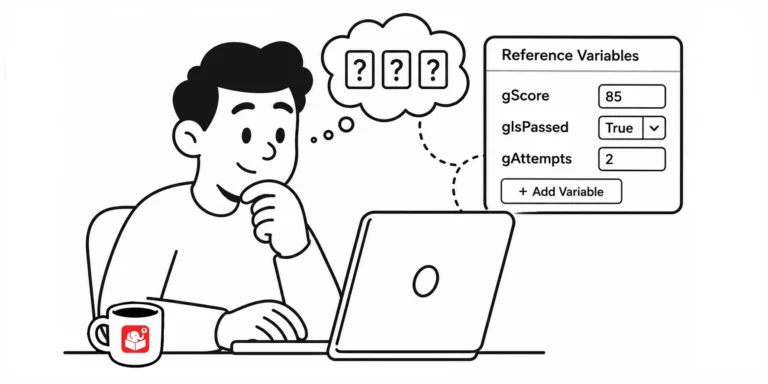
Guessing whether a variable actually changed is a bad way to build a course. Here's a simple trick for seeing variable values as you build, without leaving a mess behind when you publish.

Making content interactive isn't the same as teaching people to make good decisions. Here's why so many e-learning courses stop short of the real work, and what it actually takes to build decision-making practice into your training.
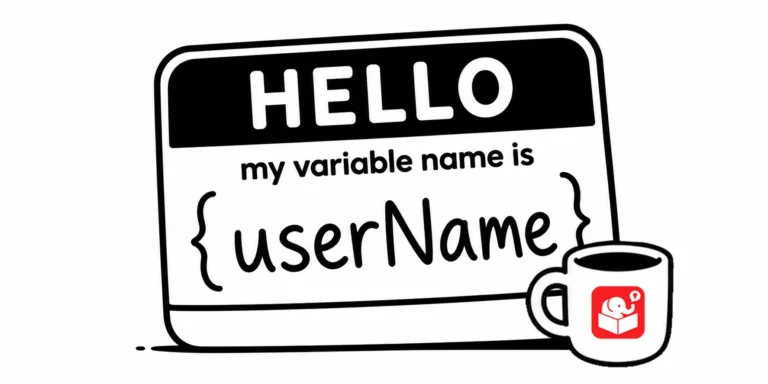
Come back to a Storyline project after six months and you'll see immediately whether your variable naming was thoughtful or rushed. Good names are easy to read at a glance. This post lays out a practical system for getting it right the first time.
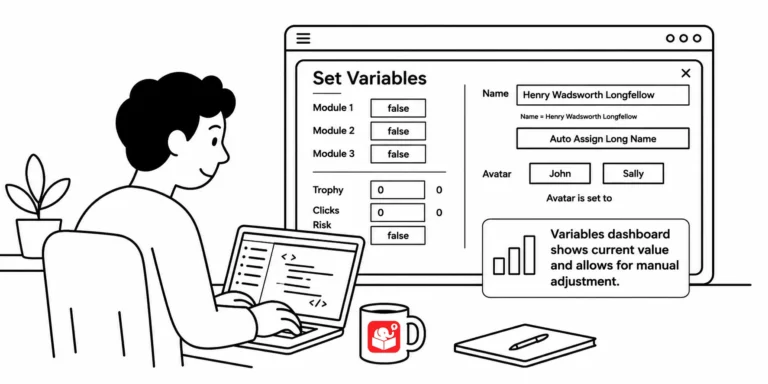
You've built a course with a dozen variables and need to test whether a specific trigger works on slide 20. That means clicking through every screen just to get there. A variables dashboard fixes that, and this post shows you how to build one.
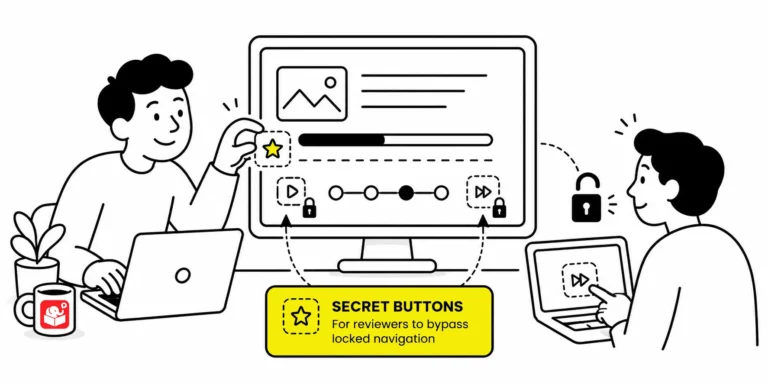
When a course locks every slide, reviewers must sit through narration and animations just to check one thing. That slows down feedback and makes troubleshooting painful. A hidden shortcut menu fixes it without affecting the published experience for learners.
Most course authors build linear slides and stop there. Variables let you collect learner input, evaluate decisions, and send learners down different paths. They're not as complicated as they sound, and this post shows you where to begin.
A lot of e-learning developers avoid variables because the terminology sounds technical. The underlying logic is actually simple. Once you see the pattern, you'll find uses for variables in almost every course you build.



