Physical Address
304 North Cardinal St.
Dorchester Center, MA 02124
Physical Address
304 North Cardinal St.
Dorchester Center, MA 02124
Helpful ideas. Squeaky value.
Helpful ideas. Squeaky value.
Tips, tricks, and tutorials specific to building and customizing courses in Articulate Rise.

Slides are a natural starting point for Zoom presentations, but they have real limits. Rise gives you built-in interactivity, a sidebar for navigation, and a shareable link that doubles as a leave-behind resource. One Articulate trainer made the switch and hasn't looked back.
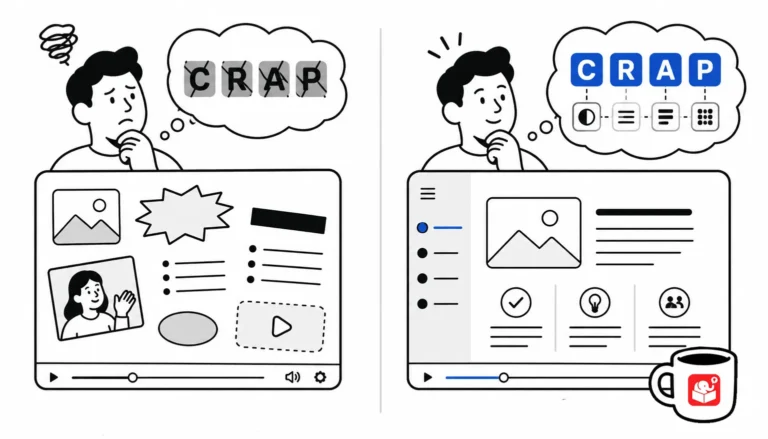
You don't need a design degree to build good-looking courses. You need four principles and the discipline to apply them.
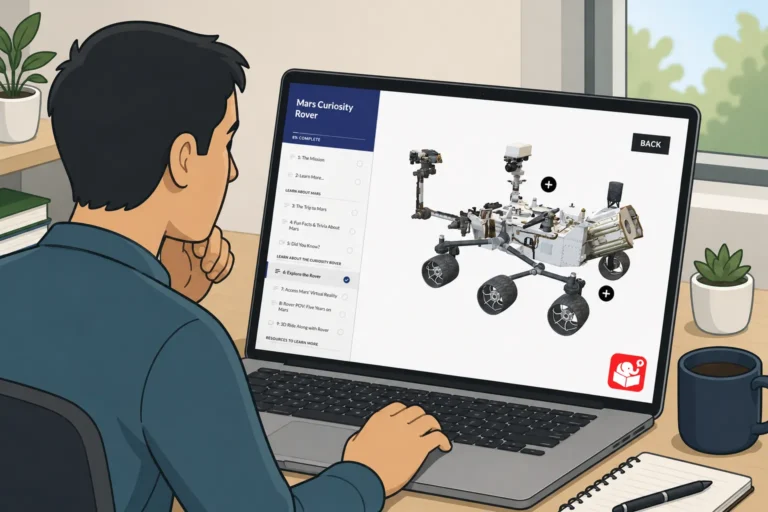
A spinning 3D object looks impressive in a slideshow. But when a learner clicks a tab and the object rotates in response, that's something worth remembering. This post picks up where the PowerPoint video tutorial left off and shows how to wire the full interaction in Storyline.
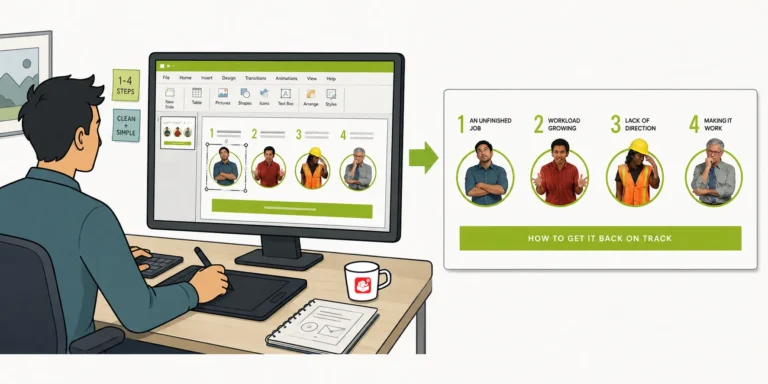
After sharing a Rise interactive scenario demo, I got a lot of questions about how the graphics were built. The headers, flashcard images, and character graphics all came from PowerPoint. This post walks through the exact workflow, including how to set slide sizes and export images for Rise blocks.
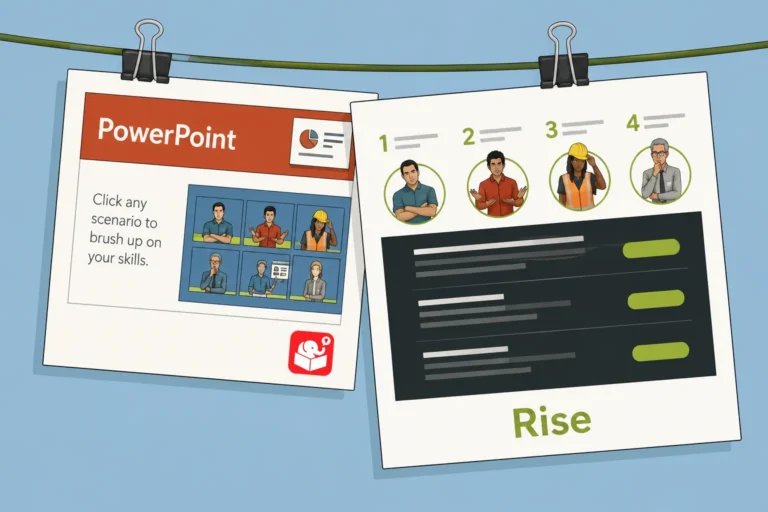
Older PowerPoint scenarios can be hard to manage and even harder to update. Rise offers a cleaner alternative that's fully responsive and easier to maintain. This post walks through one conversion, from planning the interaction design to working around Rise's constraints.
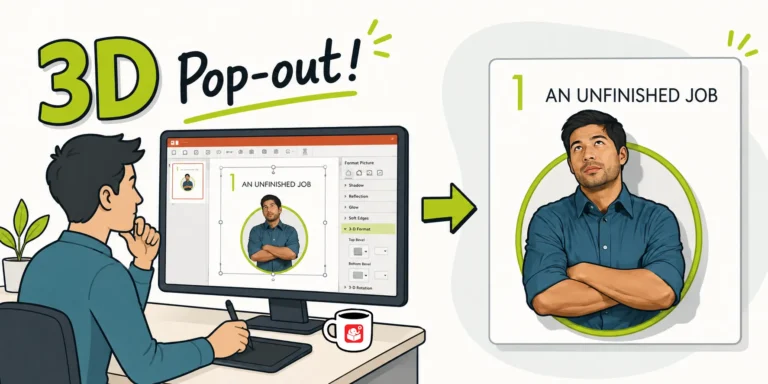
After sharing a Rise interactive scenario, I got a flood of questions about the 3D pop-out character graphic. It turns out it's a simple two-crop technique using a circle shape. Here's how to do it in PowerPoint.



