
PowerPoint
Tips, tricks, and tutorials for using PowerPoint to build graphics, templates, and full e-learning courses.
-

How to Use Rise as a Presentation Tool with Zoom
Slides are a natural starting point for Zoom presentations, but they have real limits. Rise gives you built-in interactivity, a sidebar for…
-
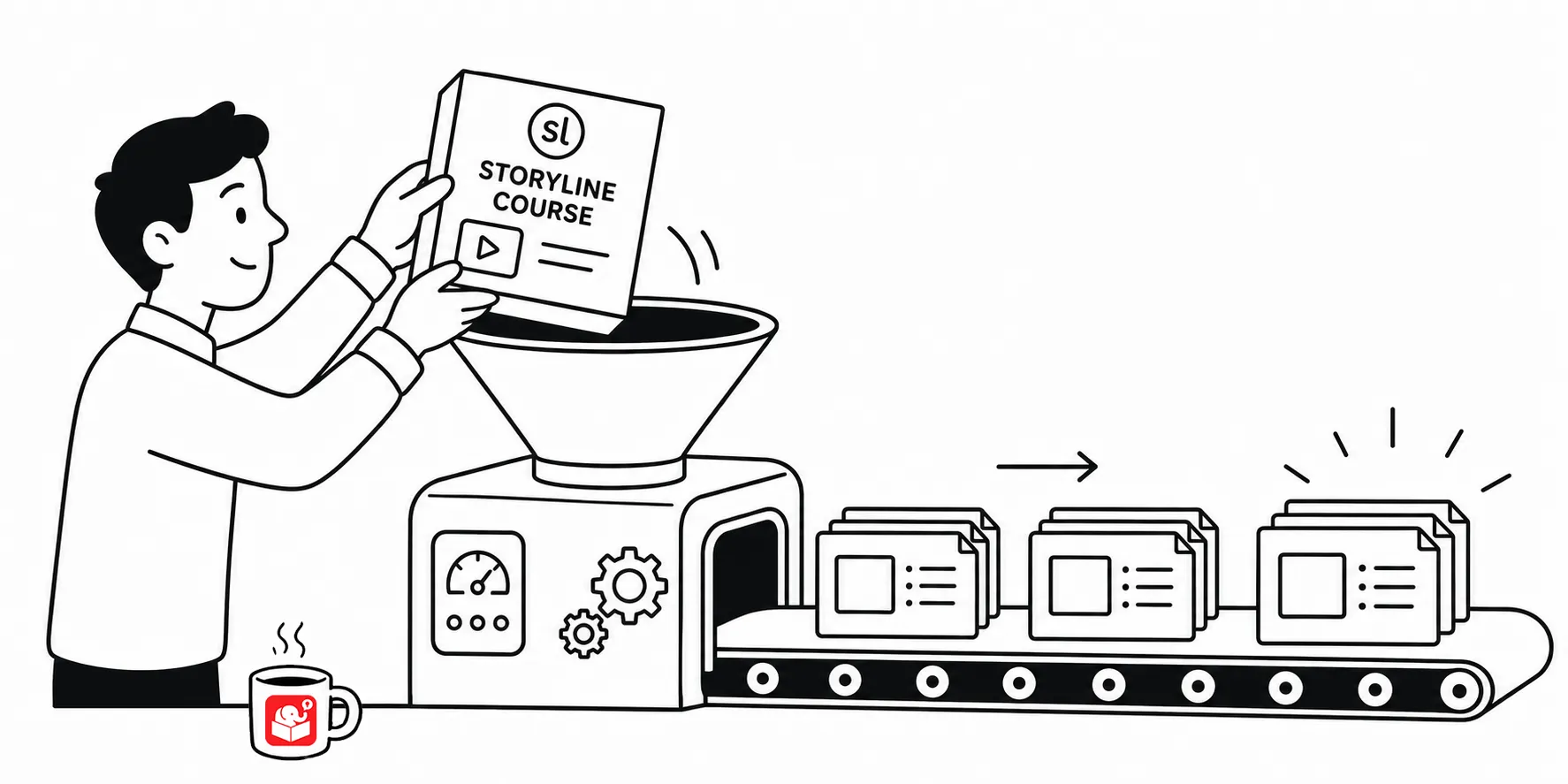
Storyline to PowerPoint, Two Ways
A colleague needs your Storyline course as a PowerPoint file for an upcoming presentation. There’s no direct import path, but two practical…
-
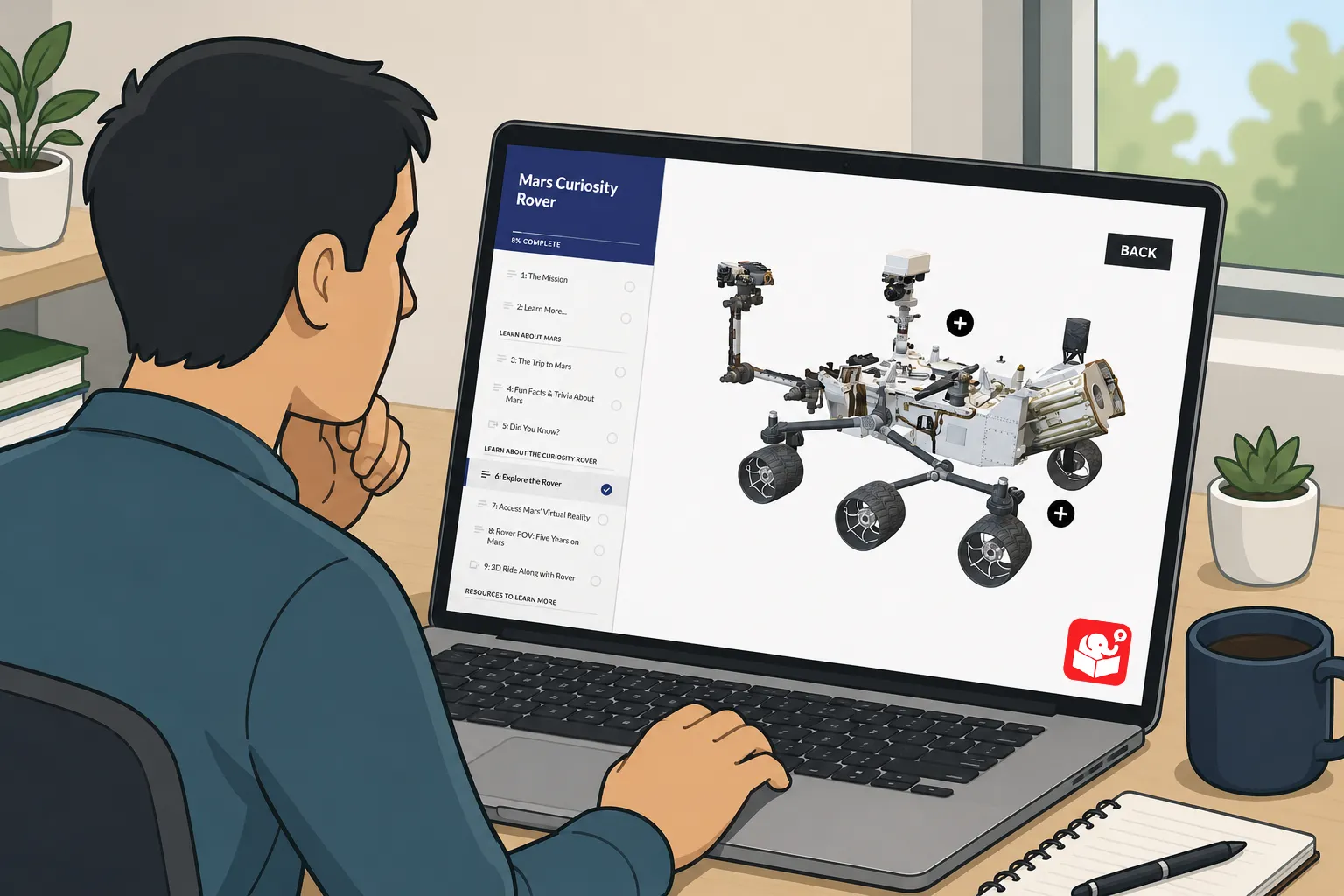
How to Create Interactive Videos with in Storyline with 3D Models
A spinning 3D object looks impressive in a slideshow. But when a learner clicks a tab and the object rotates in response,…
-
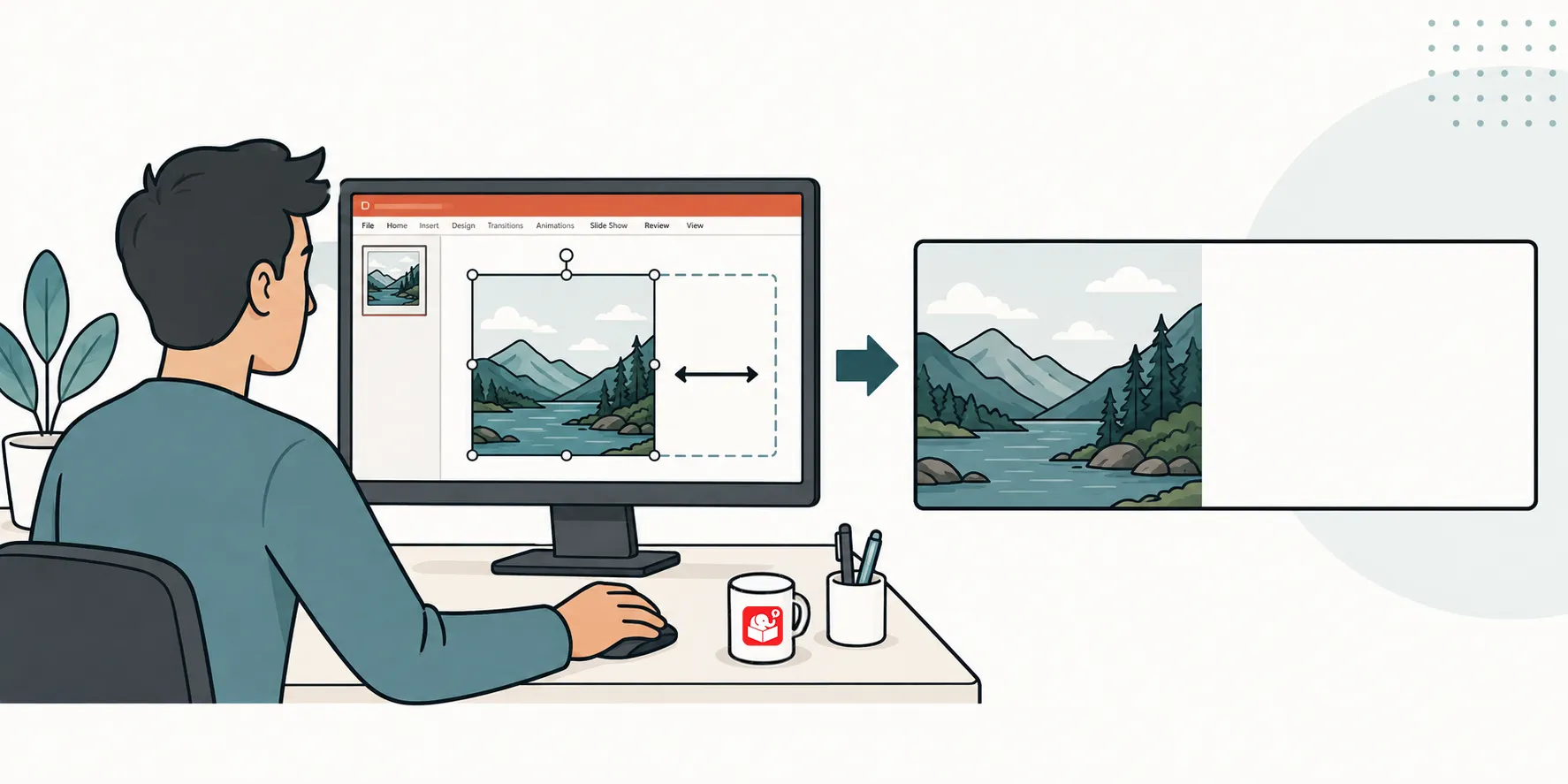
PowerPoint: Stretch Any Image To Make Room For Slide Text
tuck with a great course image that leaves zero room for text? This duplicate-crop-stretch trick opens up space without touching the photo.…
-
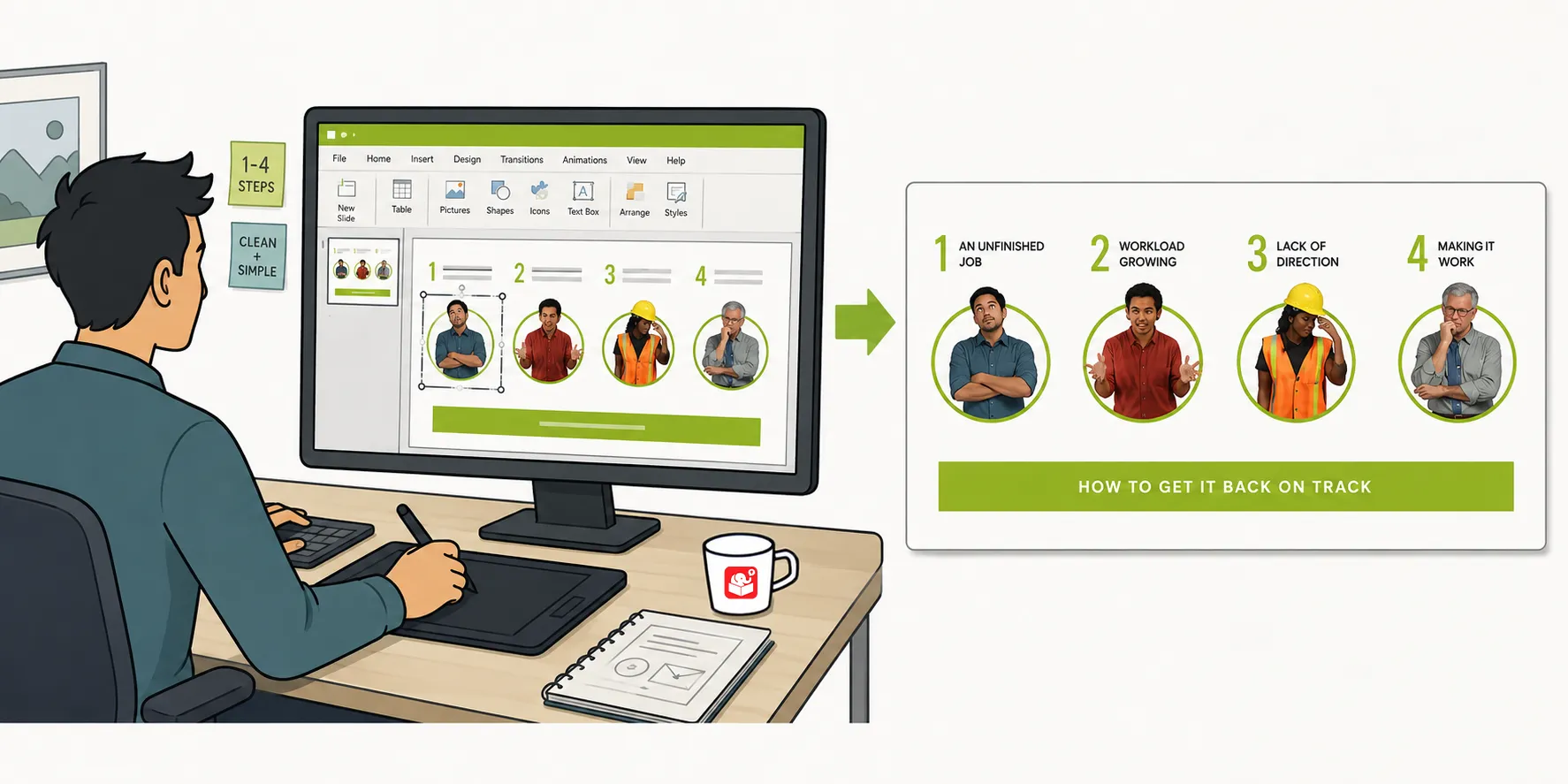
Use PowerPoint to Build Graphics for Rise E-Learning
After sharing a Rise interactive scenario demo, I got a lot of questions about how the graphics were built. The headers, flashcard…
-
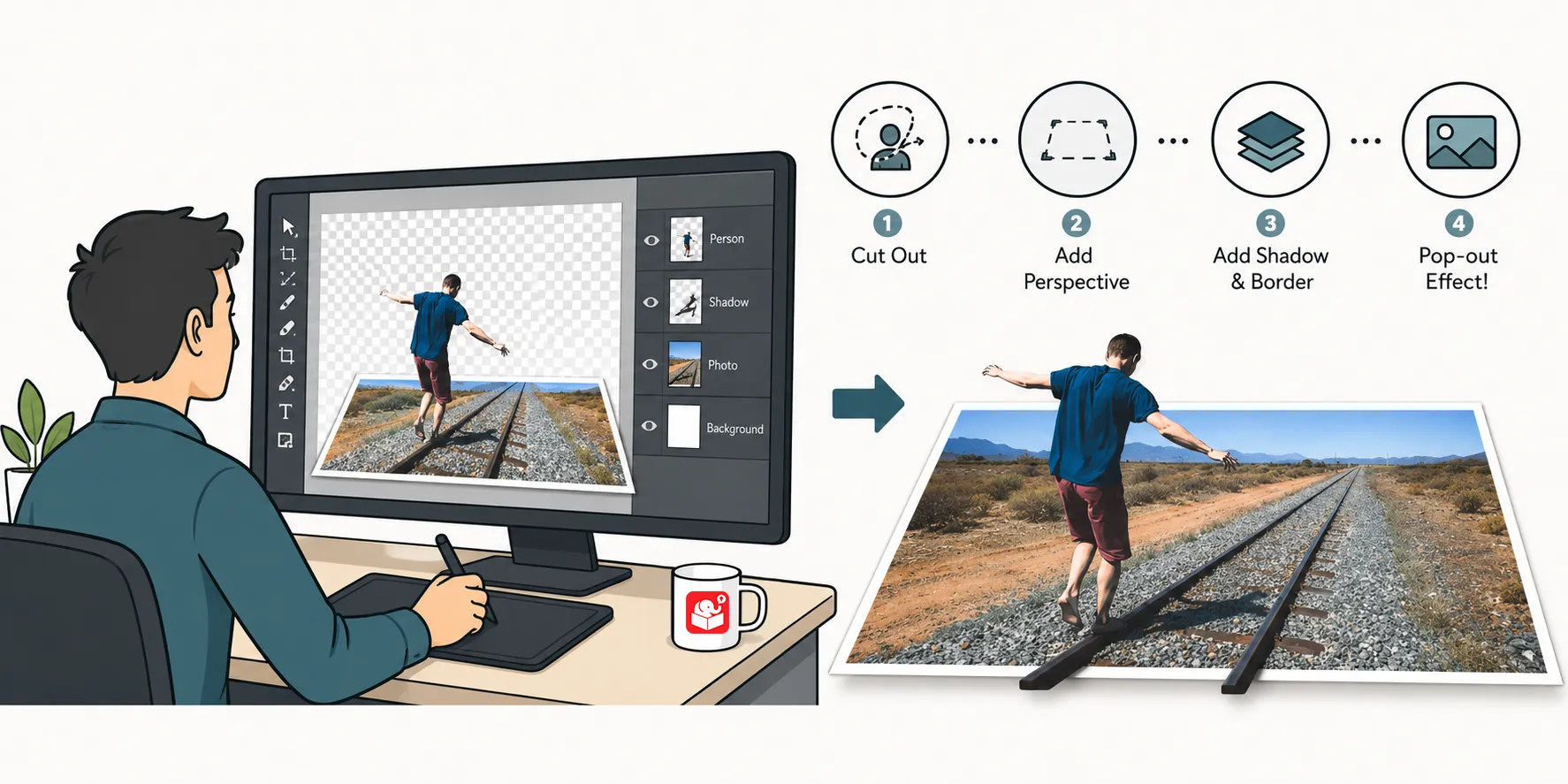
PowerPoint: 3D Pop-Out Effect
Ever wonder how to turn a plain photo into something that looks designed on purpose? This quick video shows the simple trick…
-
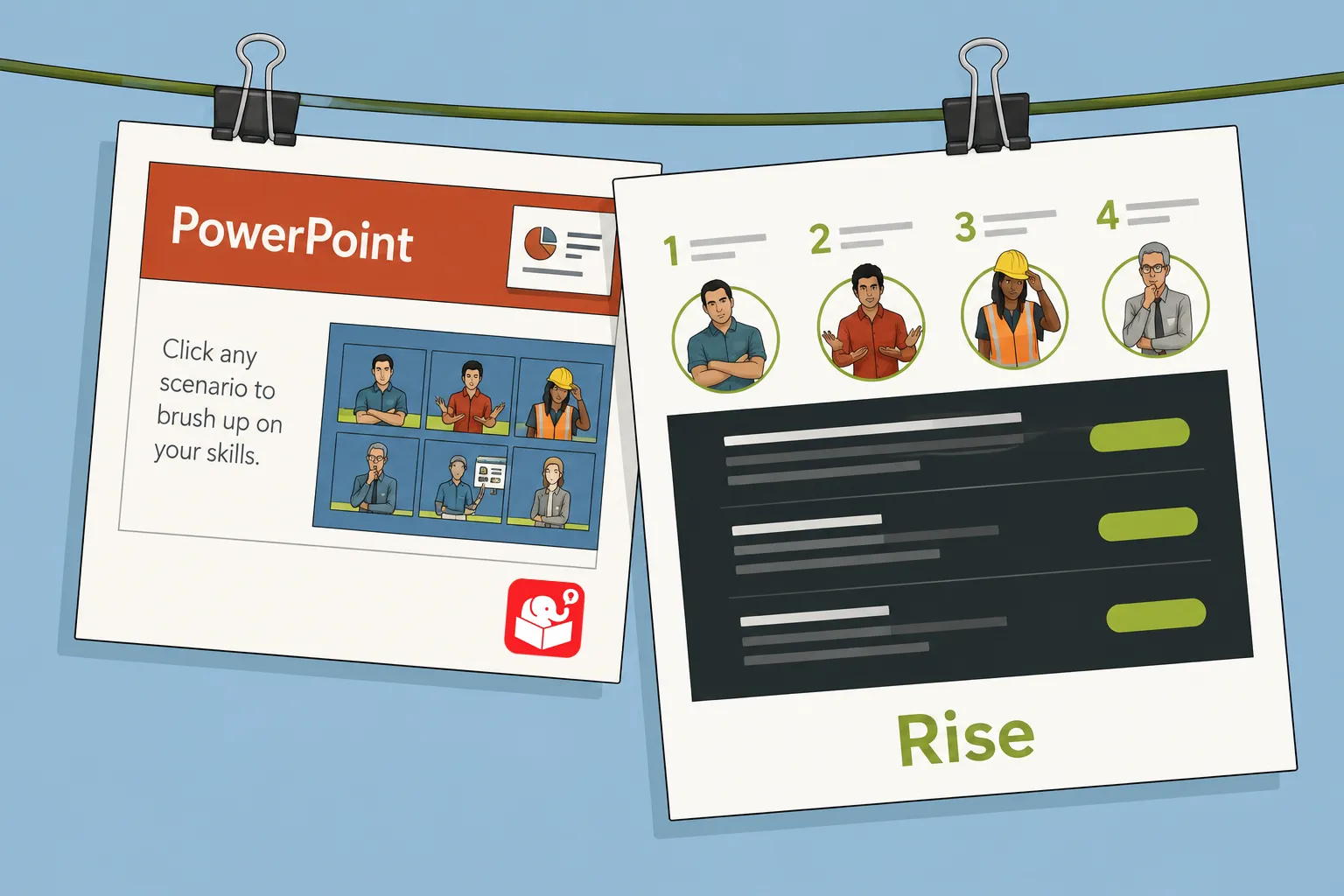
How I Built This Interactive Scenario in Rise
Older PowerPoint scenarios can be hard to manage and even harder to update. Rise offers a cleaner alternative that’s fully responsive and…
-
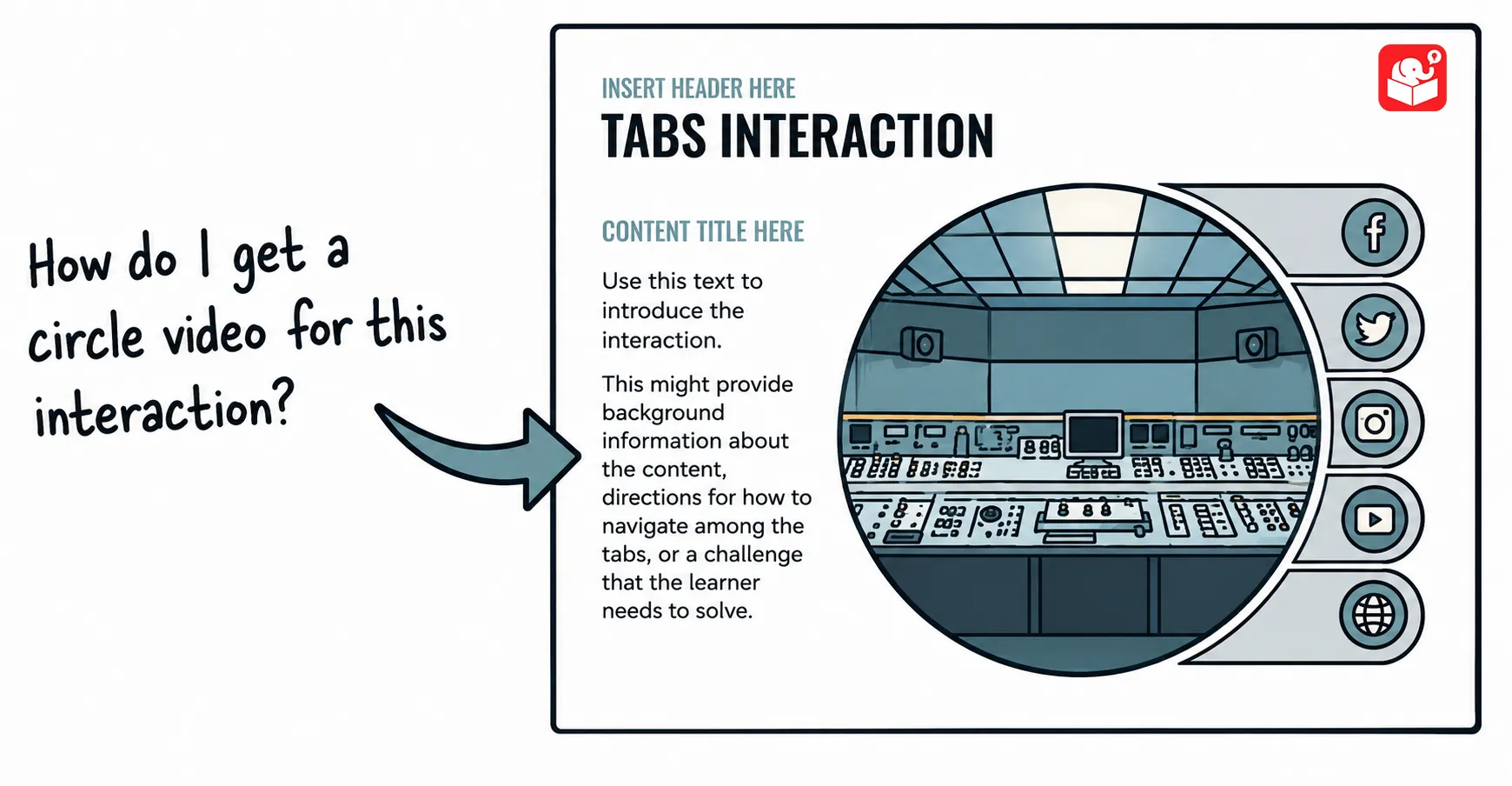
Use PowerPoint to Create Custom Videos
Learn to use PowerPoint to create custom videos you can use on your website or in the e-learning course.
-
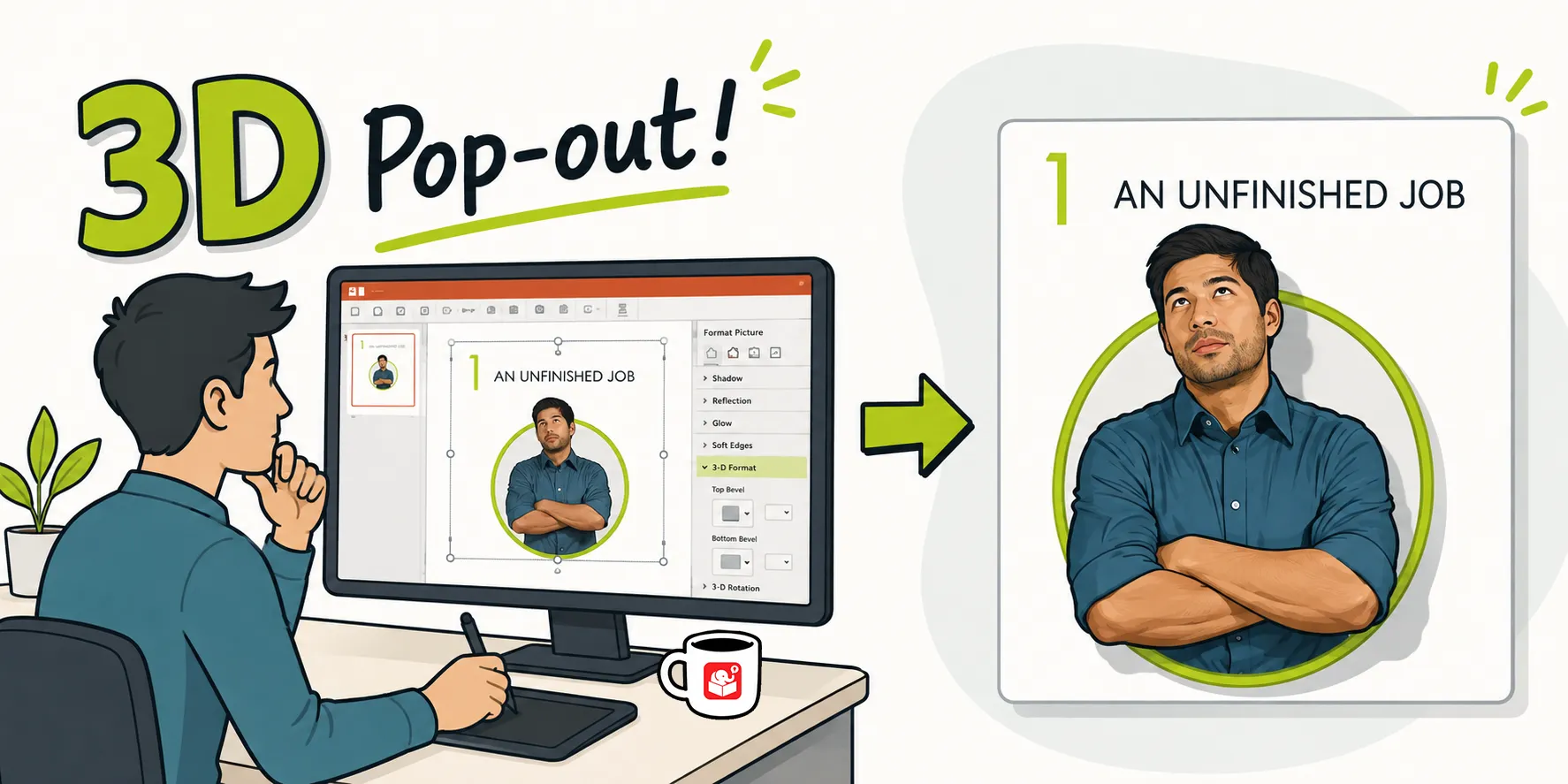
How I Built This 3D Pop-Out in PowerPoint
After sharing a Rise interactive scenario, I got a flood of questions about the 3D pop-out character graphic. It turns out it’s…
-

How to Create a Video with 3D Models in PowerPoint
Want to add slick 3D animation to your course without touching a video editor? This tutorial shows how to insert a 3D…