Physical Address
304 North Cardinal St.
Dorchester Center, MA 02124
Physical Address
304 North Cardinal St.
Dorchester Center, MA 02124
Helpful ideas. Squeaky value.
Helpful ideas. Squeaky value.
Tips, tricks, and tutorials specific to building and customizing courses in Articulate Storyline.
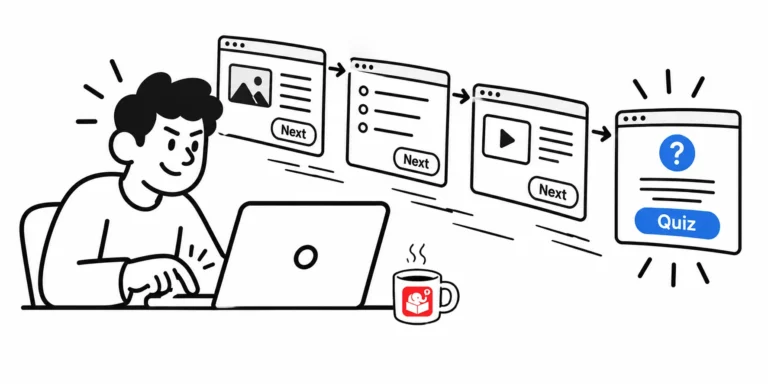
Most learners who skip to the quiz aren't lazy. The course just isn't relevant enough to hold them. These three approaches give you better options than locking the navigation.
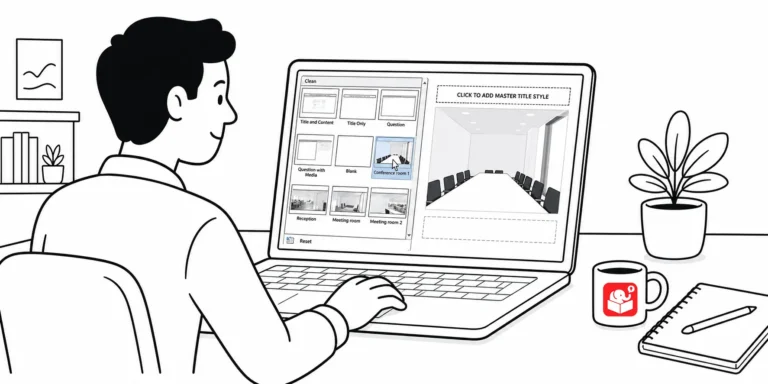
Every time you build a branched scenario in Storyline, you probably spend minutes hunting for background images. There's a better way. Two methods turn that setup into a one-time task.
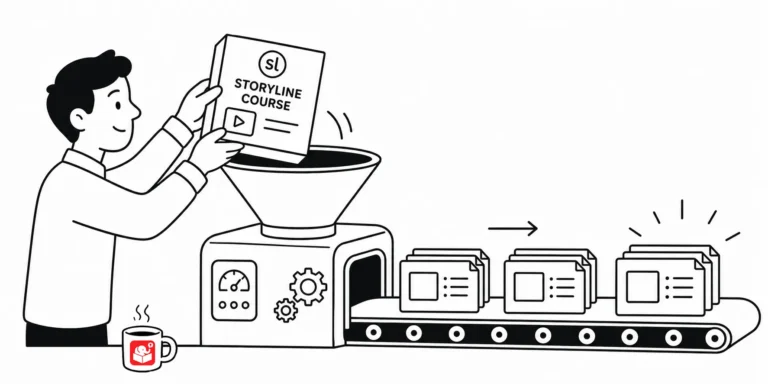
A colleague needs your Storyline course as a PowerPoint file for an upcoming presentation. There's no direct import path, but two practical approaches will get your content there. Both work without extra tools, and you can choose based on how much flexibility the presenter needs.
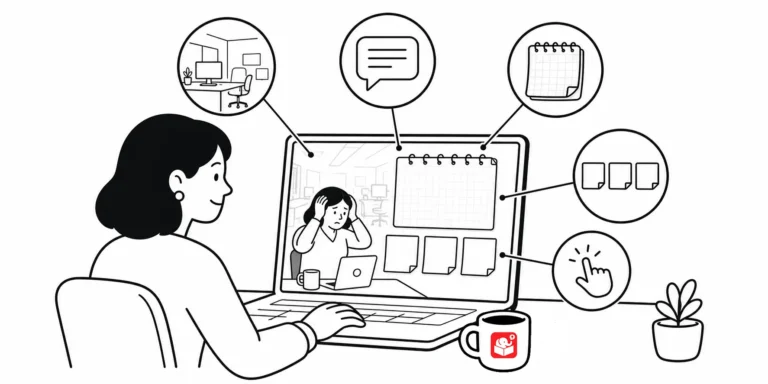
Once you've got the 3C model down for your scenario structure, the next challenge is building the visuals. Most people get stuck here because they don't know where to start. Breaking the design into five elements makes it manageable.
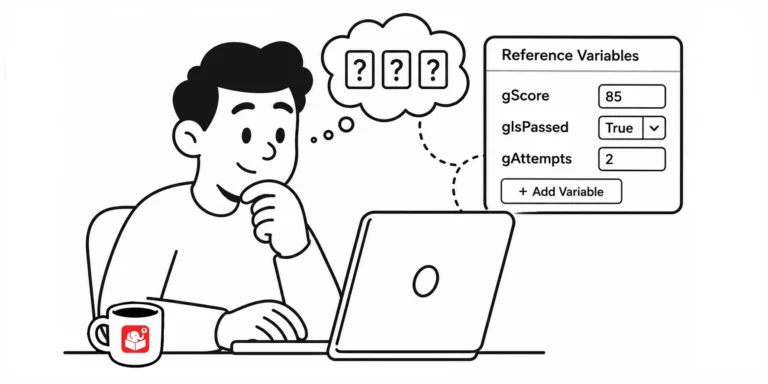
Guessing whether a variable actually changed is a bad way to build a course. Here's a simple trick for seeing variable values as you build, without leaving a mess behind when you publish.
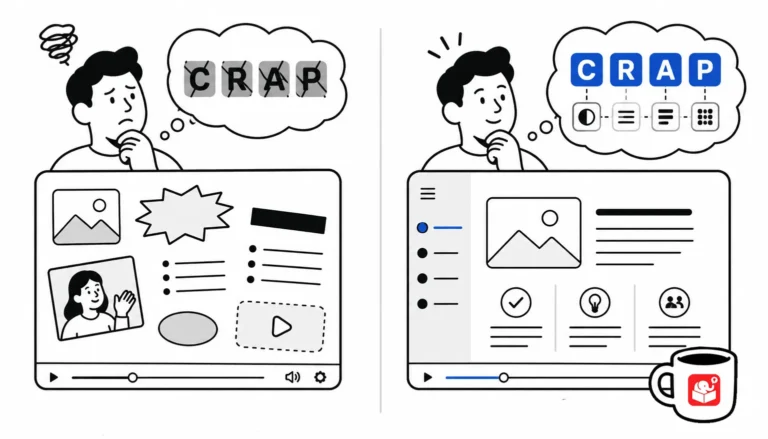
You don't need a design degree to build good-looking courses. You need four principles and the discipline to apply them.
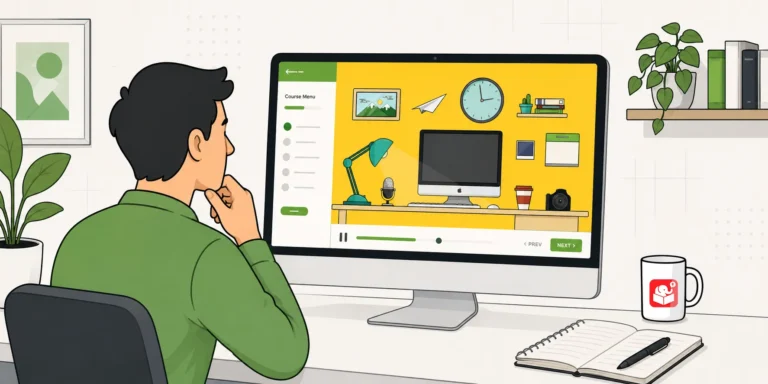
Learn how to build a zoomable, interactive course using a single image and Storyline 360's zoom region feature. This tutorial walks you through the full process with a working example and free resources.
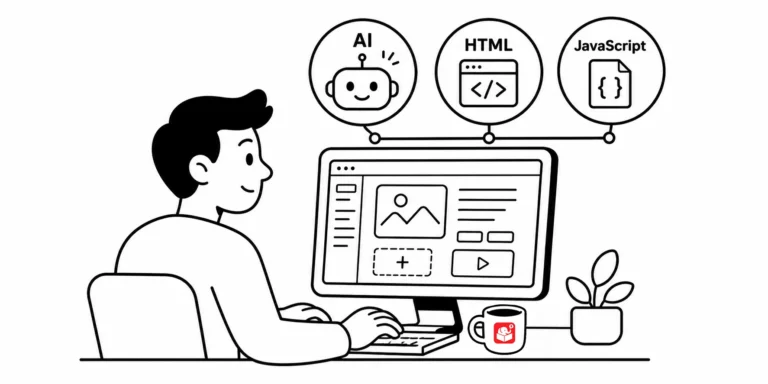
Storyline and Rise handle the heavy lifting, but a little code and AI knowledge still pays off. Learn where HTML and JavaScript solve embedding problems, and where AI now speeds up creating text, images, video, and audio for your courses. Both come down to the same thing: knowing enough to spot a problem and fix it fast.
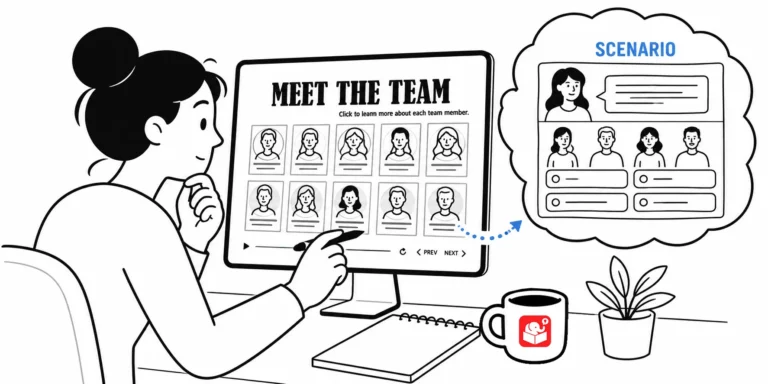
Most e-learning developers avoid gamification because it feels too complex to build quickly. But you can take a template you already have and add just a few interactive elements to change the experience entirely. Here's how a simple meet-the-team template became a decision-making challenge.
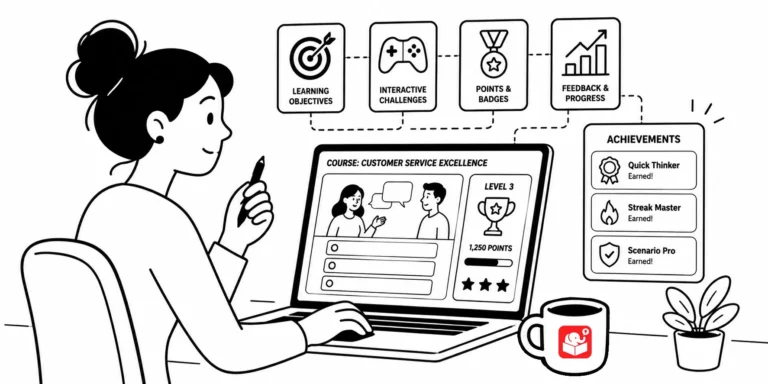
Gamification isn't just building a Jeopardy game. It's using game concepts like points, progress, and rewards to change how learners feel about a course, not just review facts at the end. Here's where to start, what you can build with variables, and a few examples to get your gears turning.
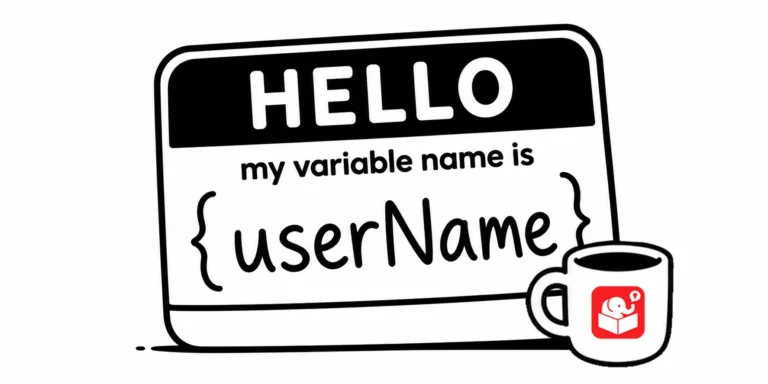
Come back to a Storyline project after six months and you'll see immediately whether your variable naming was thoughtful or rushed. Good names are easy to read at a glance. This post lays out a practical system for getting it right the first time.
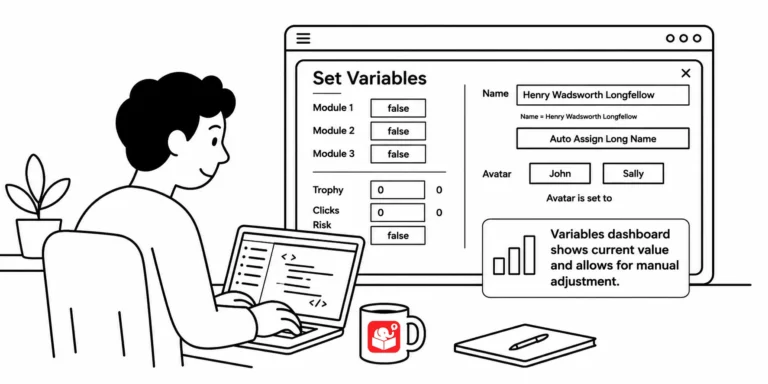
You've built a course with a dozen variables and need to test whether a specific trigger works on slide 20. That means clicking through every screen just to get there. A variables dashboard fixes that, and this post shows you how to build one.
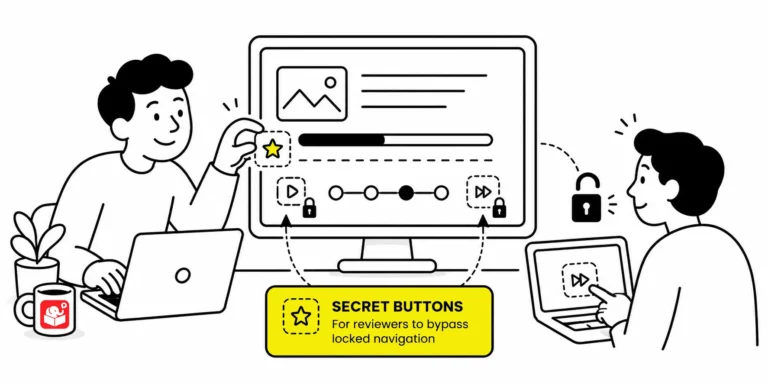
When a course locks every slide, reviewers must sit through narration and animations just to check one thing. That slows down feedback and makes troubleshooting painful. A hidden shortcut menu fixes it without affecting the published experience for learners.
Tired of right-clicking and saving images one at a time? Here are two quick tools that pull every image off a webpage in one shot, so you can grab on-brand visuals for your e-learning courses without the tedious clicking.
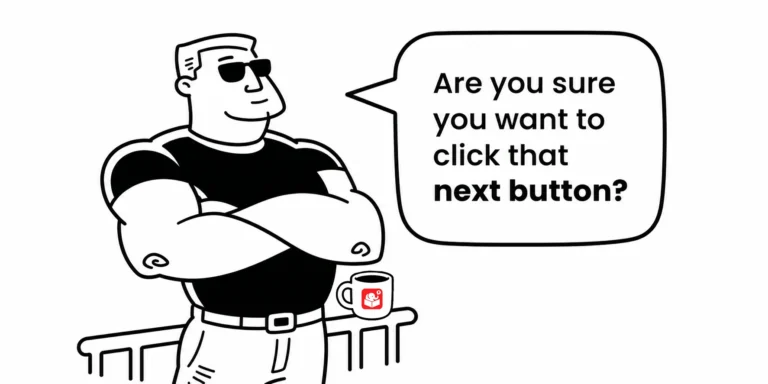
Most e-learning courses have natural pause points where learners need context before they move forward. Gate screens fill that role, and they show up in more courses than you might expect. Planning for them early makes the whole production process faster.



