Physical Address
304 North Cardinal St.
Dorchester Center, MA 02124
Physical Address
304 North Cardinal St.
Dorchester Center, MA 02124
Helpful ideas. Squeaky value.
Helpful ideas. Squeaky value.
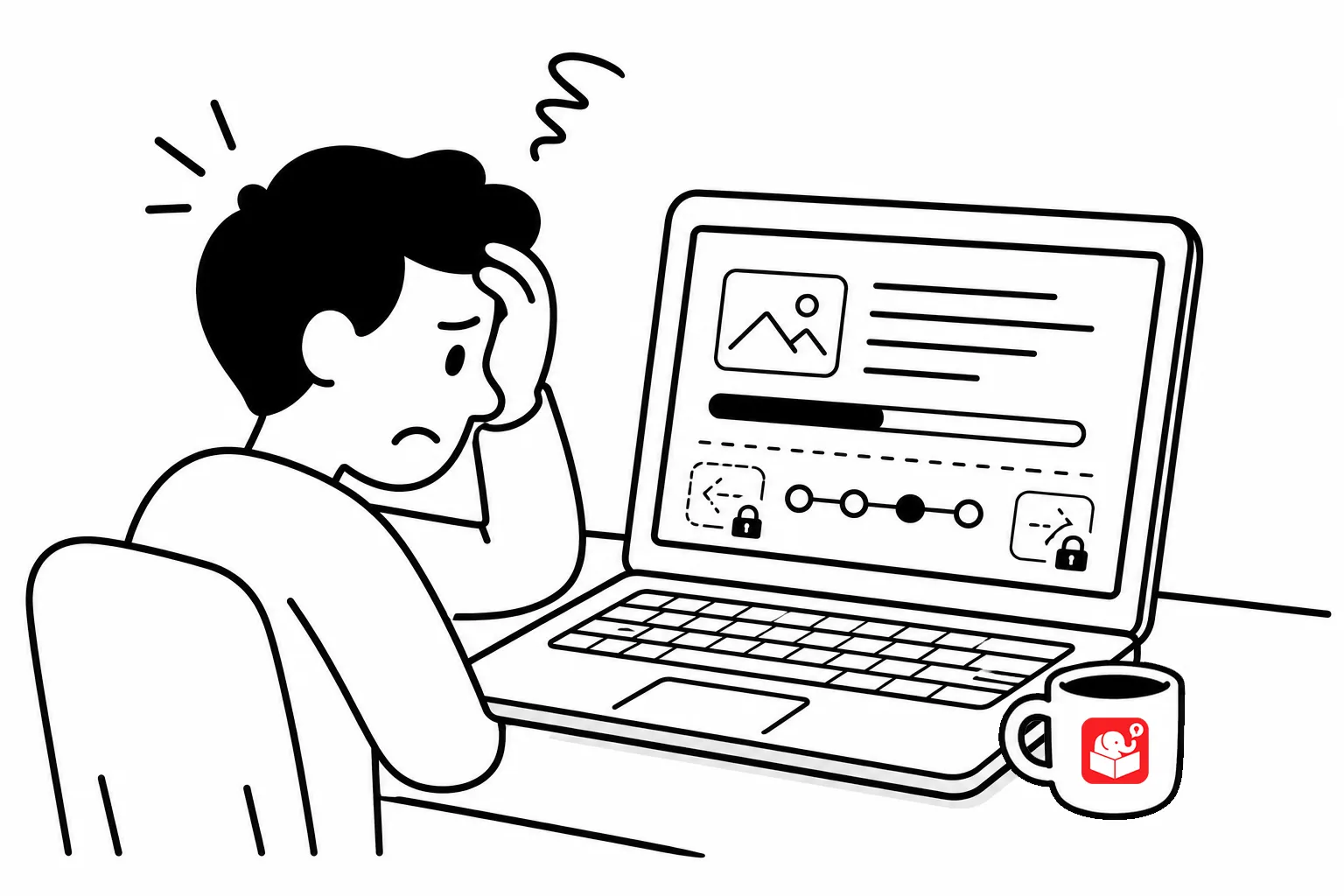
One of the most common issues with e-learning and working with clients is getting them to move away from this idea that everyone needs to see every piece of content. They want to lock the course to control the experience. But that’s not learning.
Imagine that you’re a mechanic and your objective is to get a part to repair and engine. You go to the parts shop to pick up the part that you know you need, but before you can do that, the manager demands you look at all the parts.
You tell him you only need that one part. But he insists that you need to know what other parts are available because you’re a mechanic and at some point you may need them. And you walking down the parts department is the only way he can verify that you know what’s there.
That scenario is ridiculous. But it’s what happens with online training all the time. And that’s how locked course navigation feels to a learner who already knows the material in the course.
I get the argument for locking the course and why it’s still a challenge in today’s e-learning world.
The argument for locking course navigation usually goes like this: “If learners can skip content, they will. And if they skip content, how do we know they learned anything?”
It seems reasonable. But it confuses the delivery of information with evidence of learning.
The only thing locked navigation does is prove a person navigated a course from start to finish. It doesn’t prove they know anything. It doesn’t prove they can do anything. It just proves they were exposed to a screen. And even there, there’s no evidence they even looked at it.
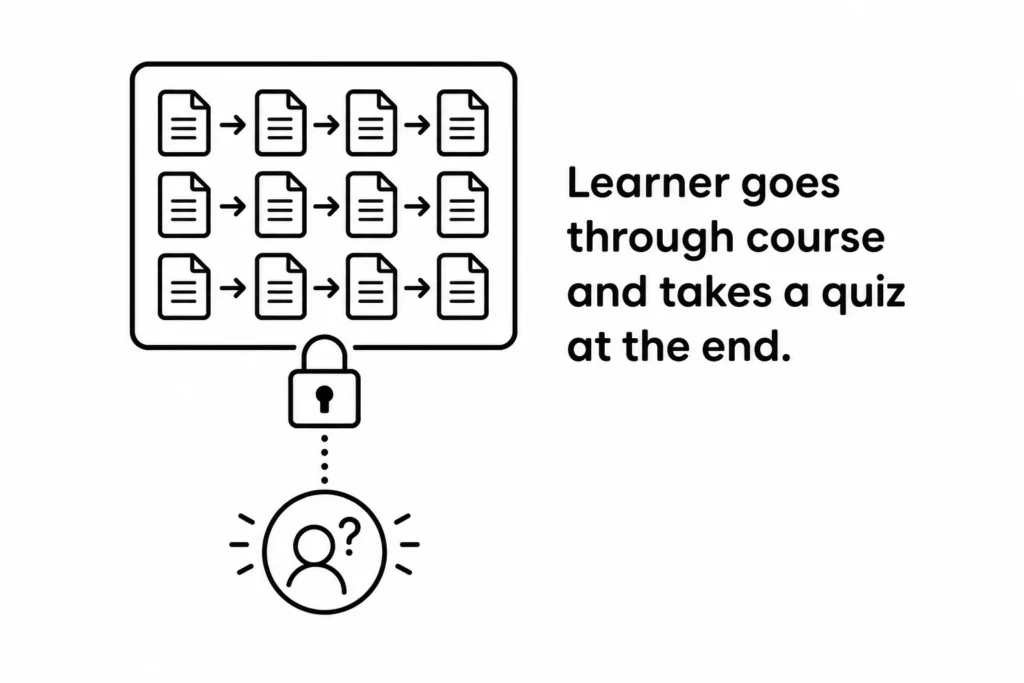
Most courese are content-heavy anyway. They show content and end with a quiz. Already starting at a point of limited effectness.
But then, the client makes it even worse by forcing every single screen to be viewed. Definitely not effective and also a waste of the organization’s time.
Your job isn’t to control their path. It’s to assess whether they arrived at the right destination.
Shift the focus from navigation to assessment. Build in checkpoints that test whether learners can make the kinds of decisions they’ll need to make with the content. If they can, they’ve demonstrated understanding. If they can’t, the course gives them the content they need and sends them back to try again.
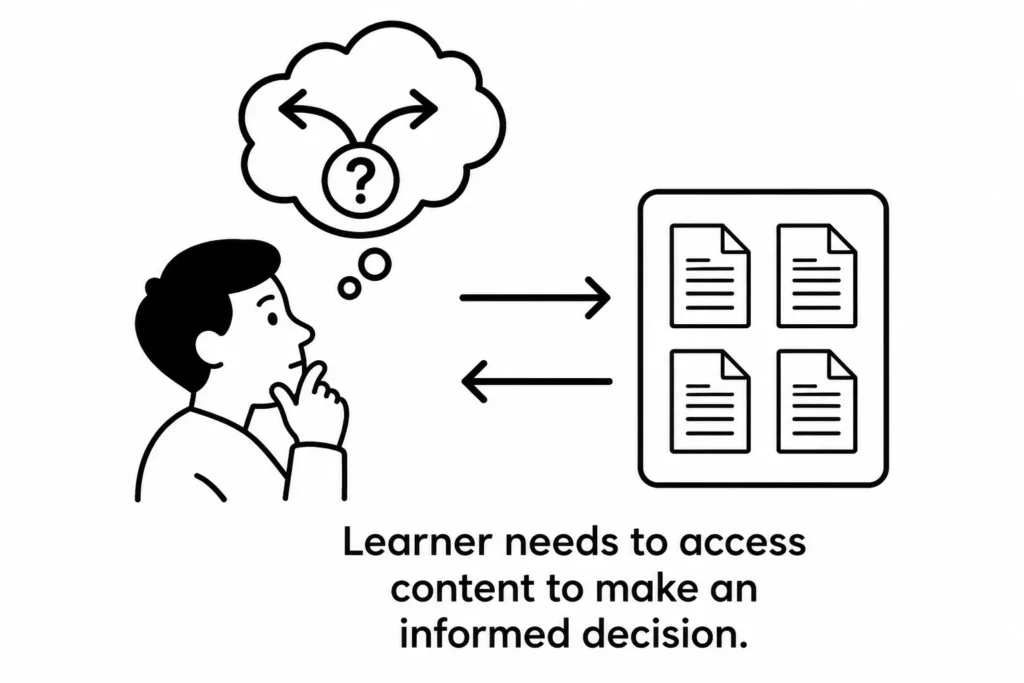
This approach has a few advantages. It respects the time of learners who know the material. It identifies learners who need more help. And it gives you real evidence of learning rather than a record of screen visits.
The hardest part is often the client conversation. Many clients were trained in linear systems, so course navigation control feels familiar and safe. Help them see what they want is evidence of competency, not a log of screen visits.
I always recommend having some sort of before and after version of a locked course. Then walj them through it. Do they want to track screens viewed or competency?
Learner-controlled navigation isn’t about letting learners skip things that matter. It’s about trusting your assessment to do what locked navigation can’t. If the assessment is designed well, it catches the gaps. Start by auditing one of your existing courses and ask: are you measuring screen time or understanding?