Physical Address
304 North Cardinal St.
Dorchester Center, MA 02124
Physical Address
304 North Cardinal St.
Dorchester Center, MA 02124
Helpful ideas. Squeaky value.
Helpful ideas. Squeaky value.
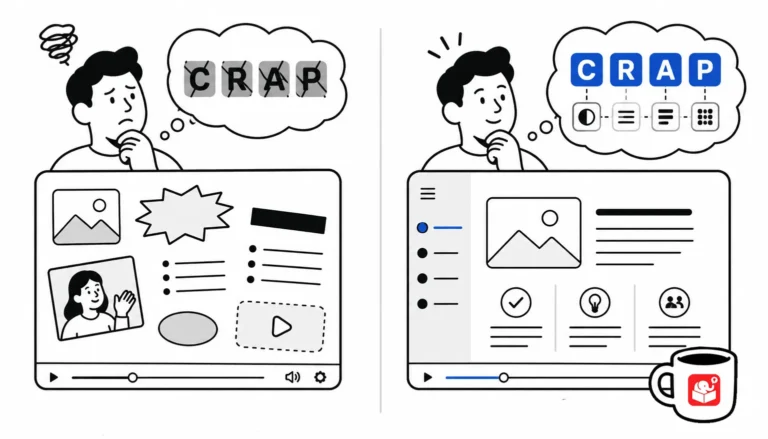
You don't need a design degree to build good-looking courses. You need four principles and the discipline to apply them.
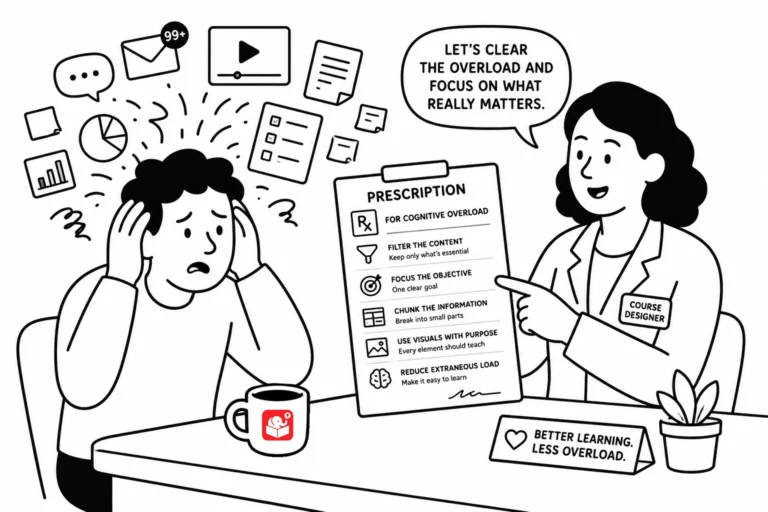
Good course design isn't about adding more. It's about removing the stuff that gets in the way of learning. Here are a few practical things to keep in mind when cognitive load is working against your learners.

Screencast tutorials are some of the most common forms of online training. This makes sense since a large part of e-learning is predicated on learning new software. One challenge is creating effective and engaging screencasts. So today, we'll look at a few simple production tips to help you get started.
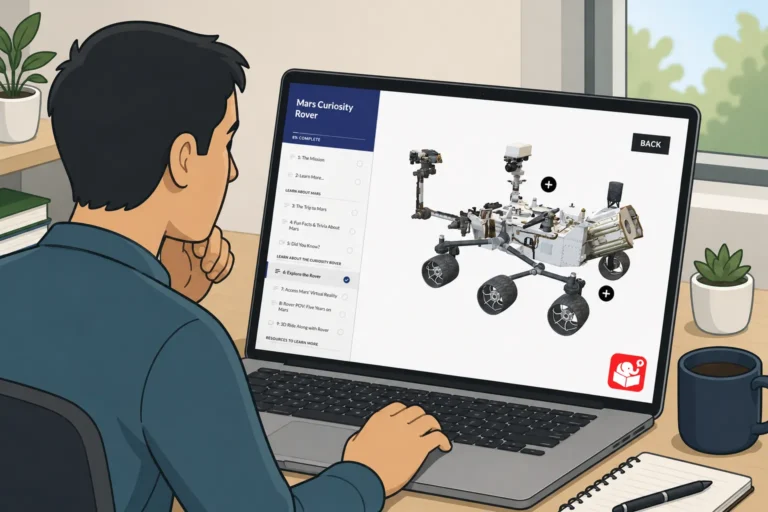
A spinning 3D object looks impressive in a slideshow. But when a learner clicks a tab and the object rotates in response, that's something worth remembering. This post picks up where the PowerPoint video tutorial left off and shows how to wire the full interaction in Storyline.
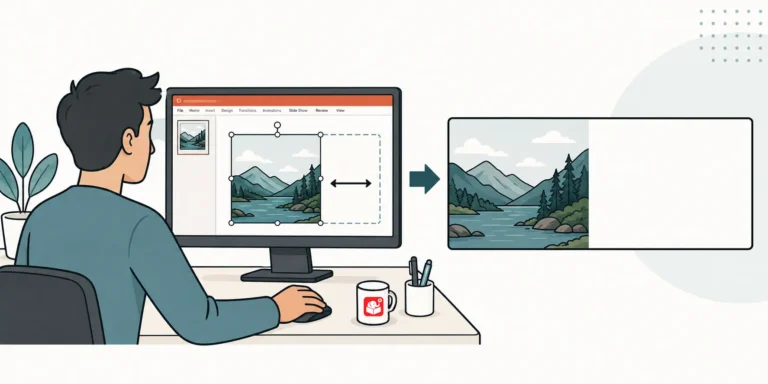
tuck with a great course image that leaves zero room for text? This duplicate-crop-stretch trick opens up space without touching the photo. It works on solid backgrounds, patterns, and even blurry beach shots.
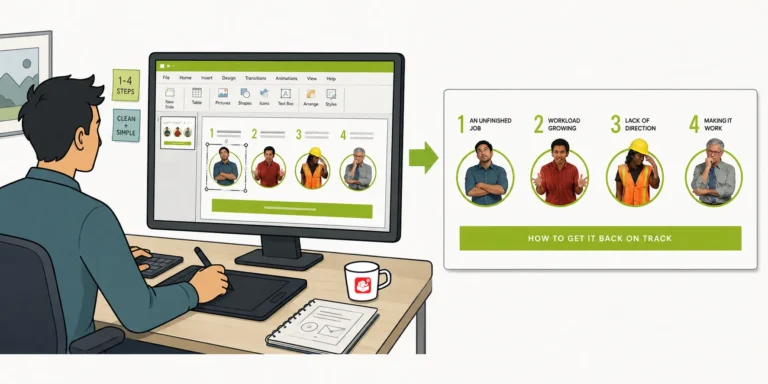
After sharing a Rise interactive scenario demo, I got a lot of questions about how the graphics were built. The headers, flashcard images, and character graphics all came from PowerPoint. This post walks through the exact workflow, including how to set slide sizes and export images for Rise blocks.
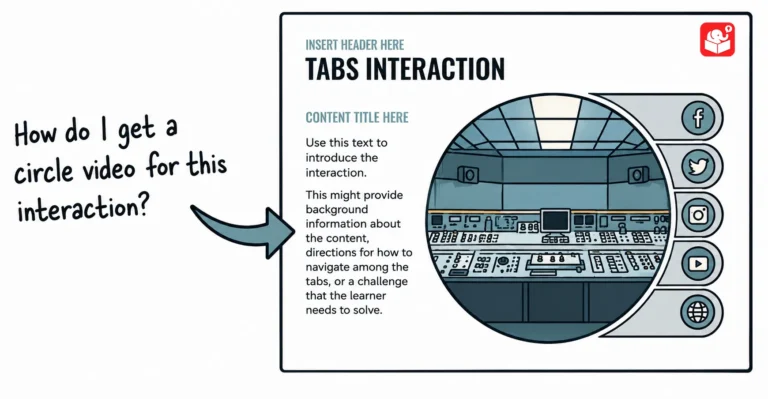
Learn to use PowerPoint to create custom videos you can use on your website or in the e-learning course.
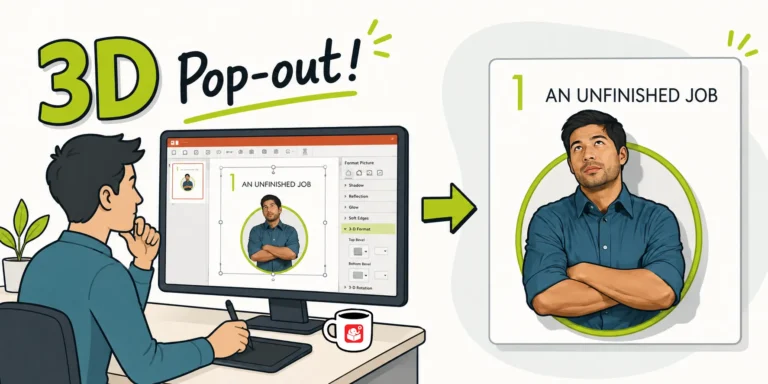
After sharing a Rise interactive scenario, I got a flood of questions about the 3D pop-out character graphic. It turns out it's a simple two-crop technique using a circle shape. Here's how to do it in PowerPoint.

Want to add slick 3D animation to your course without touching a video editor? This tutorial shows how to insert a 3D model in PowerPoint and animate it with the morph transition. Then save it as a video you can drop right into Storyline.

AI voices have gotten so good that most course developers skip the debate entirely and just use them. But there are still situations where a real human narrator is worth the cost. Here's how to think through the decision.

Ask whether the audio choices, or the silence, match the context and the content. If you're building a scenario-based course, try adding ambient audio to one scene and see how it feels. Sound is a design choice like any other. Make it on purpose.



