
AI
How to develop strategies and use AI tools and concepts in your e-learning work, from generating images and characters to speeding up content creation.
-
The Skills That Let You Build More Training With Less
A lot of people think e-learning is just about speed. But speed only helps if you’ve set yourself up properly. The right…
-
The Missing Piece in Most E-Learning Courses
Making content interactive isn’t the same as teaching people to make good decisions. Here’s why so many e-learning courses stop short of…
-
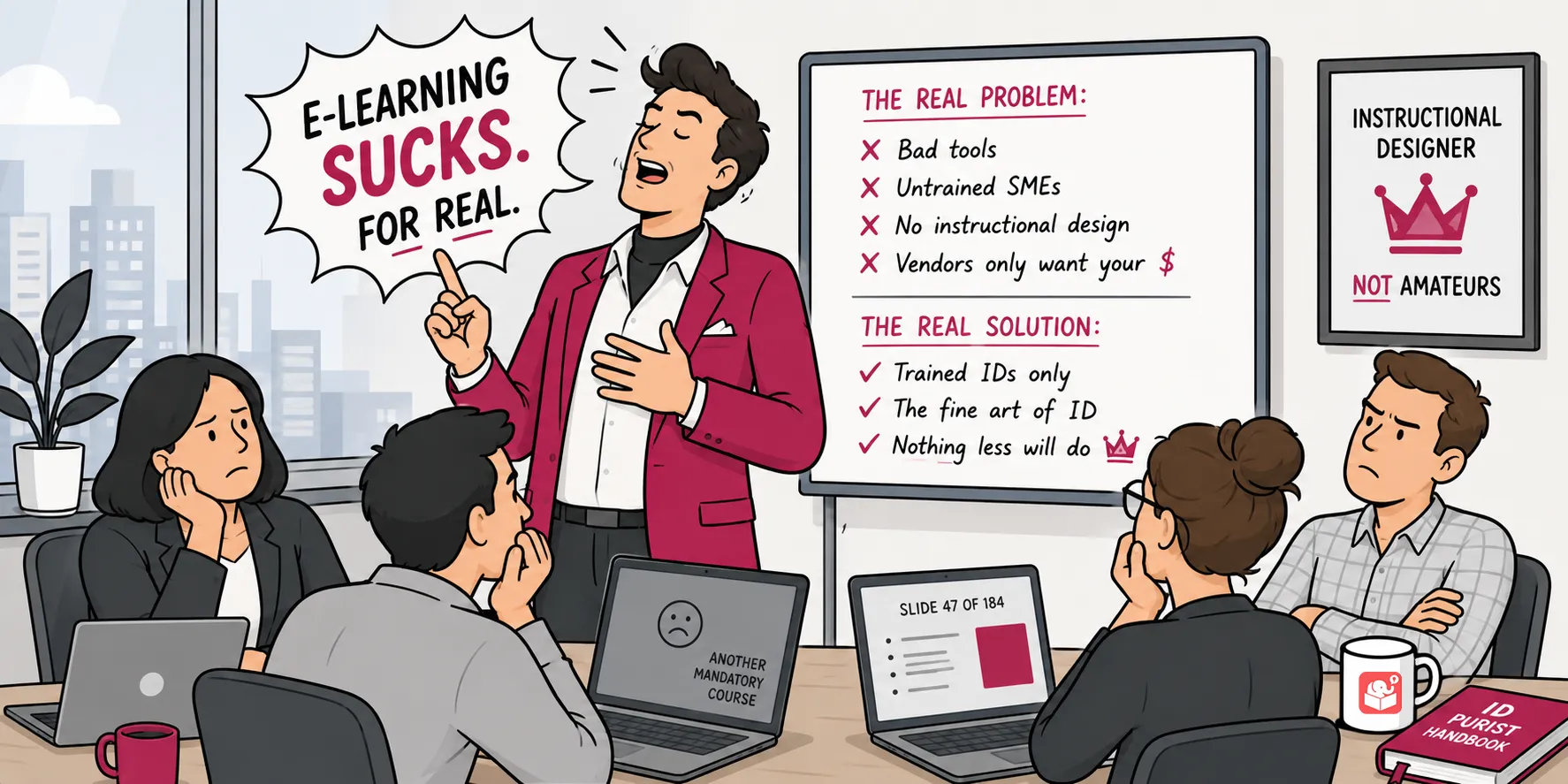
The Real Reason E-Learning Is So Bad
You’ve taken the course. You know the one. Three hours, a lot of slides, a quiz at the end, and nothing that…
-
What to Figure Out Before You Build Any Course
Most e-learning projects go sideways before the first slide is built. The problem usually isn’t the design. It’s what didn’t get sorted…
-
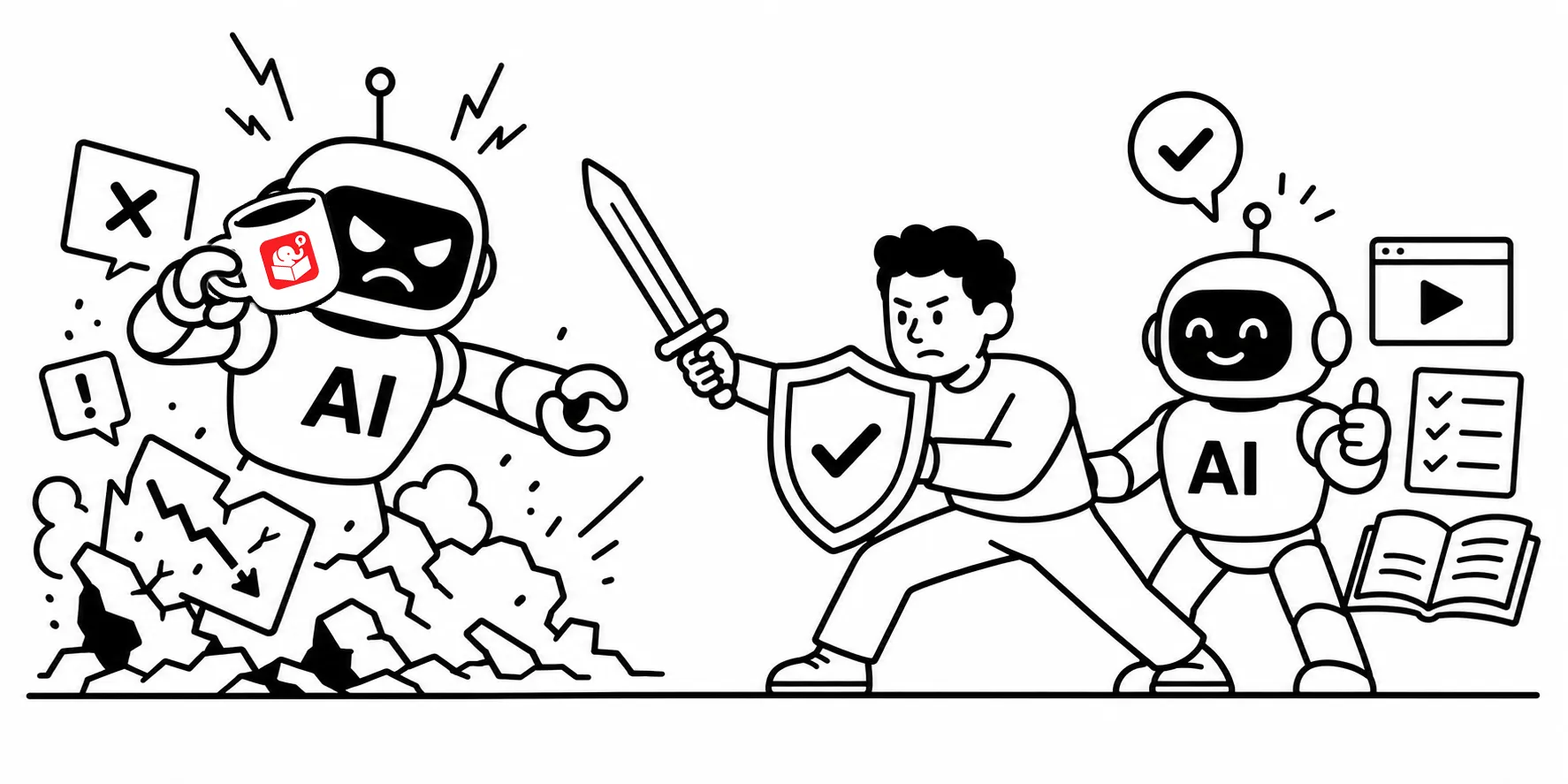
What AI Can and Can’t Do for Your E-Learning
AI can do a lot of things faster than you can. That doesn’t mean the results are always worth using. Here’s an…
-
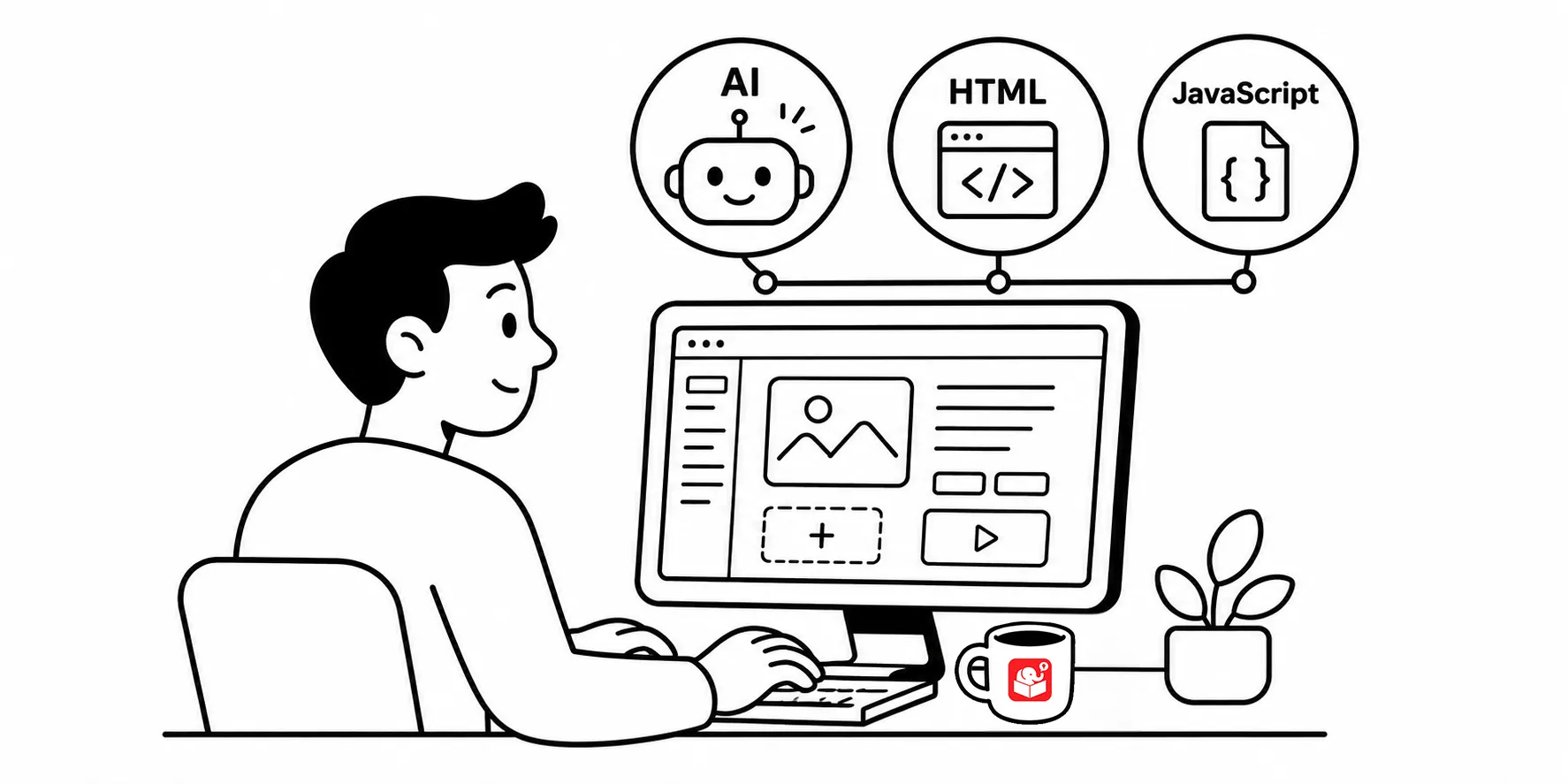
What Advanced Skills Are Required to Build Courses
Storyline and Rise handle the heavy lifting, but a little code and AI knowledge still pays off. Learn where HTML and JavaScript…
-
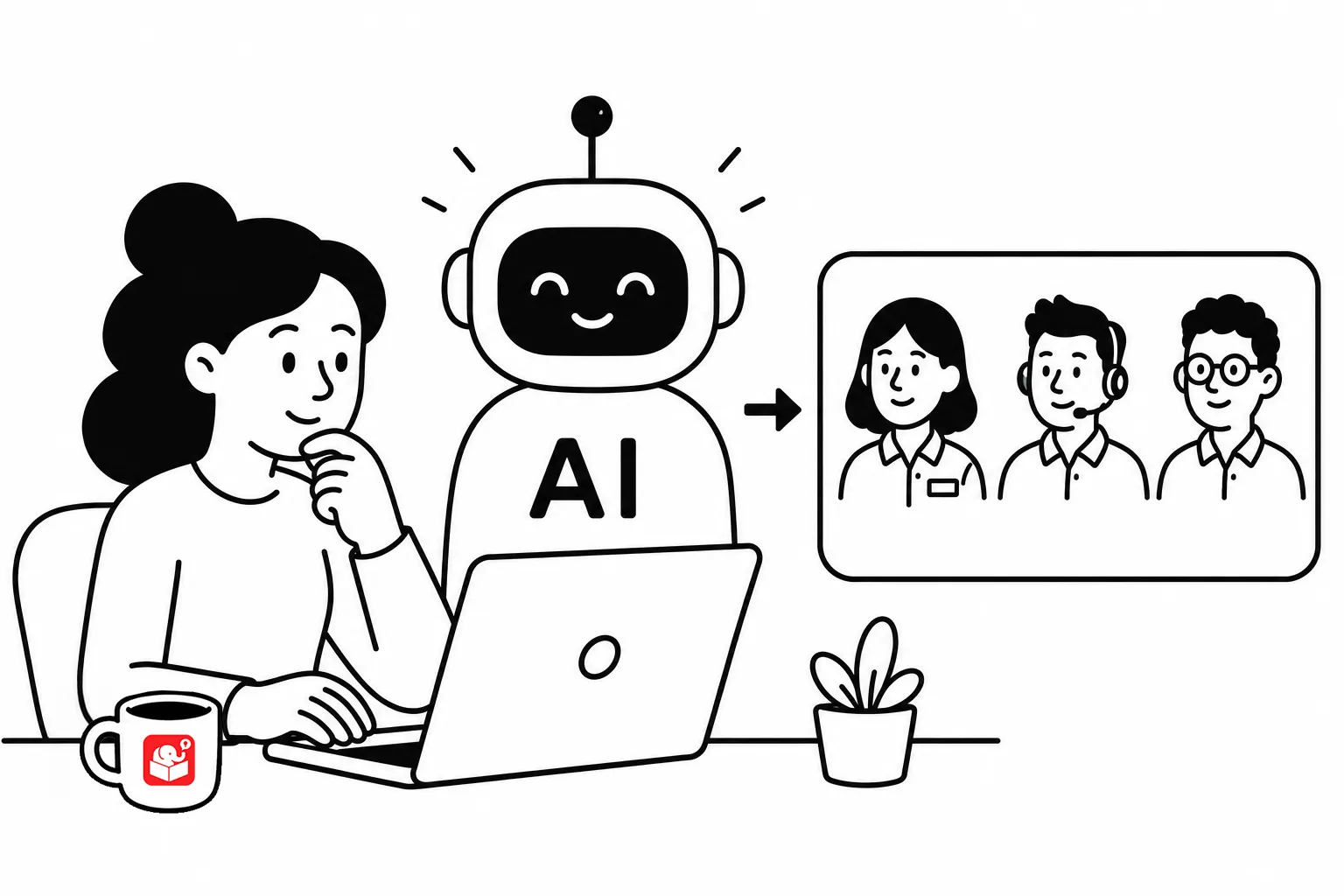
Simple Tips on Creating Your Own Characters with AI
The secret to good AI illustrations isn’t the tool. It’s knowing how to write prompts that get you what you actually need.…