
E-Learning
Everything about creating online training and courses, from the thinking behind good instruction to the tools and tricks used to build it.
-
Why Starting With an Activity Beats Starting With Content
Flipping the usual course structure sounds counterintuitive. But when you start with an activity instead of content, learners arrive at the instruction…
-
Why E-Learning Often Falls Short and What You Can Do About It
Most e-learning doesn’t live up to the hype. Not because the tools are wrong, but because internal teams are often set up…
-
Stop Designing Courses Around Content Structure
You can build a course with well-organized content, clean navigation, and solid visuals, and still end up with something that doesn’t stick.…
-
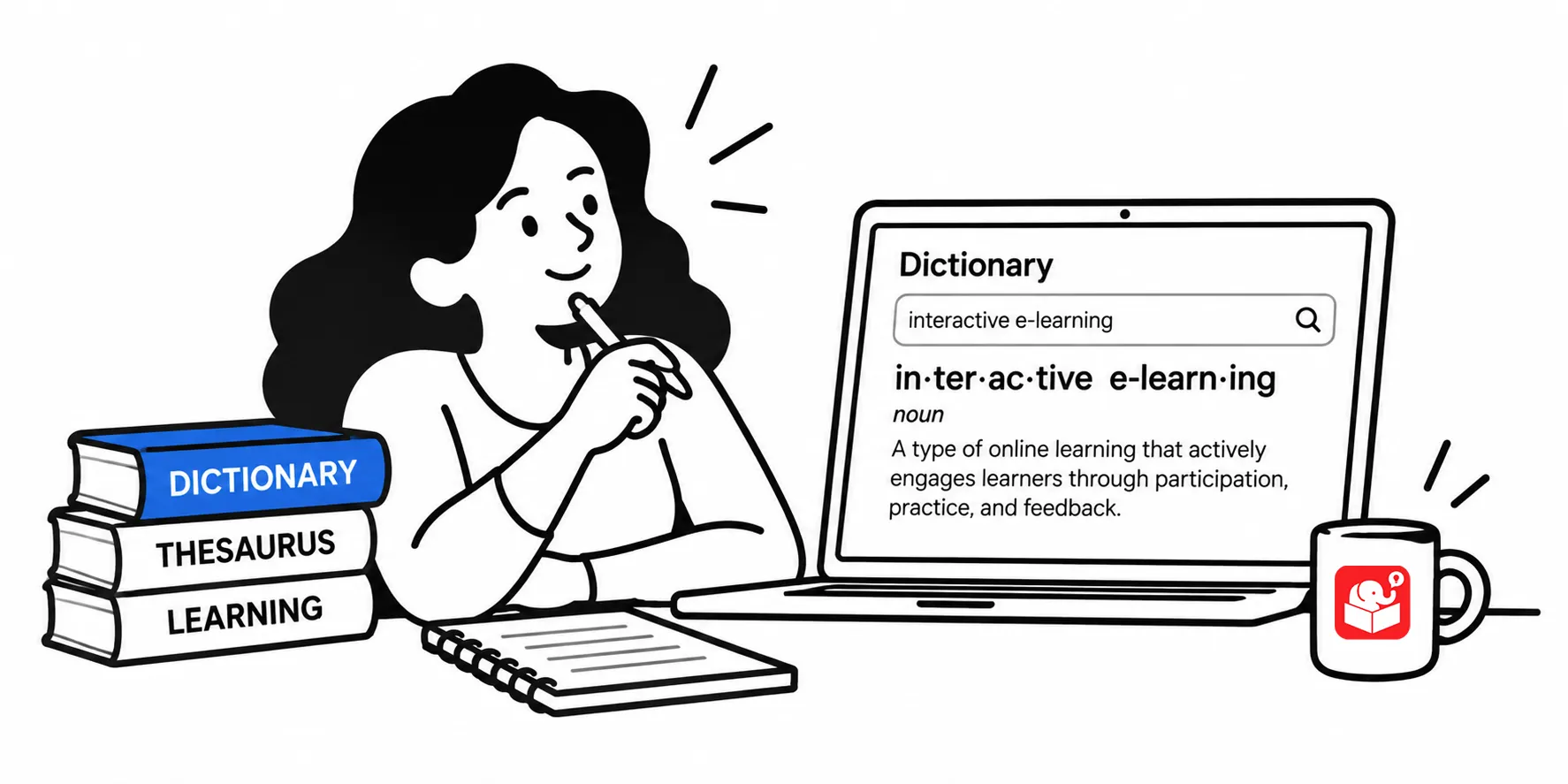
3 Ways to Define Interactive E-Learning
I hear “make it more interactive” constantly. But no one ever defines what that means. Once you understand the three main ways…
-
4 Ways to Move Past Click and Read E-Learning
A common pattern in e-learning is to list what people need to know and then quiz them on it. That approach measures…
-
Your Course Can’t Ask “Did That Make Sense?”
Real communication goes back and forth. Most e-learning doesn’t. Here’s how to build feedback and assessment into the course itself instead of…
-
How to Build Training Objectives That Matter
Some courses need learners to prove they can do something. Others just need to build awareness. Here’s a simple framework for figuring…
-
Tips for Working With Subject Matter Experts Who Don’t Report to You
A good SME relationship pays off long after the project ends. This roundup of tips from other e-learning developers covers how to…
-
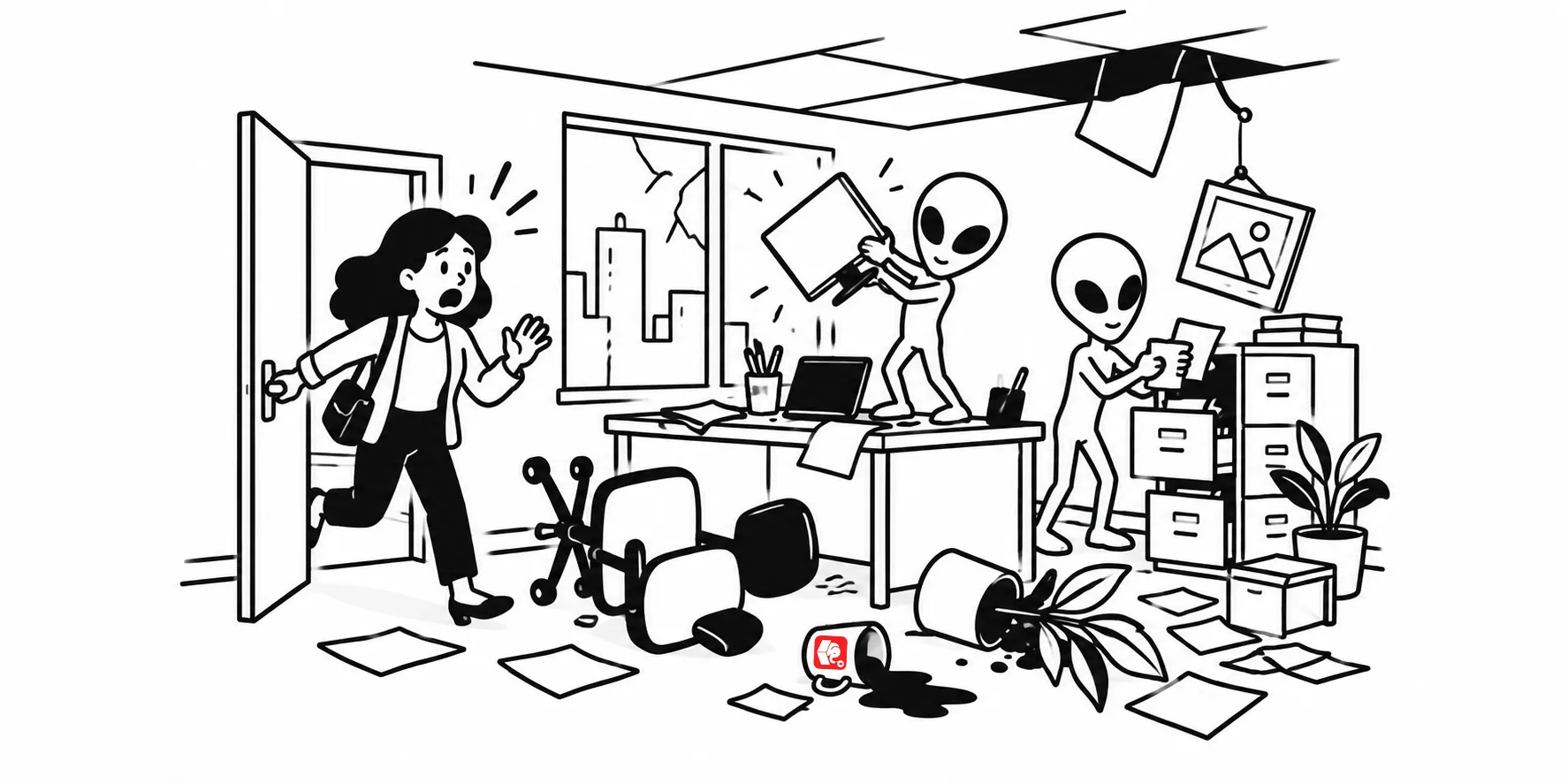
How Alien Abductions Make You a Better E-Learning Designer
Real-world content can actually work against your course. Here’s why flipping the scenario, even into something as odd as an alien abduction,…
-
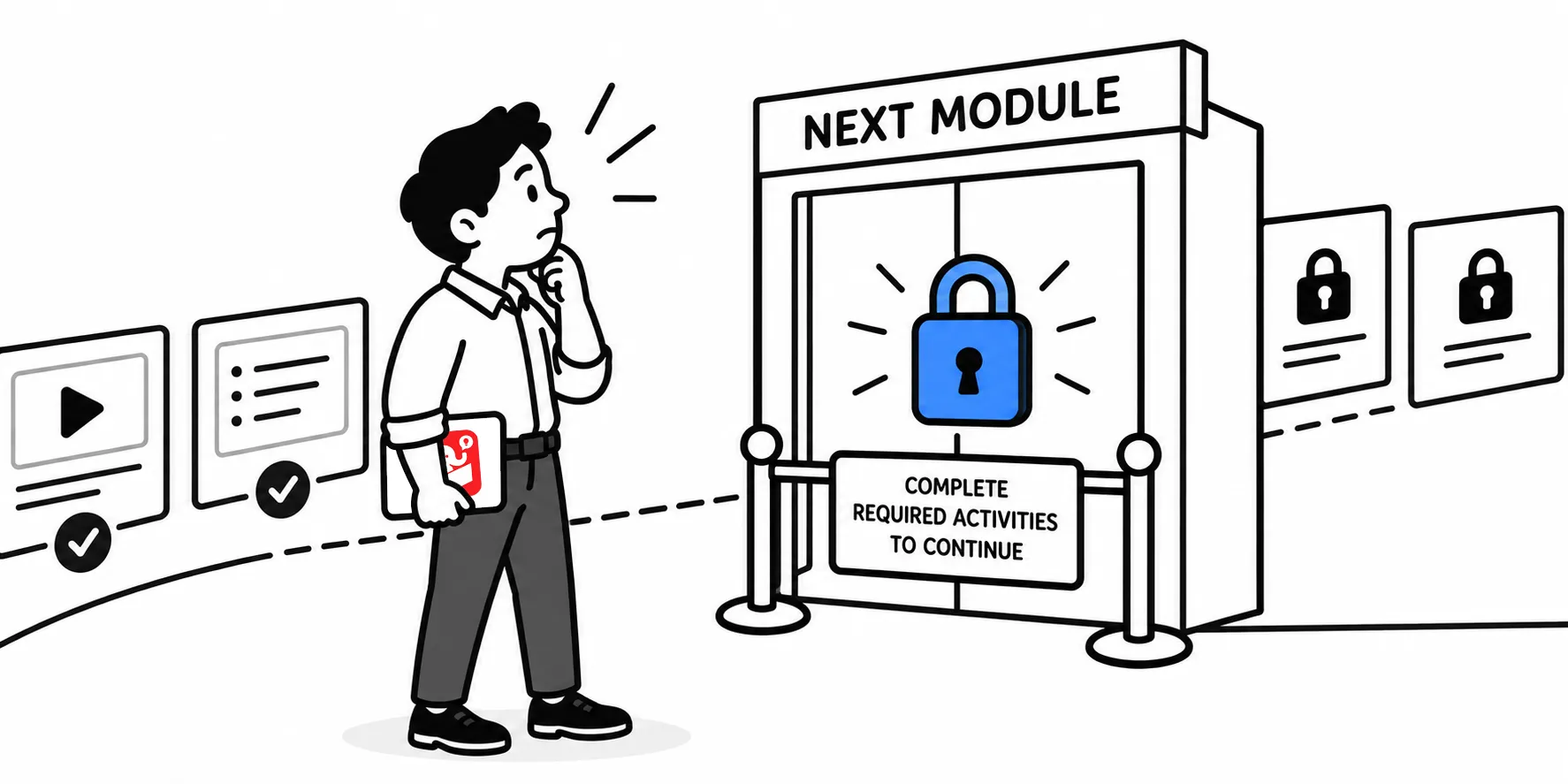
Four Reasons to Open Up Your Course Navigation
“We have to lock the course or people will just skip to the end.” Sound familiar? Locking navigation is a common default…