Physical Address
304 North Cardinal St.
Dorchester Center, MA 02124
Physical Address
304 North Cardinal St.
Dorchester Center, MA 02124
Helpful ideas. Squeaky value.
Helpful ideas. Squeaky value.
Slides are a natural starting point for Zoom presentations, but they have real limits. Rise gives you built-in interactivity, a sidebar for navigation, and a shareable link that doubles as a leave-behind resource. One Articulate trainer made the switch and hasn't looked back.
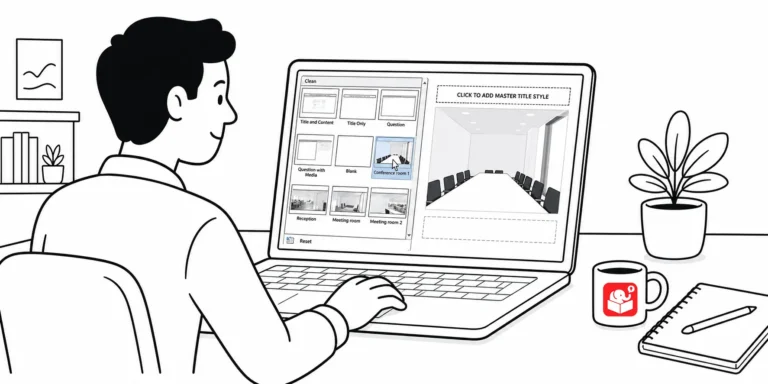
Every time you build a branched scenario in Storyline, you probably spend minutes hunting for background images. There's a better way. Two methods turn that setup into a one-time task.
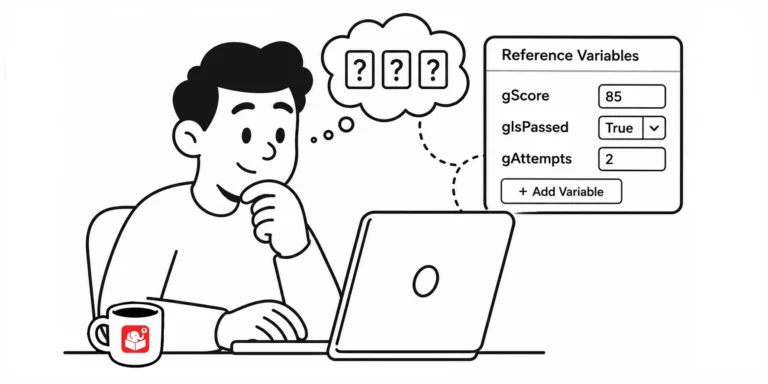
Guessing whether a variable actually changed is a bad way to build a course. Here's a simple trick for seeing variable values as you build, without leaving a mess behind when you publish.
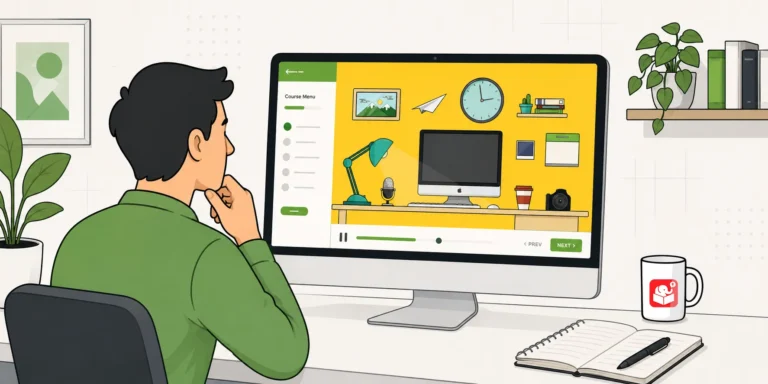
Learn how to build a zoomable, interactive course using a single image and Storyline 360's zoom region feature. This tutorial walks you through the full process with a working example and free resources.

The secret to good AI illustrations isn't the tool. It's knowing how to write prompts that get you what you actually need. This post breaks down the three-part structure that works.
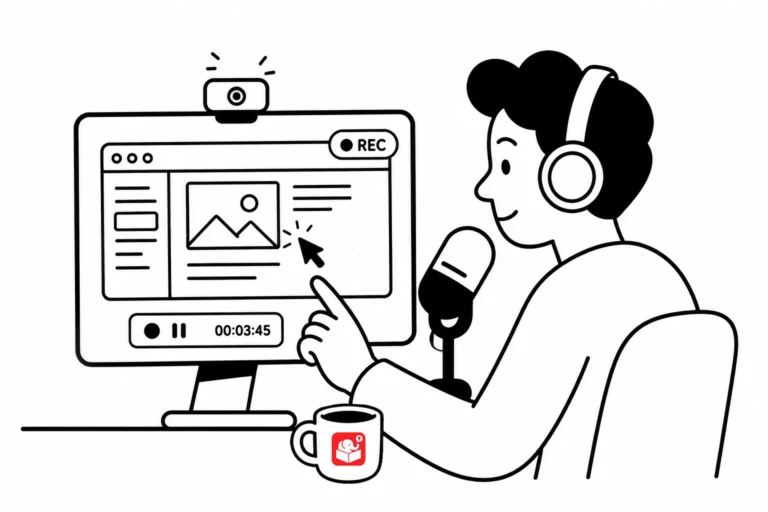
Screencast tutorials are some of the most common forms of online training. This makes sense since a large part of e-learning is predicated on learning new software. One challenge is creating effective and engaging screencasts. So today, we'll look at a few simple production tips to help you get started.
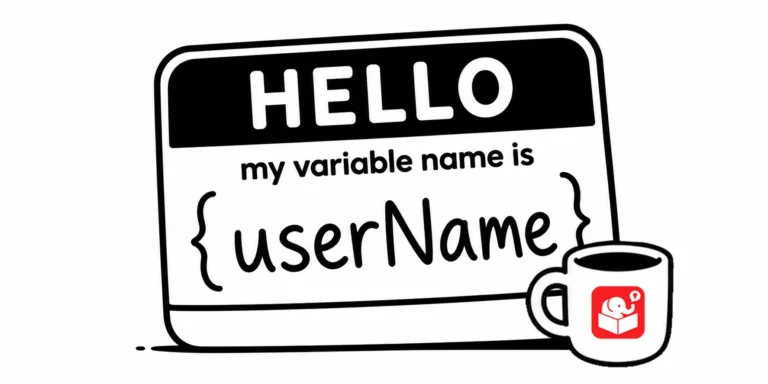
Come back to a Storyline project after six months and you'll see immediately whether your variable naming was thoughtful or rushed. Good names are easy to read at a glance. This post lays out a practical system for getting it right the first time.
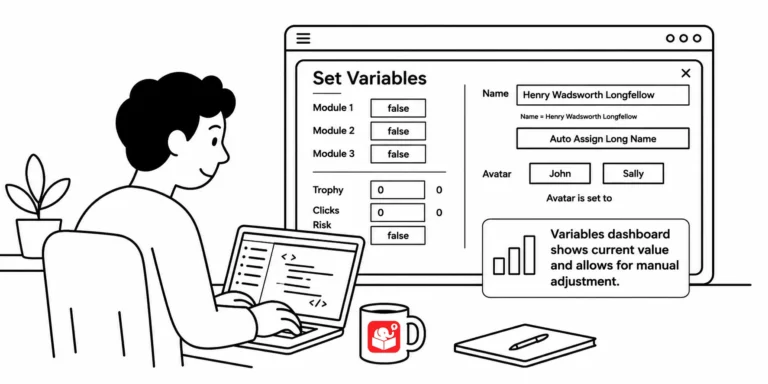
You've built a course with a dozen variables and need to test whether a specific trigger works on slide 20. That means clicking through every screen just to get there. A variables dashboard fixes that, and this post shows you how to build one.
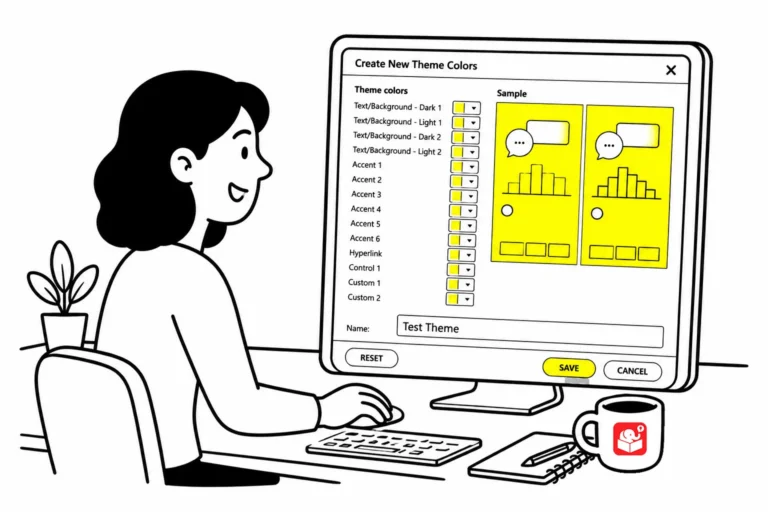
If you've ever updated a theme color and found that half your template didn't change, you've run into the custom color problem. This quick trick makes it easy to spot every object that isn't using a theme color before it becomes a real headache.
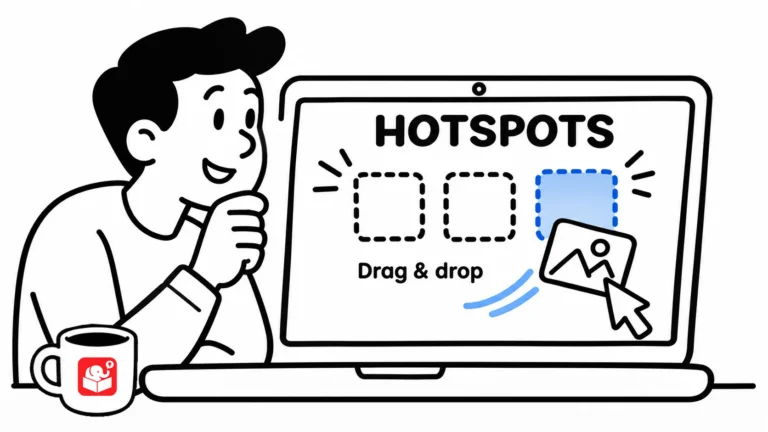
Most drag and drop interactions leave learners wondering what to do when they drop something in the wrong place. Hotspots offer a cleaner solution. They can provide feedback and give you precise control over where objects land.
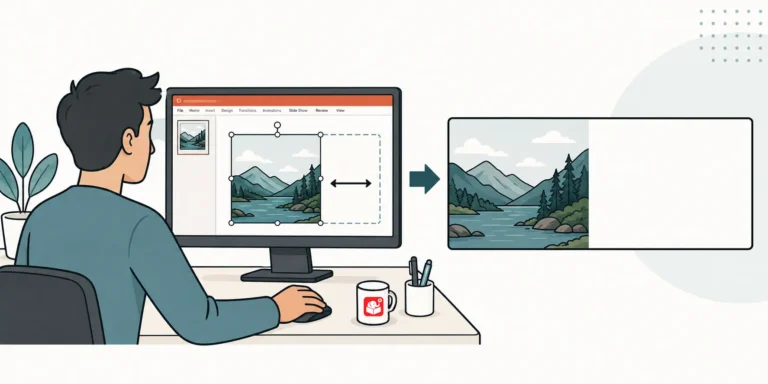
tuck with a great course image that leaves zero room for text? This duplicate-crop-stretch trick opens up space without touching the photo. It works on solid backgrounds, patterns, and even blurry beach shots.
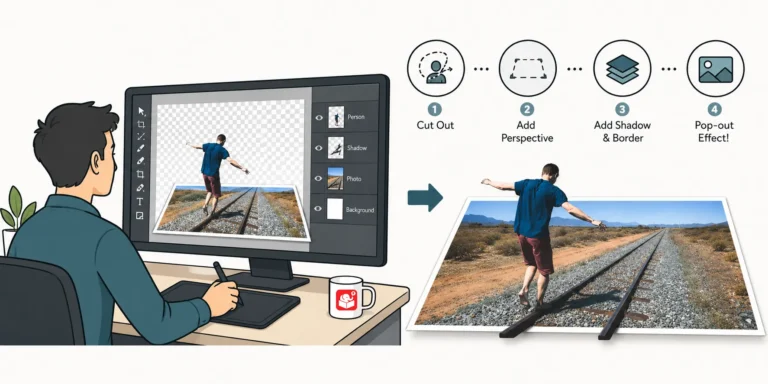
Ever wonder how to turn a plain photo into something that looks designed on purpose? This quick video shows the simple trick behind that tilted, card-style photo effect, no fancy design software needed.
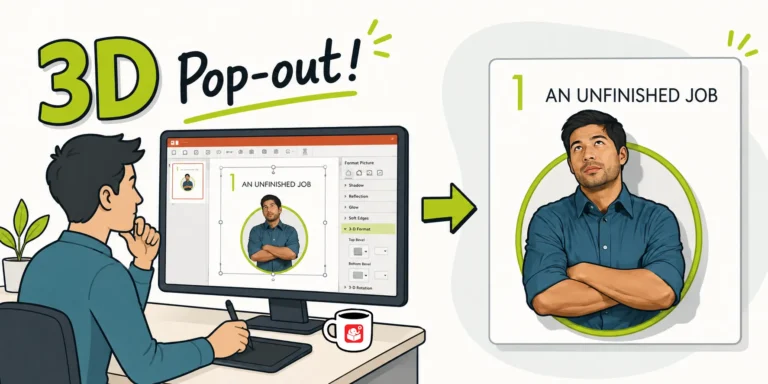
After sharing a Rise interactive scenario, I got a flood of questions about the 3D pop-out character graphic. It turns out it's a simple two-crop technique using a circle shape. Here's how to do it in PowerPoint.
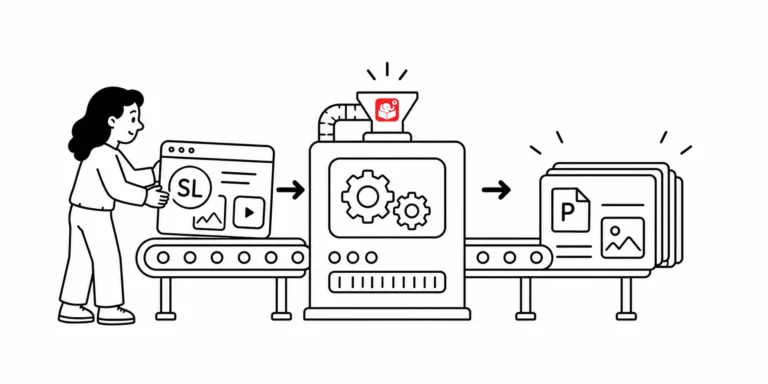
How to convet Storyline to PowerPoint? The request makes sense, but the two tools aren't built to share files. Here are two methods that actually work, depending on where you are in the project.
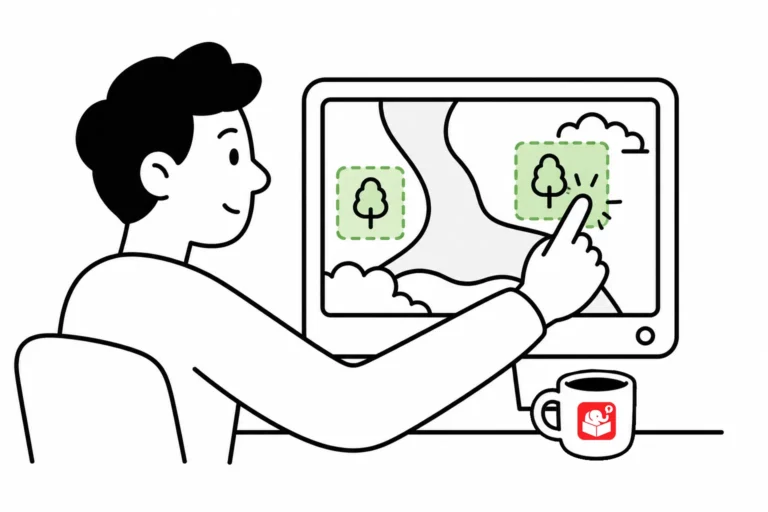
Interactive hotspots do more than trigger clicks. Use them as invisible buttons to speed up production, or as barriers that block interaction with what's underneath. Here are three ways to put them to work in your next course.



