Physical Address
304 North Cardinal St.
Dorchester Center, MA 02124
Physical Address
304 North Cardinal St.
Dorchester Center, MA 02124
Helpful ideas. Squeaky value.
Helpful ideas. Squeaky value.
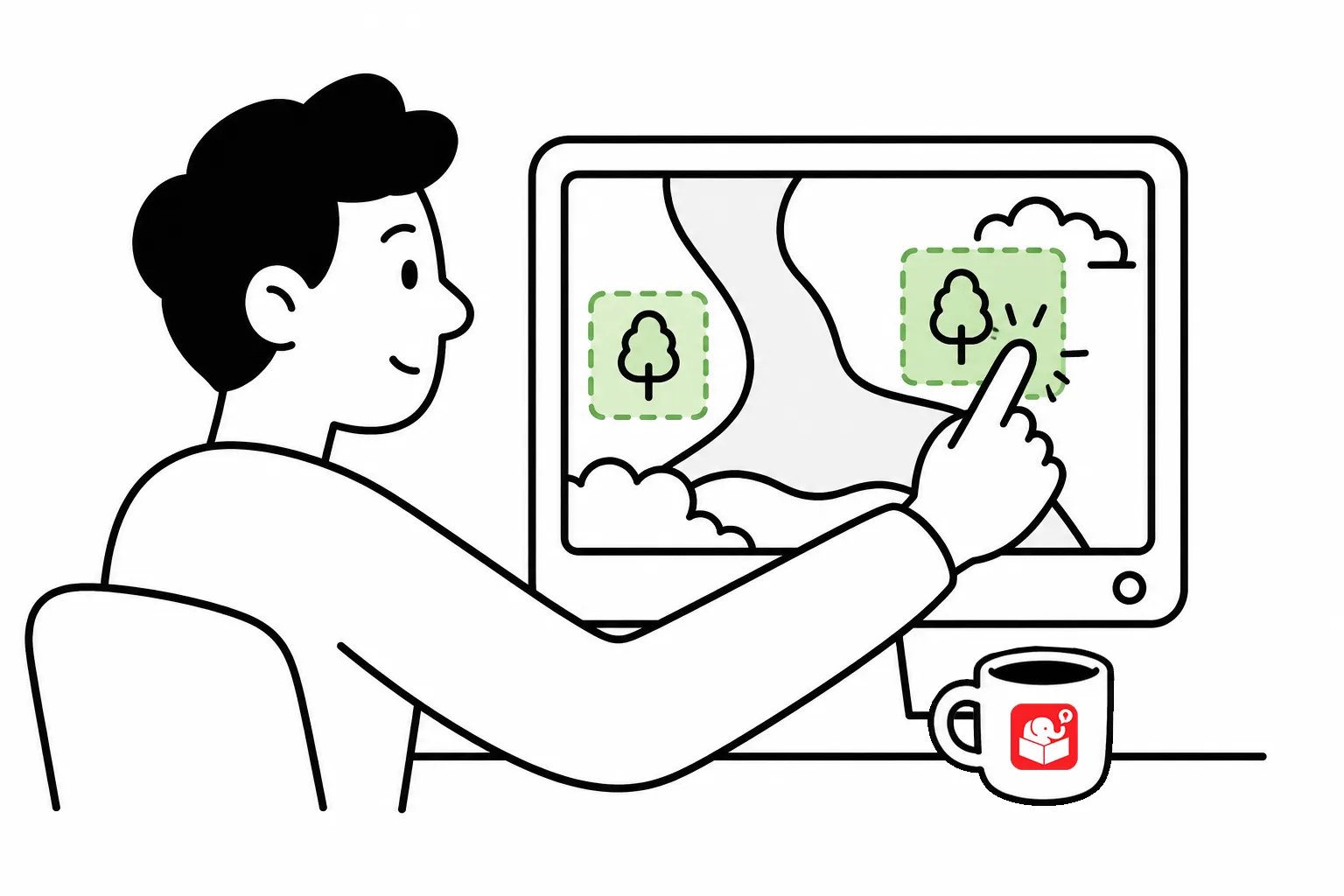
Picture a world map image in your e-learning course. You want the learner to navigate a map and click on each continent. The simple answer is a hotspot which functions like an invisible button. This is the most common use case for hotspots, but they can do more.
As I mentioned above, the classic hotspot use case is layering a clickable area over an image. The world map example is common. You’d put one hotspot over each continent, linking each to different content. There’s no need to slice the image into separate pieces first.
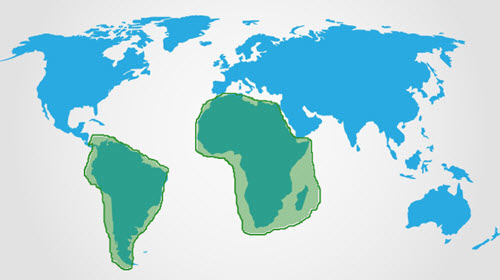
This is a big time-saver in production. Any single image with multiple regions becomes an interactive piece without extra editing software.
Hotspots work well with mouseover interactions. Add a hotspot over part of your slide and assign a hover trigger. Content appears when the learner hovers and disappears when they move away.
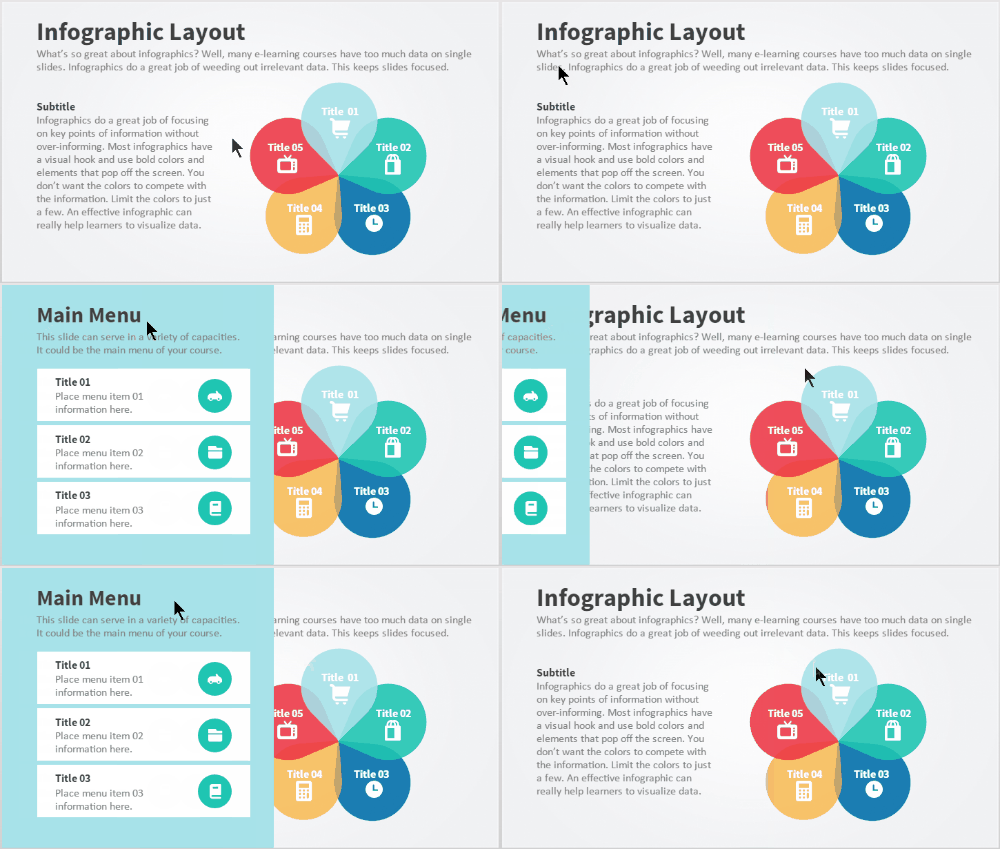
The advantage over a regular hover state is space. The hotspot is invisible, so it doesn’t compete visually with anything on screen. It’s a clean way to add a second layer of information without crowding the layout. Of course, there are accessibility issues with hover interactions so you can create a clickable toggle effect with the hotspot, too.
A hotspot can prevent interaction instead of triggering it. Think of it as a pane of glass placed over part of your slide.
Here’s a practical example. An anatomy interaction uses multiple sliders connected to a master slider. The effect looks good, but you only want learners to drag the main slider.
In this first example, the user can interact with the anatomy and not just the slider.
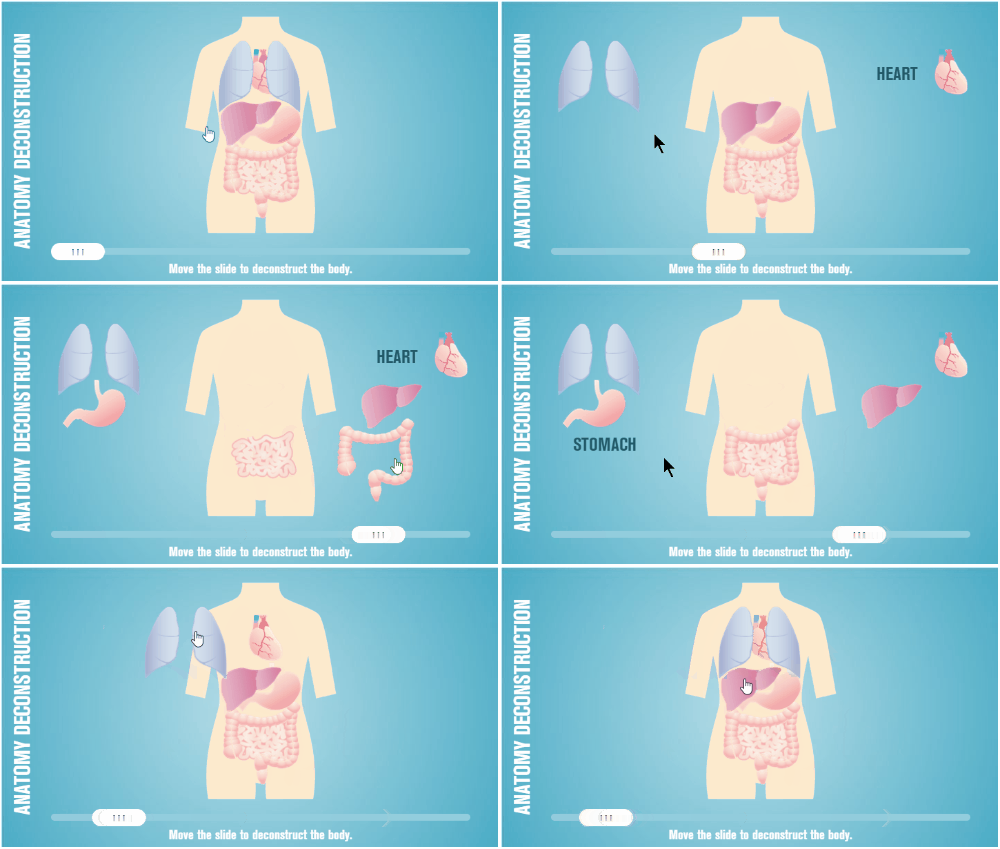
In the second example, we placed a hotspot over the anatomy preventing the user from interacting with anything other than the slider. Try to drag anything but the slider. You can’t.
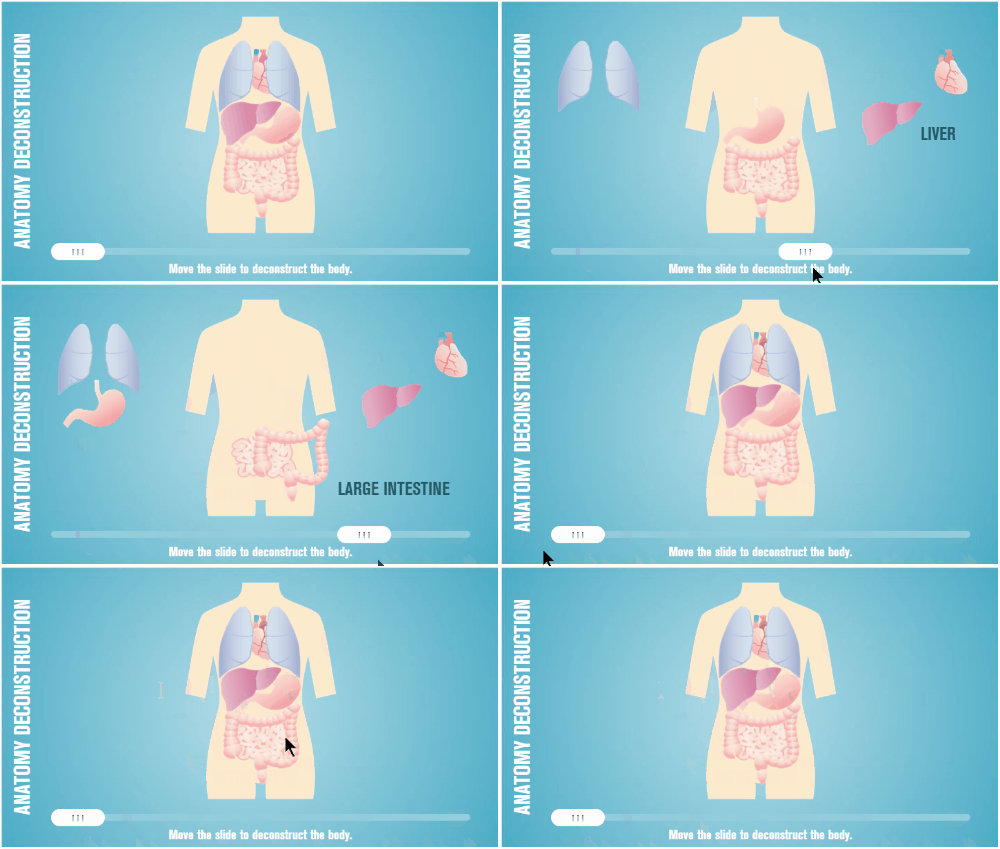
The hotspot is a barrier that blocks access to the anatomy. The interaction stays clean, and learners can’t grab the wrong object.
Hotspots are worth learning and playing around with because each use case opens up new design options. The invisible barrier idea alone can solve problems that would otherwise require complex logic.