Physical Address
304 North Cardinal St.
Dorchester Center, MA 02124
Physical Address
304 North Cardinal St.
Dorchester Center, MA 02124
Helpful ideas. Squeaky value.
Helpful ideas. Squeaky value.
I get a lot of questions about building interactive e-learning. Usually it’s someone looking for a specific feature in their software that matches the interaction they have in mind.
Here’s the thing. Software can’t build a feature for every idea you come up with. No tool works that way. What actually matters isn’t finding the exact feature. It’s learning a few simple building blocks and figuring out how to align the features you already have to them.
Once you get that, you can build almost anything. Let’s walk through how.
The most important ingredient in interactive e-learning is relevance. If the learner doesn’t see why the content matters to their actual job, nothing else works. Strategy comes first. Features come second.
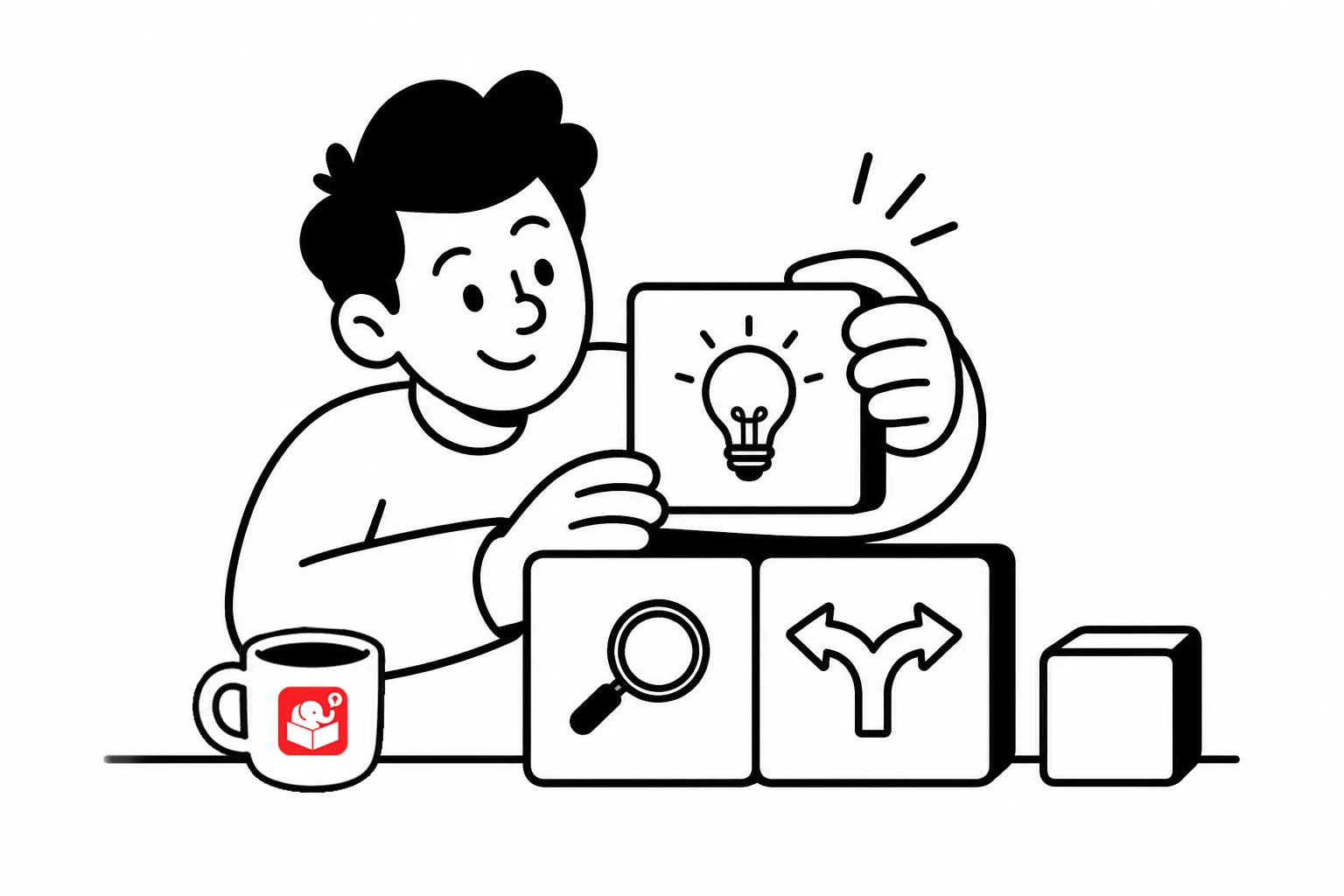
Here’s a three-part model that works for almost any course:
This model is sometimes called the 3C model: challenge, choices, consequences. The challenge creates context. The choices drive engagement. The consequences teach.
One note on grading: avoid formal scores while learners are still in the learning phase. Grading tends to shut down exploration. When adult learners fear being wrong, they stop taking risks. Let them make mistakes and learn from them first.
Most e-learning tools include out-of-the-box interactions like tabs, accordions, and labeled graphics. These are designed for a specific purpose, but they don’t have to stay in that lane. The best interactions often come from using a feature in a way it wasn’t designed for.
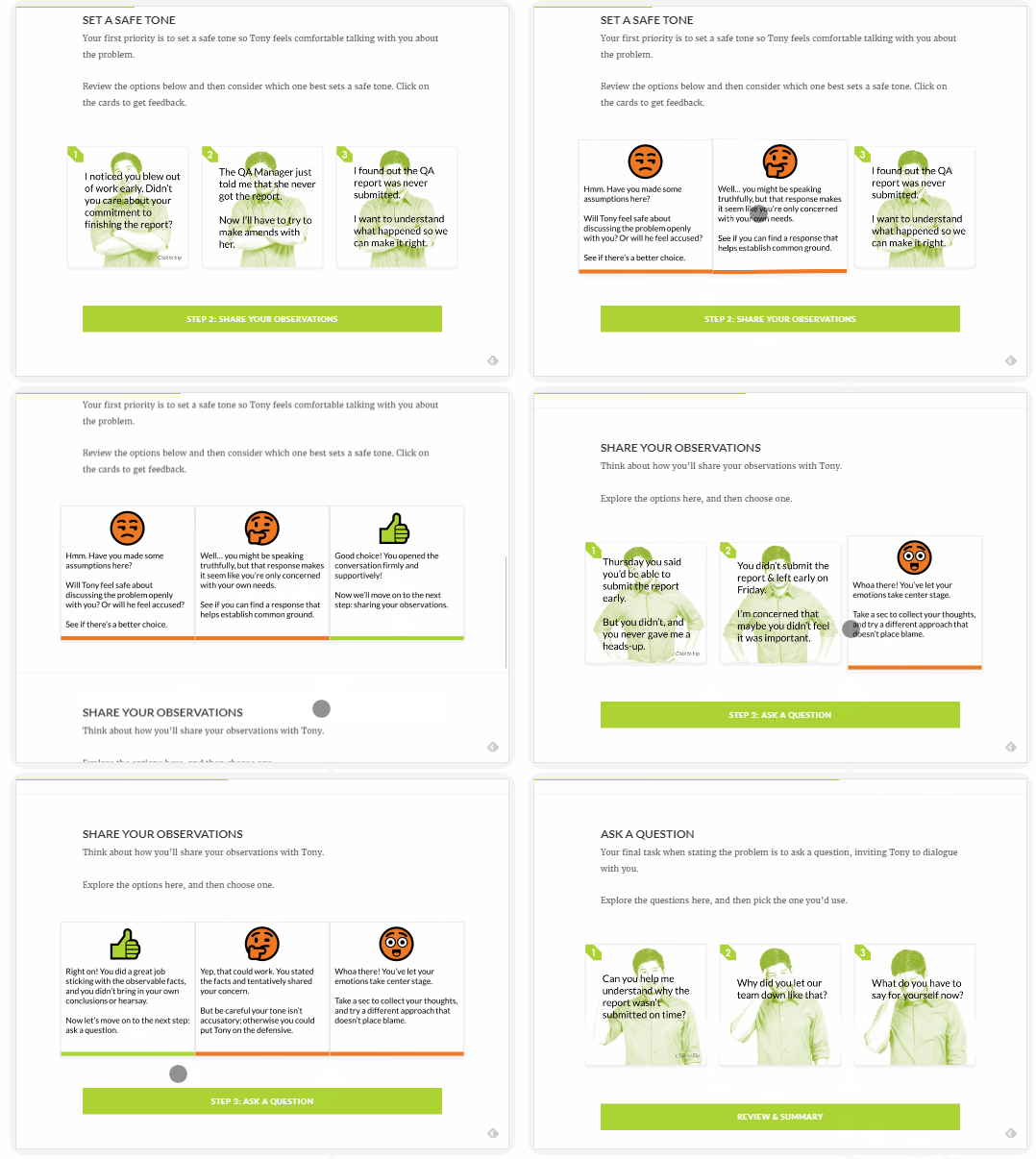
For example, Rise’s Flash Card interaction works well as a scenario tool. Use a text block to challenge them. Use the flip card to reveal a choice, then flip for feedback. The Flashcard isn’t built for scenarios, but the click-and-reveal mechanic maps to the 3C model.
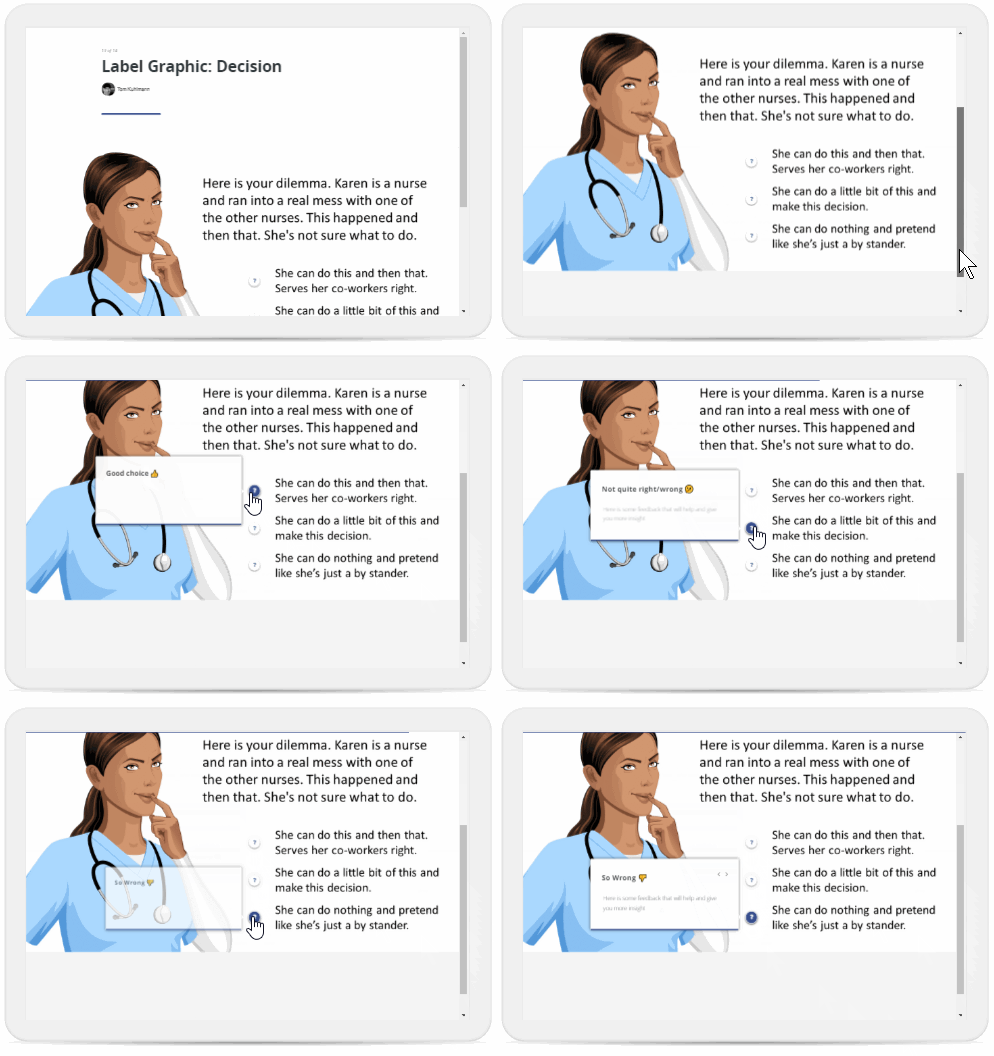
You can usually apply that to any click and reveal interactions like labeled graphics, accordion, tabs, and process. Some options will work better than others, but the exercise to use them trains you to see your toolkit differently.
The 3C model gives you a framework that works with whatever features your tool provides. When you have a clear challenge, meaningful choices, and real consequences, any interaction becomes a learning opportunity. Start by picking one existing interaction and building a simple scenario around it.