Physical Address
304 North Cardinal St.
Dorchester Center, MA 02124
Physical Address
304 North Cardinal St.
Dorchester Center, MA 02124
Helpful ideas. Squeaky value.
Helpful ideas. Squeaky value.
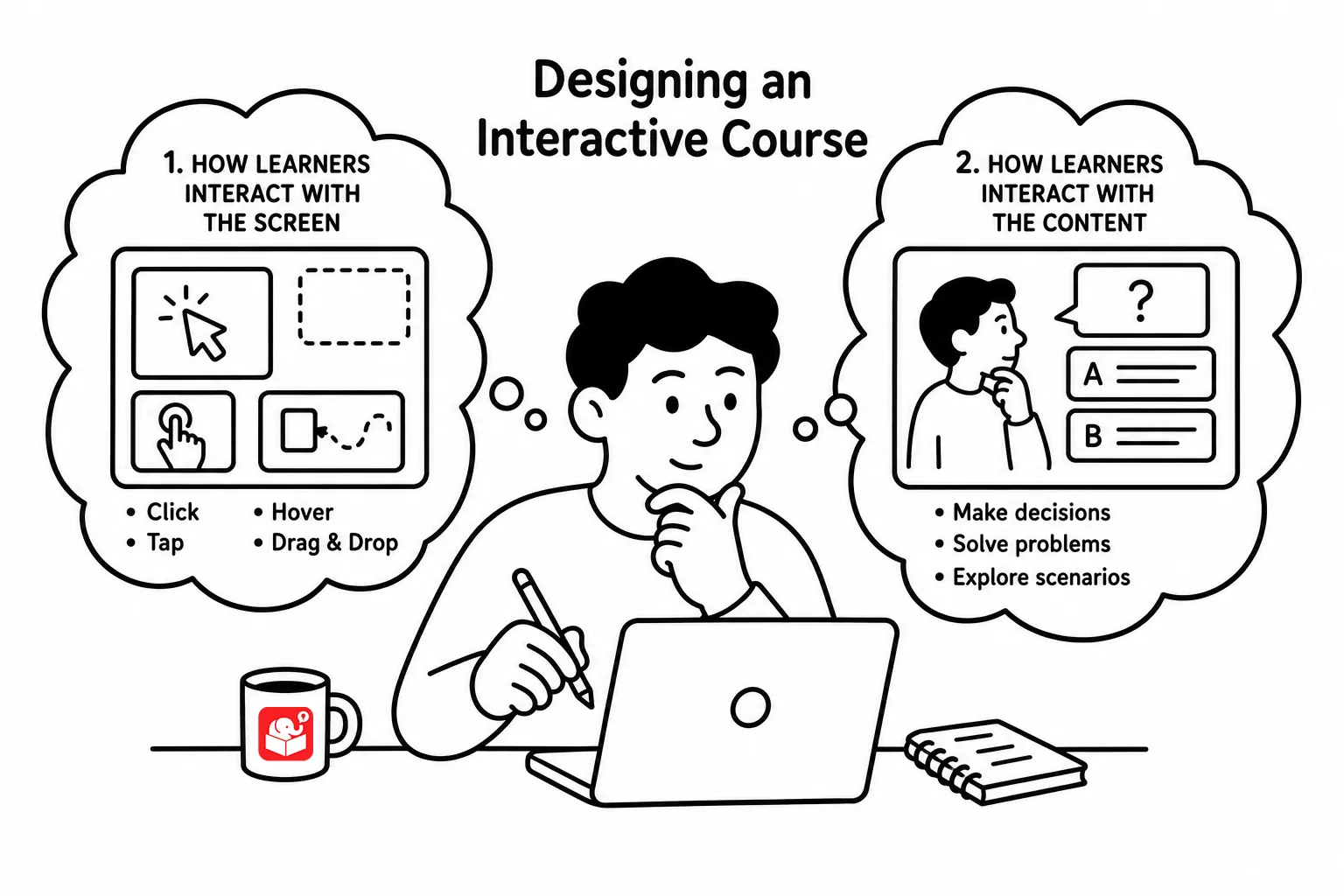
Ask any client what they mean by “interactive,” and the answers are usually the same. They’ll mention clicking, hovering, and animated effects. Those things matter, but they’re only part of what makes e-learning genuinely interactive.
Every learner is going to interact with your course. That’s not a choice you get to make. Generally speaking, they’ll click, hover, or drag through the content. I like to say, “they’re toucing the screen.” The question is whether those interactions add value or just move them to the next screen.
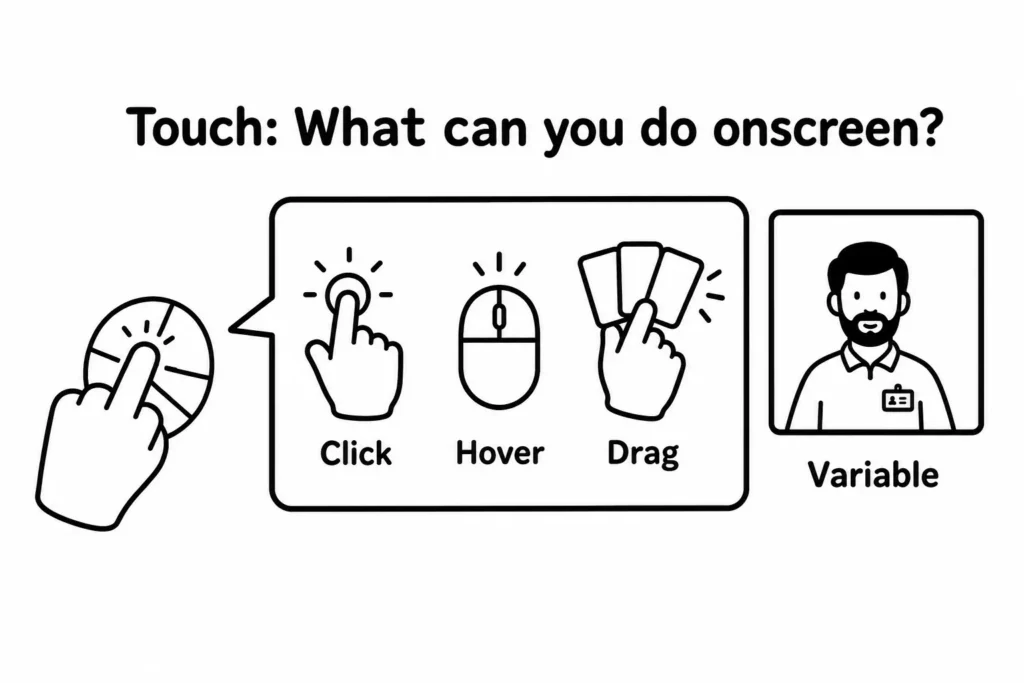
We want the learners to lean into the screen. To be engaged with it.. One way to get onscreen interactions right is to make the visual experience immersive. If you’re building a course on operating room procedures, the screen should feel like an operating room. Learners connect with content when the visual context matches the real environment they work in.
Touching the screen is only half of it. The other half is what happens cognitively. Your learners need to process information, make decisions, and demonstrate understanding. That’s where the real learning sticks. Otherwise, the interactive elements are superflous.
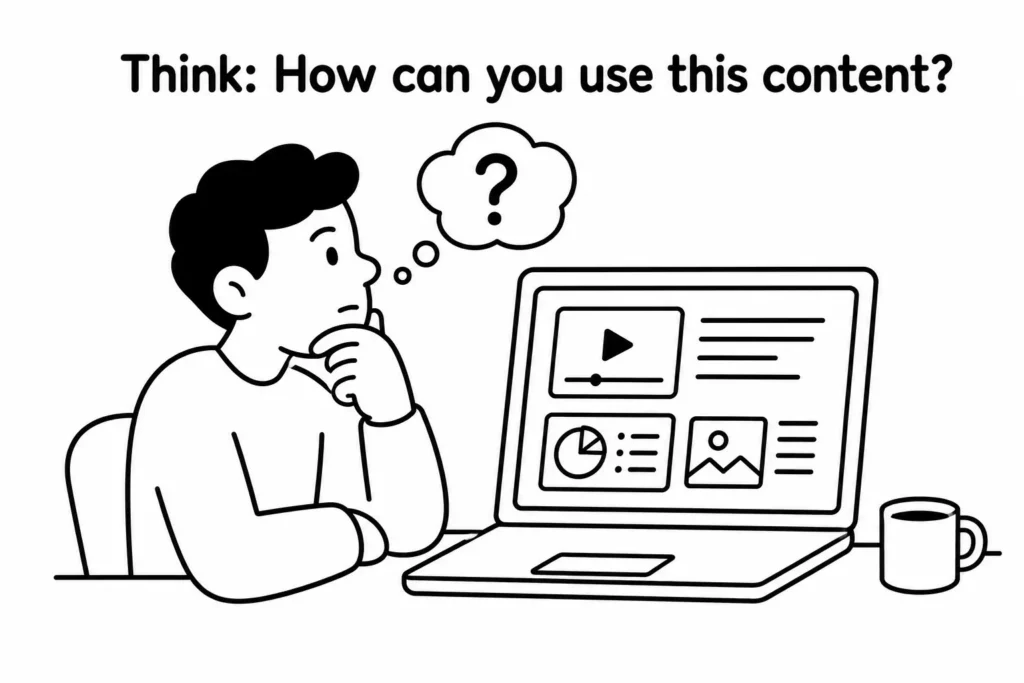
Three things drive genuine cognitive engagement. Together, they move a course from information delivery to real learning.
Good onscreen design gets learners engaged with the course. Good cognitive design makes that engagement mean something. Start by asking what decisions your learners actually need to make in their work, then build activities around those. When the onscreen experience and the mental challenge align, you’ve got something worth calling interactive. What does interactive e-learning look like in your courses right now?