Physical Address
304 North Cardinal St.
Dorchester Center, MA 02124
Physical Address
304 North Cardinal St.
Dorchester Center, MA 02124
Helpful ideas. Squeaky value.
Helpful ideas. Squeaky value.
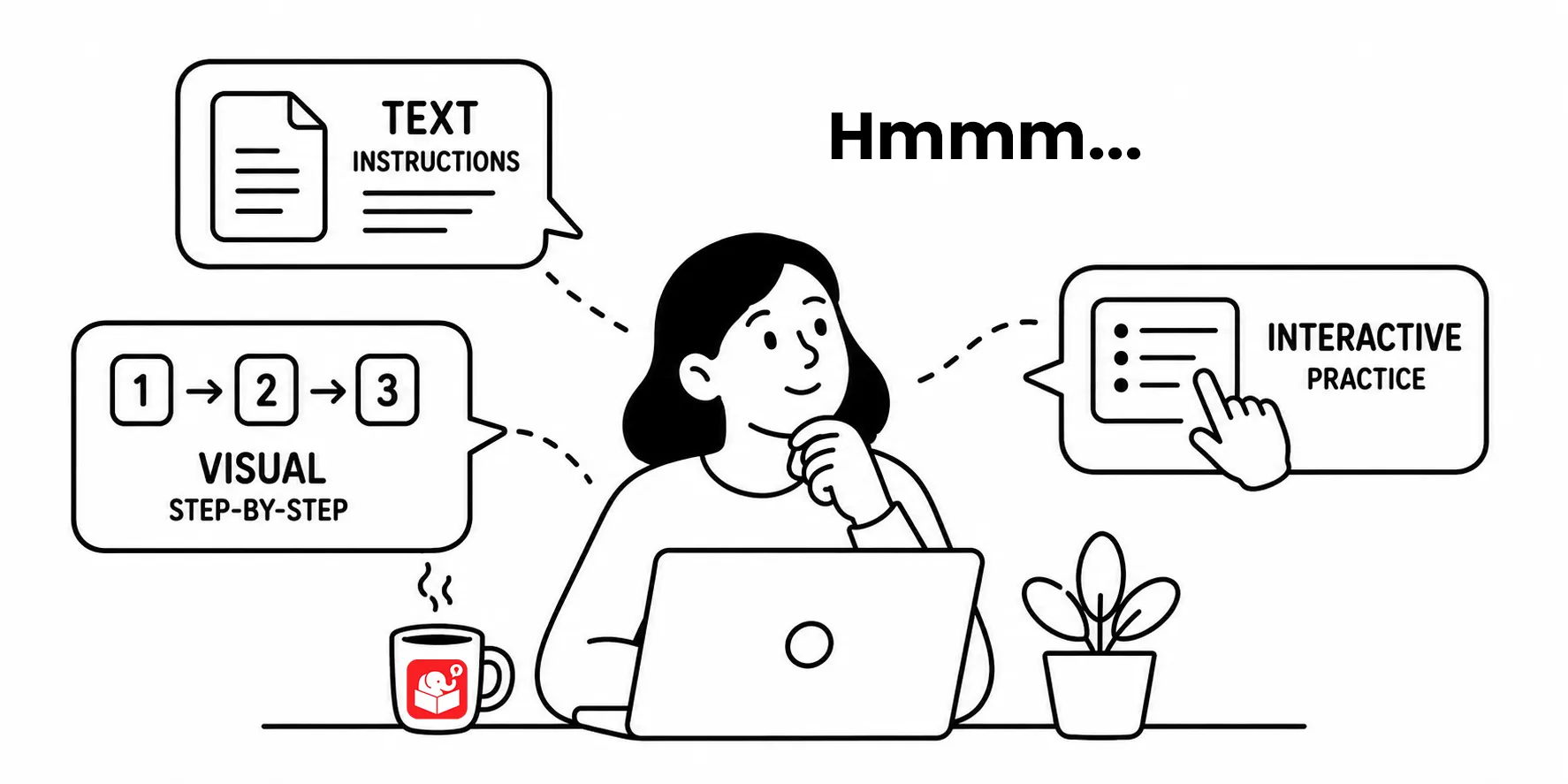
Often when working with clients I’d go round and round with them because they wanted very explicit instructions on how to do basic things like clicking the next button which happed to read “Next” or the menu button that was labeled “Menu.” It was always a bit annoying because those same people didn’t need such detailed instruction every time they were online or using apps.
With that said, it is important to give learners instructions in the course when they need them. The question is when do you give them the instructions and how explicit are they.
Every course eventually needs to tell learners how to do something. The question isn’t whether to give instructions. It’s when and how much.
The most common approach is to give all instructions at the start. You walk through what learners can expect, explain what to do, and then let them proceed. It’s the default because it’s the simplest to build.
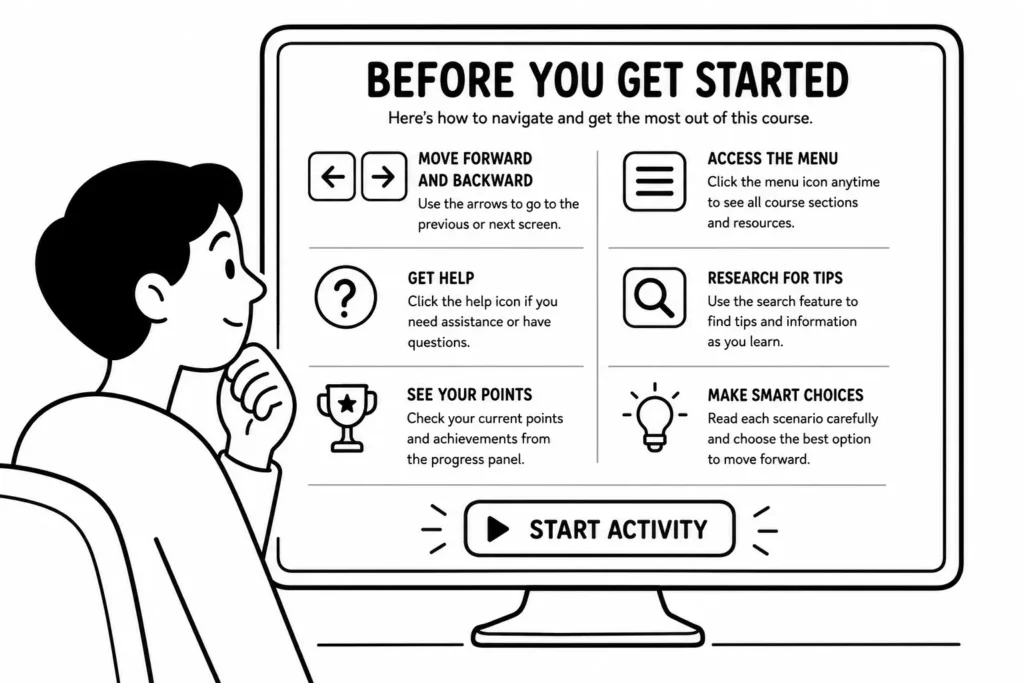
A better approach delays instructions until the learner actually needs them. Give some context upfront. Let them try the activity. Provide guidance when they’re stuck, or after it’s clear they haven’t acted. Instructions land better when they’re tied to a real moment of need.
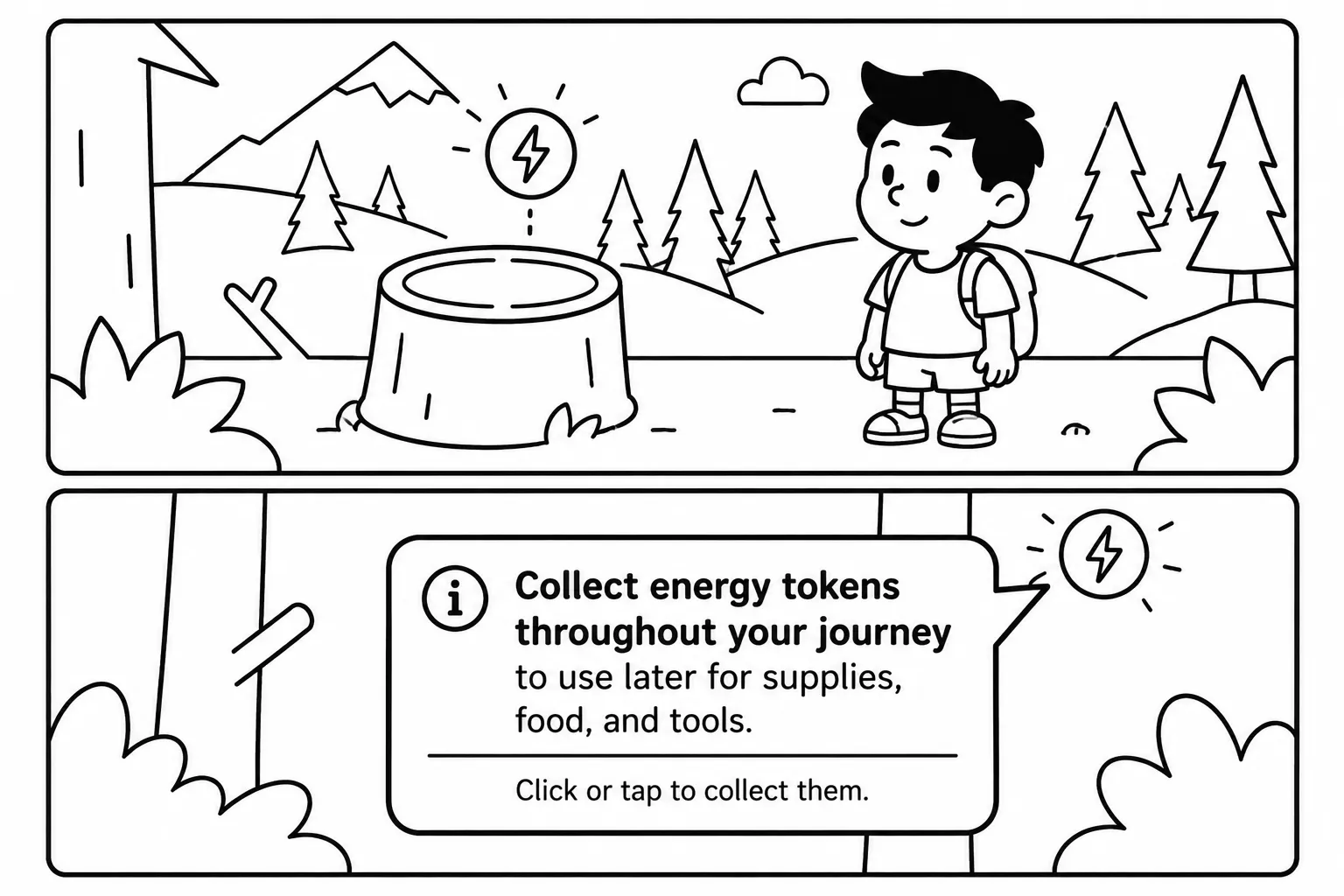
The third approach pairs instructions with an opportunity to practice. Think of how mobile game apps teach you the basics as you start with a few simple and then progressively challenging activities to teach you the game.
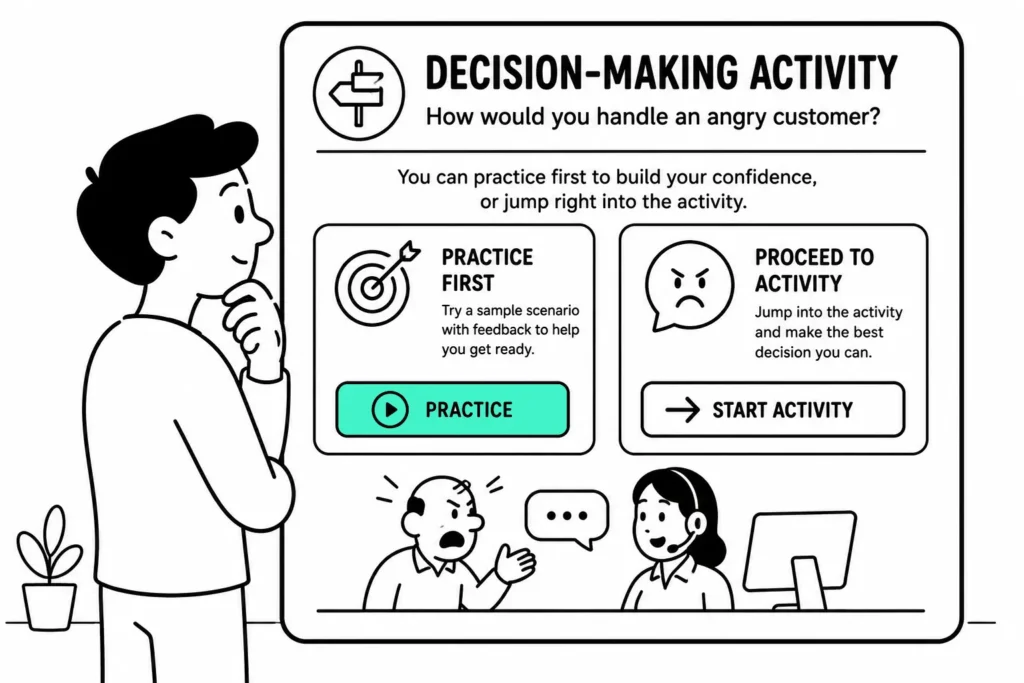
In a course, this looks like offering a choice before the activity starts. Do you want to practice first, or go straight to the challenge? Someone who’s done this before can skip ahead. Someone who hasn’t can work through it step by step. This approach disarms new learners without holding back experienced ones.
Each of these approaches works in the right context, and each falls apart in the wrong one. The key question is how much prior experience your learners are likely to have. If most already know the material, let them skip ahead. If many are new, build in the practice option. The front-loaded approach is worth reconsidering in almost every case. Not because it never works, but because the other two serve learners better whenever you have time to build them. Which approach fits your current project?