Physical Address
304 North Cardinal St.
Dorchester Center, MA 02124
Physical Address
304 North Cardinal St.
Dorchester Center, MA 02124
Helpful ideas. Squeaky value.
Helpful ideas. Squeaky value.
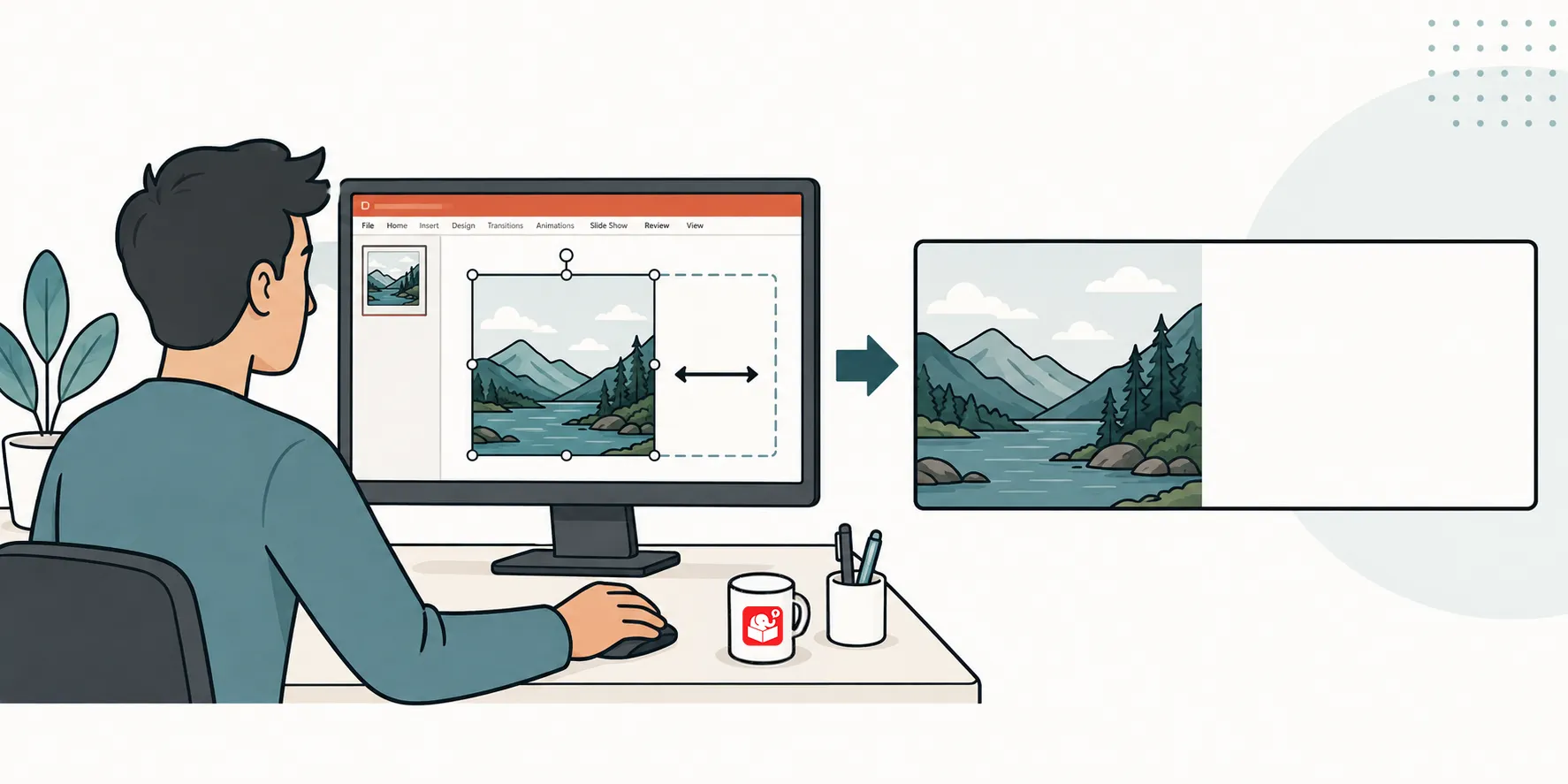
You found the perfect image, but the subject sits dead center and eats your space for text. The fix isn’t a full photo edit. Duplicate a sliver of the background, stretch it, and you’ve got space without touching the rest of the image.
Got a great image for your course, but the subject sits center with no room for text? This video walks through a quick fix.
Here’s what it covers:
Watch the video above to see each one in action.