Physical Address
304 North Cardinal St.
Dorchester Center, MA 02124
Physical Address
304 North Cardinal St.
Dorchester Center, MA 02124
Helpful ideas. Squeaky value.
Helpful ideas. Squeaky value.
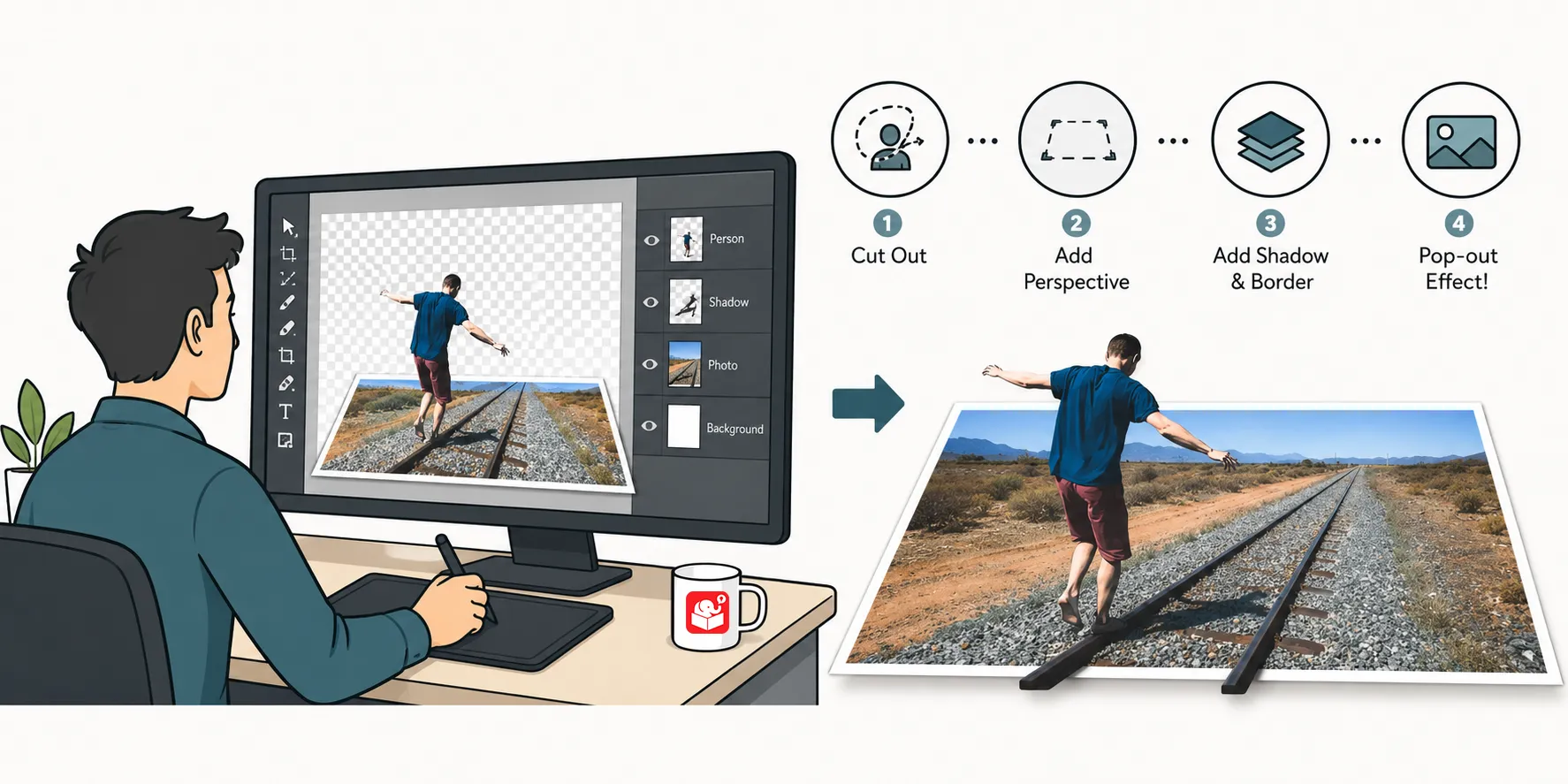
See how to turn a simple photo into a polished, tilted graphic that works for slides, courses, or social posts.
In an earlier post, I showed one way to create a 3D pop-out graphic in PowerPoint that you can use in your Rise courses. Here’s another example of a 3D pop-out effect.
Here are some examples from a previous e-learning challenge to see how they can be used ina course.
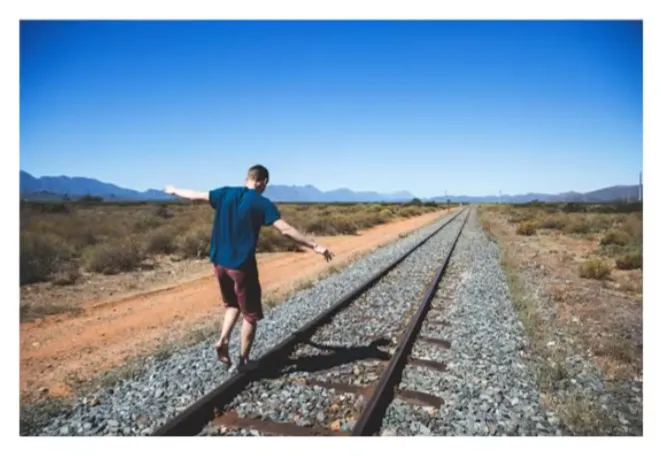
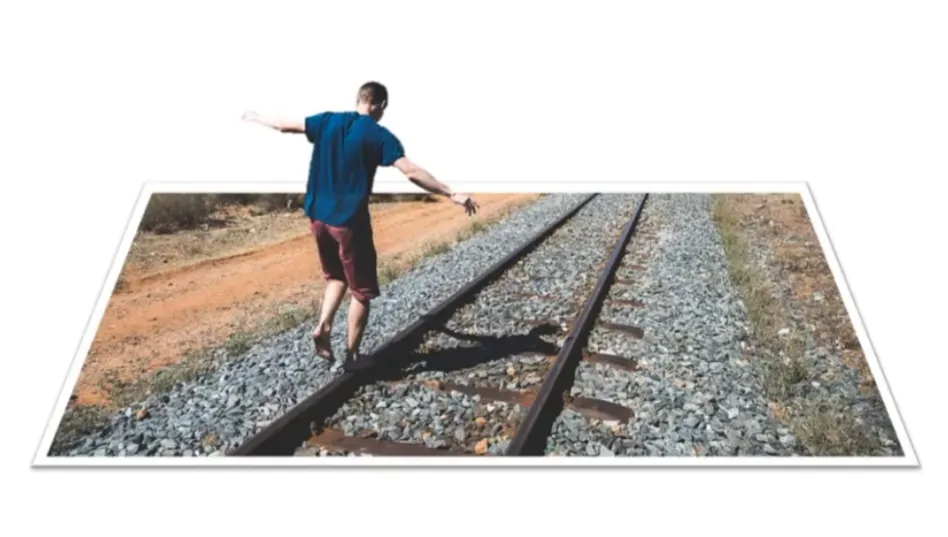
What I like about these tutorial is that you can learn to use PowerPoint for more than basic graphic design. And this is a good skill to have for those who aren’t graphic designers or have access to more sophisticated image editors.