Physical Address
304 North Cardinal St.
Dorchester Center, MA 02124
Physical Address
304 North Cardinal St.
Dorchester Center, MA 02124
Helpful ideas. Squeaky value.
Helpful ideas. Squeaky value.
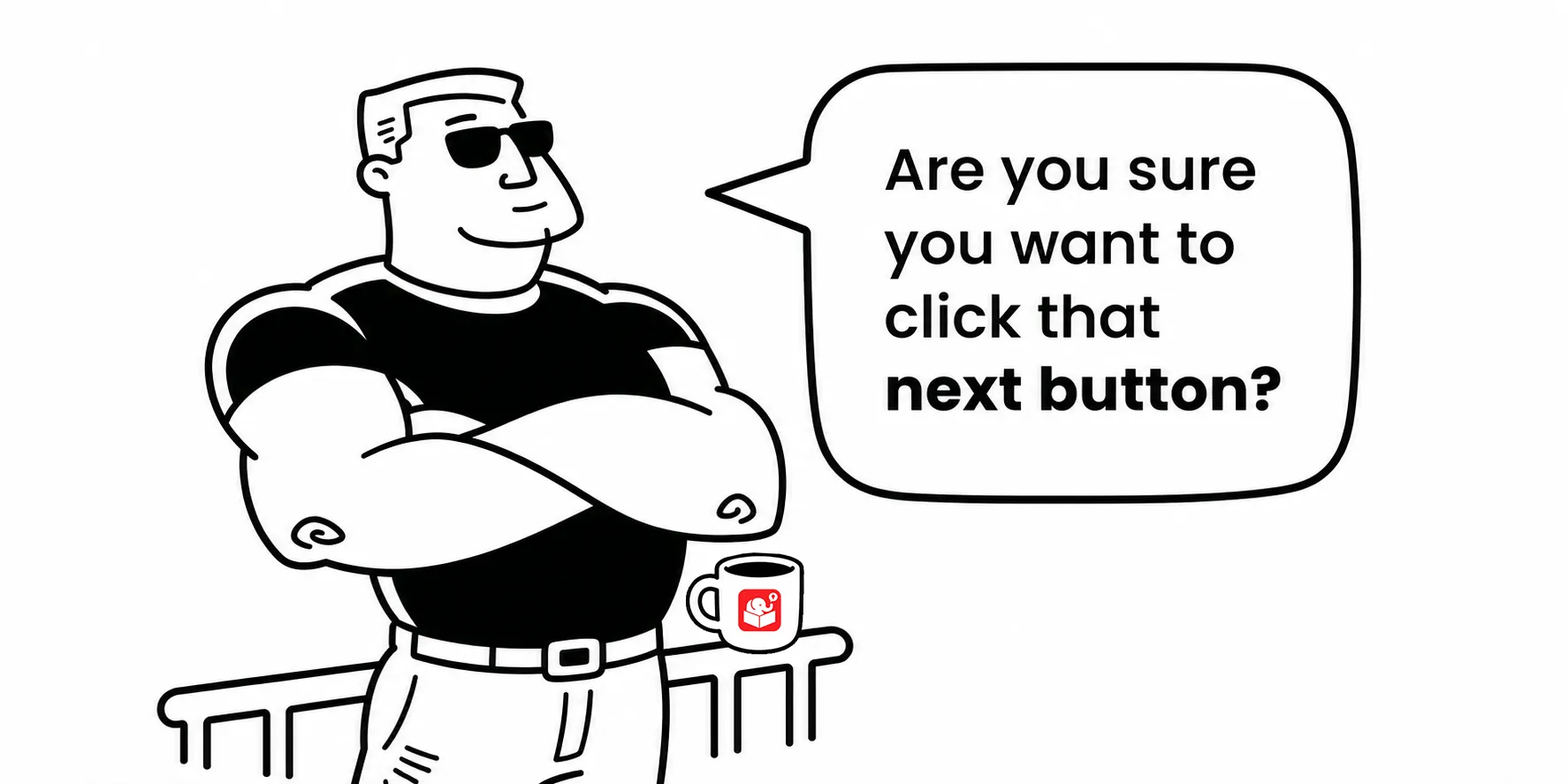
In most e-learning courses, there are moments when information needs to pause before it can move forward. Up to that point there was a flow to the course. But now, you introduce something different, usually a change in content type like an interaction, or a change in how the user navigates the course.
That pause point, where a learner absorbs something before proceeding, is what makes a gate screen useful. Understanding them helps you design better courses and build them faster.
A gate screen is a screen that stops the course flow until the learner is ready to continue. It doesn’t teach anything on its own. It creates a moment for the learner to get oriented before moving forward.
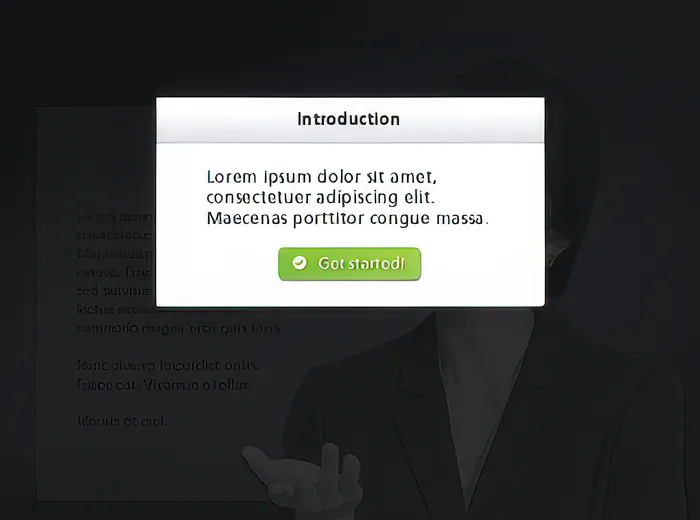
Most e-learning courses have at least two types. The introduction gate appears before an interaction begins. It pauses the course, gives the learner instructions or context, and waits for them to click through.
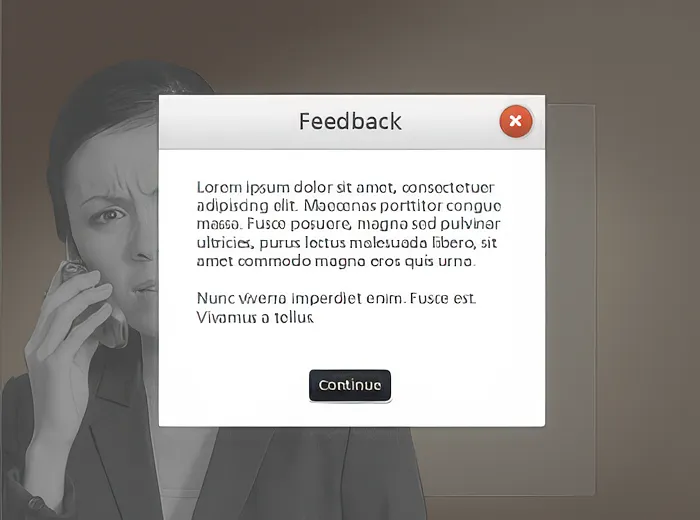
The feedback gate does the same thing in a different context. It shows up after a decision or quiz response. The learner reads the feedback and then moves on, or possibly goes back to try again.
Both gate types work the same way. They stop the flow, focus the learner’s attention, and then release them. Knowing this upfront means you can plan for them before production starts.
Gate screens are a small design choice with a lasting impact on how learners experience a course. Developers who plan for them upfront spend less time scrambling during production. If your next course has an interaction or a quiz, it probably needs at least one gate screen. Design it in from the start and you’ll end up with a course that feels more intentional.