Physical Address
304 North Cardinal St.
Dorchester Center, MA 02124
Physical Address
304 North Cardinal St.
Dorchester Center, MA 02124
Helpful ideas. Squeaky value.
Helpful ideas. Squeaky value.
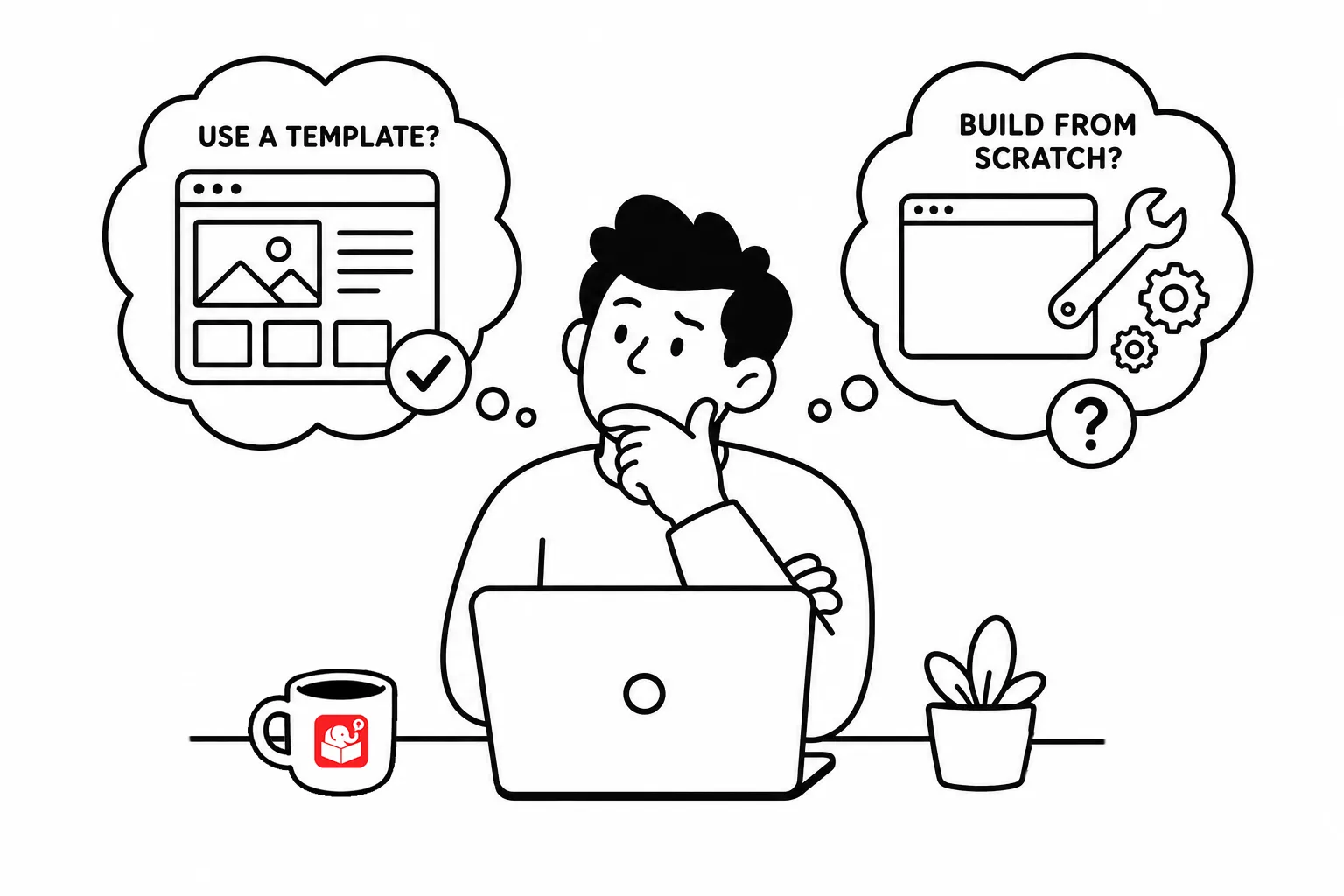
You’ve probably experienced trying force content into a course template that doesn’t fit. It looked good when you downloaded it. And it was supposed to save time. Instead, it created a different kind of work with lots ot tweaking. Or you start to tweak it and then realize there are odd constraints caused by the template and then just live with a broken course or leave it and start over.
Here’s the case for templates (and against using them everywhere).
Templates work because they eliminate decisions for content that doesn’t change much. Most courses share a handful of common screen types:
These are prime candidates for templates because the structure is predictable and consistent.
Templates always look great with placeholder content. When you add your own, the template may not look as good.
The challenge really starts with course content itself. A software training course is driven by screenshots. A customer interaction course needs visuals that reflect the actual conversation. When content has specific requirements, generic templates often need so much tweaking that starting from scratch is faster.
The most practical approach is to split your course into three zones.
Templates fit well in zones one and three. Those screens follow a predictable pattern and are easy to update. Zone two is different. That’s where content drives design, not the other way around.
Use templates for simple layouts in the content zone. Don’t force complex or contextual screens into a template just to stay consistent. A blank screen you design for the content is often faster than a template you spend an hour reshaping.
The goal of a template is to save time. When a template costs more time than it saves, it’s no longer a tool. Think about your next project and where you’re likely to spend the most design effort. That’s usually a signal to step back from the template and let the content shape the screen.