Physical Address
304 North Cardinal St.
Dorchester Center, MA 02124
Physical Address
304 North Cardinal St.
Dorchester Center, MA 02124
Helpful ideas. Squeaky value.
Helpful ideas. Squeaky value.
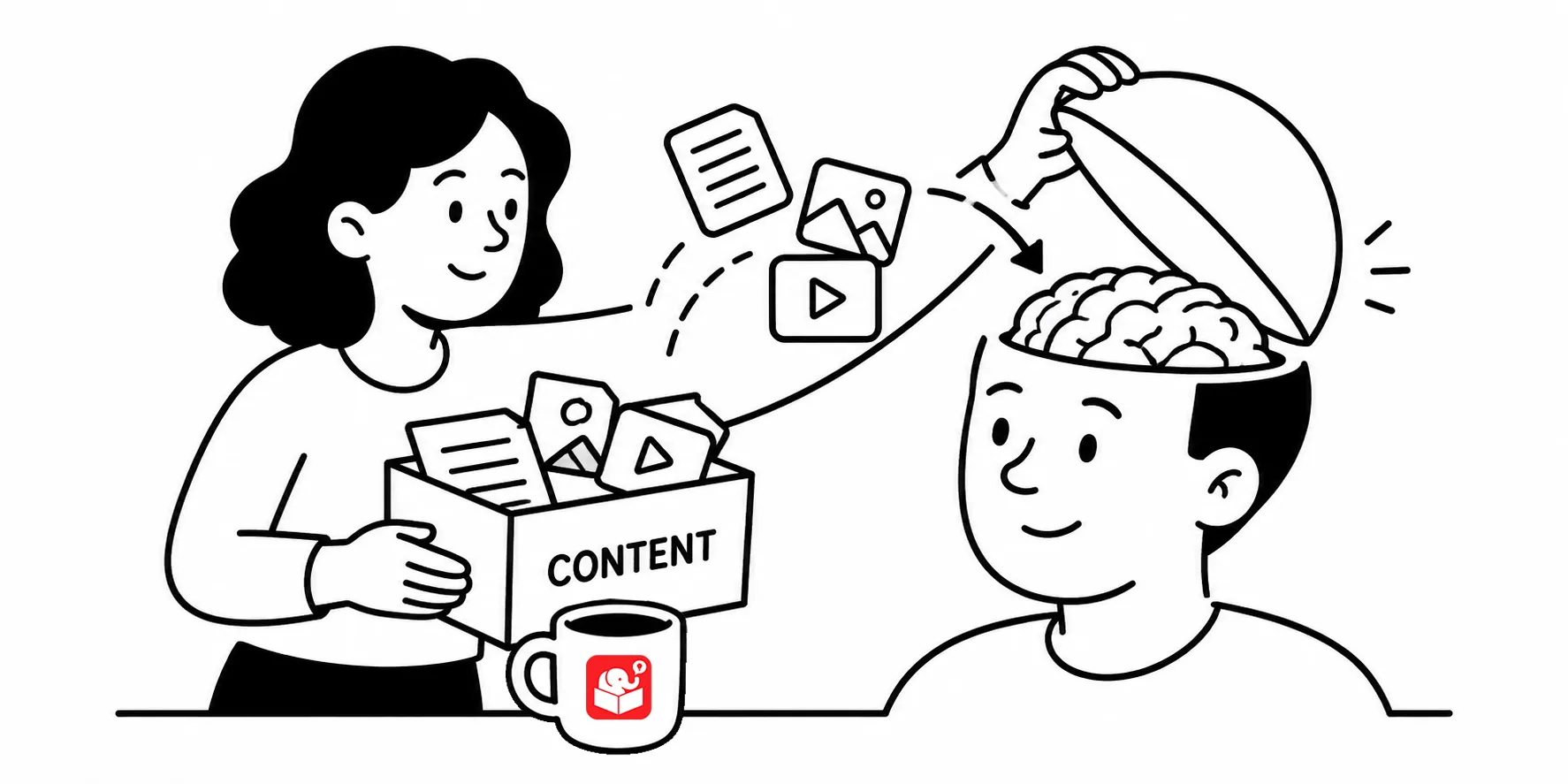
Everyone wants to build good e-learning courses, whether for sharing new information or changing workplace behaviors. While not all e-learning objectives are the same, there are things you can do in your course design that help your learners recall the information and use it in the real world.
To do this, you need to understand how the learner’s brain processes the e-learning course content. In this post, we’ll do a quick overview of cognitive learning theory and how it relates to your e-learning courses.
Learning is the process of taking information into your working memory and connecting it to what you already know in your long-term memory. Working memory is where all your active thinking happens. Long-term memory is where knowledge gets stored for later use. The challenge is that working memory has limits.
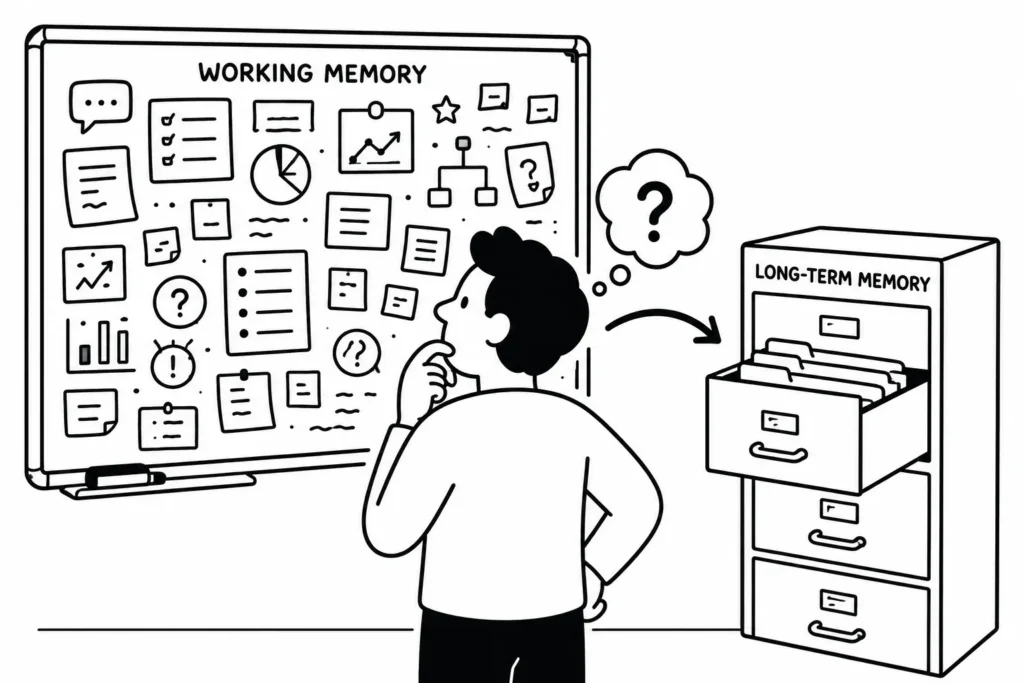
Think of it like a whiteboard. You can do a lot of work on a whiteboard, but you only have so much space. As you fill it up, you run out of room to do more work. You have to capture what’s important and clear space before you can keep going.
That captured information goes in a folder and filed away and gets attached to your long-term memory. When you need it later, you pull out the folder. That’s retrieval. That’s what you’re designing for when you build an e-learning course.
You can only write so much on a whiteboard. At some point you run out of room. Which means you’re moving stuff around, erasing things, or just choosing not to add more.
When you overload the whiteboard that is your working memory, learning breaks down. This is called cognitive load. If working memory is processing too much at once, there’s no room to make sense of it, and nothing moves into long-term memory.
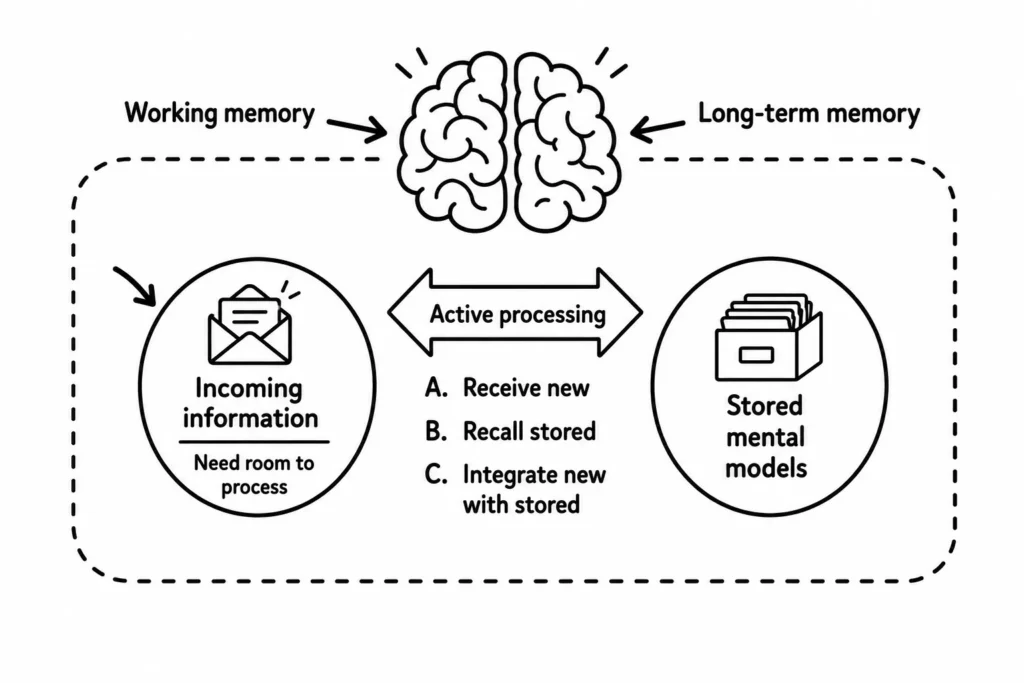
This is exactly what happens in courses stuffed with content. Screens full of bullet points, walls of text, audio narration with no breathing room. Learners are trying to take it all in while their working memory is already maxed out. The content goes in, and it doesn’t stick.
Your job as a course designer is to work with the brain’s limits, not against them.
The fix isn’t adding more content reviews or more quiz questions. It’s designing the course differently from the start. Three things make the biggest difference.
Look at your current course and pick one area to trim. What content is in there because a subject matter expert wanted it included, not because learners need it to do their job? Cutting unnecessary content reduces cognitive load without any other changes to your design. Then add one scenario or practice exercise that asks learners to apply what they just read. Small changes to structure make a measurable difference in how much learners retain.