Physical Address
304 North Cardinal St.
Dorchester Center, MA 02124
Physical Address
304 North Cardinal St.
Dorchester Center, MA 02124
Helpful ideas. Squeaky value.
Helpful ideas. Squeaky value.
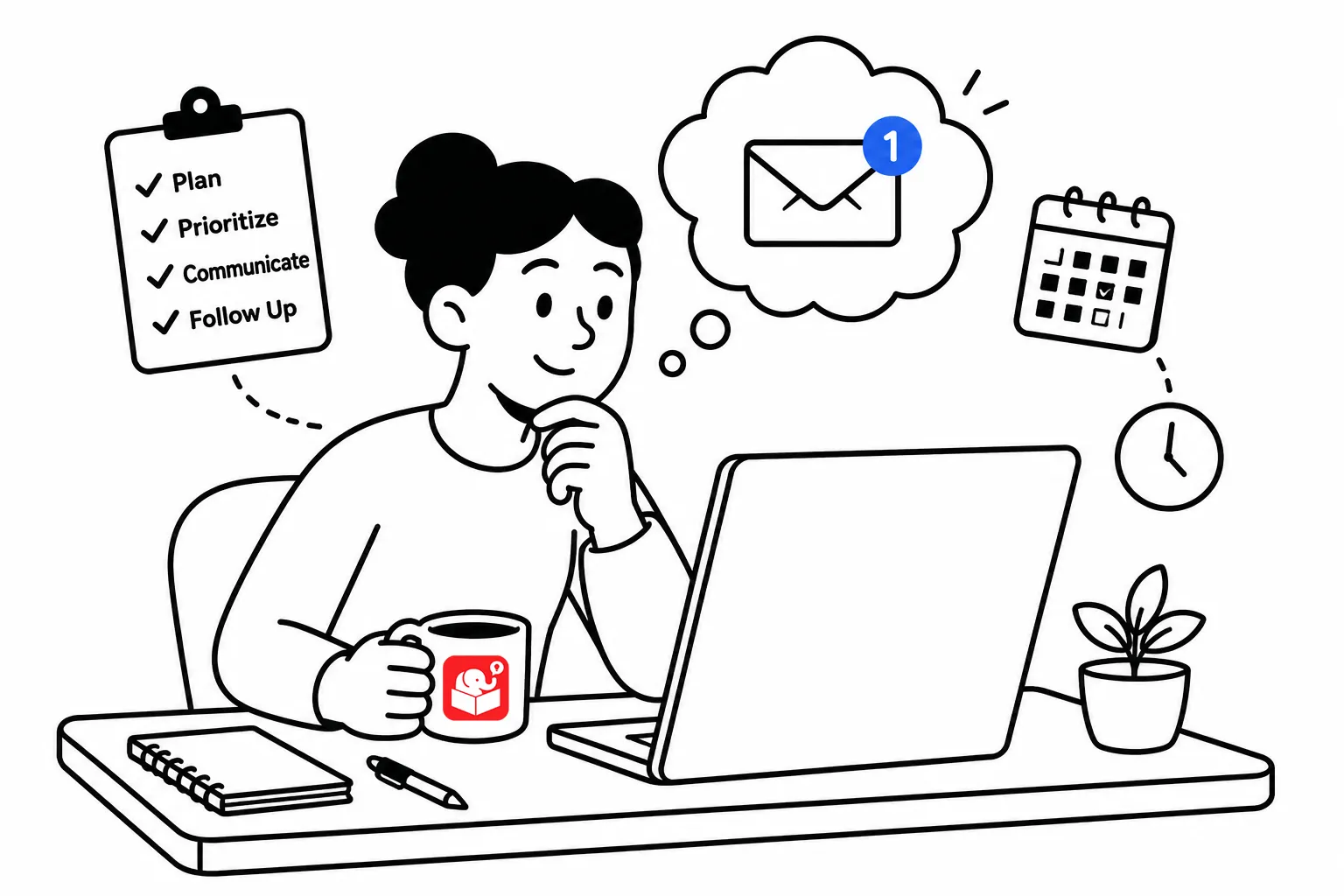
This is a revisit of an funny presentation on communicating via email. Probably not as relevant today since most people seem to use Slack, Teams, or Notion. However, odds are you’re still using email with clients.
Here’s the presentation. The video is of an older presentation at Ignite Boise, one of those fun 5 minutes and 20 slide events. The title is “You Don’t Know How to Email.” Check it out.
At about the 1:48 mark, Erik introduces his friend Dan and Dan’s emails. It’s both funny and eye-opening. After watching the video, I looked through my sent emails and sure enough, there were dozens that began with “Hey…”
I am Dan! And perhaps you’re Dan, too.
Here’s the deal, if you’re swamped with emails, so are your co-workers, manager, and most important your clients and subject matter experts. By following some of the tips from the Hamster book, you’ll communicate better, your subject matter experts will be happier, and you’ll do a better job managing your emails.
I’ve noticed that many e-learning project headaches come from the same place: unclear communication. Client calls that go too long. SMEs who miss review deadlines. Action items that get buried in long message threads. The fix is simpler than you’d expect. It may start with how you write emails.
Here are some tips from the Hamster Revolution book.
The subject line is the first place most people lose their readers. Generic subjects like “Course update” or “Quick question” don’t tell anyone what to do or why they should open the message.
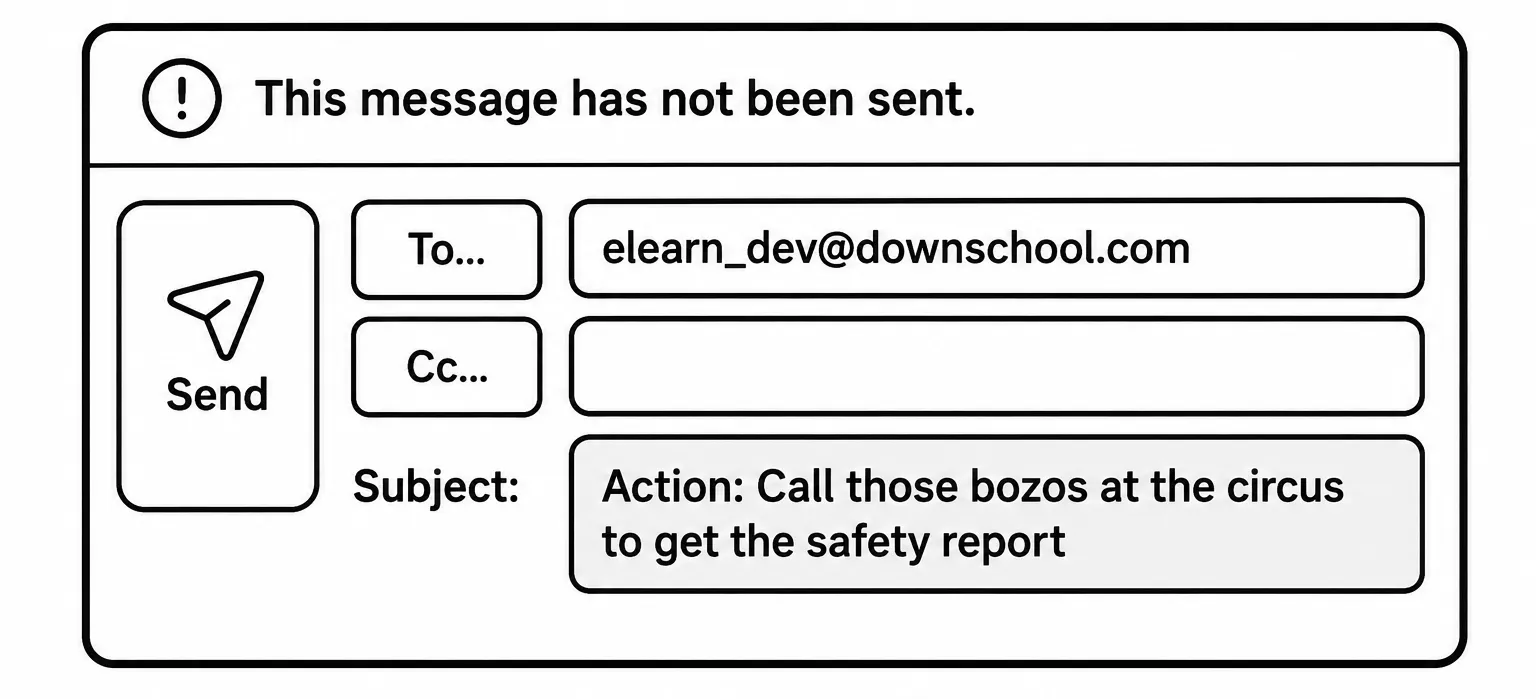
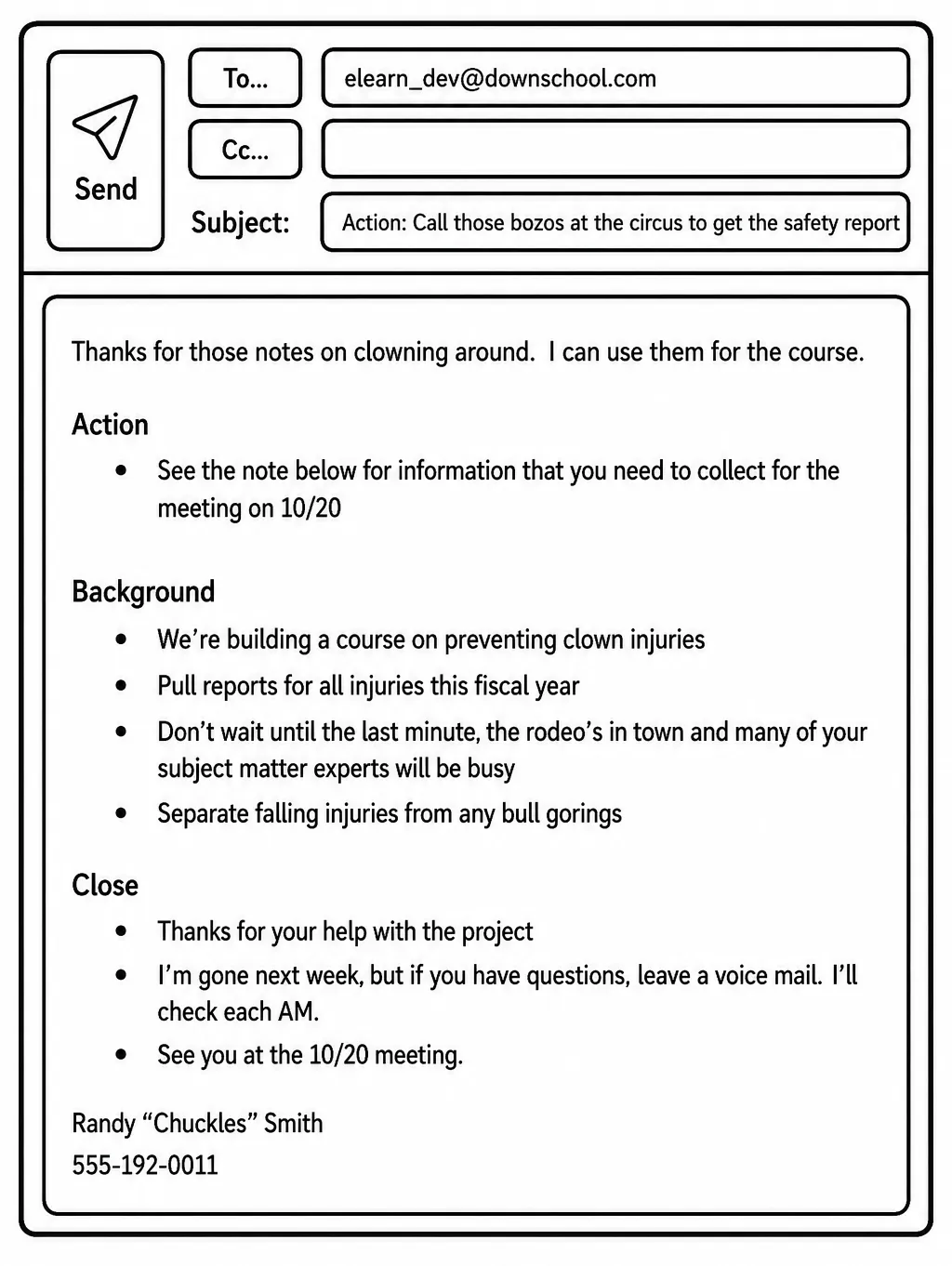
Add an action category at the start of the subject. Something like ACTION:, FYI:, or DECISION NEEDED: gives the reader an immediate signal. They know before they open the email whether they need to act or just be aware.
A subject line that reads “ACTION: Review lesson two by Thursday” tells the reader exactly what’s expected.
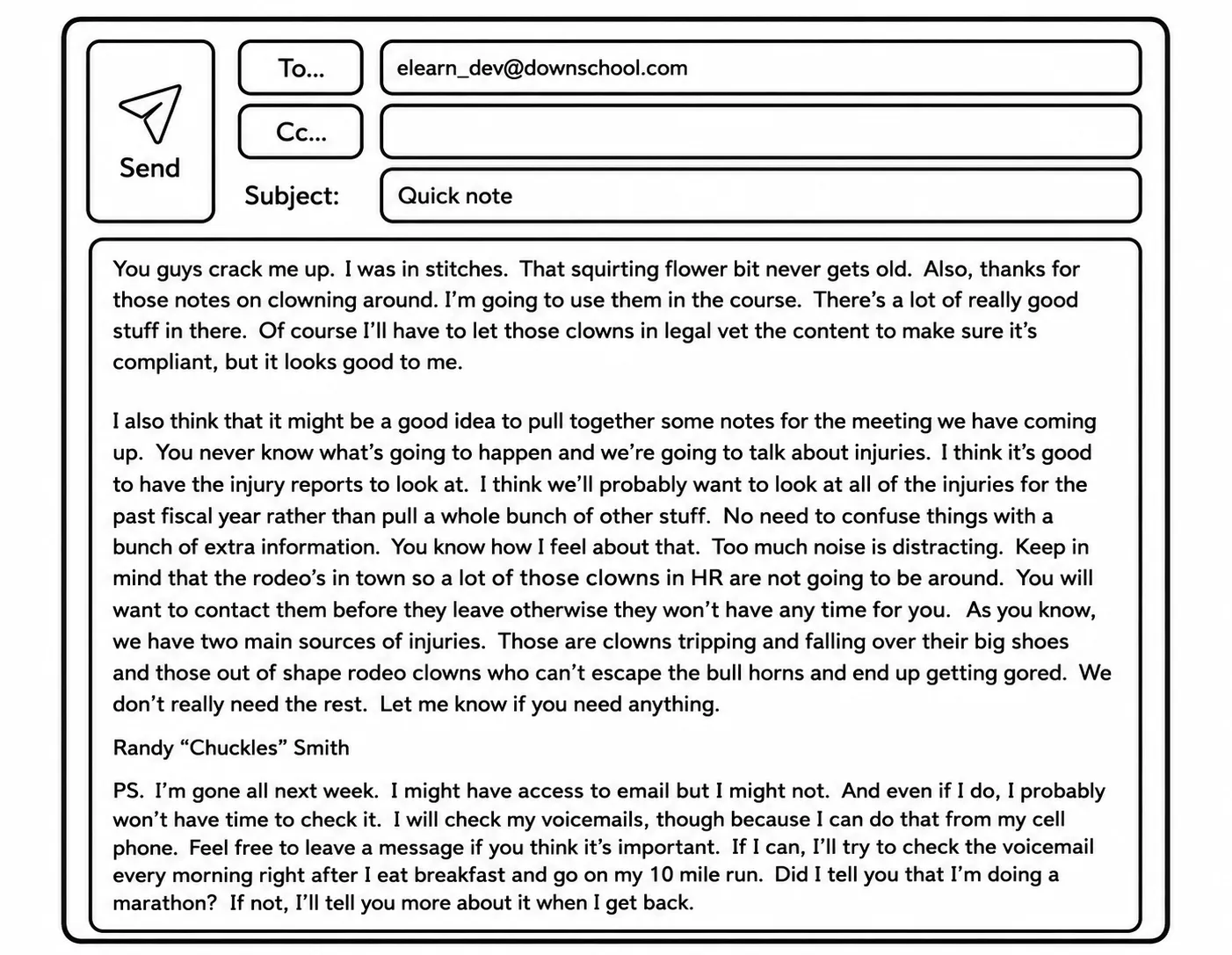
Once they’ve opened the email, most readers skim. They look for what they’re supposed to do first and scan the details second. Most emails are written in the opposite order — context and background first, action item buried at the end. By then, the reader has already moved on.
The A-B-C format flips that. Action first, Background second, Close third.
E-learning projects tend to involve a lot of asynchronous communication with people who aren’t paid to be good at email. SMEs have day jobs. Clients have competing priorities. The clearer your ask, the more likely you are to get what you need on time.
Most corporate email is wasted time, and a few structural habits can recover hours every week. These concepts apply directly to managing e-learning projects. The goal isn’t to write perfect emails. It’s to write emails that produce the outcome you need.
Audit your last ten project emails. How many buried the action item? How many had generic subject lines? Try the A-B-C format on your next review request and see if you get a faster response. Good communication won’t fix a bad project, but unclear communication can sink a good one.