Physical Address
304 North Cardinal St.
Dorchester Center, MA 02124
Physical Address
304 North Cardinal St.
Dorchester Center, MA 02124
Helpful ideas. Squeaky value.
Helpful ideas. Squeaky value.
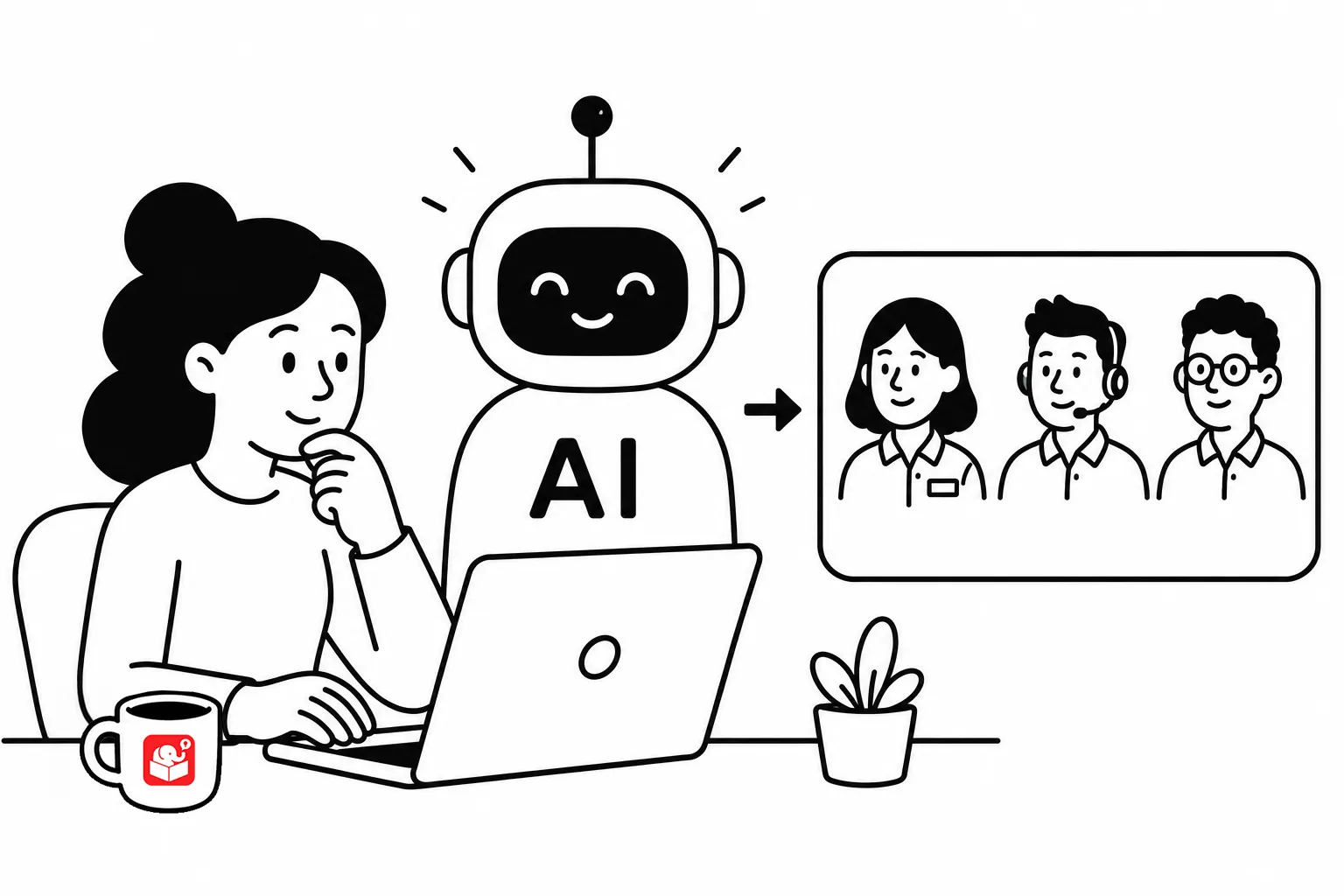
There are a lot of instructions on creating characters with AI. I myself probably have three or four ways I do it. And AI is changing so rapidly. In fact when I first addressed this top in 2023, a lot more was involved in chasing the holy grail of creating consistent characters to use for presentation and e-learning courses.
However, the basic ideas still stand.
The most common mistake is using a generic descriptor like “business person” without adding anything else. AI models carry built-in biases, so generic inputs produce a narrow range of results. Starting generic is fine, but you need to plan on modifying the descriptor from there.
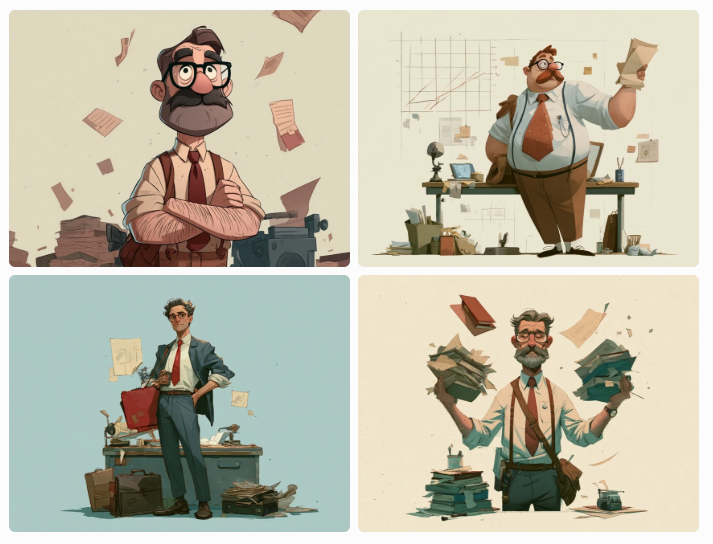
The prompt for the image above was basic so AI is going to run with it. You may end up with a man, a woman, and who knows what age or ethnicity. You also get some random illustration style, age, clothes, background, etc. And we haven’t even talked about lighting, angles, or anything else about image composition.
Essentially, when you type in a prompt, you have a mental image of what you want. And you need to get to a point where you know how to ask for that. The more you do this, the better you’ll get.
Adding an age helps. “40-year-old Asian, female business manager in corporate casual light sweater and slacks with flats” shifts the output in useful ways compared to just “business manager.”
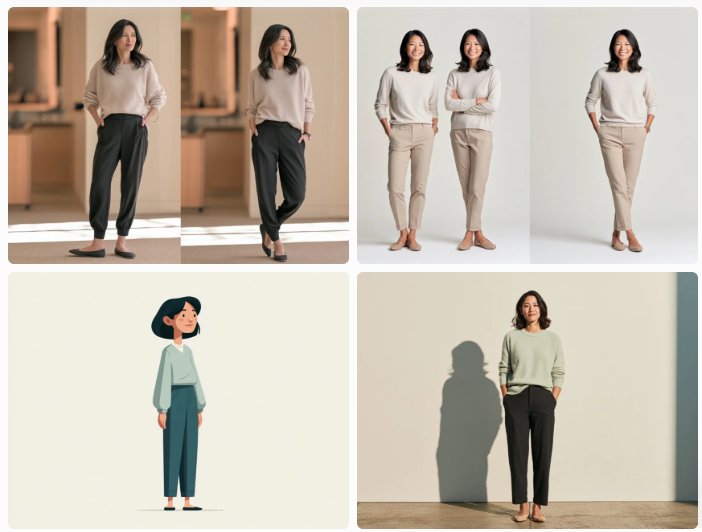
You’ll need to fine tune the image style and then once you find a result you like, change only the demographic descriptor and nothing else. That keeps the overall style consistent across your character set. In the image below I added the vector style
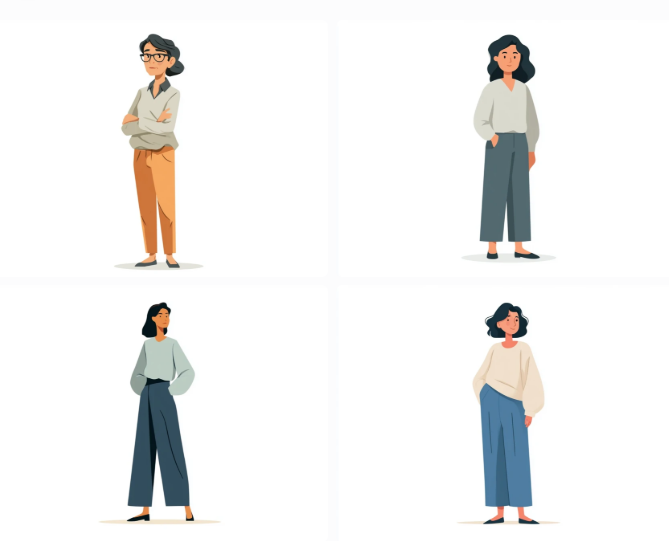
For example, if I keep the essence of the prompt and change the character details, I can get closer to a consistent image style for other characters.
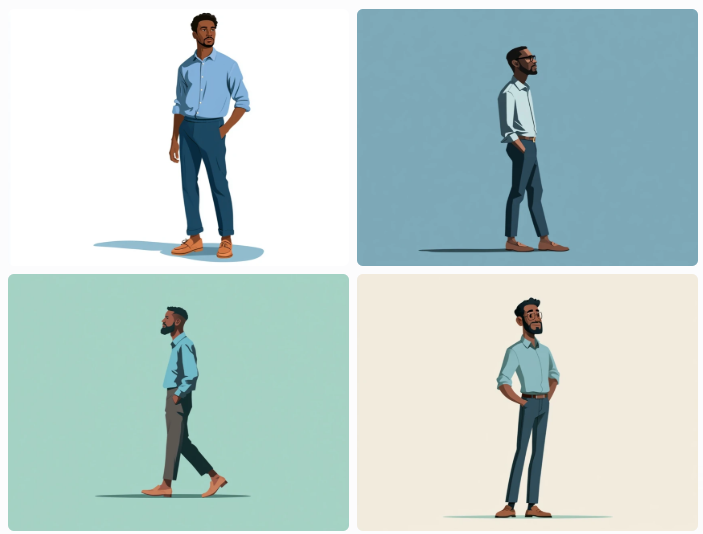
Don’t expect to get it right on the first try. The goal is to find a prompt that produces something workable, not something ideal. When you find that prompt, note it and move on.
Spending hours experimenting is fun, but it eats up production time fast.
The action descriptor shapes the pose. Short phrases work better than long descriptions. Try “gesturing,” “arms crossed,” “hands on hips,” or an emotional state like “confused” or “thinking.”
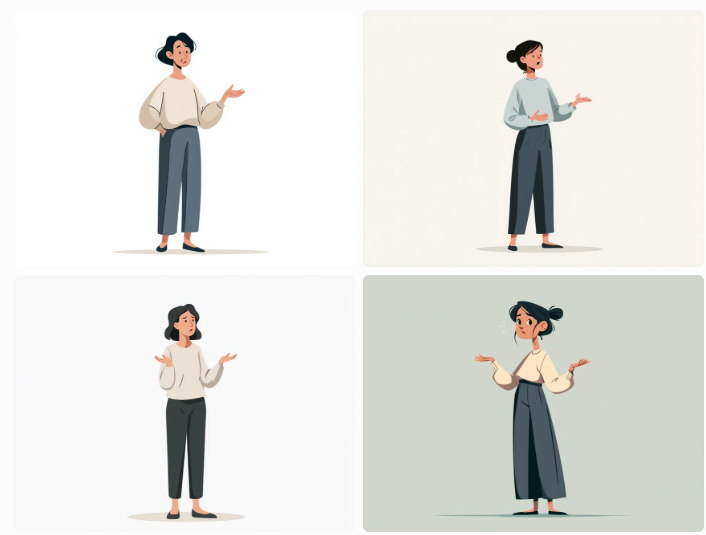
One thing to expect: the AI won’t always give you the exact pose you described. “Hands on hips” might produce something that looks more like arms crossed. “Arms crossed” might not generate a full-body shot. That’s part of working with these tools. You adjust your expectations and pick the closest match.
A bonus tip: you can ask for full body and sometimes you get it, sometimes you get 3/4 body. But if you describe the footwear, that generally produces a full body.
For e-learning work, “flat vector illustration” is a reliable starting point. It produces clean, simple images that work across most course designs. The style stays relatively consistent between generations, which helps when you need multiple characters from the same session.
Add “white background” to the prompt whenever you plan to edit the image later. It makes cleanup much faster. Once you find a style phrase that works, treat it as a fixed element of every prompt in that project. Changing the style descriptor mid-project breaks the visual cohesion of your character set.
AI bias shows up in both representation of a person’s ethnicity and clothing choices. The same prompt can produce different results depending on how it’s worded. Changing a single descriptor, like adding an ethnicity, age, or profession qualifier, can shift the output in noticeable ways.
I always start with a generic person knowing that there is bias. But once I get the general style down, then I can modify the description of the character to get what I want.
Build a diverse set by keeping the style prompt fixed and cycling through different character descriptors. You’ll end up with a range of characters that feel visually cohesive without starting from scratch each time. That range matters for inclusive course design.
Prompt writing is a skill that sharpens with repetition. The e-learning designers who build character libraries most efficiently treat every prompt session as practice, not just production. As AI tools keep evolving, the prompt structures you develop now will keep paying off.
You can save a lot of time downloading the free characters I created while playing around with AI prompts.