
The blog
Training and e-learning tips, real examples, free resources, and the occasional tip about everything else.
-
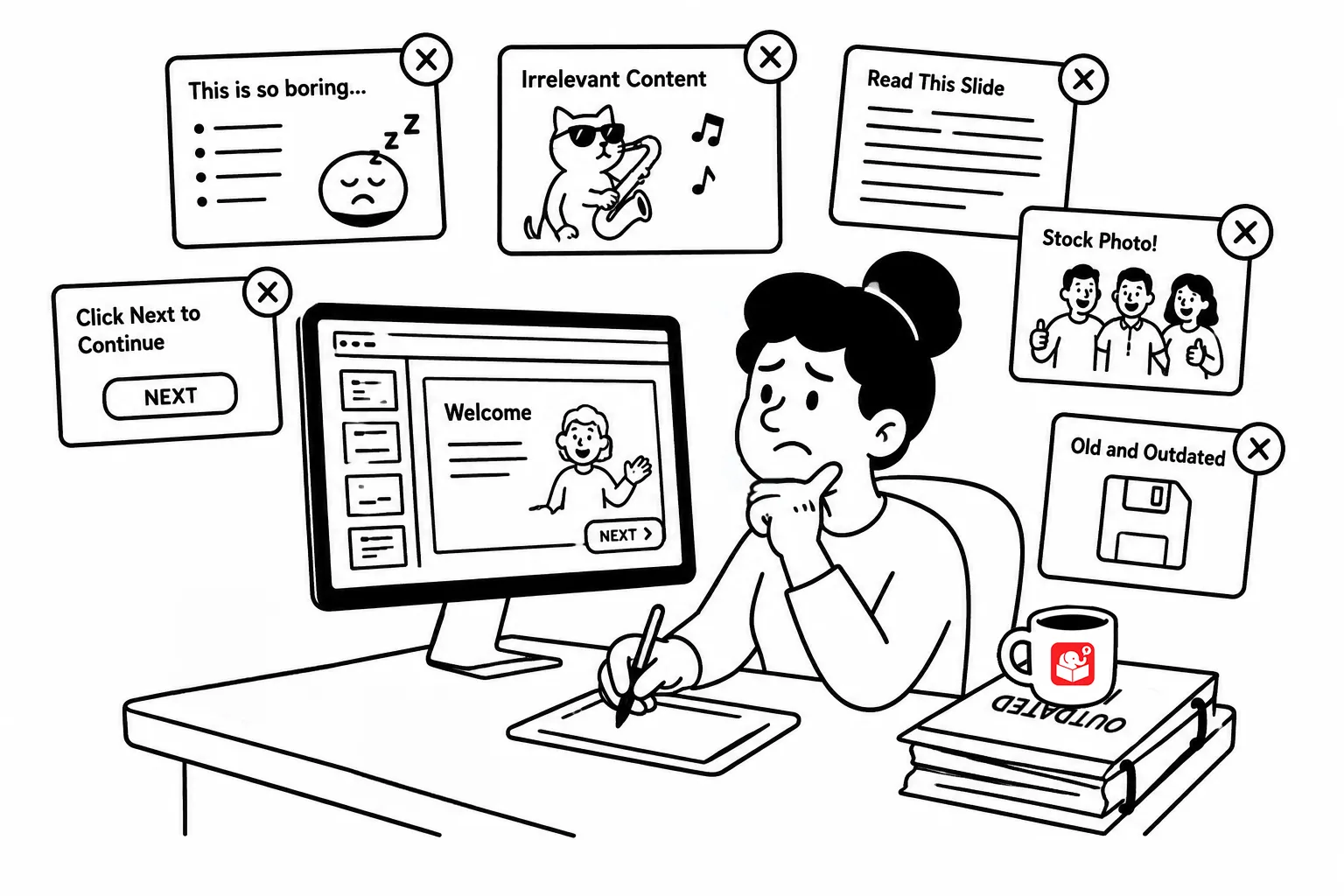
Three Ways to Guarantee Your E-Learning Fails
Learners can spot a bad course fast: no relevance, no point, no polish. Here are three habits that guarantee yours misses the…
-
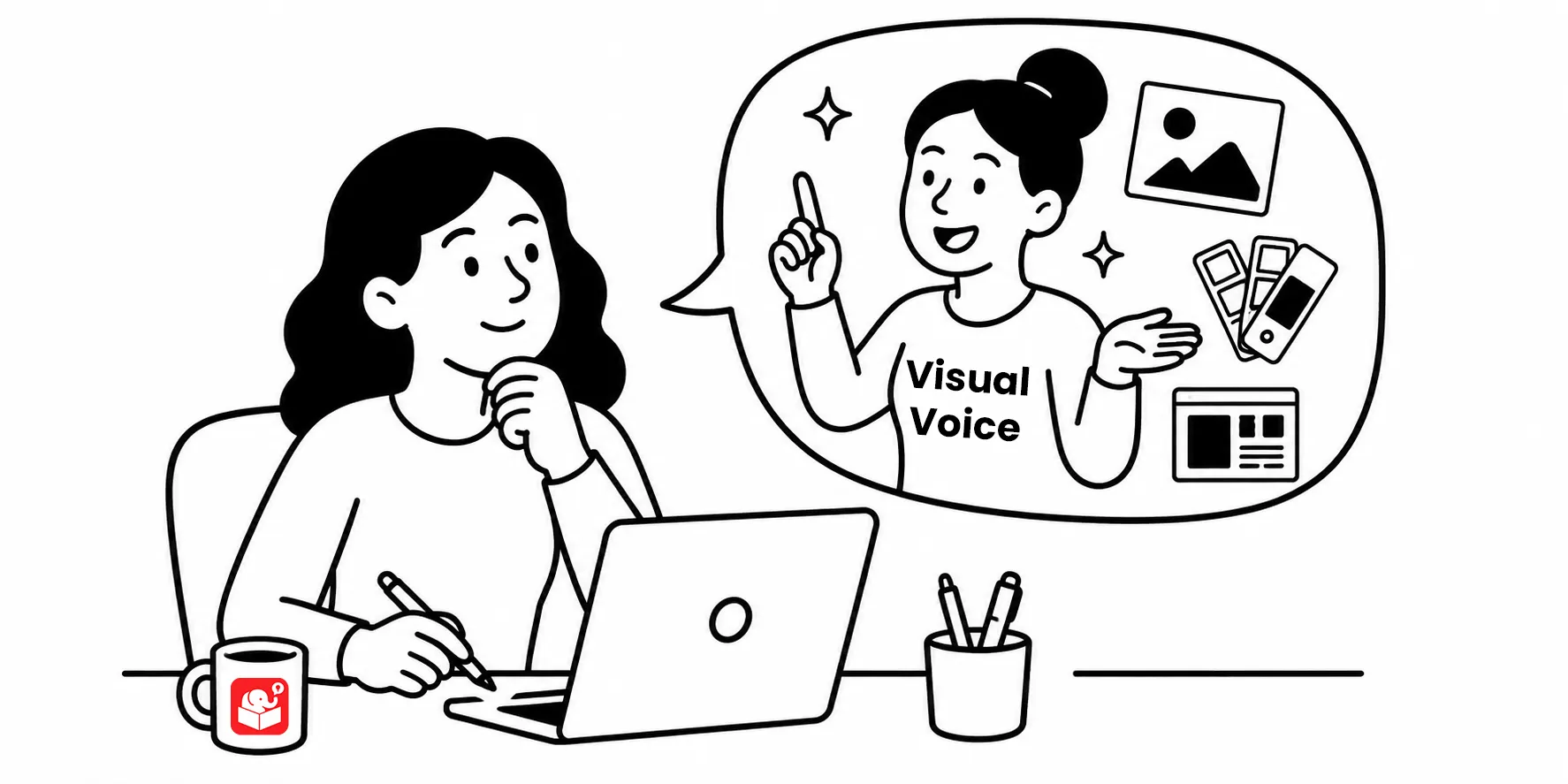
How to Find the Right Visual Style for Your E-Learning Course
Most e-learning developers aren’t trained graphic designers. But you probably already sense which colors belong in a safety course versus a call…
-

What to Do After You Finish an E-Learning Course
Most of us finish a course, hand it off, and move on. But what happens after launch matters more than most developers…
-

The Missing Piece in Most E-Learning Courses
Making content interactive isn’t the same as teaching people to make good decisions. Here’s why so many e-learning courses stop short of…
-

How to Move Past Locked Courses
The instinct to lock every screen in a course is understandable. If learners can skip freely, how do you know they learned…
-
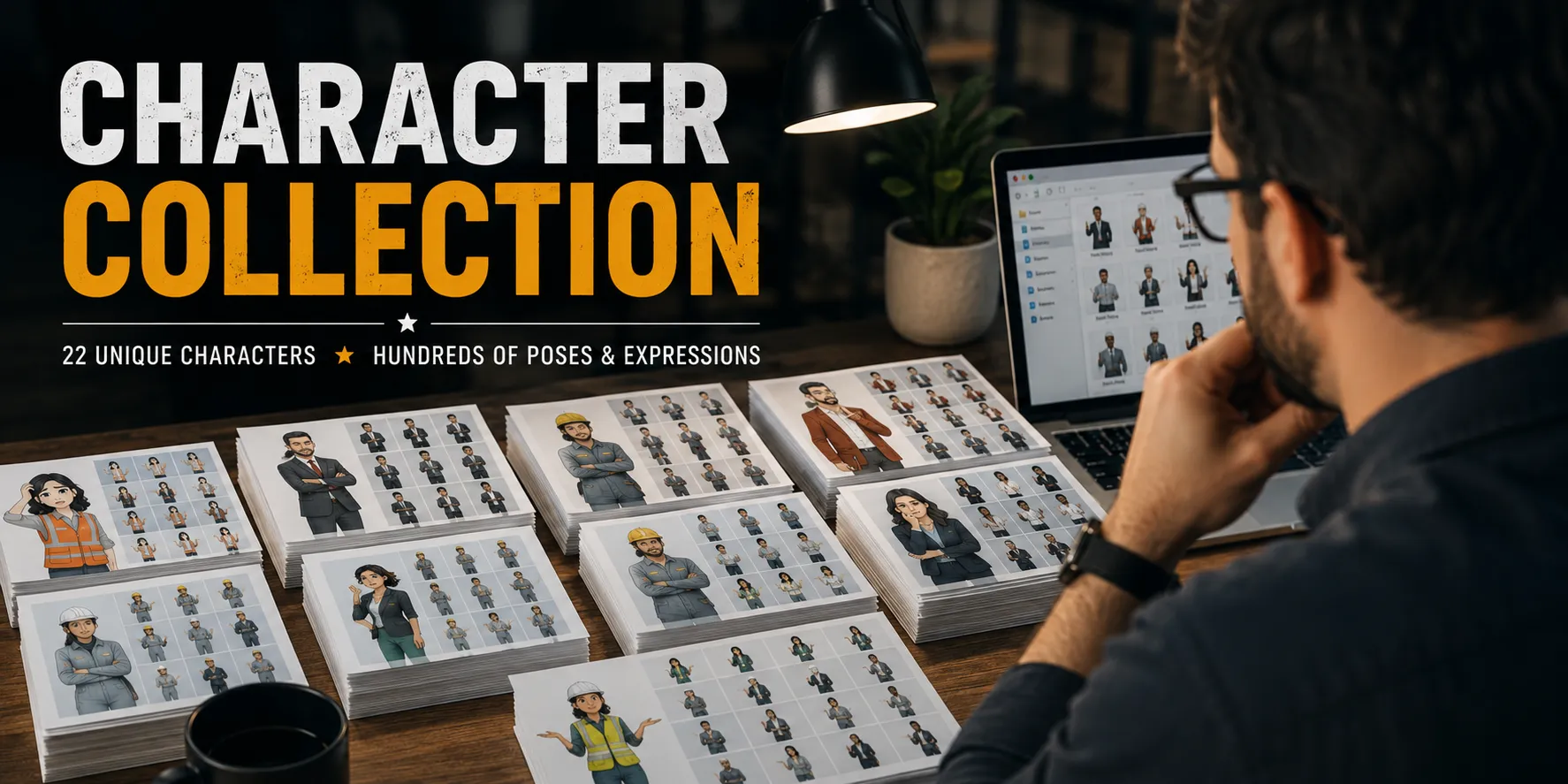
Free Characters for Your Courses and Presentations
Explore hundreds of free characters and thousands of poses—perfect for online courses, presentations, and more. There’s something for everyone, and it’s all…
-
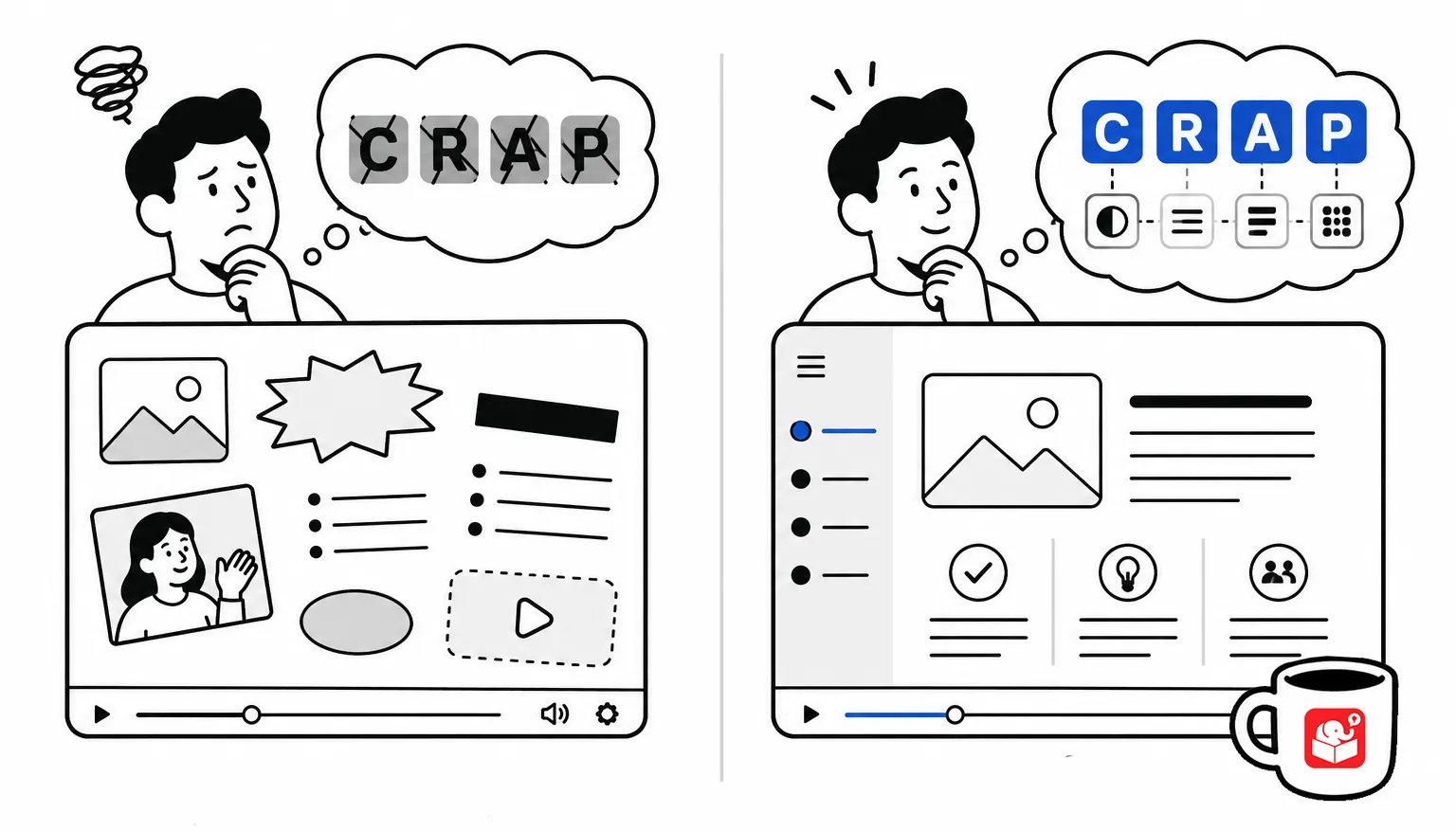
A Simple Way to Fix Your Course’s Visual Design
You don’t need a design degree to build good-looking courses. You need four principles and the discipline to apply them.
-
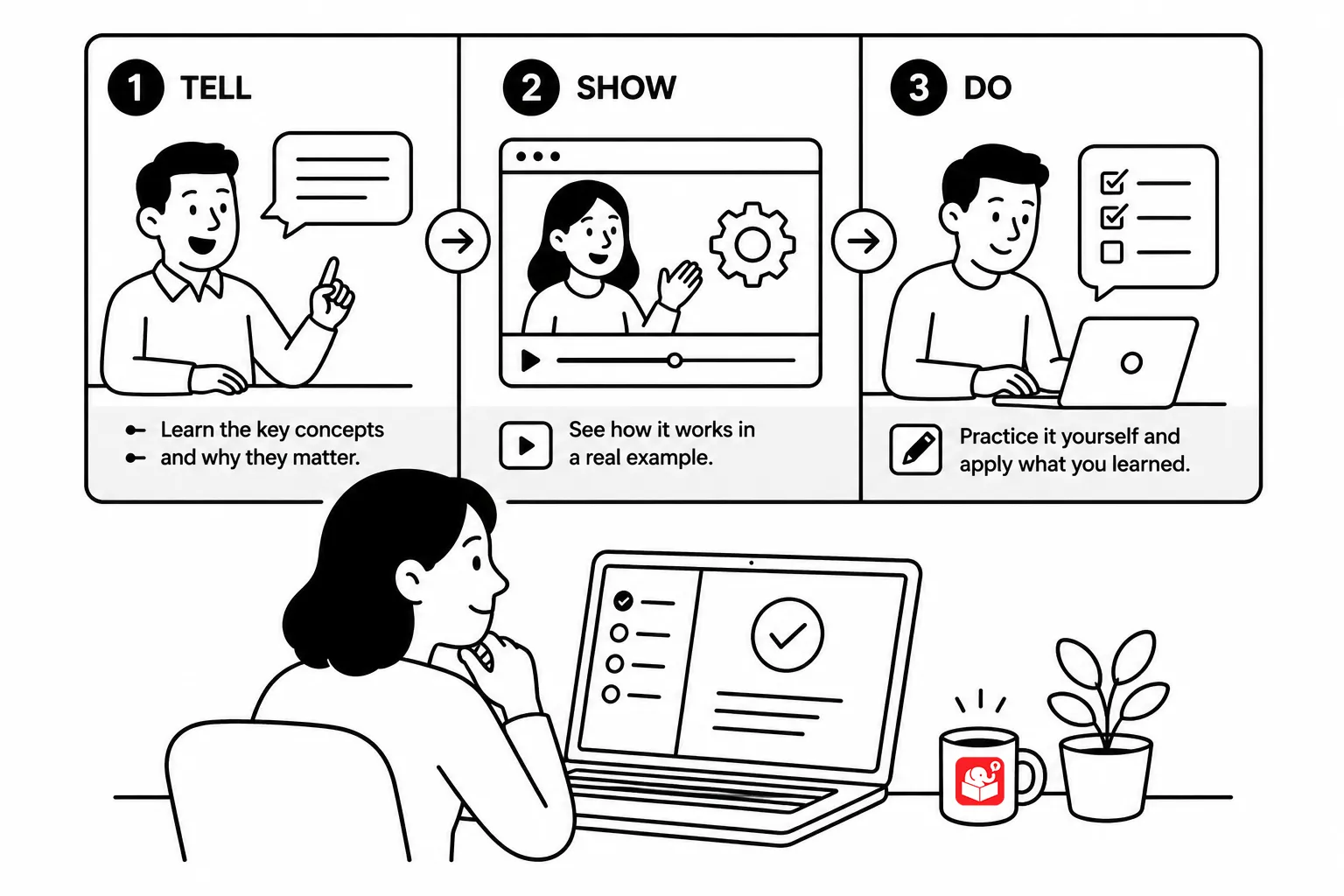
Instructional Techniques for Building Effective Online Training
Three structured approaches that move learners from information to applied skill A lot of online courses are still mostly linear. That’s fine…
-
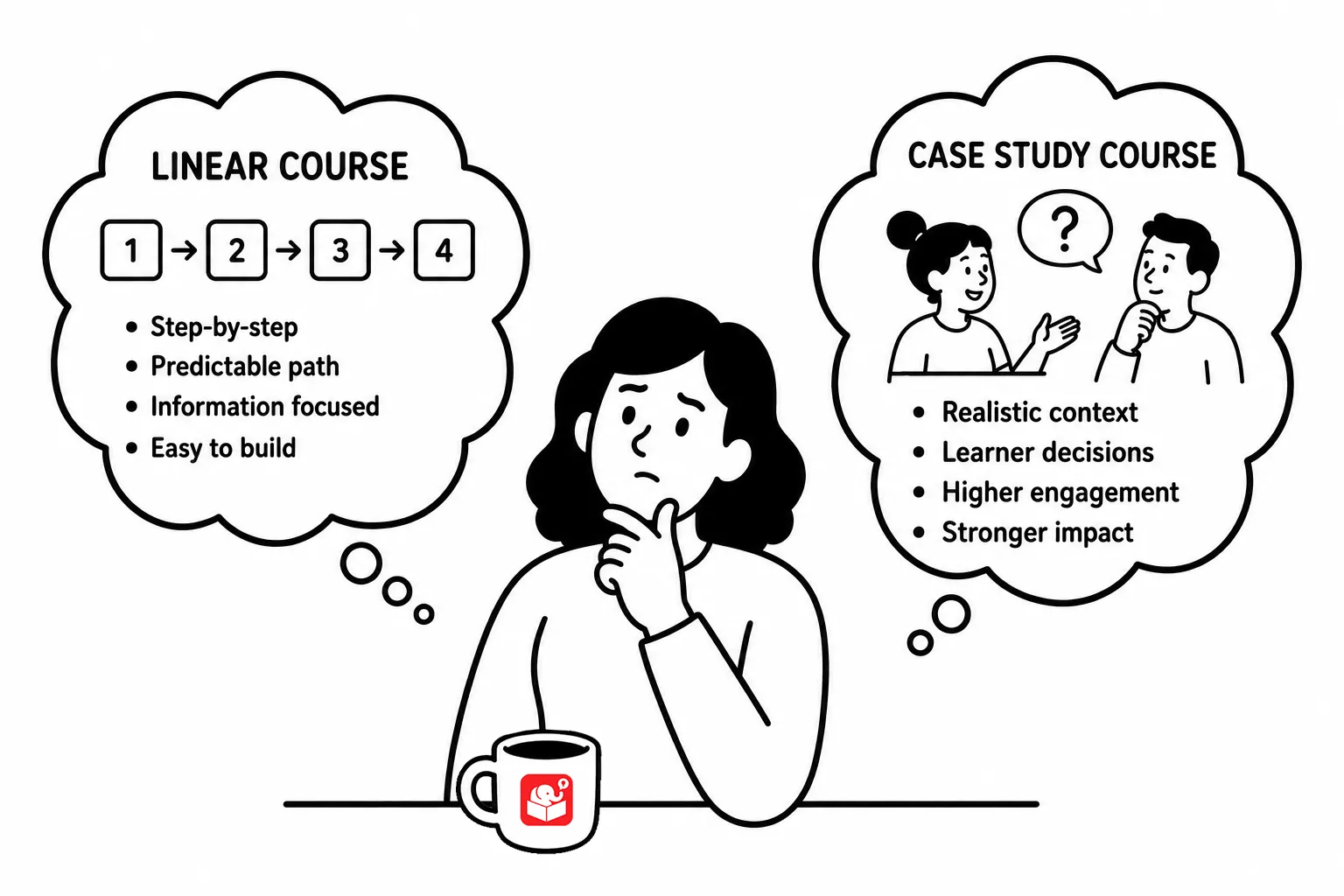
Case Studies: The Secret to More Engaging E-Learning Courses
Skip the click-and-read information dump. Turn your content into a case study and build an e-learning course people actually remember.
-
 Course Design · E-Learning · Freebies · Storyline · Tips with a free download · Tutorials · Visual Design
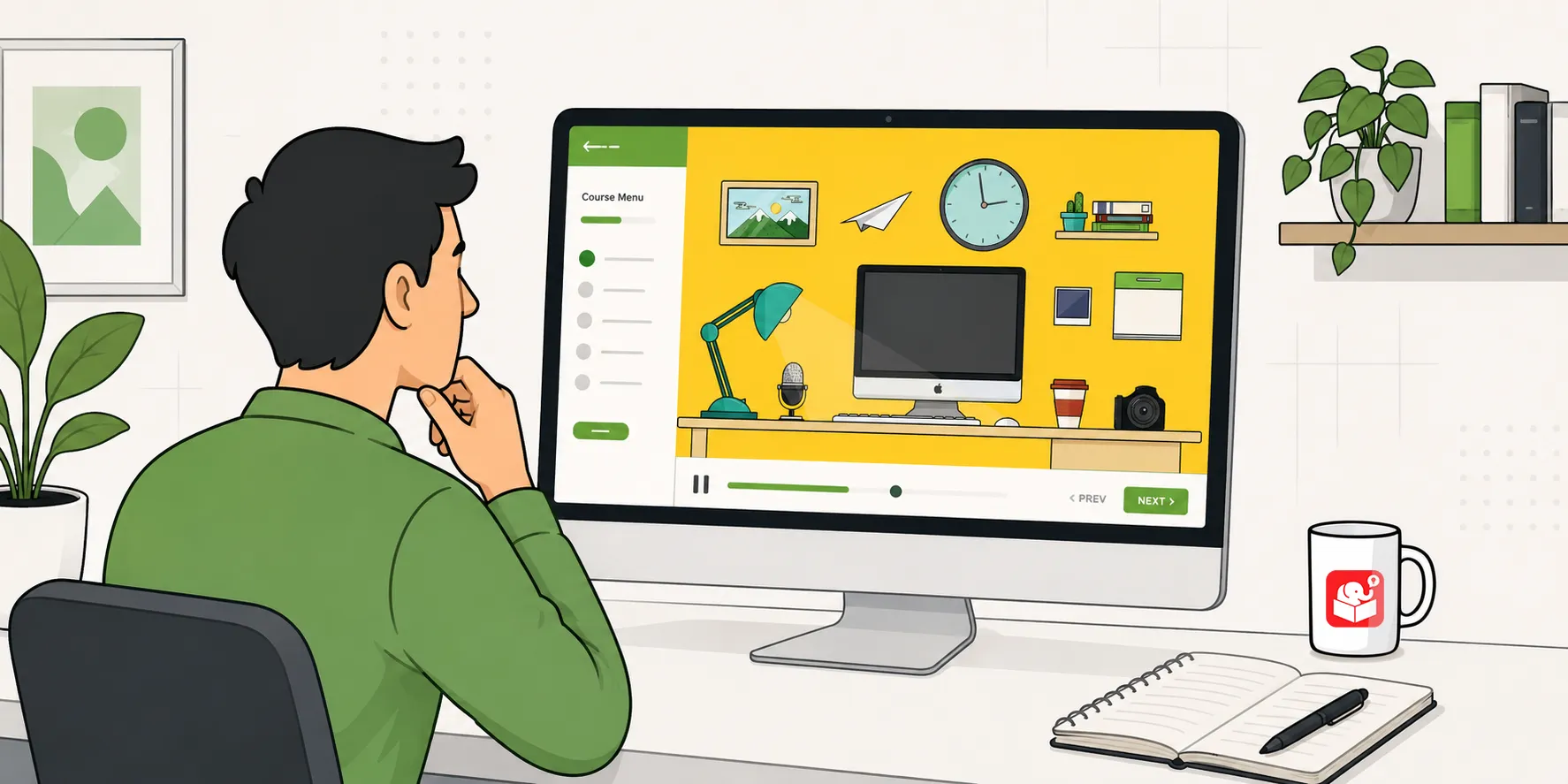
Turn One Image Into an Interactive E-Learning Course
Learn how to build a zoomable, interactive course using a single image and Storyline 360’s zoom region feature. This tutorial walks you…