
The blog
Training and e-learning tips, real examples, free resources, and the occasional tip about everything else.
-
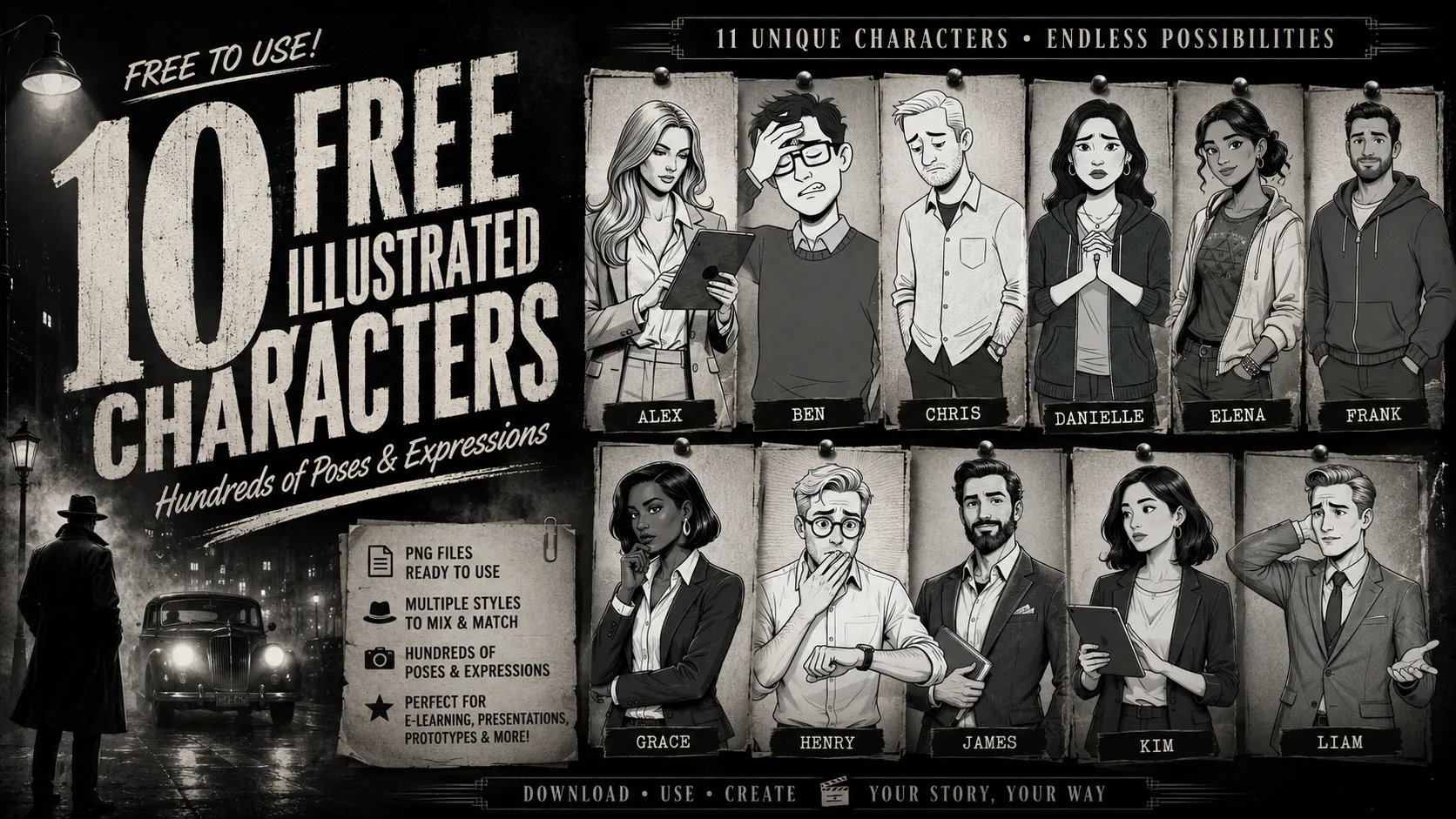
10+ Free Black & White Characters
10+ free black and white characters. Includes hundreds of poses and transparent backgrounds.
-

Two Ways to Build an E-Learning Portfolio
Building an e-learning portfolio sounds like a big undertaking. But it doesn’t have to be. The right approach depends on what you…
-
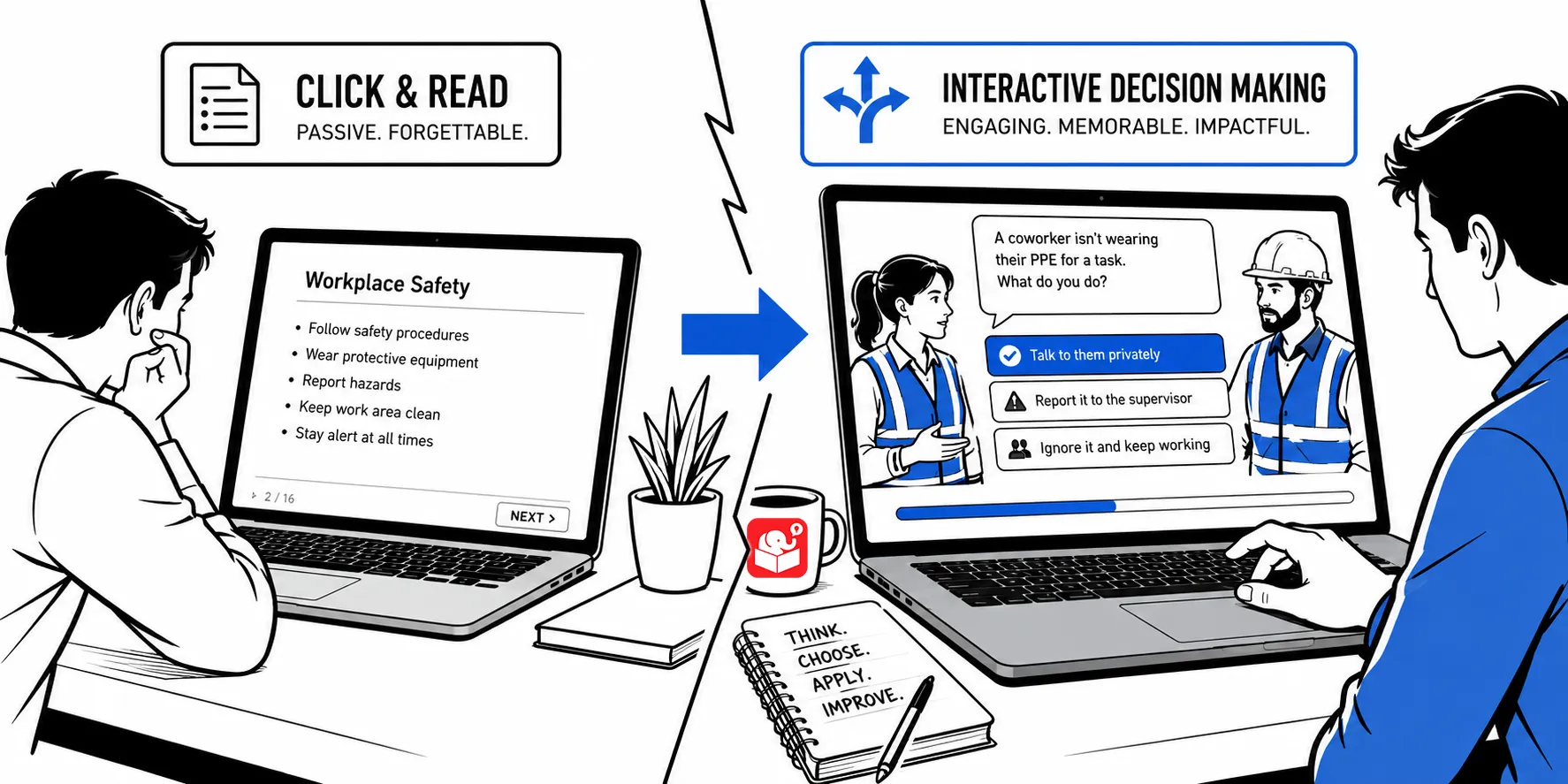
The 3C Model for Building Better E-Learning Scenarios
Most e-learning courses push information and call it training. The 3C model exists to fix that. It’s a simple structure for building…
-

5 Common Visual Design Mistakes
Every visual choice in your course sends a message, whether you planned it or not. This post covers five common design mistakes…
-

What Needs to Be in Your E-Learning Portfolio
A portfolio grows with your skills, and every course you build is a chance to capture something worth showing. Start with these…
-

How to Pull All the Images from a Website at Once
Your company website is full of images you can use in training. The problem is finding and saving them quickly. Two free…
-
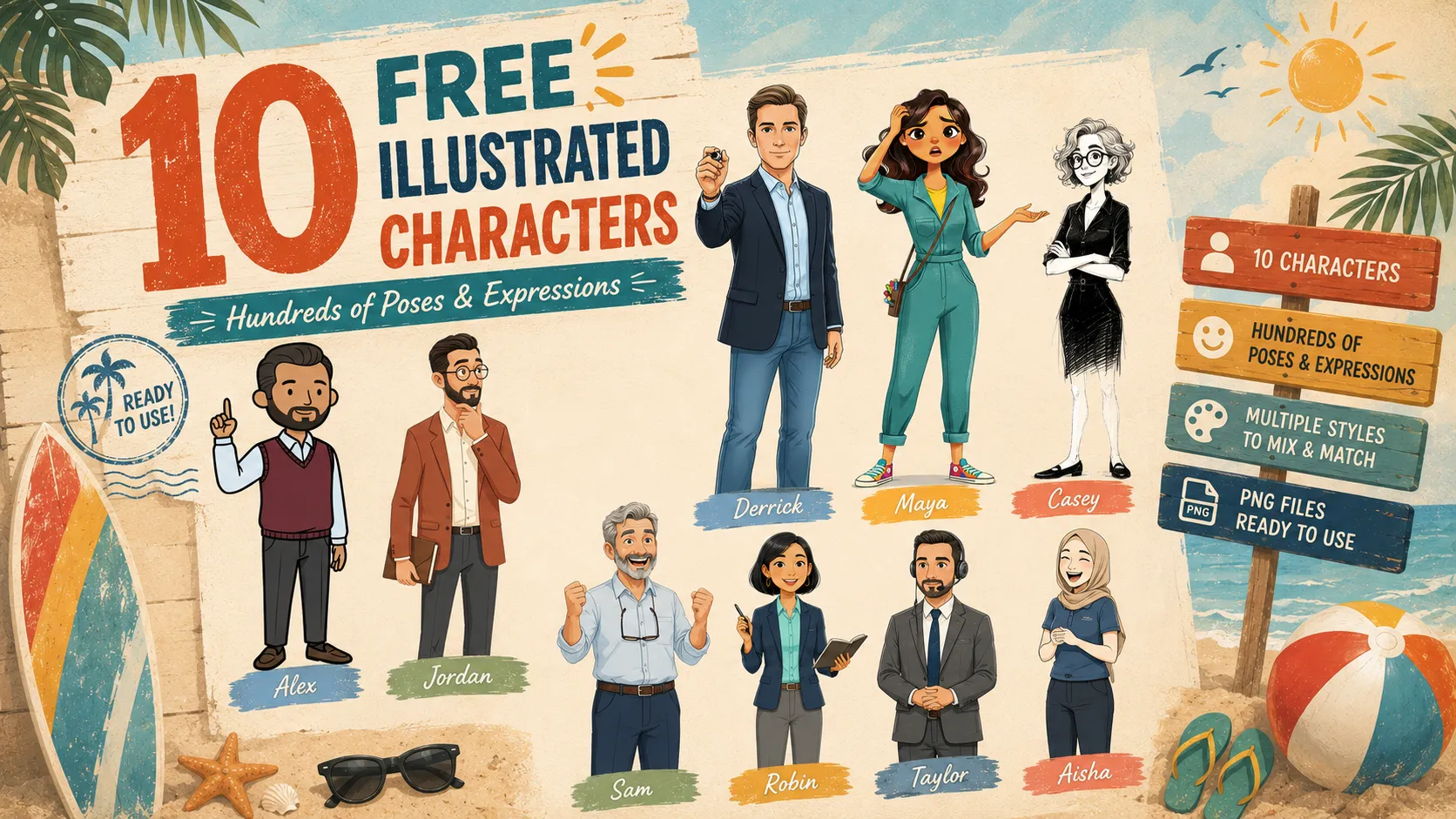
10 Free Illustrated Characters — Ready to Drop Into Your Courses
10 illustrated characters with hundreds of poses and expressions, a mix of illustration styles, and transparent PNGs ready to drop into courses,…
-
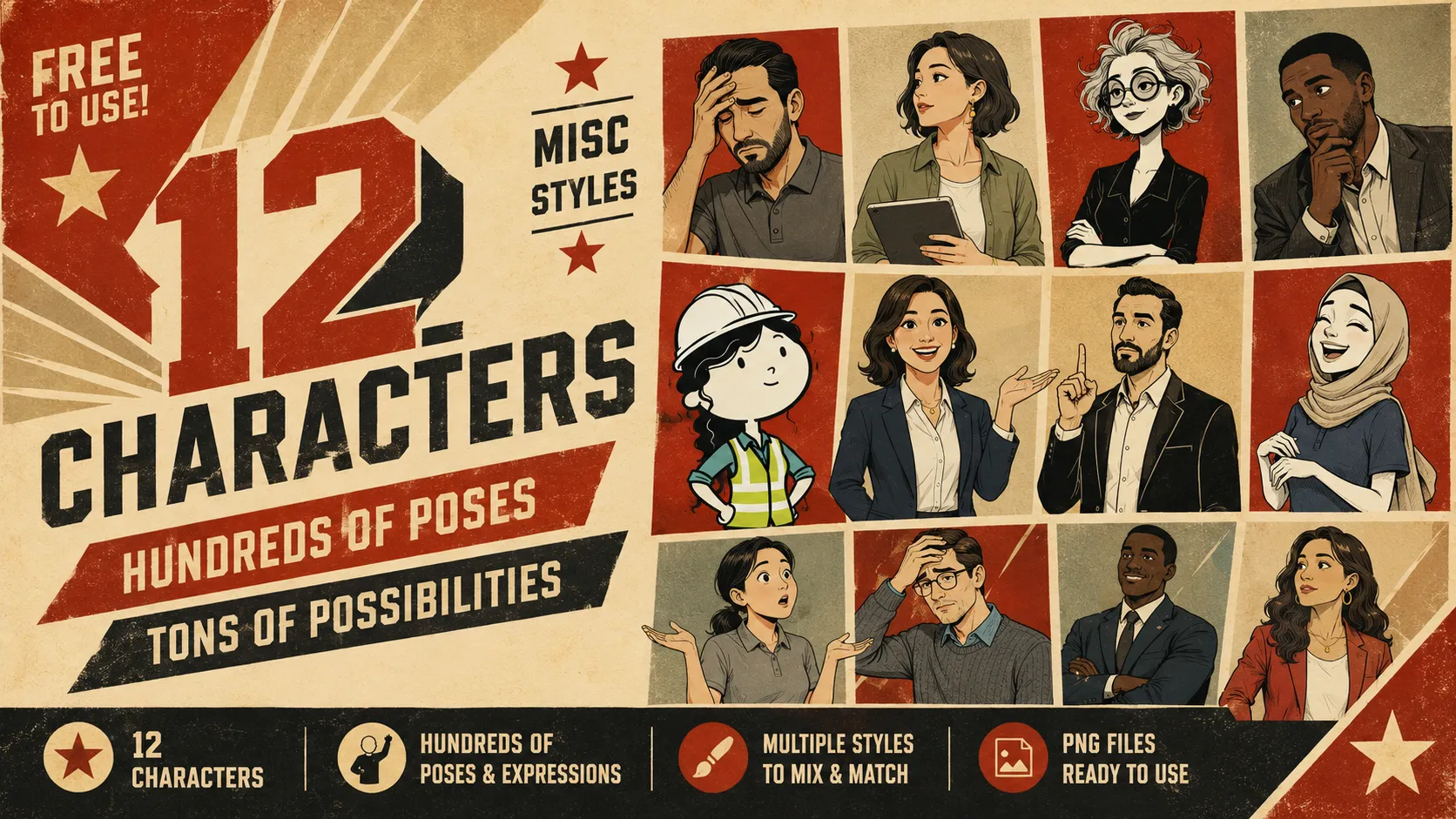
12 Free Illustrated Characters
12 free illustrated characters, hundreds of poses and expressions, transparent PNGs ready to go.
-

The Fastest Way to Find Out What Your Course Is Missing
I once got pushback from a client for wanting to talk to the actual loan officers before building their training. Here’s why…
-
Rethinking E-Learning Templates
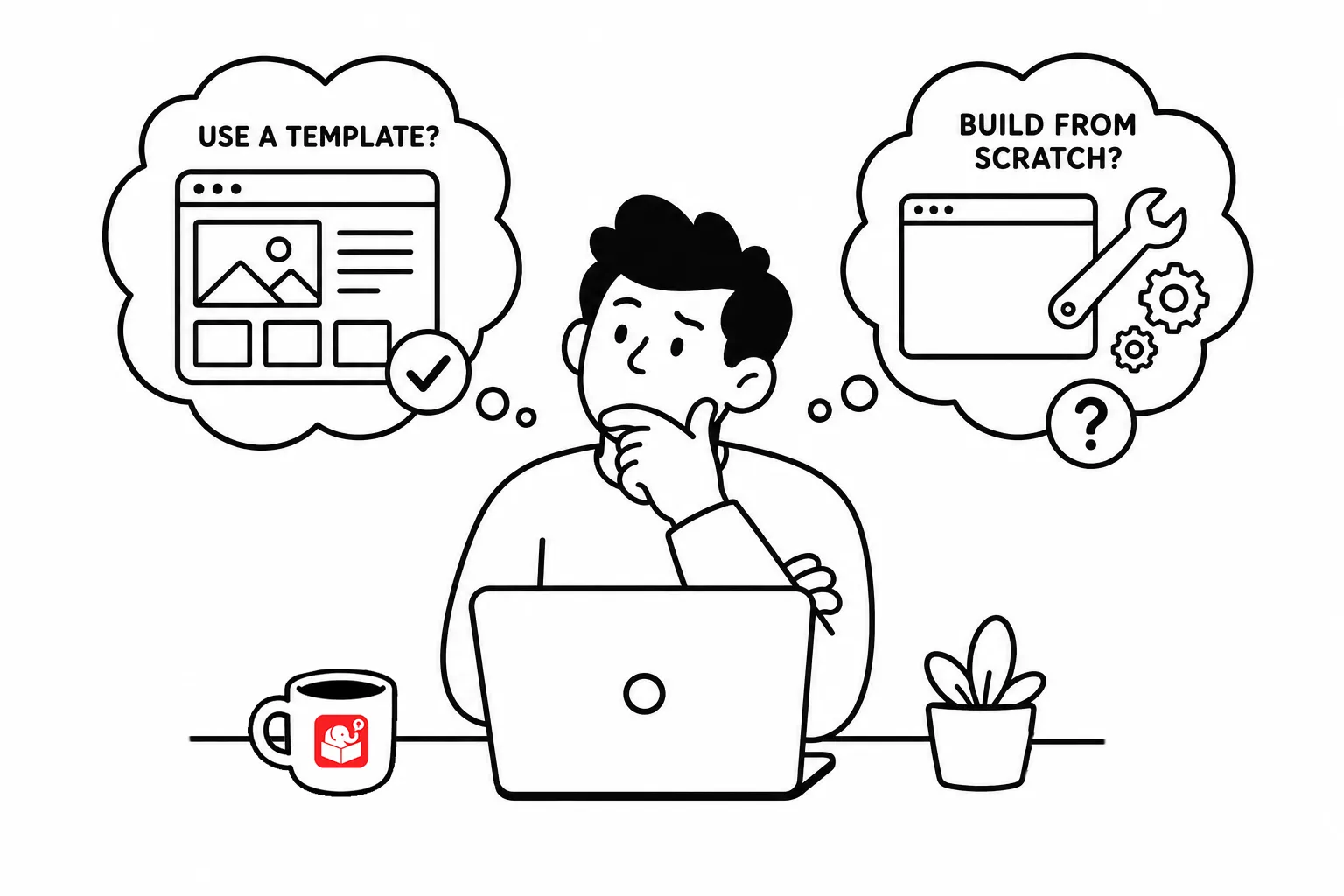
Every e-learning team eventually debates templates: are they a time-saver or a constraint? The answer is both, depending on where you use…