
The blog
Training and e-learning tips, real examples, free resources, and the occasional tip about everything else.
-
How to Steer Clients Toward Better Course Design
Pitching a new course design to a client is tough when they only know the click-and-read format. This post walks through a…
-
The One Question That Saves You From Building the Wrong Course
Most bad courses don’t come from bad design. They come from skipping one question before you start building. This post walks through…
-

Here’s an Easy Way to Create Learning Objectives
Most learning objectives end up as vague statements that look good on a slide but don’t actually guide course design. There’s an…
-
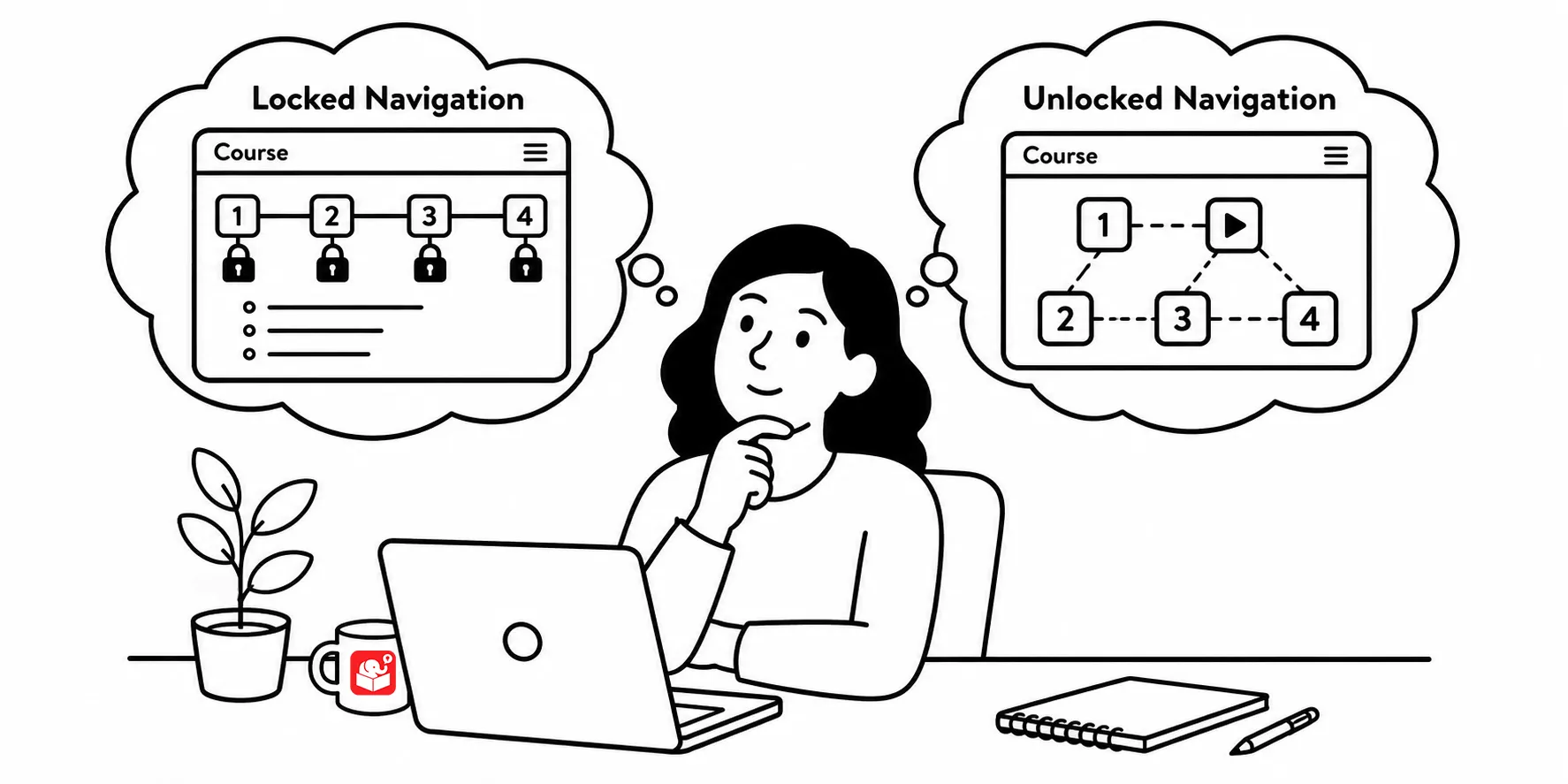
Why Locked Navigation Backfires and What to Do Instead
Locked course navigation is one of the most common e-learning frustrations, and it usually comes from good intentions gone wrong. This post…
-
Reality TV’s Secret to Better E-Learning Courses
Reality TV competitions have more to teach you than you’d think. From taking criticism to giving better feedback, here are five lessons…
-

When Needs Analysis Becomes a Trap and How to Escape It
Spending months on needs analysis before building a single thing is its own kind of failure. Here’s how to find the right…
-
Add a Human Touch to Your E-Learning With Handwritten Fonts
Look at the best-designed websites in any creative field. Many of them use handwritten fonts alongside clean typography because the combination feels…
-
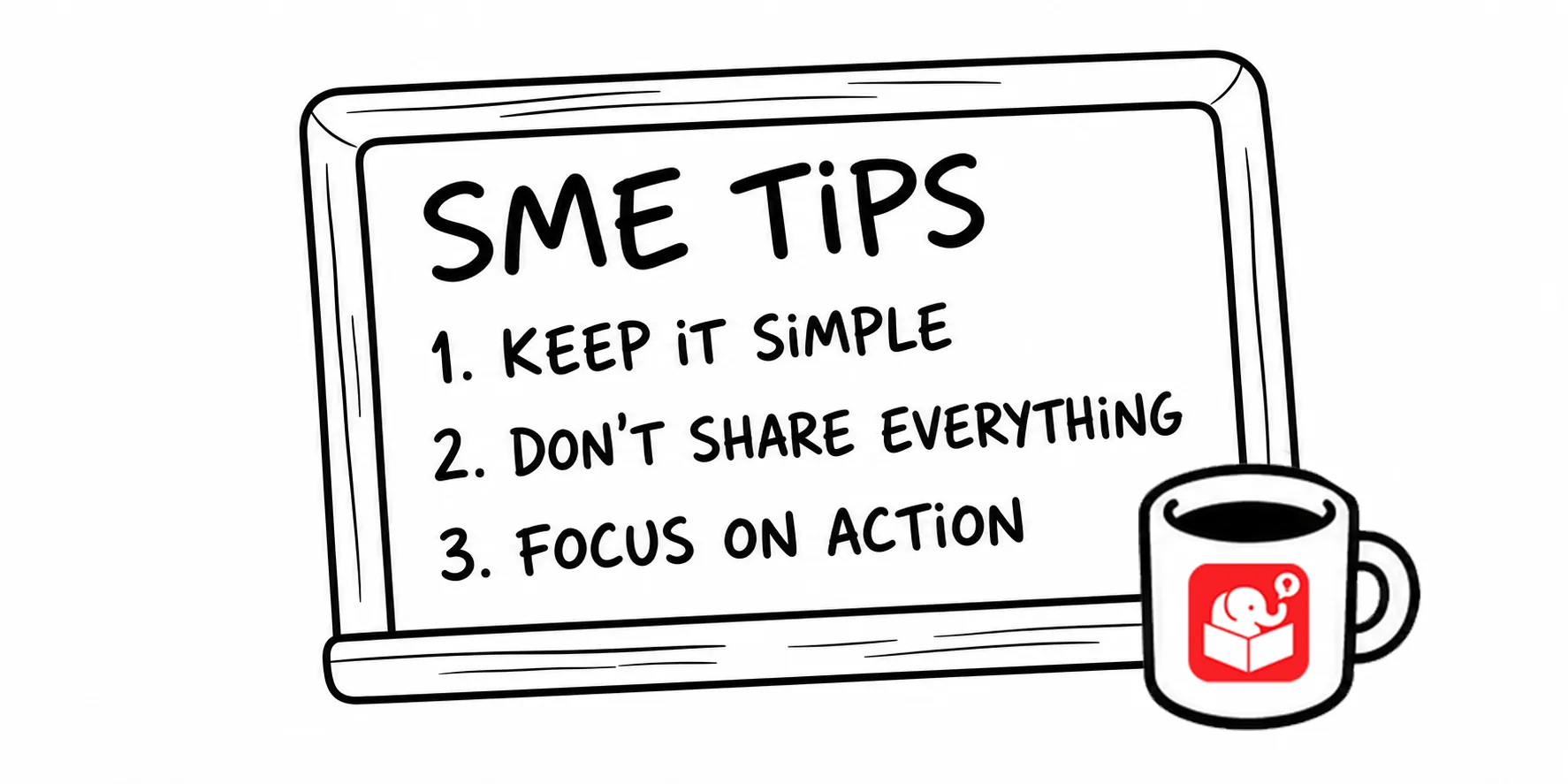
Help Subject Matter Experts Build Better Training
You’ve probably worked with a subject matter expert who knew everything about a topic but couldn’t explain it in a way a…
-
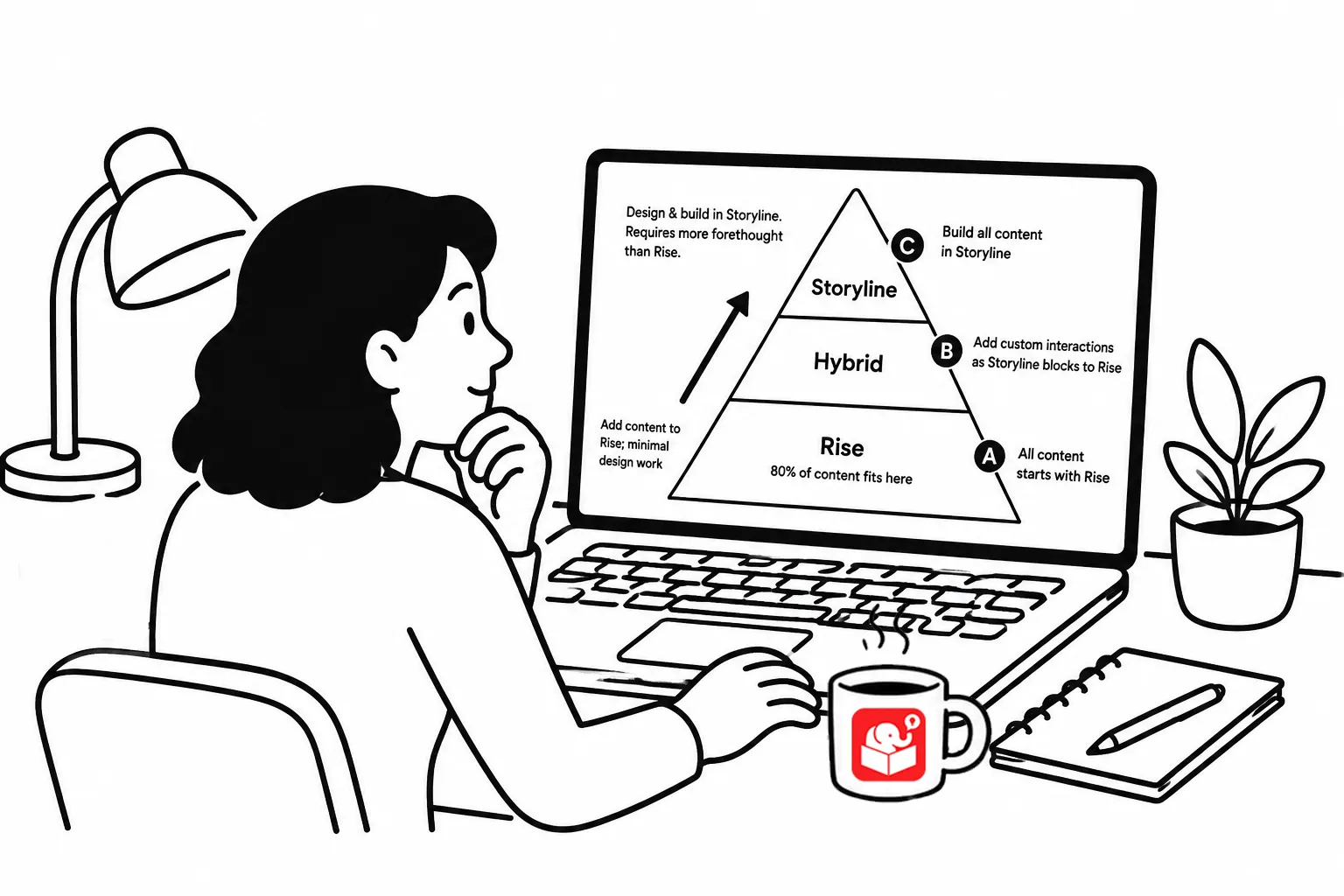
How to Save Time and Money on Your E-Learning Projects
Every training request doesn’t need to become a course. Here are three techniques for saving time and money while still delivering real…
-
How to Measure Training ROI in the Real World
The ROI question comes up at every training conference. But the real challenge isn’t calculating a number — it’s knowing how to…