The problem with making learners wait
Picture the last time you were forced to sit through a slow, narrated e-learning course you couldn’t skip through. Every click felt deliberate. For most of these courses suck. They’re mostly pointless. Even if the topic has value it’s rarely meaningful.
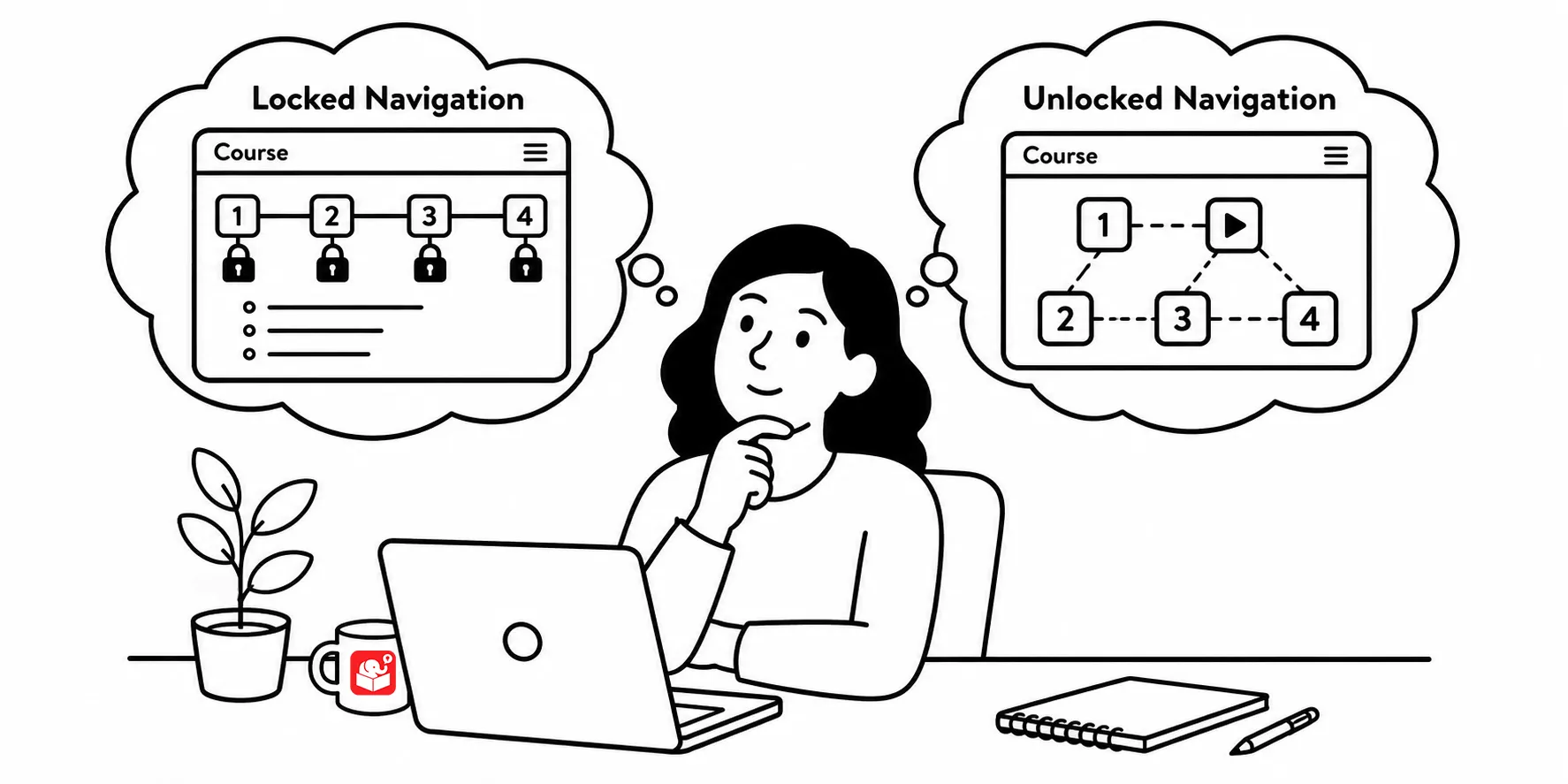
That frustration is exactly what locked navigation creates, and it’s completely avoidable.
Why locked navigation exists
If it’s such a bad experience, why does it keep showing up? There are a few reasons why courses continue this way. Understanding them makes it easier to push back.
There’s a common belief that if the course isn’t locked, the user will just keep clicking until they can meet the minimum requirements and close out of the course. That’s probably true. Clients often request locked navigation for the same reason as stated above. They want to ensure people “learned” the information. That’s a reasonable goal.
Another real reason this is an issue is compliance training. And that’s one difficult to change. Some regulatory requirements specify a minimum training duration. So a course gets built to fill exactly that amount of time, navigation gets locked, and the course is set on a timer. That’s not really a learning design problem. It’s a compliance problem dressed up as one. And like I said, one that is hard to get rid of.
Simple solutions that actually work
Each of these problems has a workable solution. Here are three approaches that hold up in practice.
- Make the content relevant. If learners click through quickly, it’s because the material feels disconnected from their work. Frame it in a context that matters to them. Show them why it’s relevant before asking them to engage with it. Relevant content slows people down naturally. Instead of dumping them into text, create simple relevant decision-points.
- Let them test out. Give learners a pre-assessment. If they already know the material, let them demonstrate it upfront and skip the course. If they can’t, the failure makes the case for paying attention. This also lets you personalize the experience based on what they actually need.
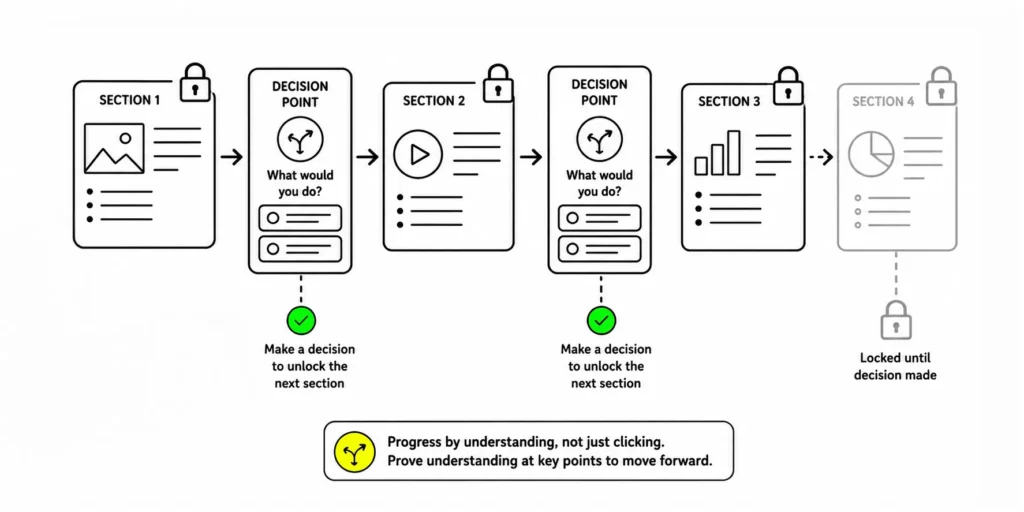
- Replace locked next buttons with prove-it activities. If the client wants locked navigation, use it in a way that requires understanding. Put learners in a decision scenario. Let them navigate forward by making the right call. The course is still locked in a sense, but the lock is tied to comprehension rather than time.
Key takeaways
The next time someone asks for locked navigation, treat it as a design brief rather than a constraint. They want learners to engage with the content. Your job is to find a way to achieve that without throttling the experience. Start with one of the three approaches above and see how the conversation shifts.