
The blog
Training and e-learning tips, real examples, free resources, and the occasional tip about everything else.
-
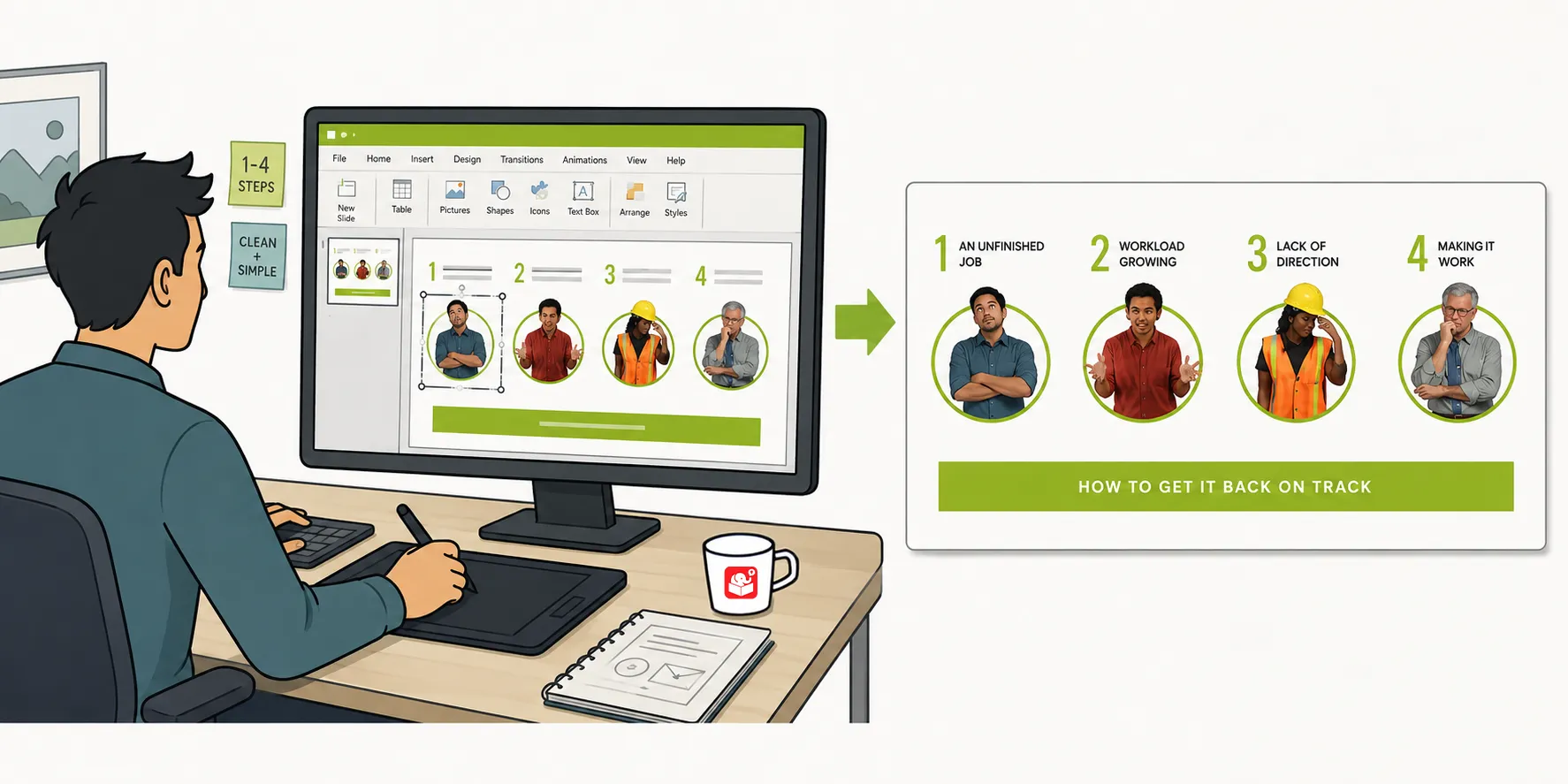
Use PowerPoint to Build Graphics for Rise E-Learning
After sharing a Rise interactive scenario demo, I got a lot of questions about how the graphics were built. The headers, flashcard…
-
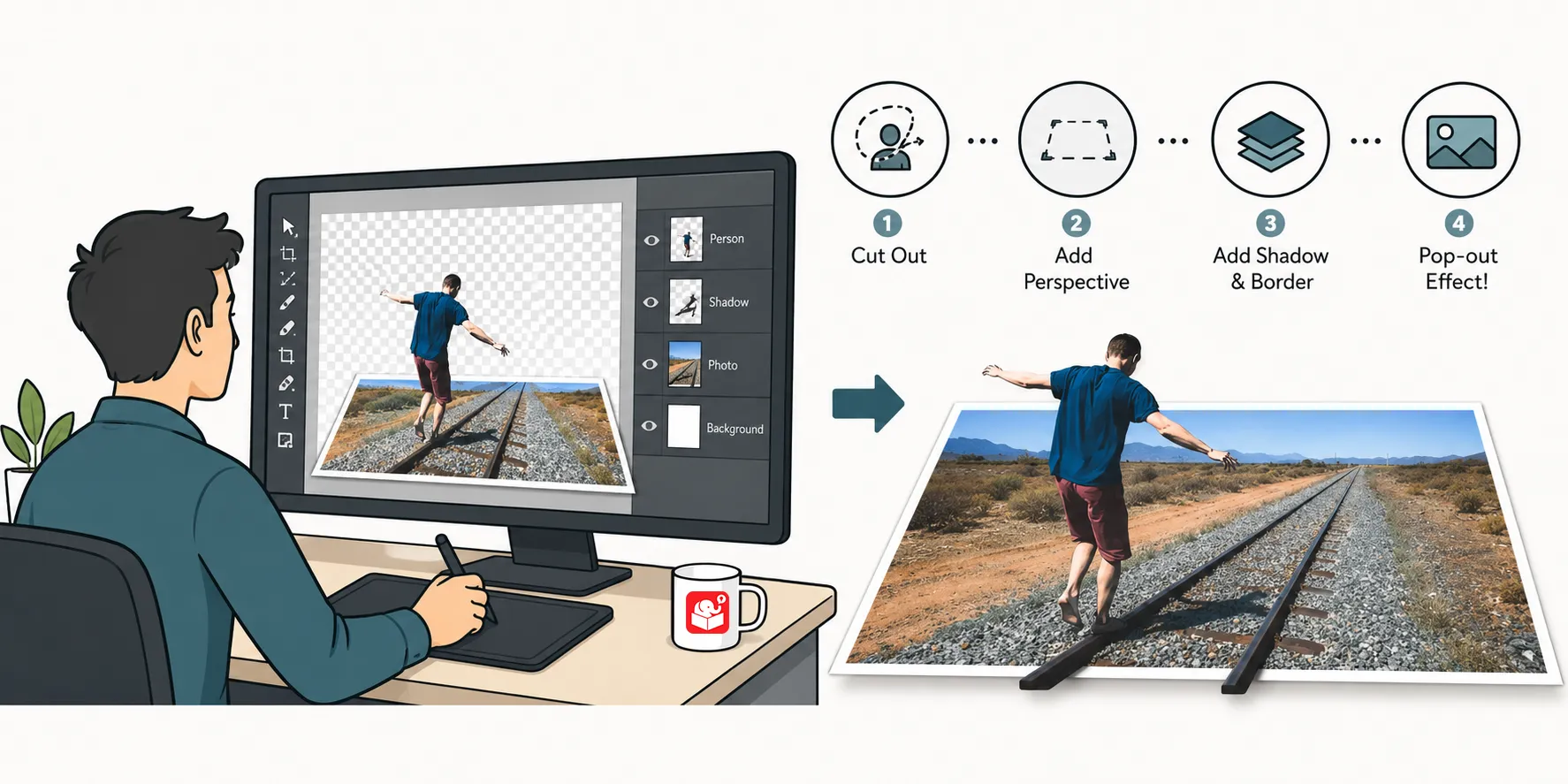
PowerPoint: 3D Pop-Out Effect
Ever wonder how to turn a plain photo into something that looks designed on purpose? This quick video shows the simple trick…
-
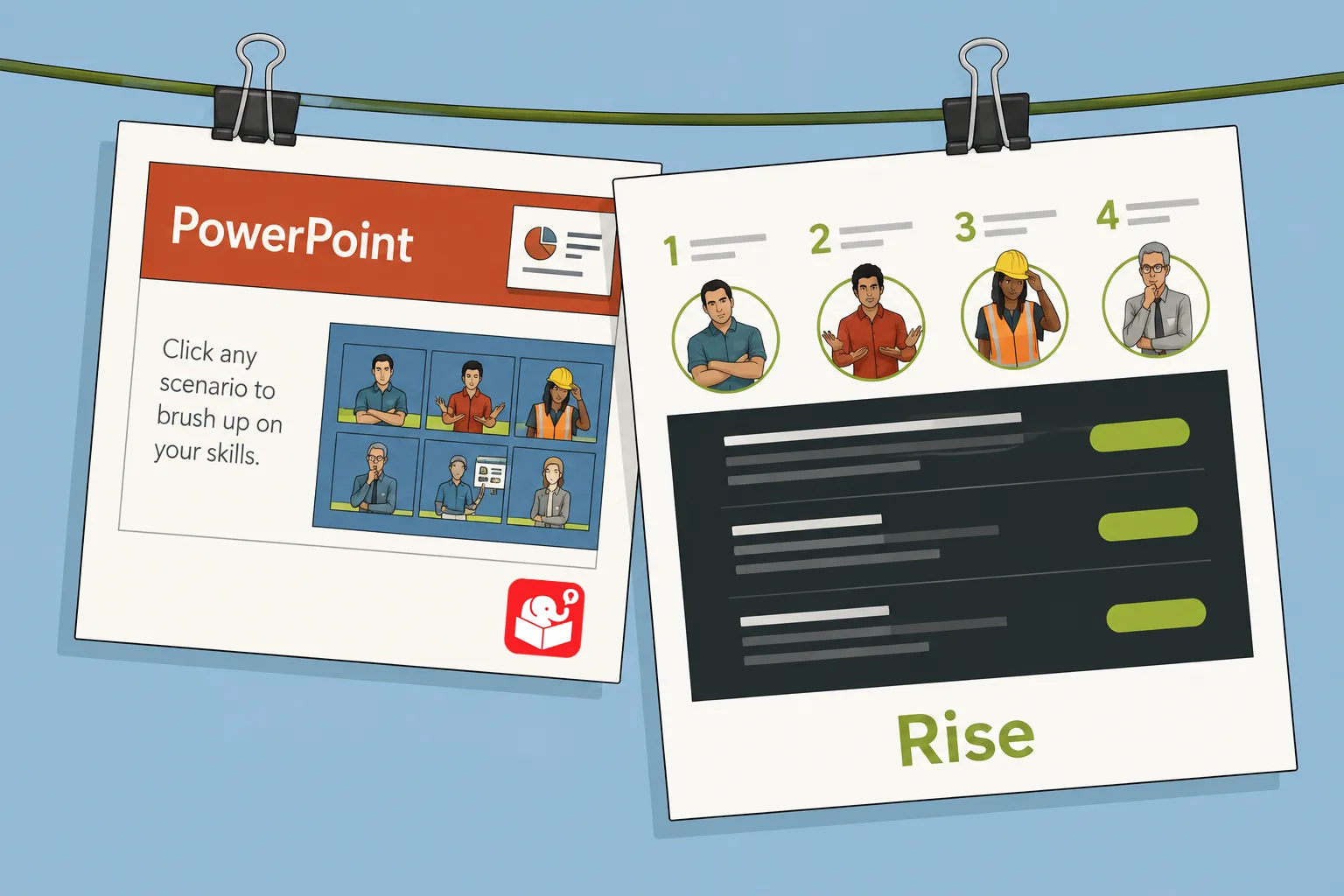
How I Built This Interactive Scenario in Rise
Older PowerPoint scenarios can be hard to manage and even harder to update. Rise offers a cleaner alternative that’s fully responsive and…
-
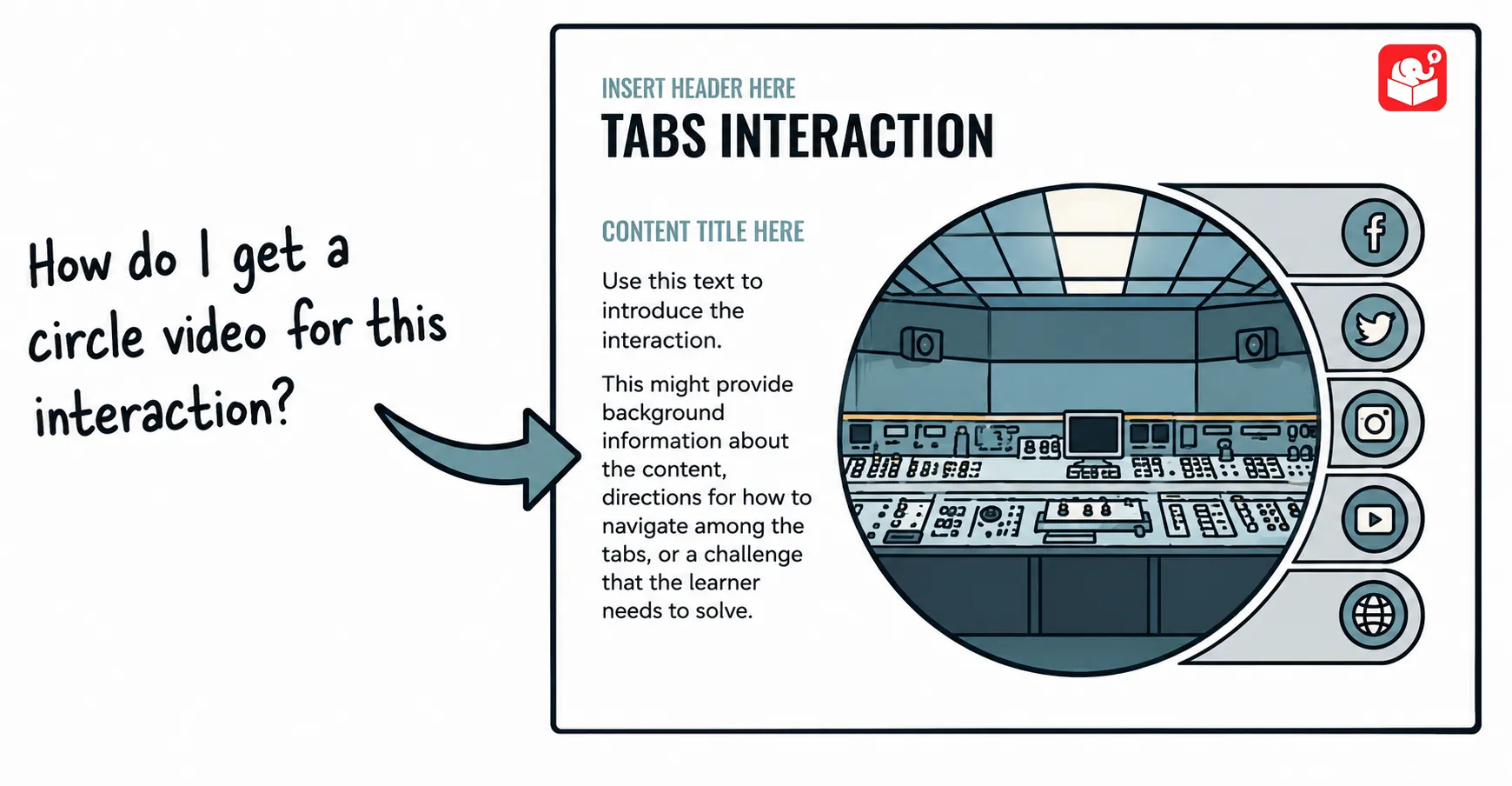
Use PowerPoint to Create Custom Videos
Learn to use PowerPoint to create custom videos you can use on your website or in the e-learning course.
-
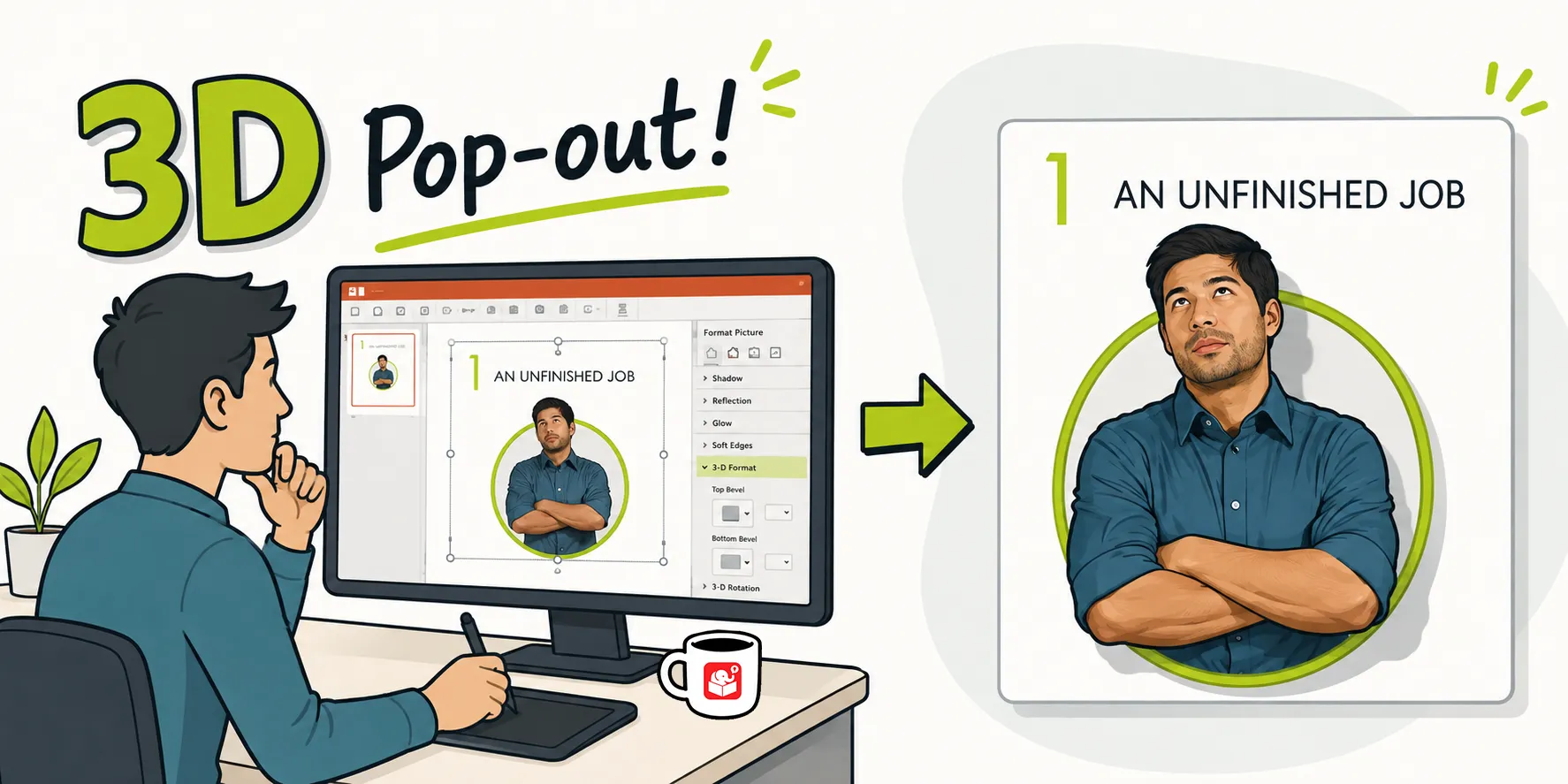
How I Built This 3D Pop-Out in PowerPoint
After sharing a Rise interactive scenario, I got a flood of questions about the 3D pop-out character graphic. It turns out it’s…
-
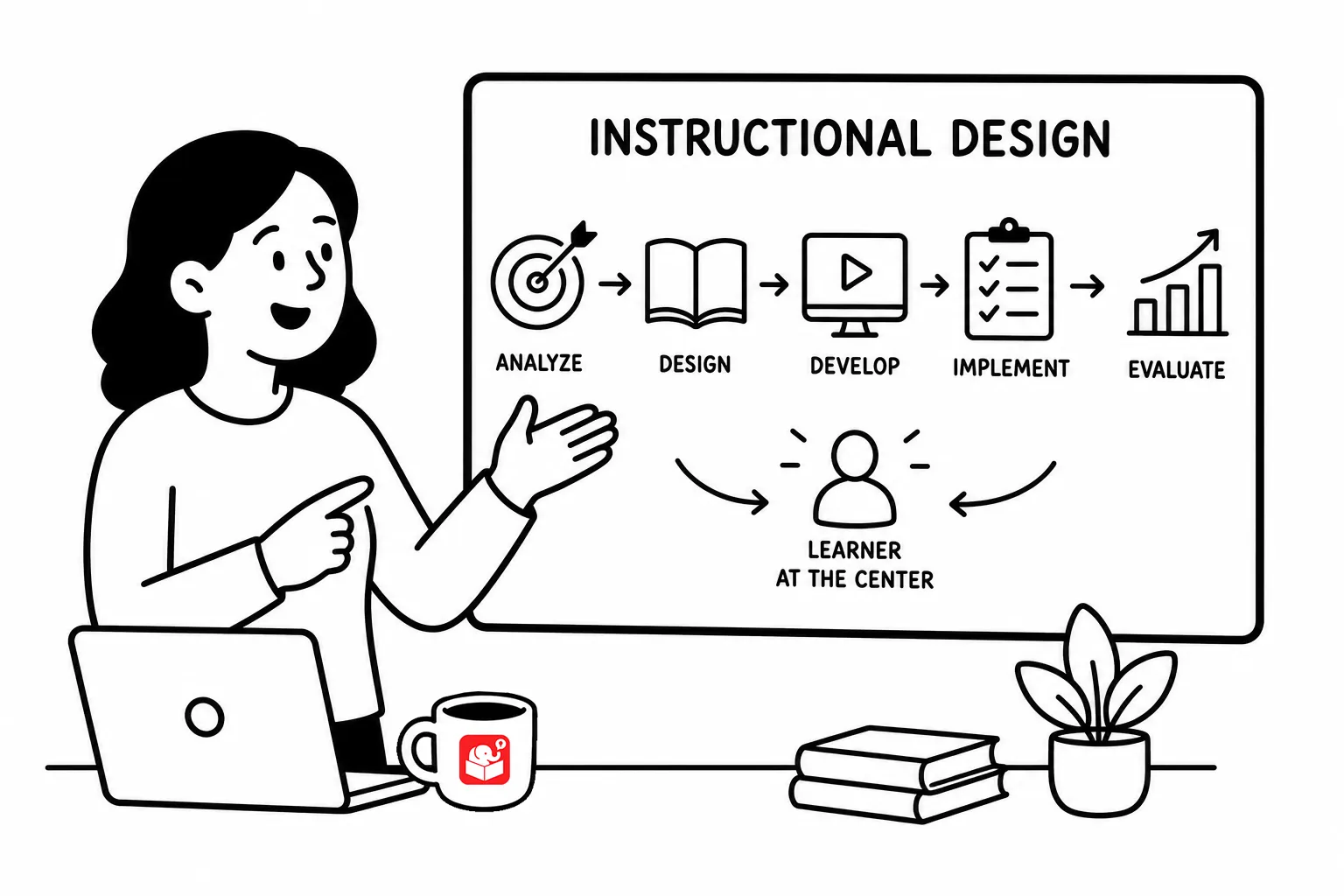
What Instructional Designers Actually Do (And How to Explain It)
Someone emailed me a question I’ve been asked a lot: what is the role of the instructional designer, and how do you…
-
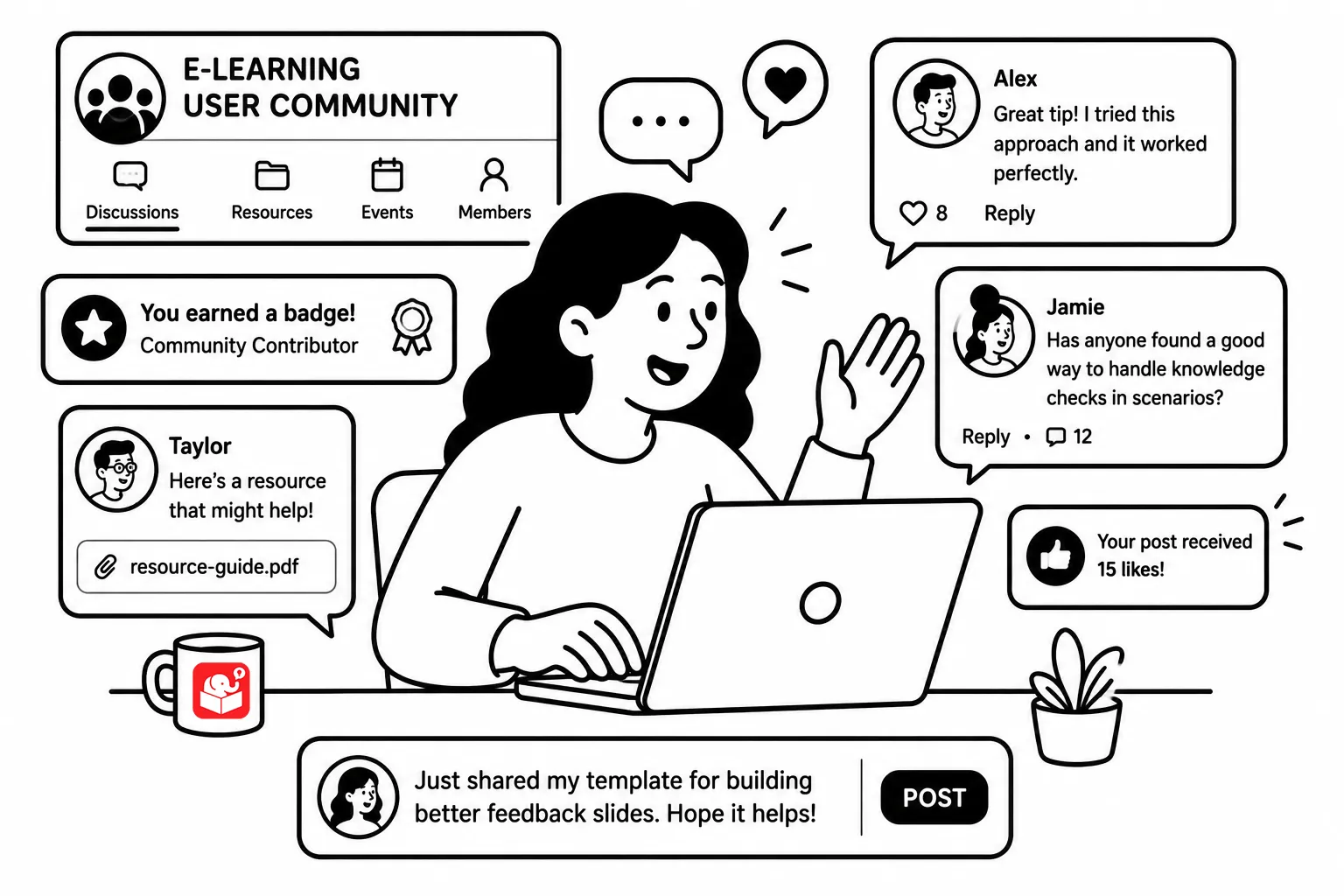
Five Ways to Grow as a Course Designer This Year
Most e-learning developers work alone, with no mentor nearby and no peer group to push their thinking. Getting better doesn’t just depend…
-
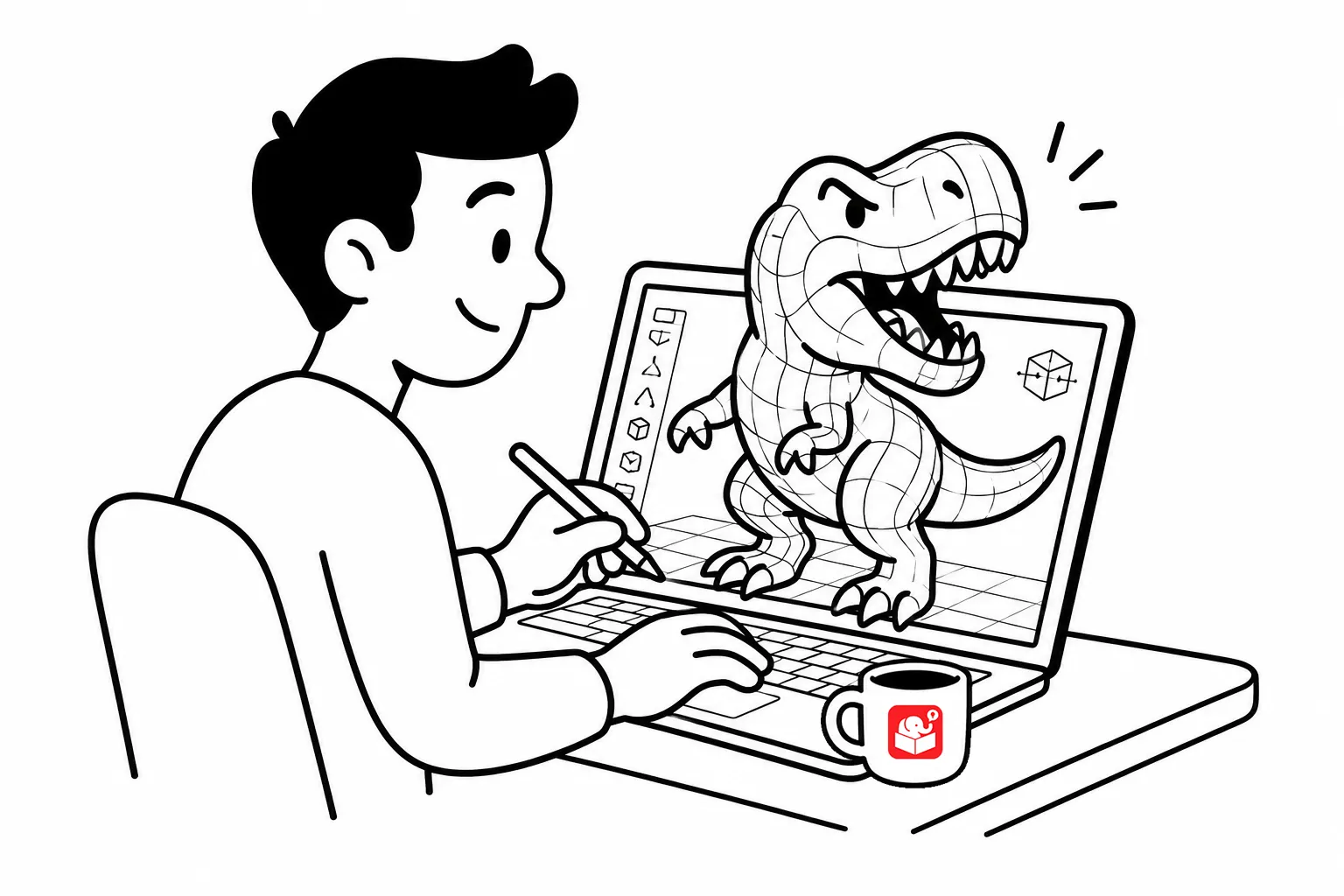
How to Create a Video with 3D Models in PowerPoint
Want to add slick 3D animation to your course without touching a video editor? This tutorial shows how to insert a 3D…
-

Three Things the E-Learning Community Can Teach You
Building courses in isolation limits what you can learn. The e-learning community offers something your org chart can’t: people working through the…
-
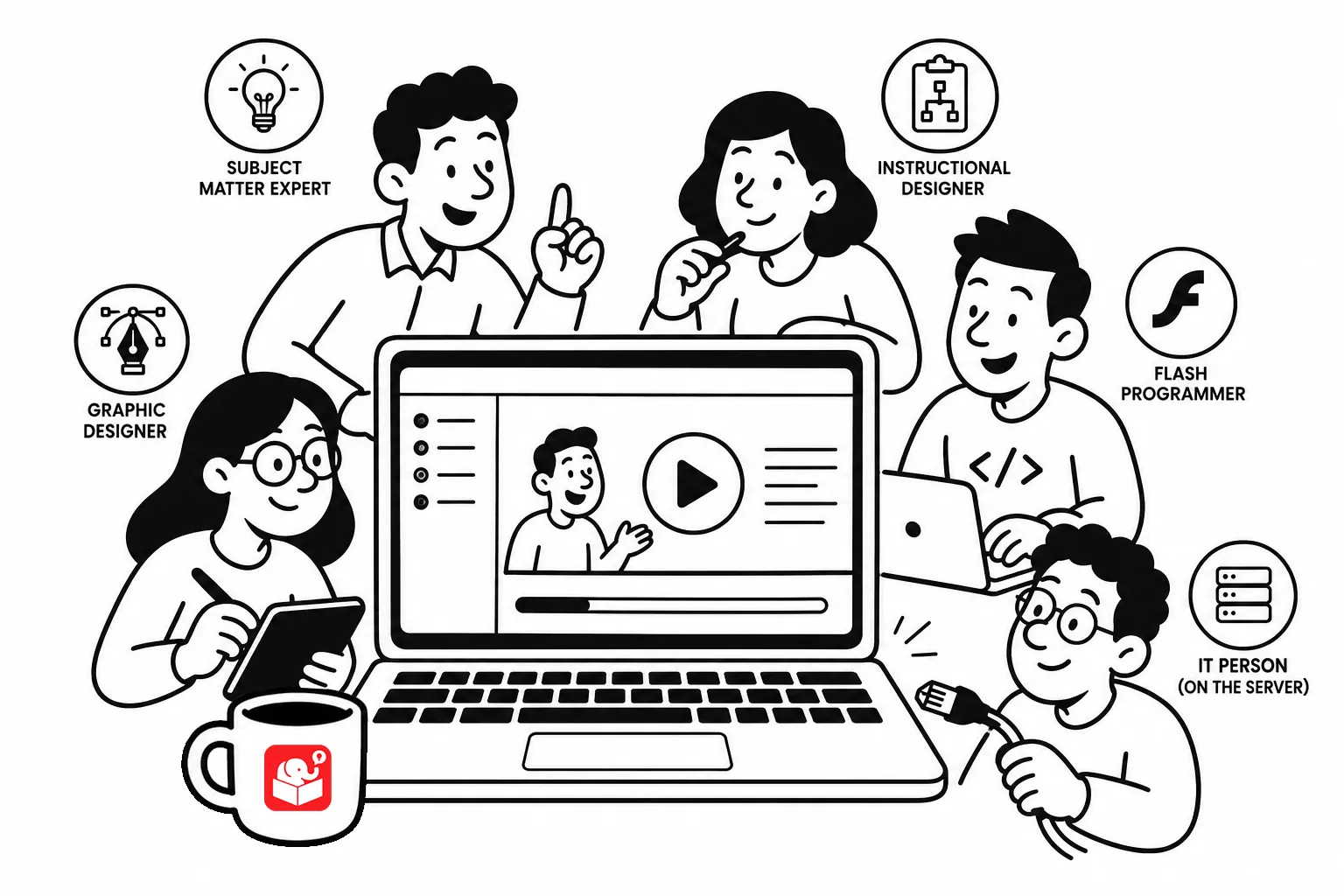
One Person, Ten Roles: The Reality of Modern E-Learning
Great e-learning doesn’t happen in a vacuum. Even the most independent developer relies on a network of people to deliver a course…