You don’t need a complex project plan to build a good e-learning course
I have a default project plan I built about 30 years ago. I’ve updated it a few times and used it to help clients understand project timelines. But I’ve never actually used it to manage a real project.
That might sound like a failure of discipline. It isn’t. Most e-learning projects move fast, and a rigid plan goes stale before you can update it. What actually works is thinking through the key areas of your project upfront so nothing important gets missed.
Thus, I use the project plan as a general guide or scaffold to ensure I cover the key areas and requirements of the project. And I use it highlight production requirements to negotiate the appropriate timelines and key milestones.
Start with a kickoff meeting
The first step in any project is a conversation. Meet with your client before you do anything else. Come prepared with questions so you can nail down course objectives, timeline, and available resources.
One thing people often negletct is figuring out who signs off on the final product. You don’t want to finish a course only to find out it needs approval from someone who’s never been involved. Because those people often derail it with requests that weren’t part of the initial plan. Find out who the decision-maker is and what they expect before you build anything.
Leave every meeting with clear next steps. If there are no action items, you don’t have a real project yet. That commitment to next steps is what turns a conversation into a course.
Pull together your project team
Getting the right people involved early makes everything easier. Think about who you need:
- Client to make decisions
- Subject matter experts
- Pilot group of a few actual learners
- IT support
- Multimedia people on the project
This group will either help build the course or give you the feedback that makes it work.
Get your subject matter experts involved before you start building content, not after. They’ll give you better material and fewer surprises. A late review is almost always more expensive than an early one.
Develop the course content
Your job is to figure out what the organization needs and what the learner needs, then connect the two. Those aren’t always the same thing. Work with your contributors to understand the real-world tasks people need to do.
From there, you can start planning the types of scenarios and interactions that will actually teach the content. Keep the focus on practical application. The content should help people do their jobs better, not just cover topics.
Pick a learning strategy
There are a lot of ways to structure a course. I always try to figure out if it’s an explainer or performance course. A linear, explainer format works well when the material is information-heavy and learners need to consume it. A performance-based decision-making scenario approach works better when the goal is behavior change.
Talk to your learning audience while you’re collecting content. They’ll tell you how they work and what kind of training actually helps them. Let that insight shape your strategy.
Here’s something to keep in mind: learners want training that makes their jobs easier. They don’t want activities added just to make the course feel engaging. Useful and practical beats slick every time.
Sort out the look and feel
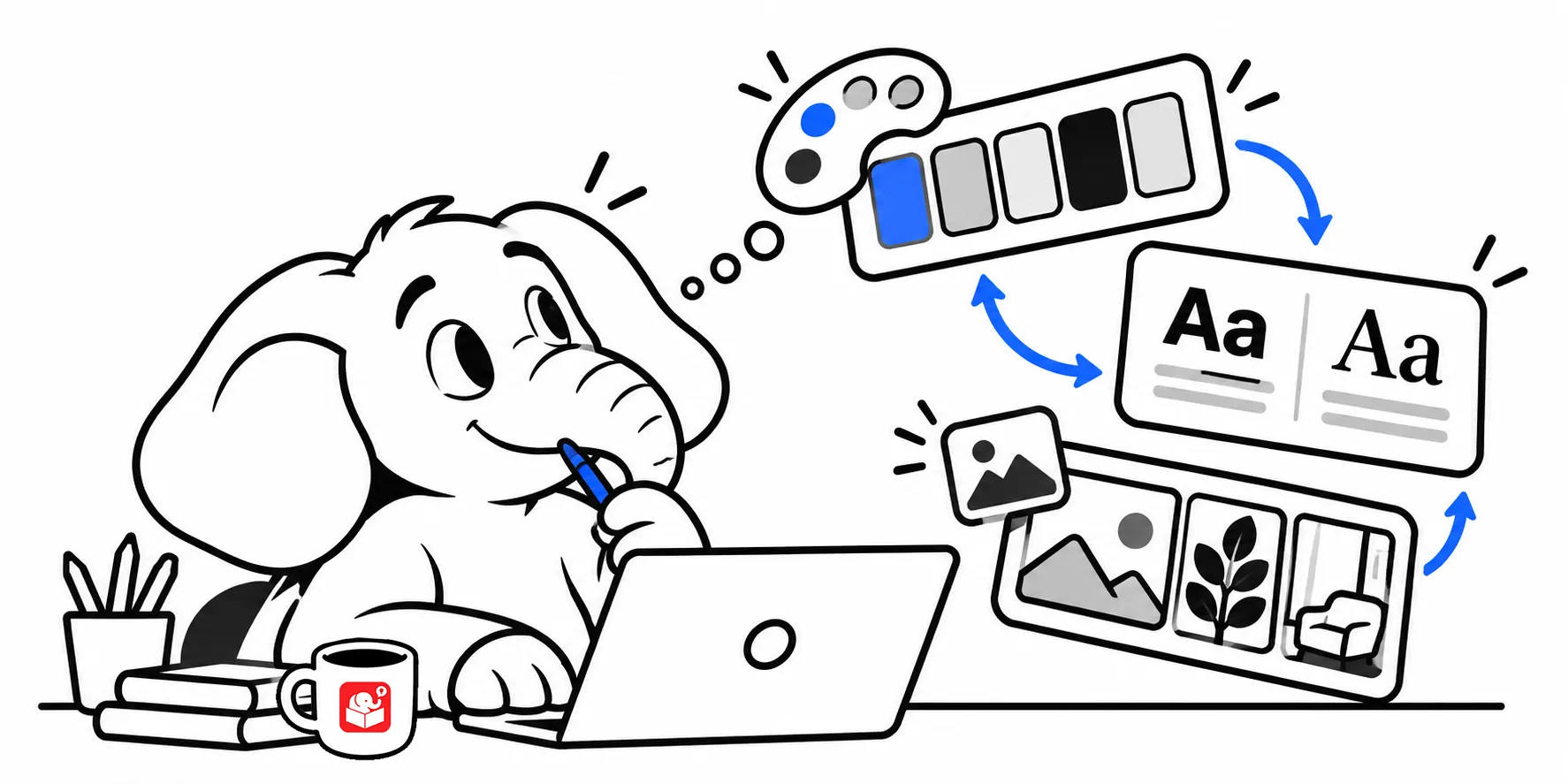
E-learning tools have simplified the visual side of things. Most come with standard players, blocks, layouts, and templates that look professional and work well. You usually don’t need custom navigation or a bespoke interface.
What matters is finding the right balance. Pick templates, colors, images, and fonts that feel appropriate for the subject. If you want custom artwork, make that call as soon as possible. Image sourcing takes more time than most people expect. And even with AI image generation, without a clear plan, you can waste a lot of time prompting and iterating to get the right images.
Plan your multimedia needs
Most e-learning tools let you record audio, insert video, and add interactive elements. Decide early on what media you need and how they’ll be created. I try to get all of my assets built outside the tool so I have more independent control and then insert them into the course as I assemble the content in the authoring tools.
Audio is where projects often get stuck. Non-professional narrators usually need more retakes and edits than you’d expect. Using a professional voice service tends to be faster and less expensive in the long run.
The good thing is that a lot of the audio needs can be met with AI. Gone are the days of the clunky robot voices.
Think through the technical side
Your course needs to live somewhere. Before you start building, figure out where it’ll be hosted and how learners will access it. You’ll need to answer questions about your LMS, SCORM compliance, browser support, audio, video, and accessibility.
These aren’t as critical as they were in the past since most of the technology is a bit resolved and less dependent on you validating that they work.
It’s still a good idea to bring in someone from IT early. They can flag technical constraints that would otherwise surface late and cause delays. A short conversation at the start can save days of rework at the end.
To me, the bigger IT issues are learner access to computers and mobile devices, their ability to hear audio, and the course’s accessibility.
Plan the rollout
Building the course is only part of the job. Think about how learners will find out about the training and how managers will know who needs to take it. Have a plan for evaluating whether it worked.
Work through these questions before the course launches, not after. If you wait until you’re done building, you’ll lose momentum fast. A course no one knows about doesn’t do much good.
Key takeaways
The goal isn’t to build a perfect project plan. It’s to make sure nothing important gets missed. Create a simple spreadsheet, work through these eight areas, assign an owner to each, and add a due date. That’s a plan you’ll actually use.