Why we keep locking courses (and why it doesn’t work)
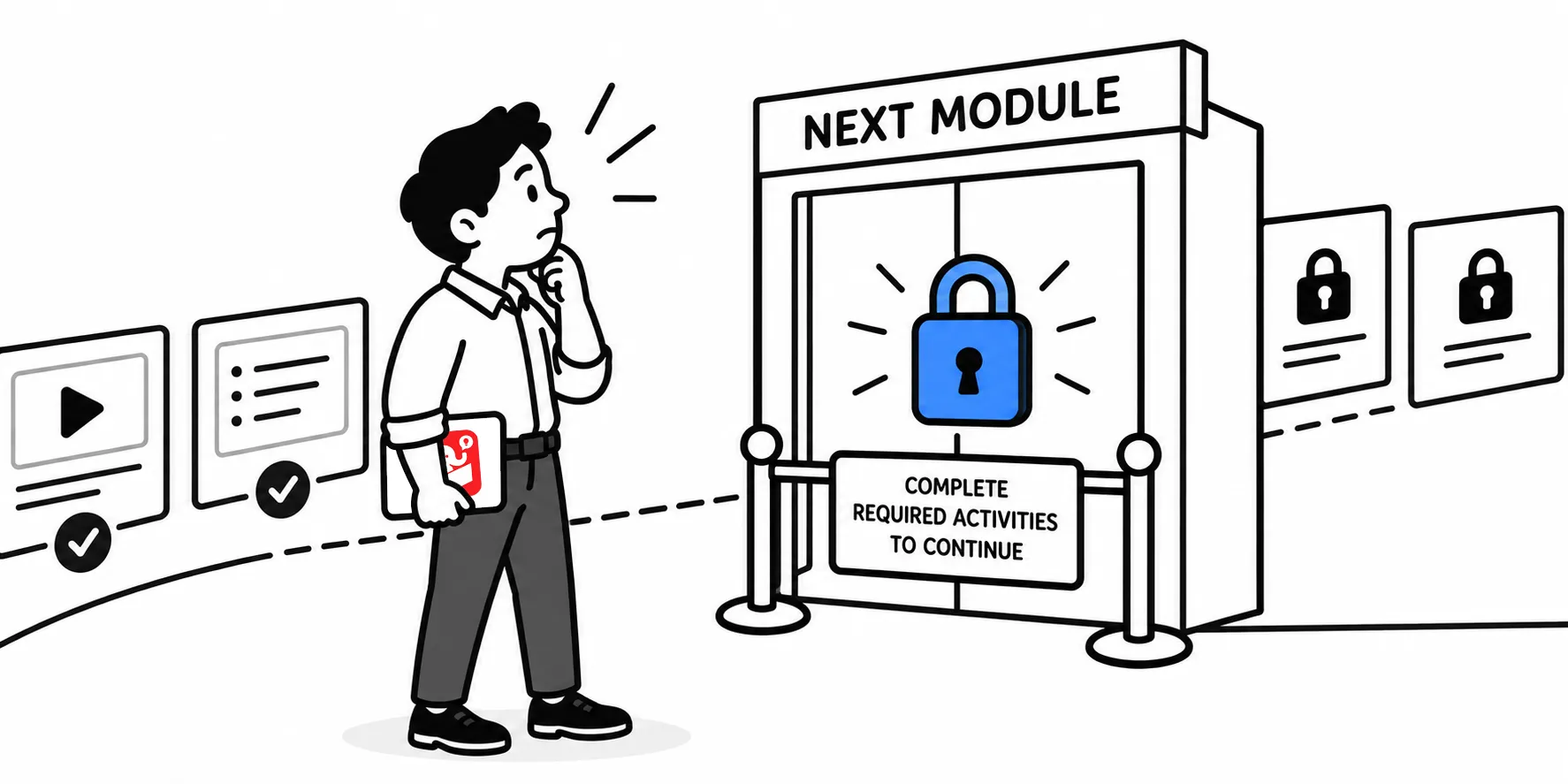
Walk into almost any e-learning review meeting and you’ll hear it: “We have to lock the navigation.” The assumption is that forced progression ensures learning. But exposure to content and actual learning are two very different things.
Forced navigation only measures access
Locking course navigation can only confirm that someone clicked through the slides. It can’t measure attention, comprehension, or anything that resembles actual learning.
Reading, seeing, or hearing information is just one small piece of the learning process. Completing a locked course doesn’t mean anything was retained. It just measures a person’s patience and ability to select the next button.
People come to content with different backgrounds
A new learner and a tenured employee don’t experience the same course the same way. The new person may need more time and repetition to understand how things fit together.
The experienced person is matching new information to categories they already have. Forcing both through identical pacing creates frustration for one and boredom for the other.
Some learners need the big picture first
Before diving into the details, some people want to scan the whole course. They want to scan ahead, peek at the end, and build a mental map before committing to the path. Blocking that kind of exploration doesn’t just slow them down. It makes learning harder.
The real lock belongs on activities, not screens
Here’s a more useful approach: give learners freedom to move around, but require them to complete activities that demonstrate understanding.
Skip the policy screens. Instead, give learners a scenario where they apply the policy. That activity is the right place to control progression. It measures what they know, not just what they clicked.
Key takeaways
Shifting from locked screens to locked activities changes what your course actually measures. Instead of tracking exposure, you start tracking understanding. Try identifying one activity in your next course where learners have to apply something before they move on. That single change can tell you more about learning outcomes than screen-by-screen progression ever could.