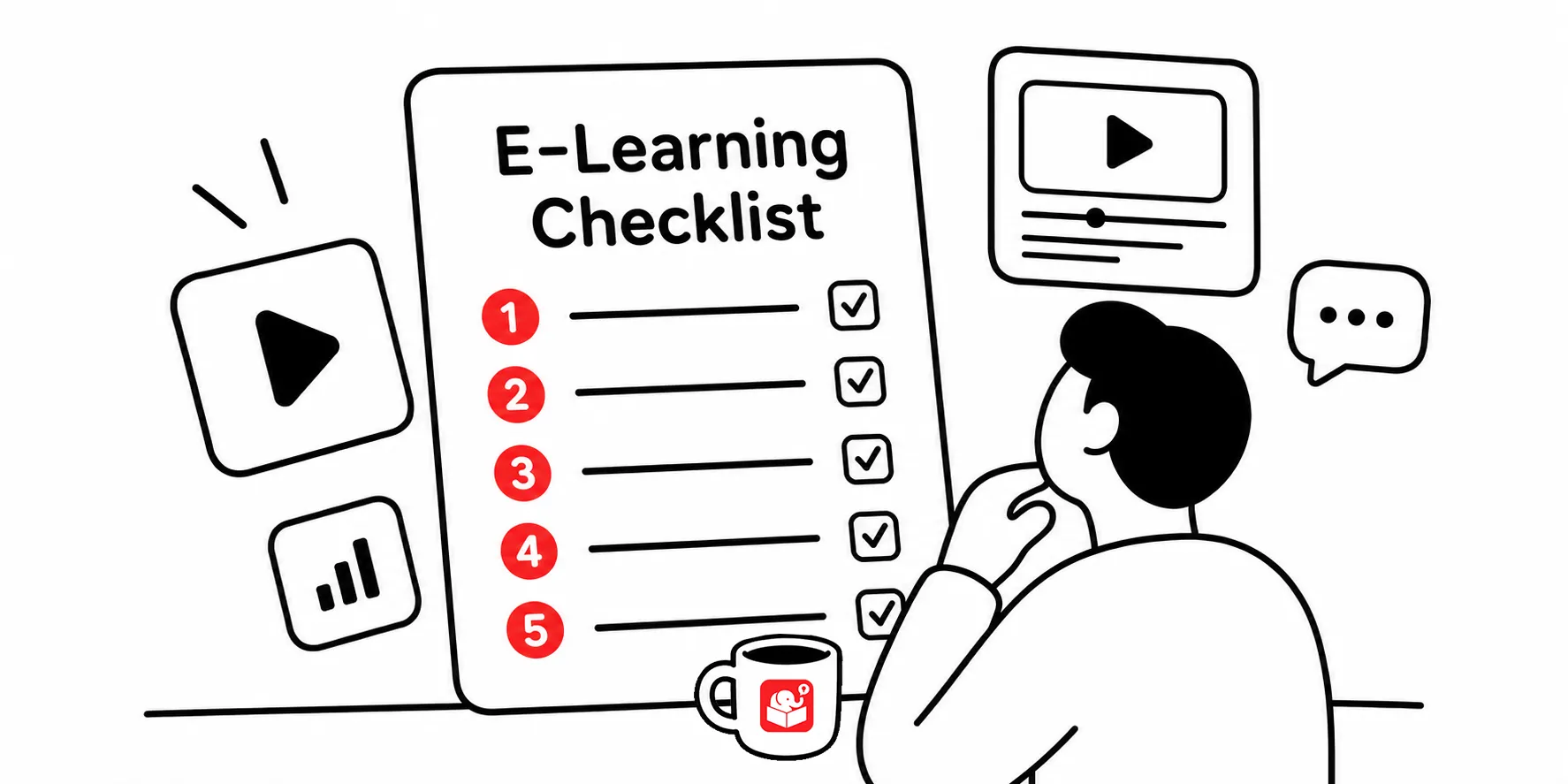
Before You Launch Your E-Learning Course, Run Through This Checklist
Launching your first e-learning course is a big deal. You’ve spent a lot of time building the course, it works (mostly), and you’re ready to get it out the door. Here’s the thing though: the stuff you miss is almost always the stuff a fresh set of eyes would catch in five minutes.
Running a review before launch isn’t about being a perfectionist. It’s about protecting the work you already put in and catching things that may go from speed bump to roadblock.
Below is a simple 10-step review process that catches the issues. It’s not exhaustive but it’s a start.
Before you start
Give yourself a little distance from the course before you review it. You’ve been staring at it for weeks, so your brain fills in gaps automatically. Take a day off from it if you can, then come back with fresh eyes. And when you’re ready, try to get someone else to review it, too. It can even be someone who knows nothing about the topic. They’ll probably catch things you won’t.
Does your course deliver on its learning objectives?
Go back to the objectives you wrote at the start. Does the course actually deliver on them? This is easy to skip when you’re tired and just want to be done. Don’t skip it. Check that:
- Assessment questions tie directly to the stated objectives
- Examples and practice activities match what learners are supposed to be able to do
- Nothing in the course promises something the course doesn’t teach
Is your content accurate and current?
This one matters most when your course covers compliance, policies, or anything that changes over time. Outdated information doesn’t just look bad. It can cause real problems.
Check for:
- Regulations or compliance requirements that may have been updated
- Company policies or procedures that have changed since you started building
- Product details, contact info, or external resources that need to be current
Have your subject matter expert do a final read-through and sign off. Get it in writing if you can. That’s helped me a number of times in the past when the SME tried to pass the blame.
This is the part where you click every single thing. It takes a while. Do it anyway.
Work through:
- Navigation controls
- Interactive elements
- Multimedia playback
- Download and external links
- LMS tracking and completion status
Test across different browsers and devices too. Something that works fine in Chrome on your laptop might break on a phone or in Firefox. You may also find that the content flow doesn’t work the way you expected, especially if you gave yourself some time between completion and reviewing.
Are your assessments actually measuring learning?
Your quiz or assessment should measure whether someone learned something. Not whether they can guess well. And they should be aligned to the learning objectives you reviewed.
Review each question for:
- Clarity (would a learner understand what’s being asked?)
- Accuracy (are the answer choices actually correct?)
- Feedback (does the feedback help them understand why they got it right or wrong?)
- Completion criteria (does the pass score actually reflect the learning goals?)
Is your writing clear and consistent?
Read the course like a learner would. Slowly. Out loud if you have to.
Look for:
- Tense consistency (this one trips up everyone, including me)
- Grammar and spelling
- Formatting that’s consistent across slides or screens
- Instructions that are actually clear
I tend to have issues with passive language and tense. This makes the content weaker and possibly confusing. If you have access to AI writing tools, use them. They’re good at catching tense issues and typos that you’ve read past ten times. I do this all the time after I write something. I run it through AI to clean up my issues.
Does your media hold up?
Media problems are easy to miss during development and obvious to learners.
Go through and check:
- Image quality and whether images are actually relevant
- Audio levels and clarity
- Video playback on different devices
- Animation timing (does it feel right, or is something weirdly fast/slow?)
- File sizes (slow-loading media kills the experience)
Does everything work the way it should?
Here’s where it’s worth pulling in a real human to click through the course. You’ve been inside this thing so long that you’ve lost perspective on what’s obvious and what isn’t.
A few years back I had someone go through a course I built and they kind of froze. So I asked why they didn’t continue and she said she thought something was supposed to happen. I pointed out what to me was an obvious navigation option, but she didn’t see it. That’s what happens when you’re in the course all day long.
Watch someone go through it without coaching them. Don’t explain anything. Just watch. What you’ll notice:
- Where they hesitate or get confused
- Whether navigation feels natural or requires hunting
- Whether text is readable and the design feels consistent
Accessibility matters here too. Check contrast ratios, font sizes, and whether the course works without audio.
Is the technical environment ready?
This one is less of an issue than it used to be, but it’s still worth running through before you hand the course off.
Confirm:
- LMS compatibility with your published output
- Any required plugins or software are in place
- Bandwidth requirements won’t be a problem for your audience
- Learner access permissions are set correctly
Can learners get help when they need it?
What happens when a learner gets stuck or has a question after they finish? Make sure you’ve thought through that.
Check that:
- Help documentation is accurate and easy to find
- Technical support contact info is current
- Resource links actually work
- Supplemental materials are available if the course references them
Have you watched a real learner go through it?
Nothing replaces watching actual learners go through your course. You don’t need a lot of people. Three to five is enough to spot patterns.
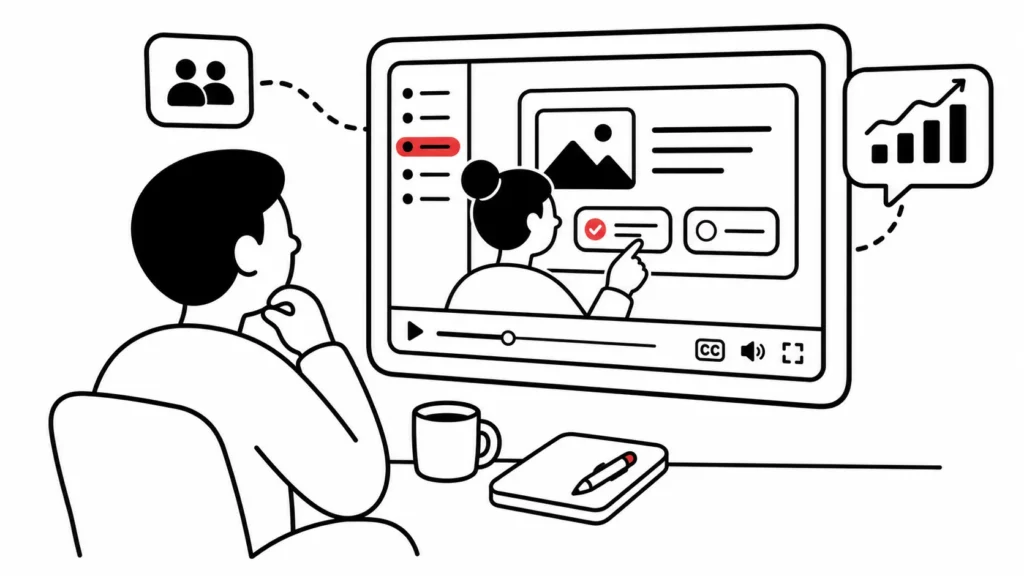
Ask someone to complete the course while you observe. Note where they slow down, where they skip things, and whether they finish feeling like they learned something. Time how long it takes too. If it’s way over your estimated completion time, that’s useful data.
Key takeaways
Before you hit publish, block time for an honest run-through of this checklist. Don’t do it the night before launch. Do it early enough that you can actually fix what you find.
Build at least one or two review cycles into your project timeline from the start so you’re not scrambling at the end. And the next time you build a course, start the review process earlier than you think you need to.
The reviews that happen during development are almost always less painful than the ones that happen after your learners start reporting problems.