
Tutorials
Step-by-step, hands-on walkthroughs for building a specific feature, interaction, or effect in your course.
-
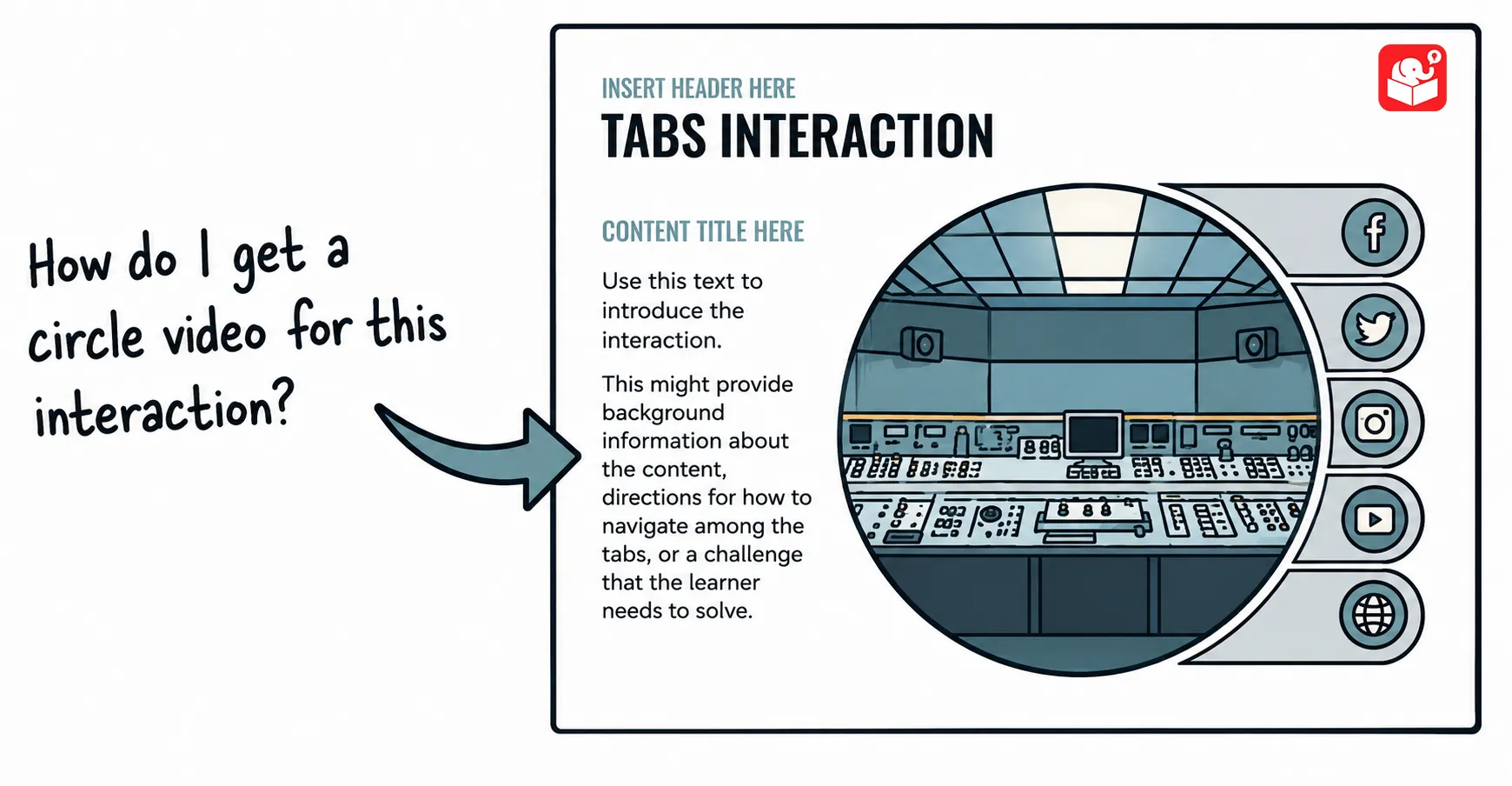
Use PowerPoint to Create Custom Videos
Learn to use PowerPoint to create custom videos you can use on your website or in the e-learning course.
-
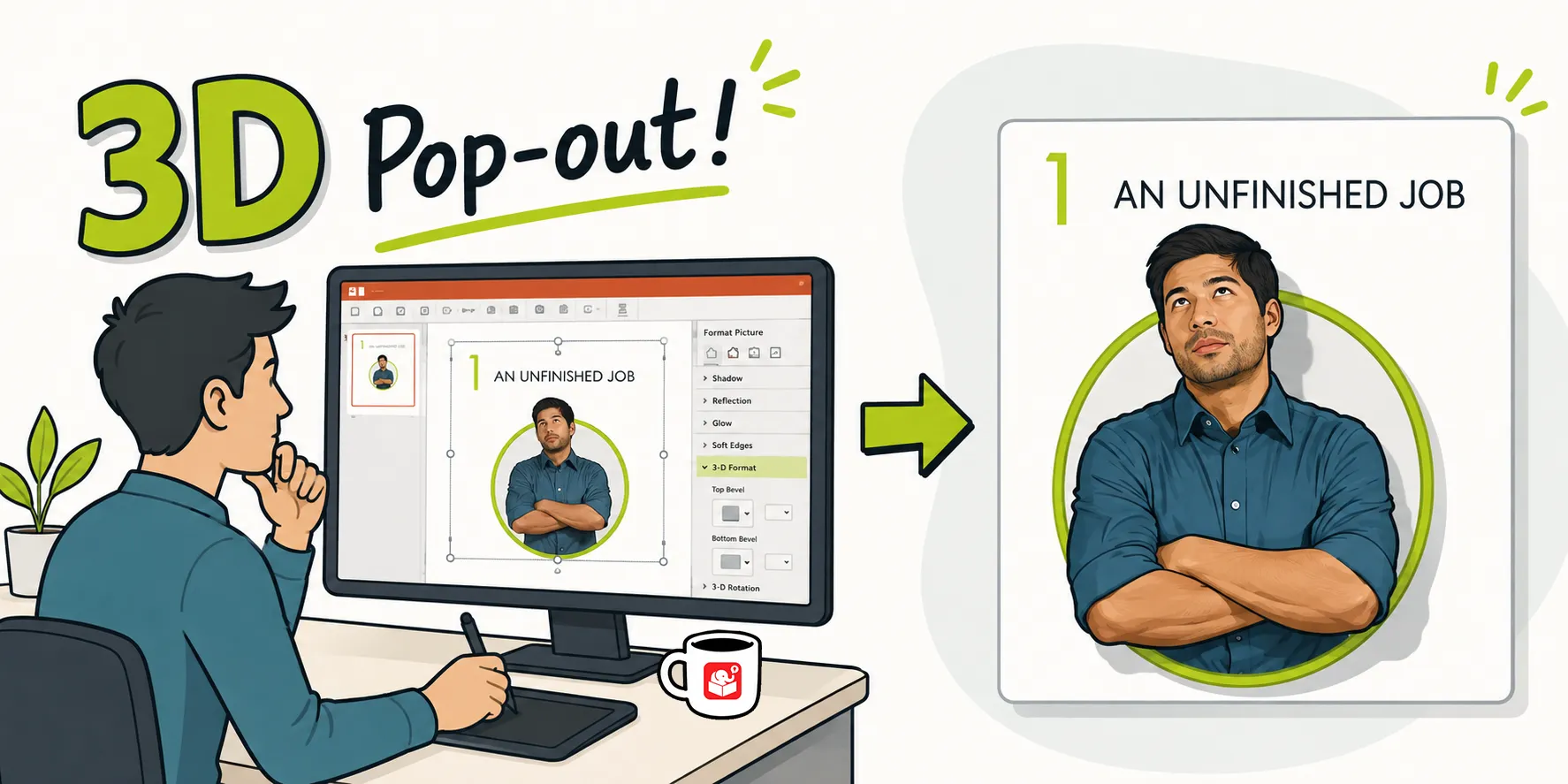
How I Built This 3D Pop-Out in PowerPoint
After sharing a Rise interactive scenario, I got a flood of questions about the 3D pop-out character graphic. It turns out it’s…
-

How to Create a Video with 3D Models in PowerPoint
Want to add slick 3D animation to your course without touching a video editor? This tutorial shows how to insert a 3D…
-

The Project Management Tip You Can’t Ignore
I’ve noticed that most e-learning project headaches come from the same place: unclear communication. The fix is simpler than you’d expect. It…
-
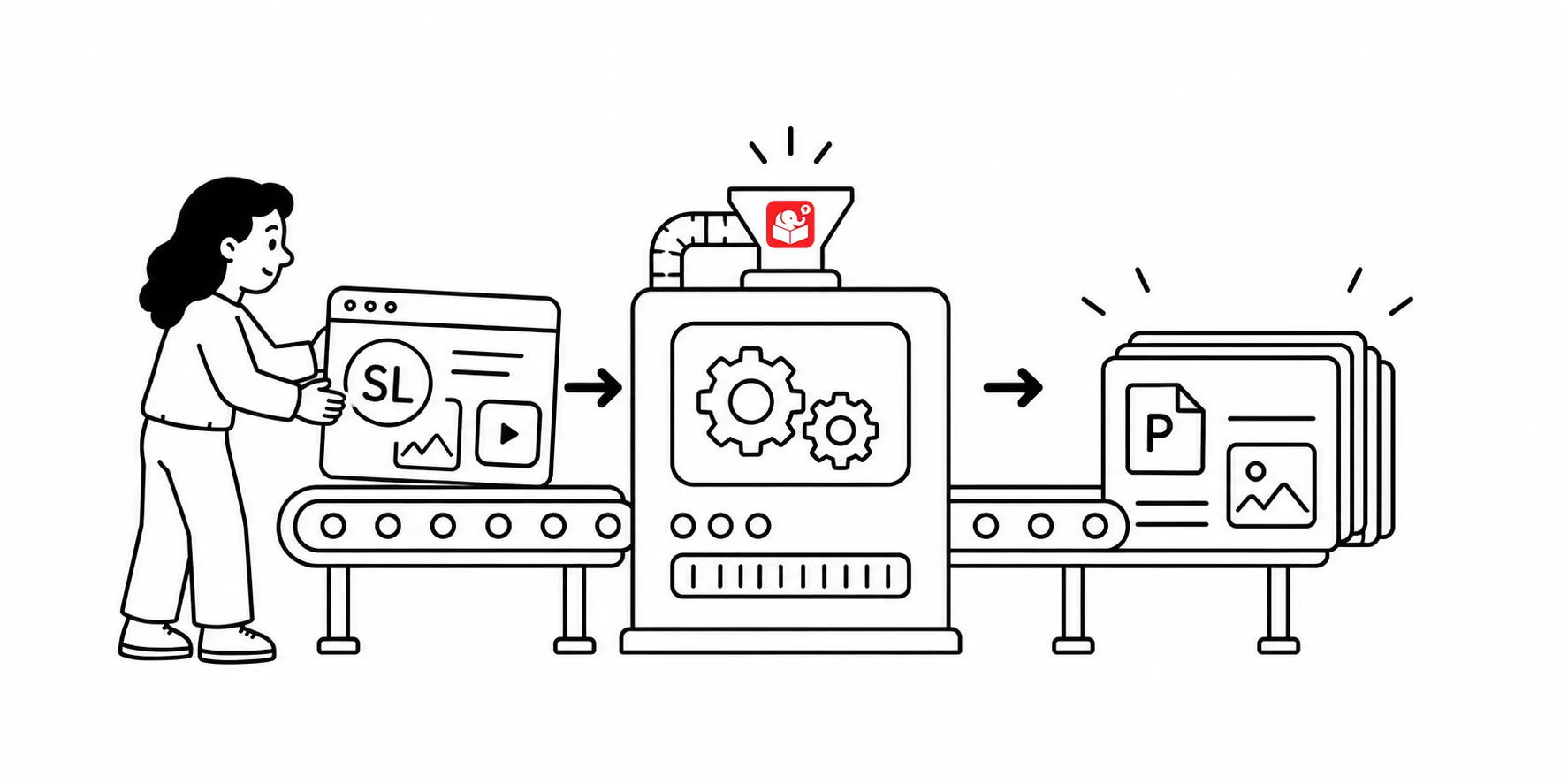
How to Convert Storyline Courses to PowerPoint
How to convet Storyline to PowerPoint? The request makes sense, but the two tools aren’t built to share files. Here are two…
-
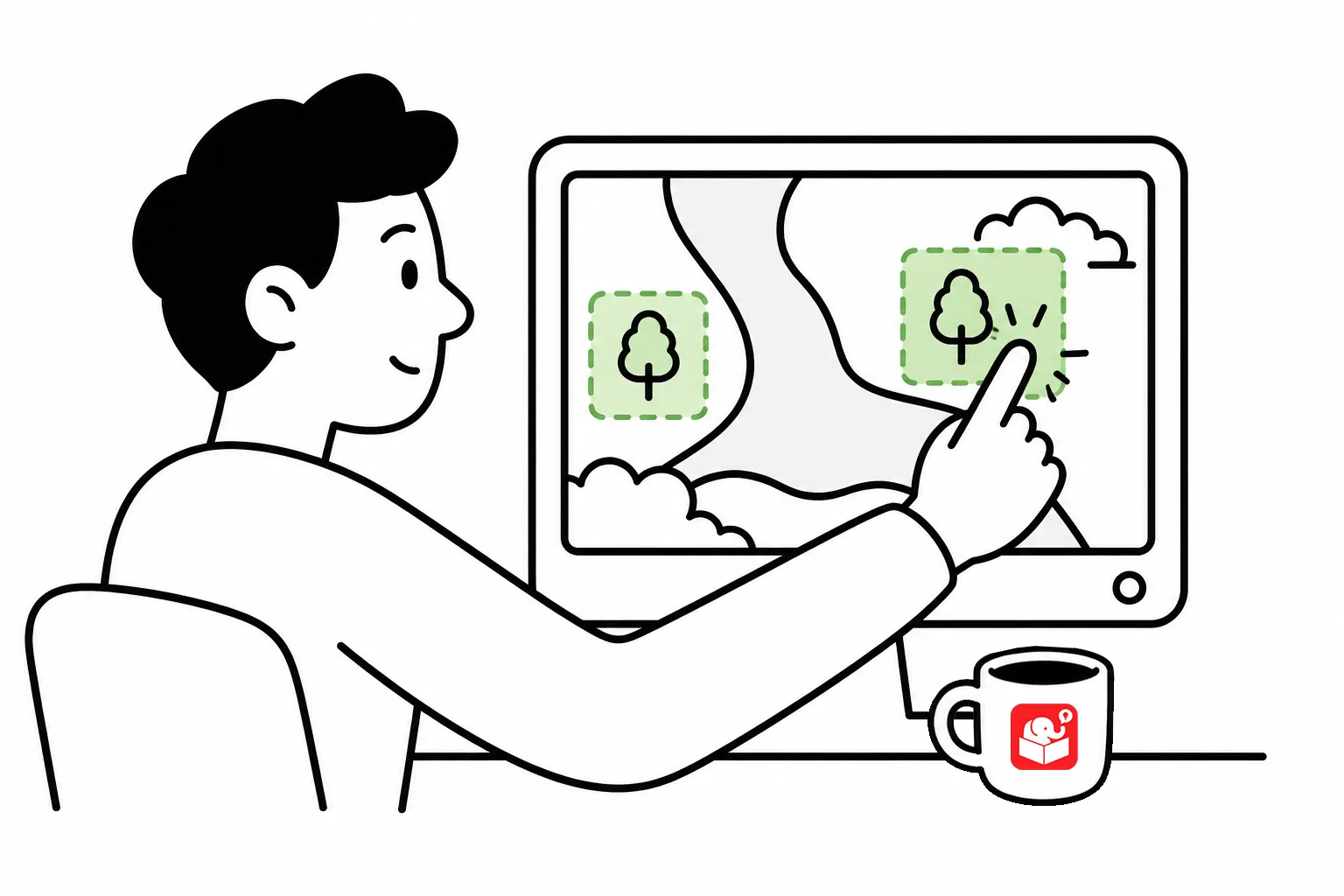
Three Ways to Use Hotspots in Your E-Learning Courses
Interactive hotspots do more than trigger clicks. Use them as invisible buttons to speed up production, or as barriers that block interaction…