
Multimedia
Tips for adding and polishing audio, video, and narration to bring your e-learning courses to life.
-
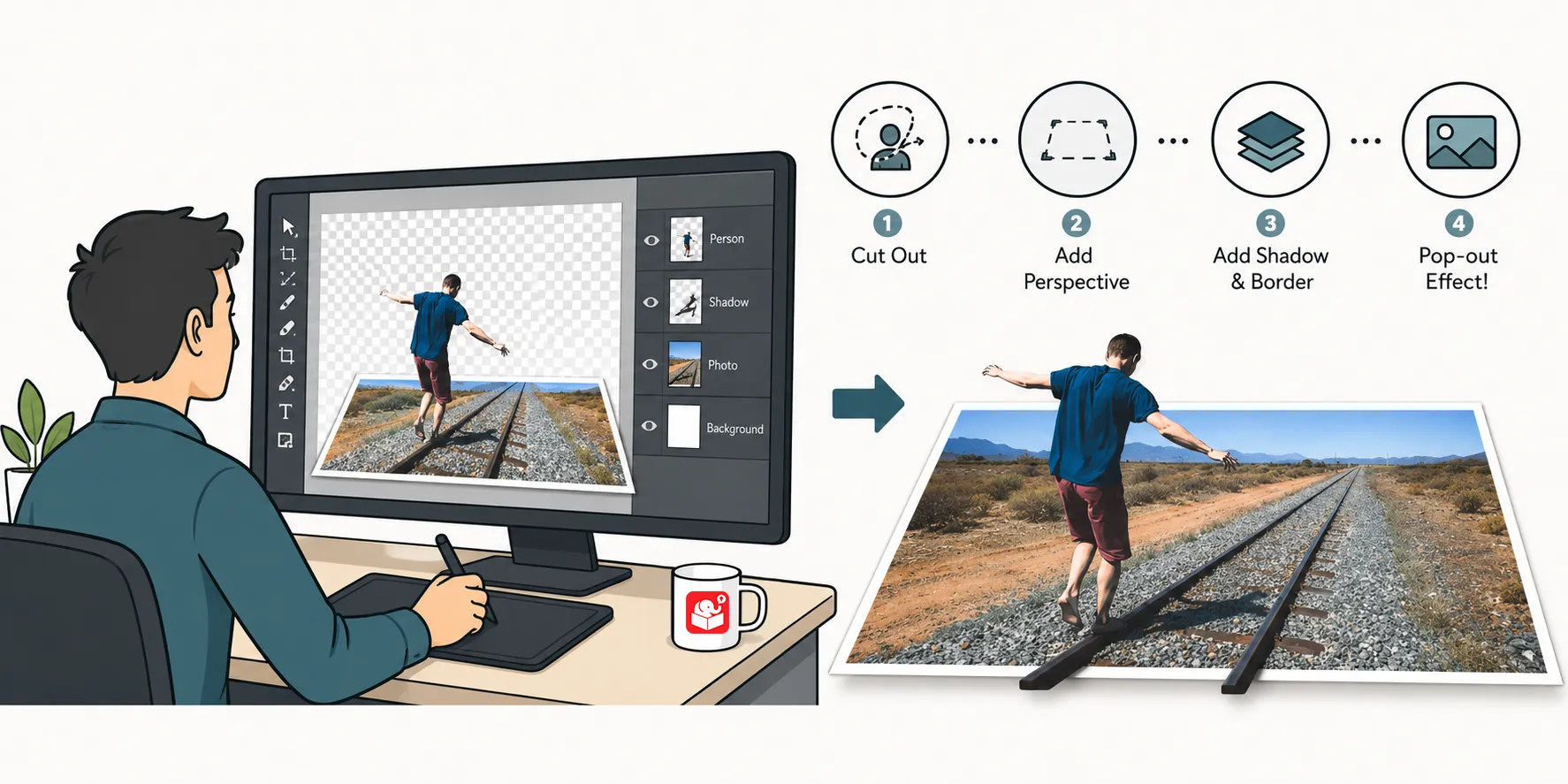
PowerPoint: 3D Pop-Out Effect
Ever wonder how to turn a plain photo into something that looks designed on purpose? This quick video shows the simple trick…
-
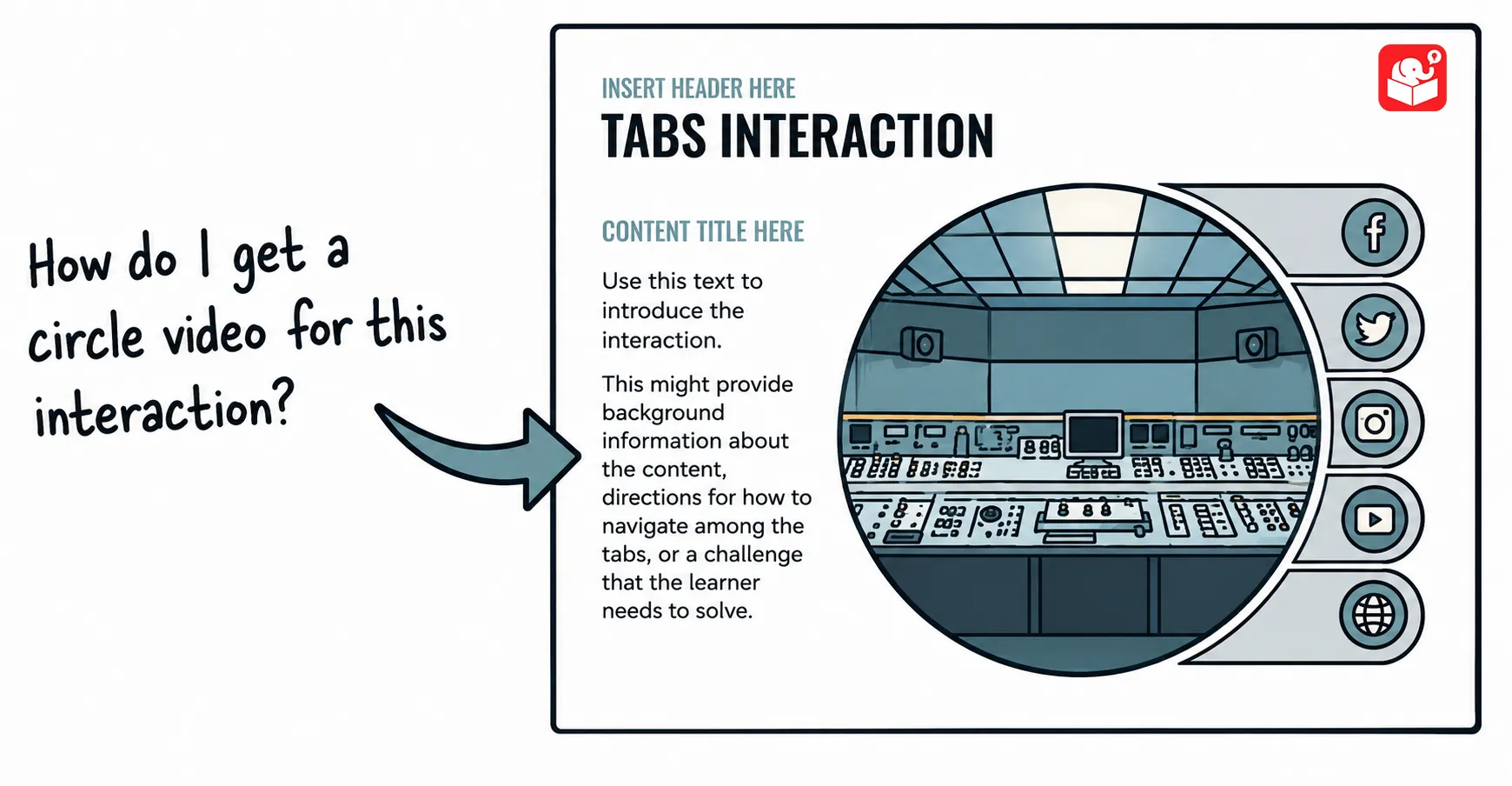
Use PowerPoint to Create Custom Videos
Learn to use PowerPoint to create custom videos you can use on your website or in the e-learning course.
-
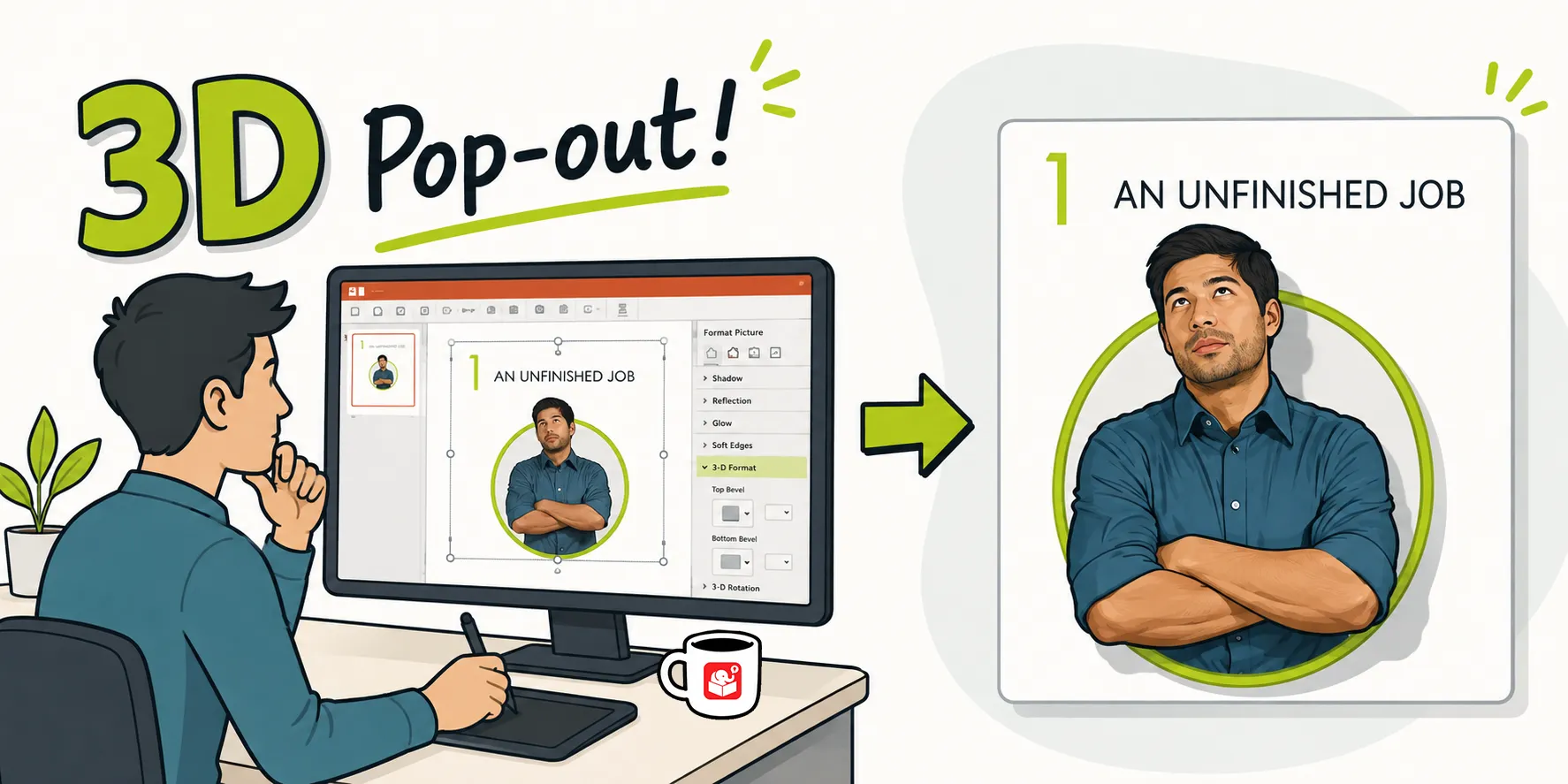
How I Built This 3D Pop-Out in PowerPoint
After sharing a Rise interactive scenario, I got a flood of questions about the 3D pop-out character graphic. It turns out it’s…
-
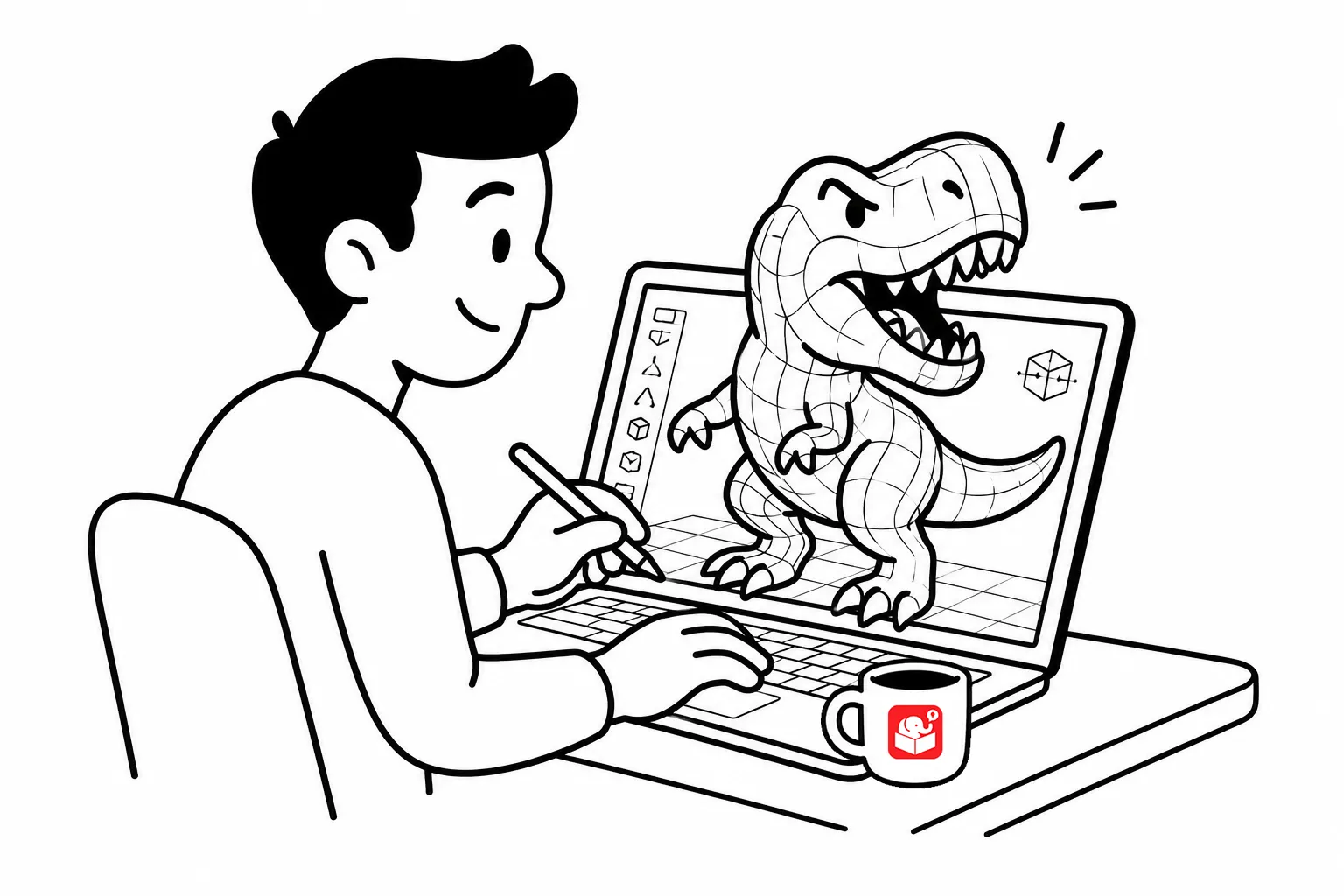
How to Create a Video with 3D Models in PowerPoint
Want to add slick 3D animation to your course without touching a video editor? This tutorial shows how to insert a 3D…
-

Narration Has Changed — Here’s How to Choose the Right Option
AI voices have gotten so good that most course developers skip the debate entirely and just use them. But there are still…
-
Should You Add Background Audio to Your E-Learning Courses
Ask whether the audio choices, or the silence, match the context and the content. If you’re building a scenario-based course, try adding…
-
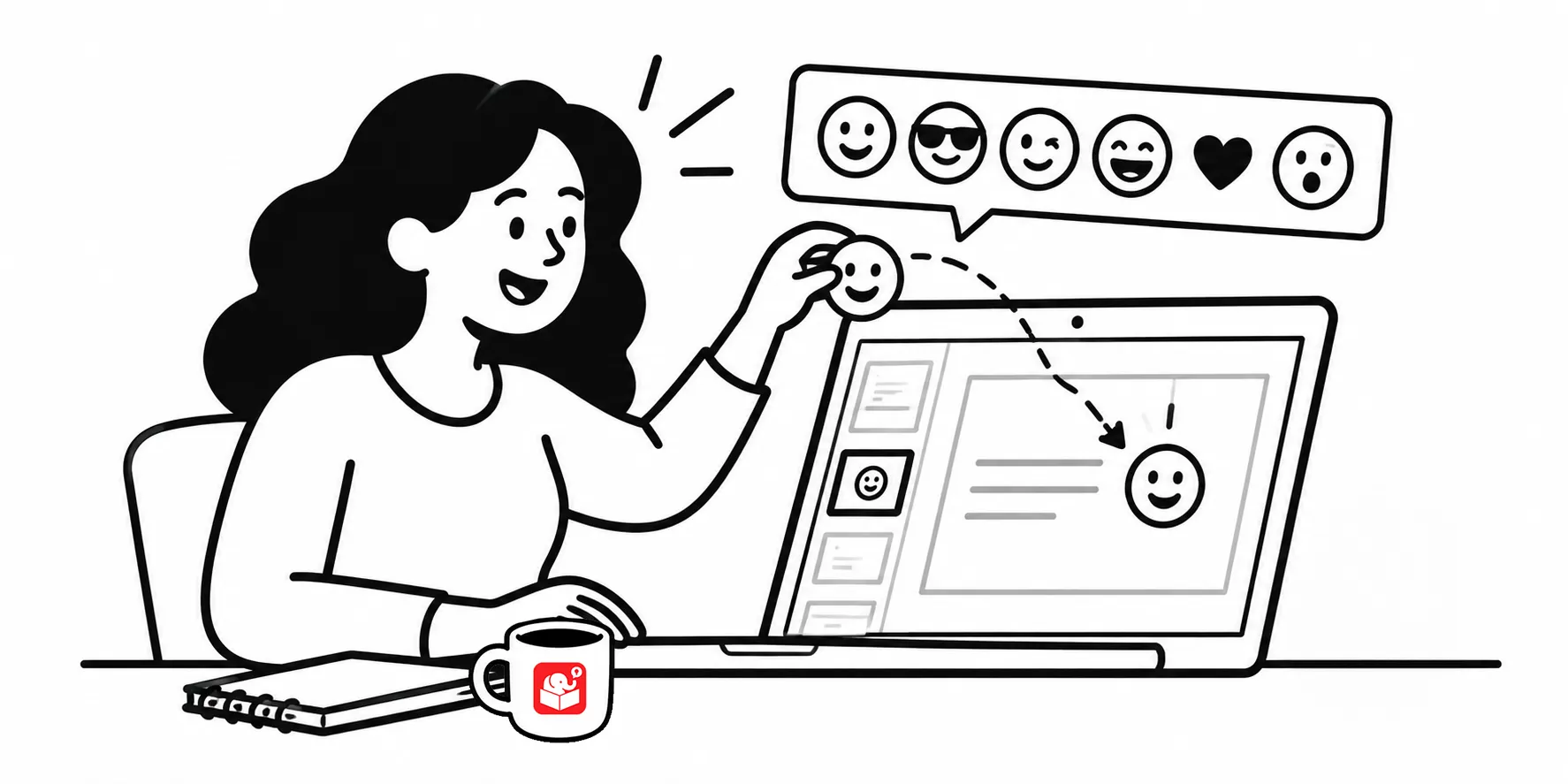
3 Ways to Insert Emojis Into Your E-Learning Courses
Emojis can add a clever visual cue to your course, if you can actually find and insert them. Here are three simple…