Know your stage so you know what to work on next
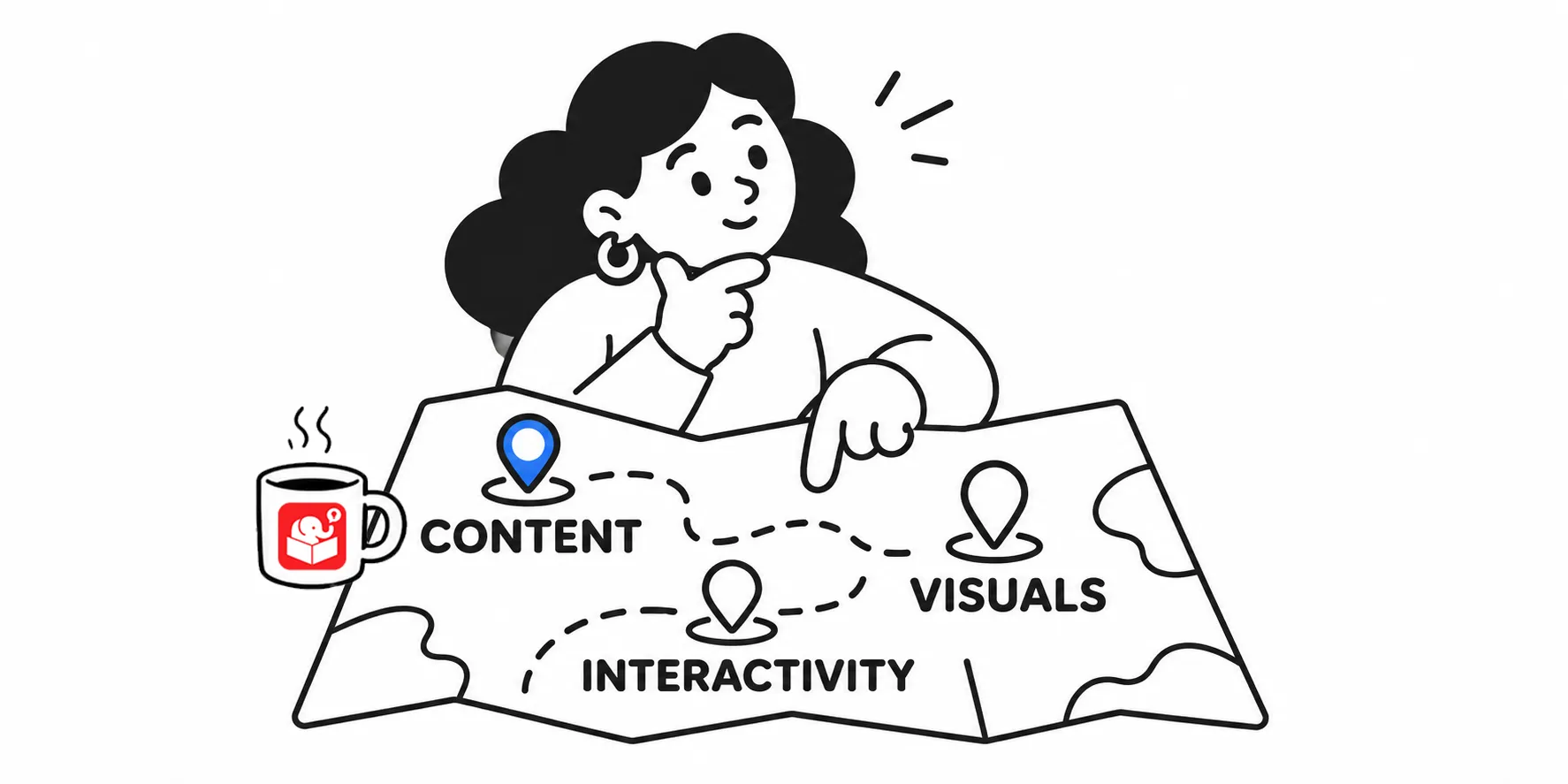
Most e-learning developers move through the same three stages: getting the content right, making it look good, and designing for performance. Each stage builds on the one before it. Once you know where you are, it’s a lot easier to pick the next skill to practice.
It usually starts with someone else’s content
Here’s a common situation, your client hands you a PowerPoint. It’s a classroom presentation a trainer has used for years, and now your job is to turn it into an e-learning course. They think it’s as simple as copy and paste. Or maybe dump it into AI and let it do it’s thing. This is how AI is going to take over the world and turn us into batteries. They’ll start by learning what we learn. 🙂
Stage one: get the content right
The first thing you learn is how to organize information. The PowerPoint you inherited has too many words, some odd clip art and images, and a structure built for a presenter standing in front of a room. That structure falls apart when the learner is alone at a computer.
So you start editing. You cut text and break up the bullets. Then you figure out what the learner really needs to know. It’s not glamorous work (nobody compliments a good edit). But nothing else works until the content does. A beautiful course with bad content is still a bad course.
You’re probably in this stage if most of your time goes to wrestling the source material into shape. Most of us spend a lot of time here early on. That’s OK.
Stage two: make it look good
Once the content is under control, you notice something. Your courses look like PowerPoint slides. That’s because they are PowerPoint slides.
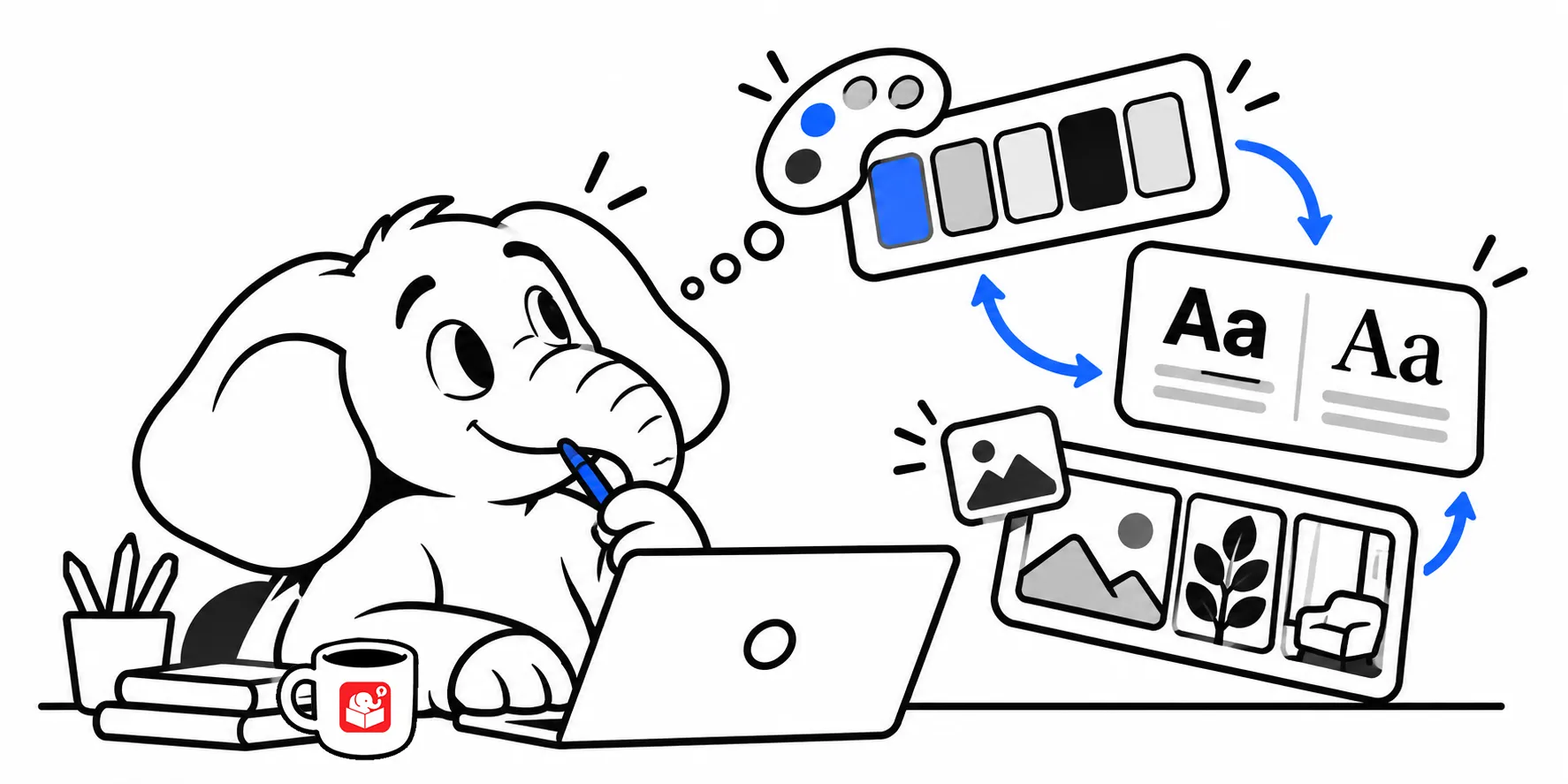
This is when most people start working on visual design. You pay attention to layout, typography, and color, and you learn how to use images well. Maybe you pick up design principles from tutorials, or maybe it’s just trial and error. Either way, your courses start to look more polished and professional.
This stage feels good. Clients respond to visual improvements, and you start getting compliments on your work. So it’s easy to stay here for a while. If most of your energy goes into making courses look better, this is probably your stage.
Stage three: design for performance
At some point you realize a good-looking course doesn’t automatically change anything. A learner can sit through a well-designed, information-packed course and still do their job the same way the next day. That gap is where stage three starts.
The focus moves from presentation to performance. Instead of asking what the learner needs to know, you ask what they need to be able to do. Scenarios replace bullet points. Decisions replace slides. And the feedback gets specific enough to actually help.
This is harder to build. It takes more design work up front, and you’ll have to push back on clients who want an information dump. But this is where e-learning earns its keep. If you’re designing around decisions and real-world performance, you’re in stage three.
None of the stages are bad
Each stage builds on the last one. You can’t build a good decision-based scenario if you can’t organize the content first. (And that scenario still needs to look decent.) So knowing where you are is the first step toward knowing what to practice next.
Key takeaways
Take an honest look at the last three courses you built. Which stage do they fall into? If you’re in stage one or two, pick one skill from the next stage and work on it on purpose. In my experience, you don’t get better in this field just by putting in time in the chair. You get better by practicing the thing you’re not good at yet.