Physical Address
304 North Cardinal St.
Dorchester Center, MA 02124
Physical Address
304 North Cardinal St.
Dorchester Center, MA 02124
Helpful ideas. Squeaky value.
Helpful ideas. Squeaky value.
Tips, tricks, and tutorials specific to building and customizing courses in Articulate Storyline.
Most course authors build linear slides and stop there. Variables let you collect learner input, evaluate decisions, and send learners down different paths. They're not as complicated as they sound, and this post shows you where to begin.

A lot of drag and drop problems come from decisions that weren't made before building started. Knowing your interaction type, how you'll mark targets, and how you'll give feedback will save you a lot of rework.

Most drag and drop interactions leave learners wondering what to do when they drop something in the wrong place. Hotspots offer a cleaner solution. They can provide feedback and give you precise control over where objects land.
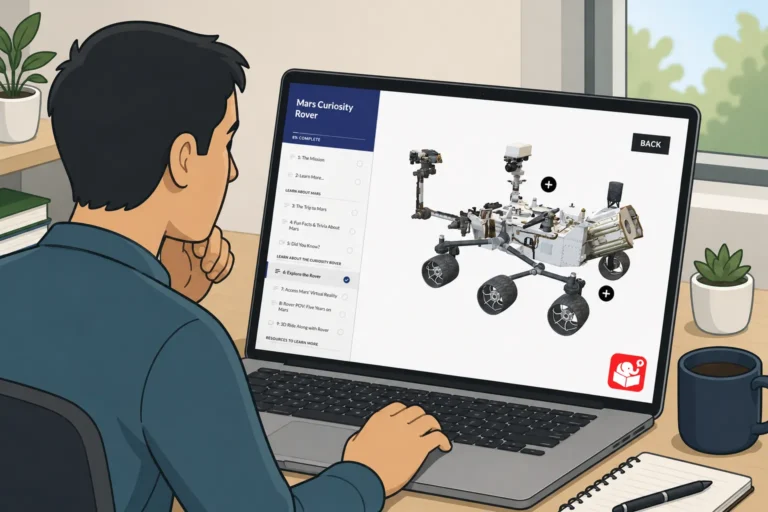
A spinning 3D object looks impressive in a slideshow. But when a learner clicks a tab and the object rotates in response, that's something worth remembering. This post picks up where the PowerPoint video tutorial left off and shows how to wire the full interaction in Storyline.

A lot of e-learning developers avoid variables because the terminology sounds technical. The underlying logic is actually simple. Once you see the pattern, you'll find uses for variables in almost every course you build.
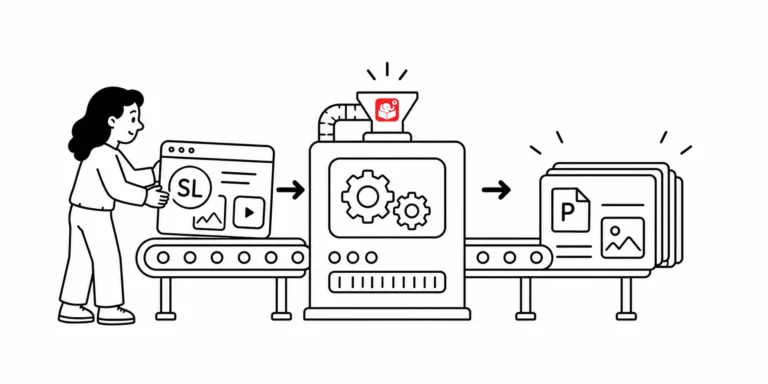
How to convet Storyline to PowerPoint? The request makes sense, but the two tools aren't built to share files. Here are two methods that actually work, depending on where you are in the project.
Interactive hotspots do more than trigger clicks. Use them as invisible buttons to speed up production, or as barriers that block interaction with what's underneath. Here are three ways to put them to work in your next course.



