Physical Address
304 North Cardinal St.
Dorchester Center, MA 02124
Physical Address
304 North Cardinal St.
Dorchester Center, MA 02124
Helpful ideas. Squeaky value.
Everything about creating online training and courses, from the thinking behind good instruction to the tools and tricks used to build it.

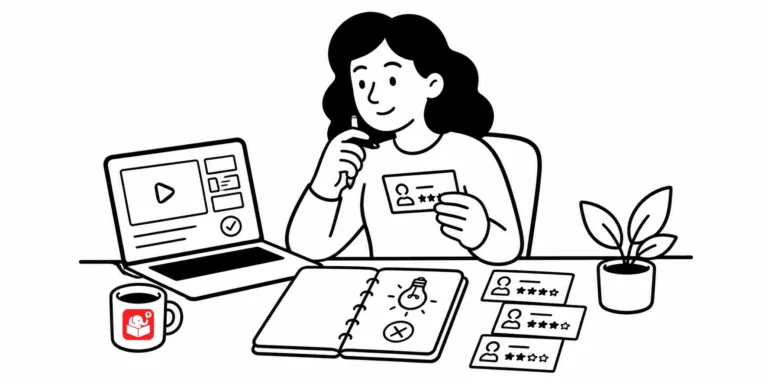
A portfolio isn't just a nice-to-have — it's the thing that gets you the interview. This post covers what to put in yours, how to organize it, and how to use it to build your reputation in the e-learning community.

Building an e-learning portfolio sounds like a big undertaking. But it doesn't have to be. The right approach depends on what you want your portfolio to actually do.

Most e-learning courses push information and call it training. The 3C model exists to fix that. It's a simple structure for building scenarios that put learners in real situations and let them practice making decisions.

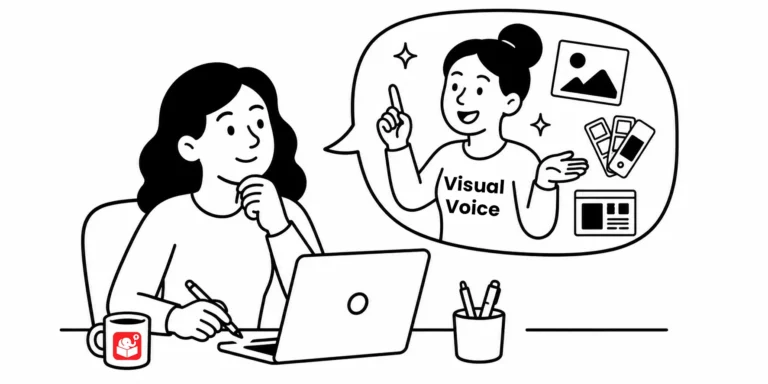
Every visual choice in your course sends a message, whether you planned it or not. This post covers five common design mistakes that quietly undermine the story your course is trying to tell, and how to fix them before learners ever notice.

A portfolio grows with your skills, and every course you build is a chance to capture something worth showing. Start with these five types, make the visuals strong, and keep adding as you learn. What's one piece you could add to yours this week?

I once got pushback from a client for wanting to talk to the actual loan officers before building their training. Here's why that conversation matters more than any content deck, and a few practical ways to get learner input into your process before the course is finished.

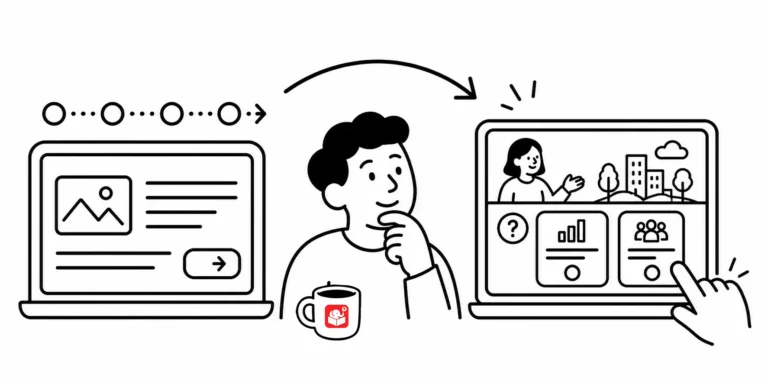
Every e-learning team eventually debates templates: are they a time-saver or a constraint? The answer is both, depending on where you use them. A smarter approach treats templates as tools for specific parts of the course, not a rigid structure for everything.

Launching an e-learning course without a review is like sending an email before you proofread it. Something will be off, and someone else will find it first. This checklist walks you through the ten areas to check before your course goes live.

Good content isn't enough to keep learners engaged. This post breaks down why motivation drops and gives you five practical ways to build it back in, plus a clear look at where AI fits into the process.

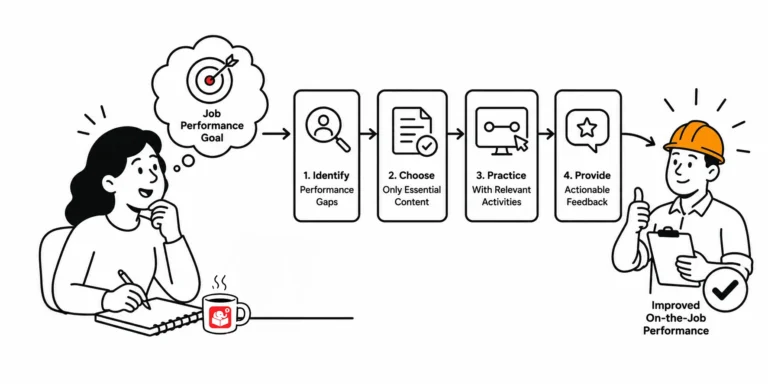
A lot of e-learning looks like training but doesn't work like training. If you want people to actually do something differently after the course, you have to build for that from the start. Here's how.

AI can do a lot of things faster than you can. That doesn't mean the results are always worth using. Here's an honest look at where AI actually helps in e-learning development — and where it creates the illusion of progress without the substance to back it up.

Most e-learning stops at content delivery. The Tell, Show, Do model helps steer courses toward action, but the real gains come from adding deliberate practice and structured review. Each stage builds on the last, giving you a stronger framework for course design.

Most e-learning developers aren't trained graphic designers, and that's completely fine. But a few recurring visual mistakes make an otherwise solid course look unprofessional. Here are five of the most common ones and what to do about each.

Cluttered slides with competing colors are one of the most common visual design problems in e-learning. Two techniques can fix most of it: strip everything to greyscale and add one accent color, or go the other direction with bold silhouettes. Both are quick to apply and the results show immediately.

Most organizations treat the e-learning course like the training program. It isn't. People learn all year long, through experience, peers, managers, and yes, the occasional course. Here's how to think about where e-learning fits in that larger picture.