Physical Address
304 North Cardinal St.
Dorchester Center, MA 02124
Physical Address
304 North Cardinal St.
Dorchester Center, MA 02124
Helpful ideas. Squeaky value.
Helpful ideas. Squeaky value.


Most e-learning problems start before anyone opens an authoring tool. The questions you ask at the beginning shape everything that follows. Here's a practical checklist for getting an e-learning project off on the right foot.

Not all images help learners. Some get in the way. Research shows that decorative images can actually make learning harder. Here's how to choose images that pull their weight.
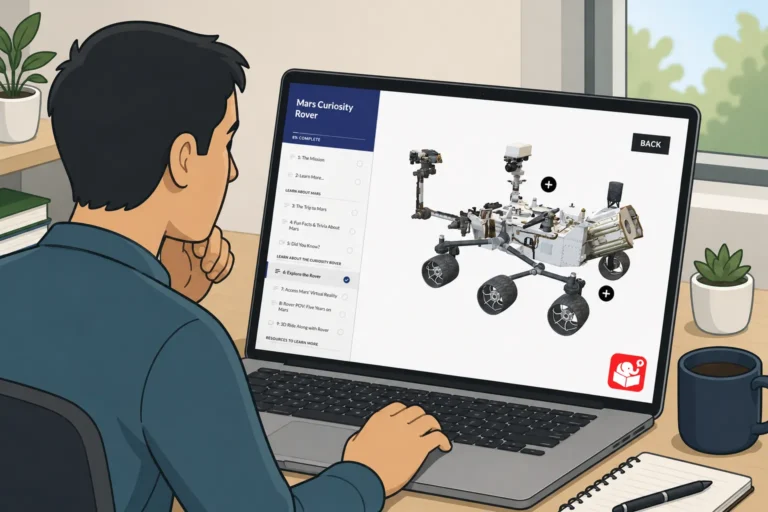
A spinning 3D object looks impressive in a slideshow. But when a learner clicks a tab and the object rotates in response, that's something worth remembering. This post picks up where the PowerPoint video tutorial left off and shows how to wire the full interaction in Storyline.

Apps freeze and crash. Simple app that autosaves.
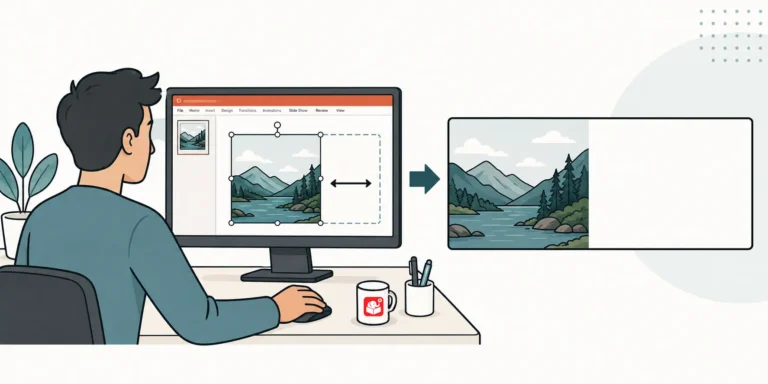
tuck with a great course image that leaves zero room for text? This duplicate-crop-stretch trick opens up space without touching the photo. It works on solid backgrounds, patterns, and even blurry beach shots.

After sharing a Rise interactive scenario demo, I got a lot of questions about how the graphics were built. The headers, flashcard images, and character graphics all came from PowerPoint. This post walks through the exact workflow, including how to set slide sizes and export images for Rise blocks.
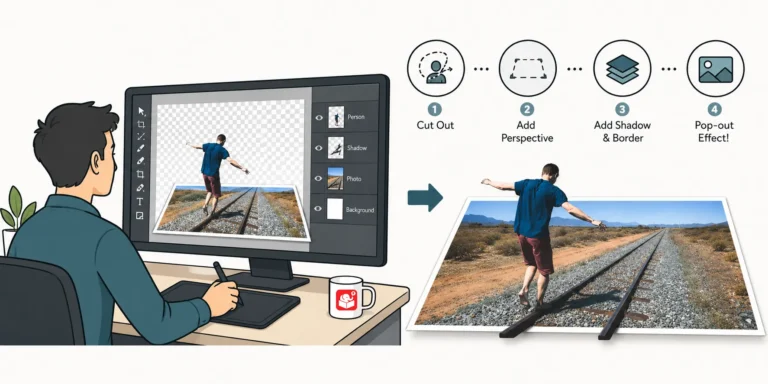
Ever wonder how to turn a plain photo into something that looks designed on purpose? This quick video shows the simple trick behind that tilted, card-style photo effect, no fancy design software needed.
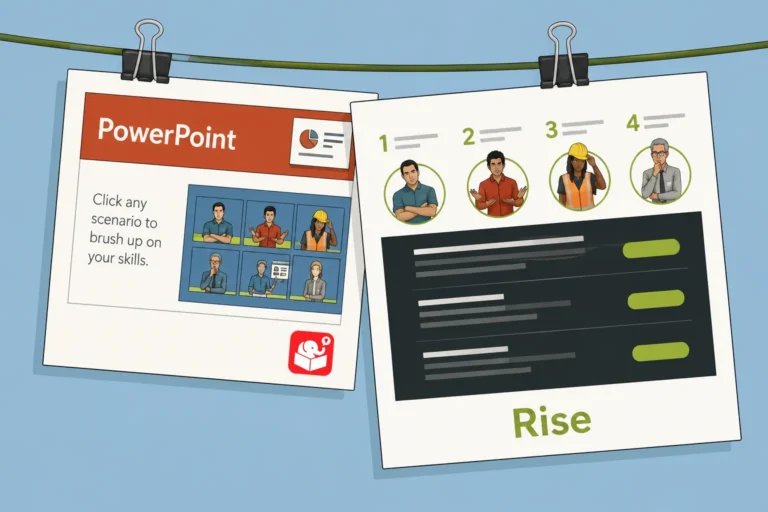
Older PowerPoint scenarios can be hard to manage and even harder to update. Rise offers a cleaner alternative that's fully responsive and easier to maintain. This post walks through one conversion, from planning the interaction design to working around Rise's constraints.
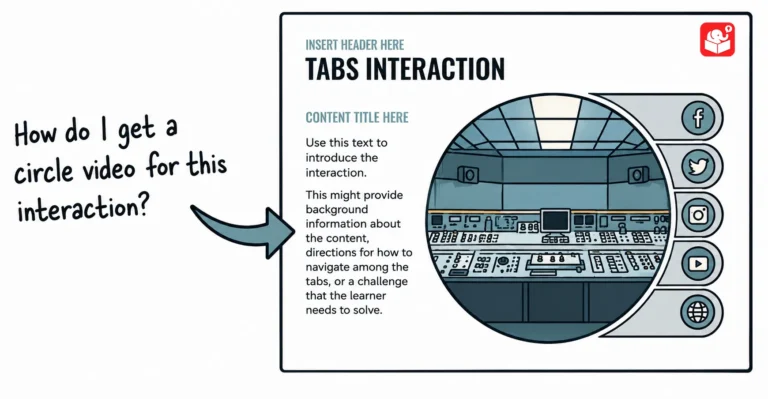
Learn to use PowerPoint to create custom videos you can use on your website or in the e-learning course.
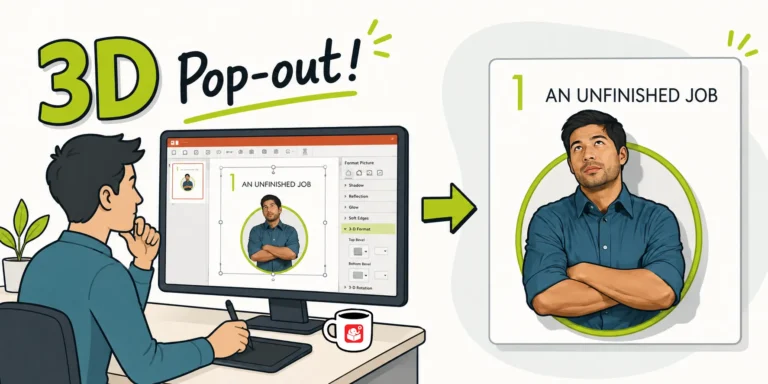
After sharing a Rise interactive scenario, I got a flood of questions about the 3D pop-out character graphic. It turns out it's a simple two-crop technique using a circle shape. Here's how to do it in PowerPoint.



