Physical Address
304 North Cardinal St.
Dorchester Center, MA 02124
Physical Address
304 North Cardinal St.
Dorchester Center, MA 02124
Helpful ideas. Squeaky value.
Everything about creating online training and courses, from the thinking behind good instruction to the tools and tricks used to build it.

A colleague needs your Storyline course as a PowerPoint file for an upcoming presentation. There's no direct import path, but two practical approaches will get your content there. Both work without extra tools, and you can choose based on how much flexibility the presenter needs.
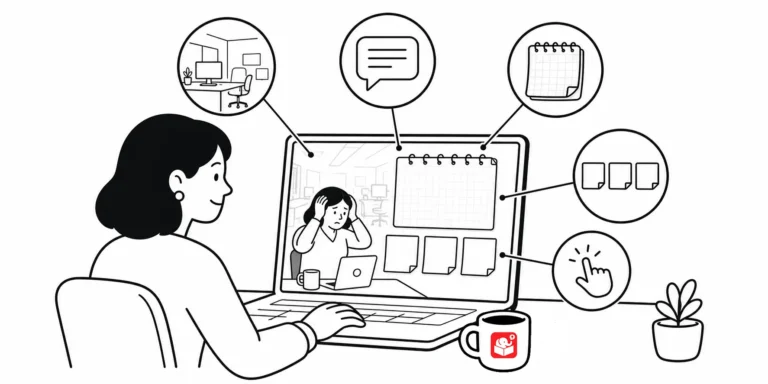
Once you've got the 3C model down for your scenario structure, the next challenge is building the visuals. Most people get stuck here because they don't know where to start. Breaking the design into five elements makes it manageable.

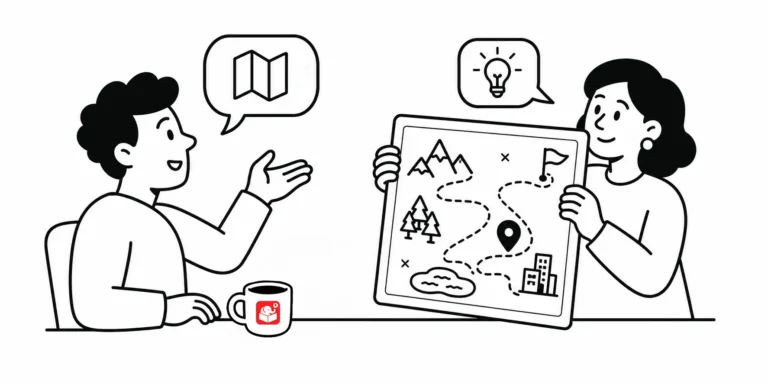
Finding the right map for an e-learning course is harder than it looks. Stock images tend to be too generic, and real online maps are too visually busy. Snazzy Maps solves both problems with a simple customization interface.

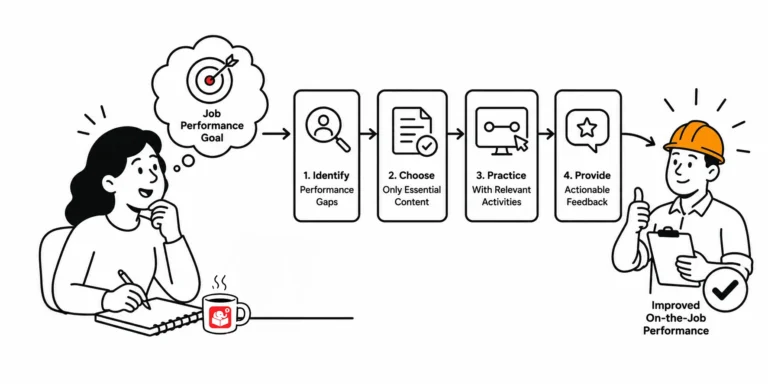
Two kinds of courses, two different goals A compliance course tells employees what the rules are. A performance-based course gets them doing something they couldn’t do before. Those two types of courses call for completely different design approaches. When information…

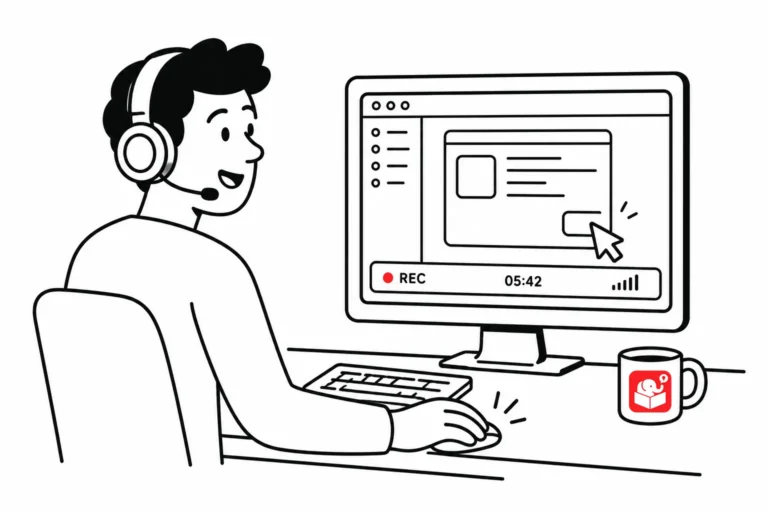
I've watched a lot of screencasts that weren't worth watching. The audio was rough. The mouse bounced around. The presenter kept stopping and restarting. None of those problems are hard to fix. They're just setup problems.

Learners don't want a long course. They want the point, fast. Here's how to cut the bloat, ditch the distracting links, and build only what the situation actually calls for.

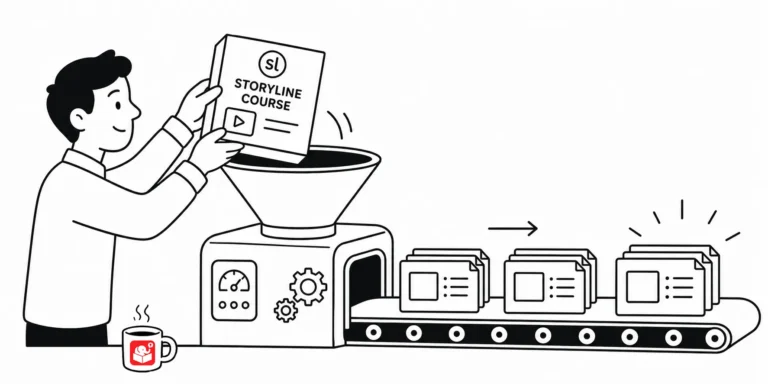
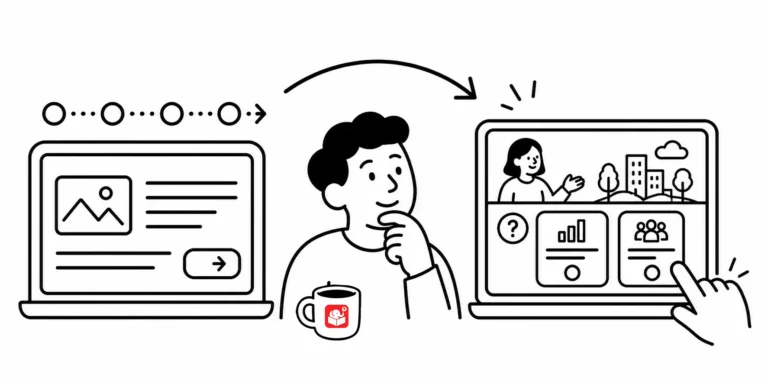
The most common e-learning courses follow a simple pattern: present information, click next. That's not learning. Three design shifts move courses away from click-and-forget content toward experiences where learners actually have to think.

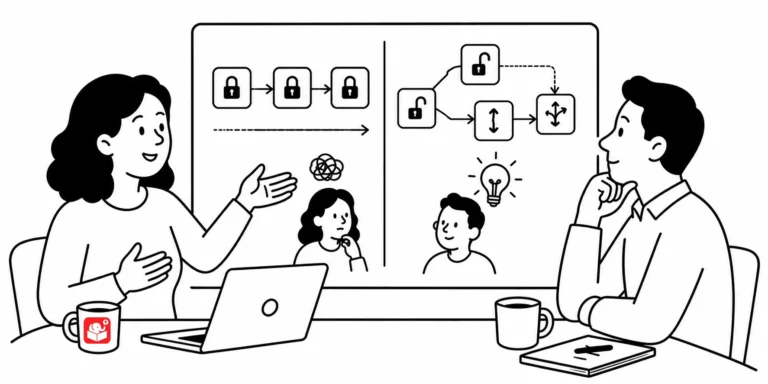
Locked course navigation is one of the most common requests in e-learning. But measuring screen time isn't the same as measuring learning. There's a better approach: shift from measuring exposure to measuring understanding.

Subject matter experts have what your course needs and not much time to give it. How you manage the relationship before, during, and after each meeting determines whether your project flows or stalls. Here are seven habits that make it easier.

Learners don't remember everything you put in a course. They remember what their brains had room to process. Here's a quick look at cognitive load and three ways to design around it.

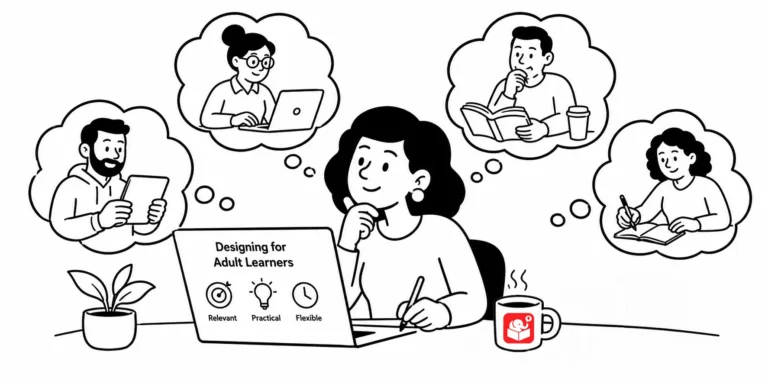
Kids jump right in and figure things out. Adults hold back, afraid to get it wrong. Here's how to design e-learning that gets adult learners past that hesitation and actually engaged.

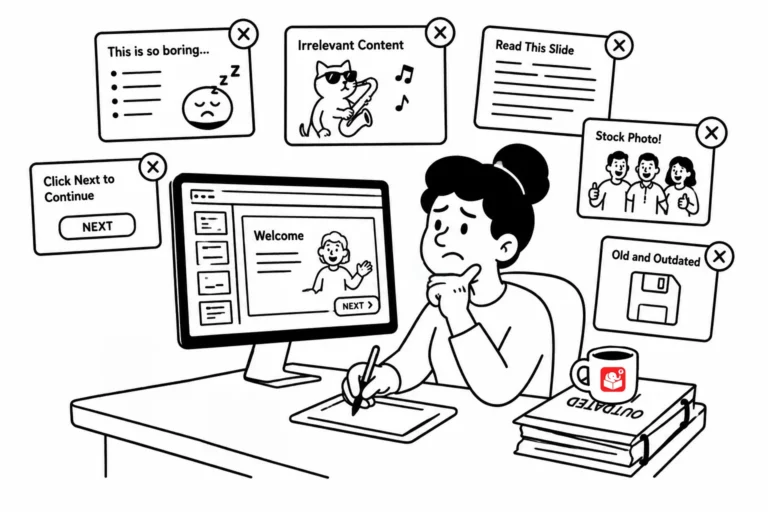
Learners can spot a bad course fast: no relevance, no point, no polish. Here are three habits that guarantee yours misses the mark, and what to do instead.

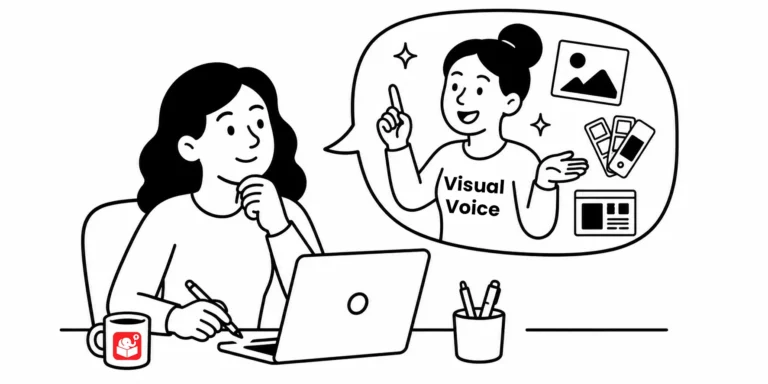
Most e-learning developers aren't trained graphic designers. But you probably already sense which colors belong in a safety course versus a call center course. That intuition is your visual voice, and it's one of the most practical design tools you have.

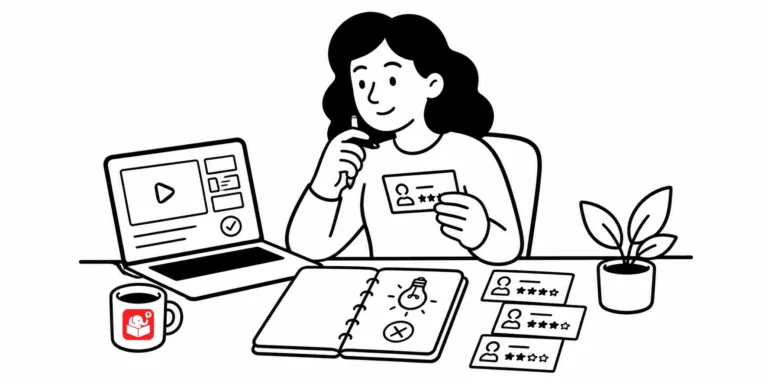
Most of us finish a course, hand it off, and move on. But what happens after launch matters more than most developers realize. Here are four things worth doing before you start the next project.

Making content interactive isn't the same as teaching people to make good decisions. Here's why so many e-learning courses stop short of the real work, and what it actually takes to build decision-making practice into your training.