Physical Address
304 North Cardinal St.
Dorchester Center, MA 02124
Physical Address
304 North Cardinal St.
Dorchester Center, MA 02124
Helpful ideas. Squeaky value.
Everything about creating online training and courses, from the thinking behind good instruction to the tools and tricks used to build it.

Working with subject matter experts is one of the most challenging parts of building e-learning. The goal isn't to capture everything they know. It's to help them surface what learners actually need.
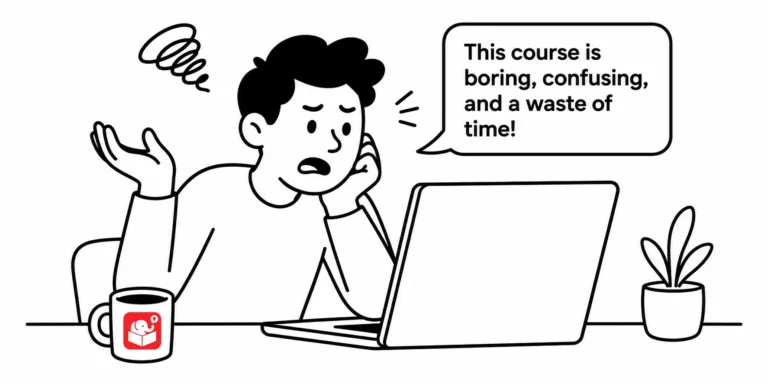
I asked a group of people to describe their training experiences. The same words kept appearing: boring, irrelevant, and a waste of time. That response is uncomfortable, but it's also a roadmap.

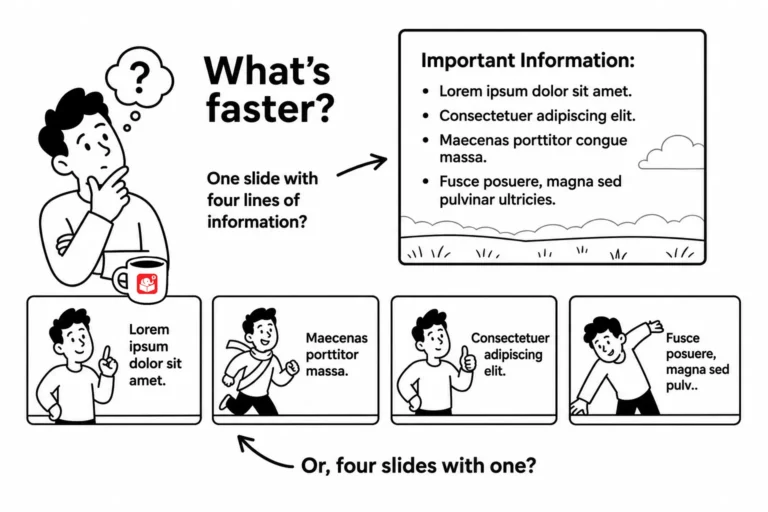
Your client wants 20 slides. Your SME insists on 50. But the learner never looks at the slide counter. The real question isn't how many screens a course has. It's whether those screens help learners do something they couldn't before.

The easiest way to waste a training budget is to build a course nobody asked for. Most of us design around the content we have, not the problems learners face. The OREO framework gives you a practical way to flip that.

Infographics look great because they distill mountains of information down to a few essential points, the same challenge you face every time a subject matter expert hands you a 300-slide deck. Here's what they teach you about focus, color, fonts, and icons in your own courses.

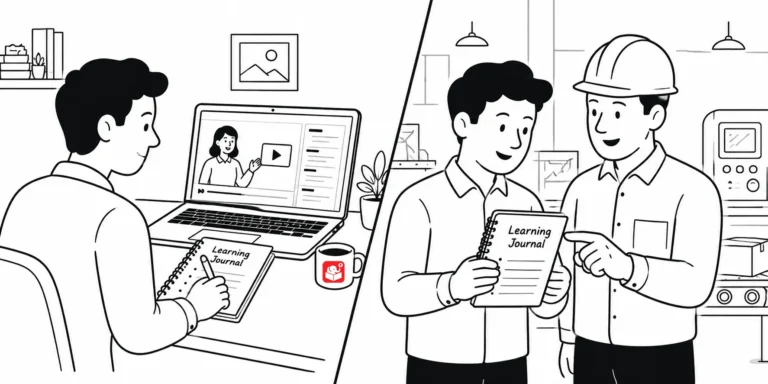
Splitting training into e-learning modules and peer coaching sounds simple, until you get into the details. Here's how I designed the blended training program's note-taking journal, review questions, and peer coach process that bridge the two, plus a self-assessment checklist you can turn into a real training record.

You put information on a screen. Your learner reads it. But what they walk away understanding isn't always what you meant. Here's how to design courses that close that gap.

Open a random e-learning course and you'll often find graphics that seem to have landed on screen by accident. Every visual element communicates something to learners, whether you meant it to or not. These foundational design principles help you take control of that message.

I read an article about how Google's designers rethought their products, and it hit close to home. A lot of what tripped them up, sticking with consistent navigation, resisting the urge to fill white space, getting buy-in for change, are the same things we deal with building e-learning. Here's what I took from it.

Every time you build a branched scenario in Storyline, you probably spend minutes hunting for background images. There's a better way. Two methods turn that setup into a one-time task.

A lot of people think e-learning is just about speed. But speed only helps if you've set yourself up properly. The right tools, accessible assets, and a predefined course structure are what actually make rapid development work.

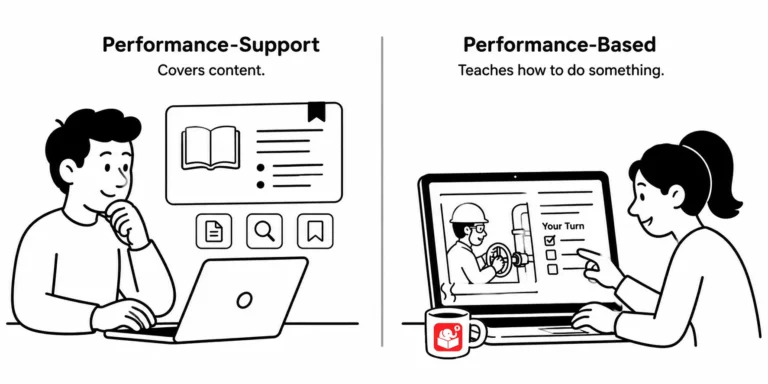
Not all e-learning is the same, even though we lump it all under one label. Some courses share information. Others are meant to change what people can actually do, and knowing the difference changes how you should build the next one.

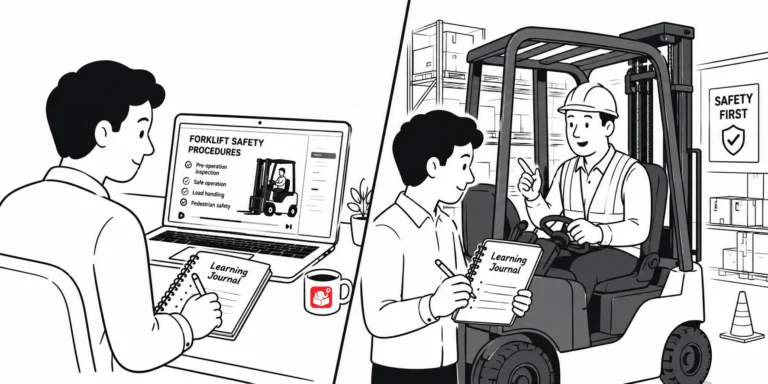
Most e-learning courses end when the learner clicks submit. But what happens to the learning after that? A learning journal extends your course into the real work environment and gives learners a guide for the weeks ahead.

A course ends the moment learners click finish, but the job doesn't wait. A learning journal bridges that gap, turning one-time training into something learners can lean on long after the course is over.

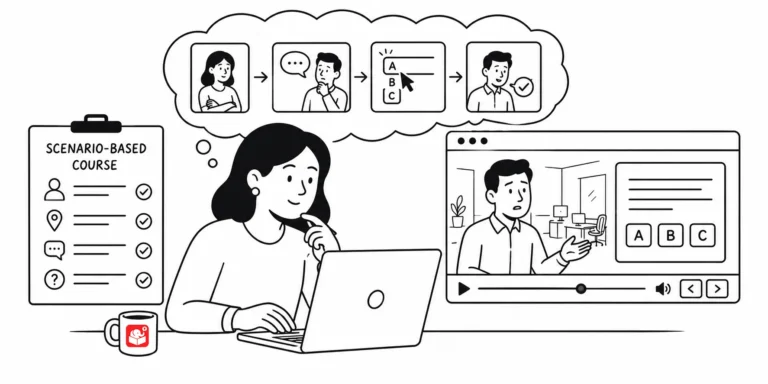
Most e-learning falls flat because it presents information and hopes something sticks. Scenario-based learning works because it gives learners a reason to need the content. Here's how to build one that works.