Physical Address
304 North Cardinal St.
Dorchester Center, MA 02124
Physical Address
304 North Cardinal St.
Dorchester Center, MA 02124
Helpful ideas. Squeaky value.
Helpful ideas. Squeaky value.

Here’s a problem many course builders and other presenters run into. They need to create a branded product but they don’t have access to any information. The good news is that websites often have all of this available. So I created a simple browser extension to do just that.
Meet ColorSqueaker and download here.
This free browser extension lets you do two things:
Watch the tutorial for a quick overview.
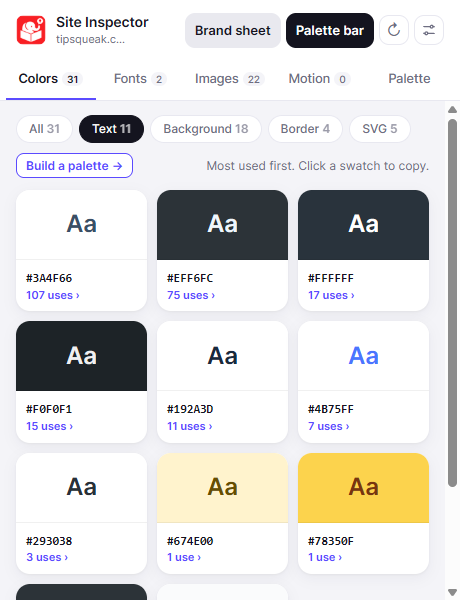
See what colors are used, when and where. Get text colors, so you can see what colors are used and how they’re used: text, backgrounds, borders, and SVG. You can also create a palette from those colors and send to the palette bar.
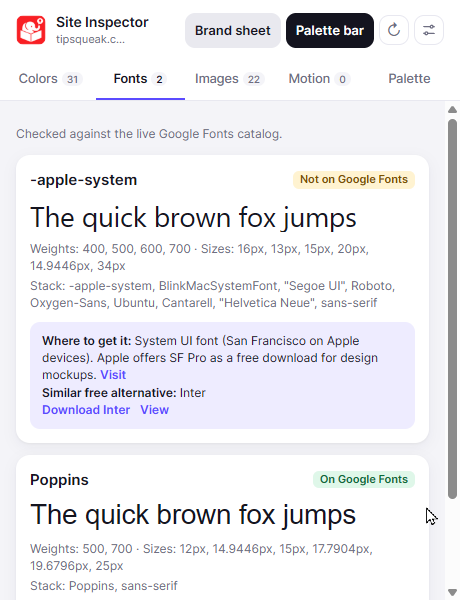
You can also see what fonts are used on the site and if you can find them or an alternative in Google Fonts.
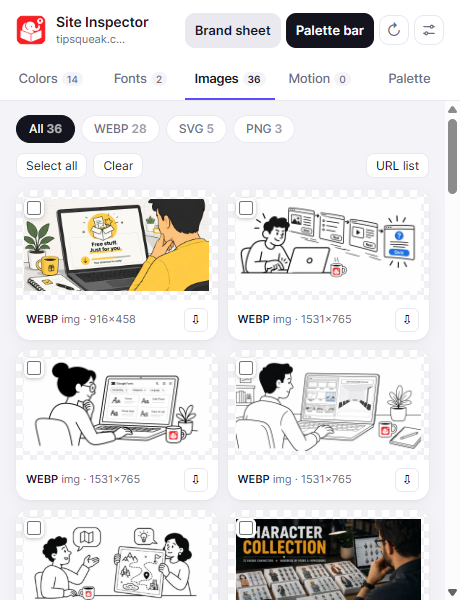
What images and videos are on the site? See them by type. Sort them by type, recognize brand elements to consider in your own design, such as image style, straight or rounded corners. You can also download a URL list of there the images are located.
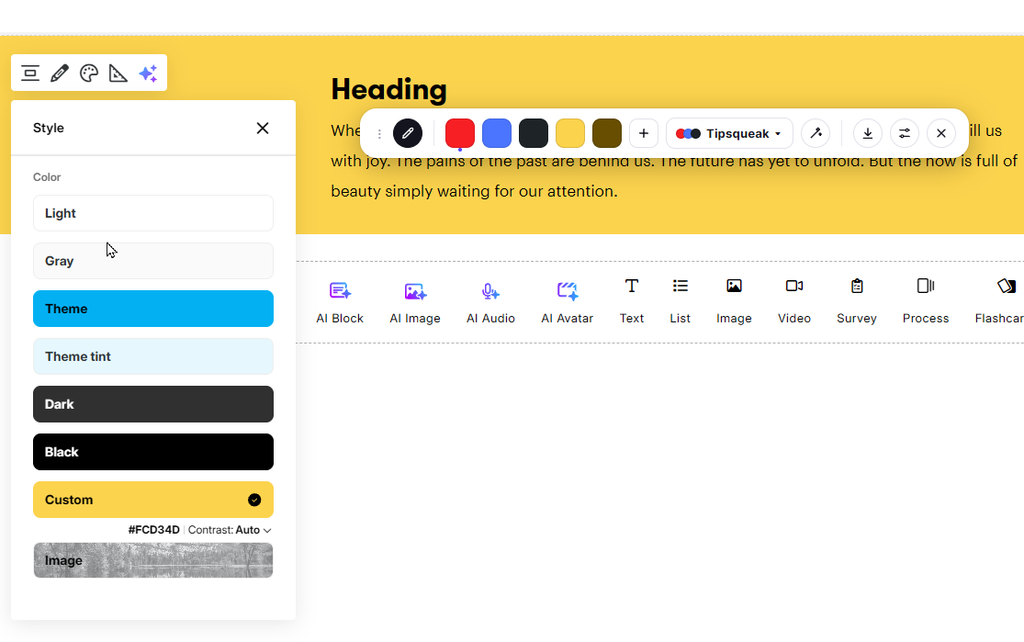
Create a branded color palette from your site. Set the palette and then send to the palette bar to use elsewhere. You can also download a Brand Sheet with all of the site’s brand details for easy reference.
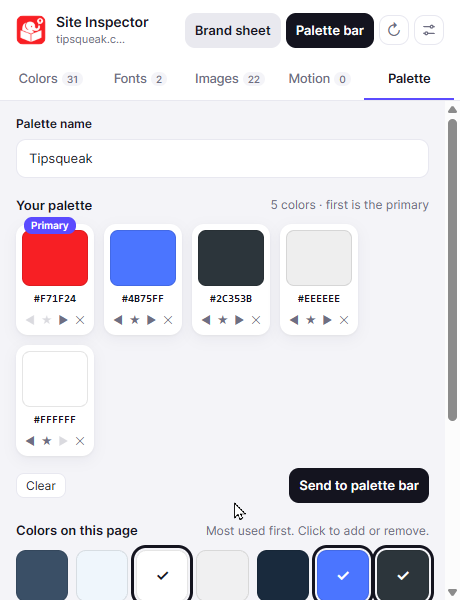
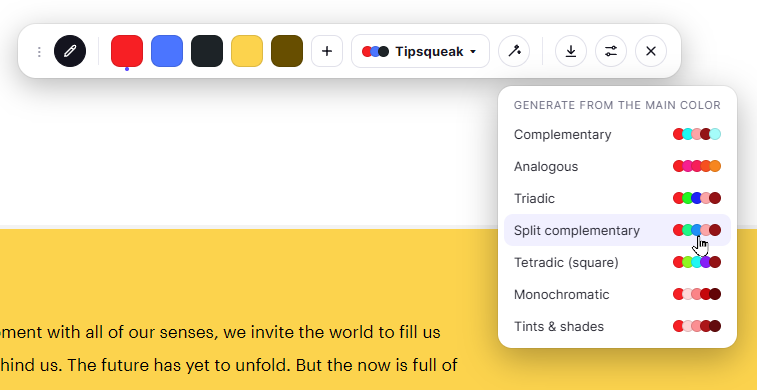
The color palette bar is a floating bar for quick access to your branded palette. It also includes a color picker and the ability to quickly create a color scheme from your main color.